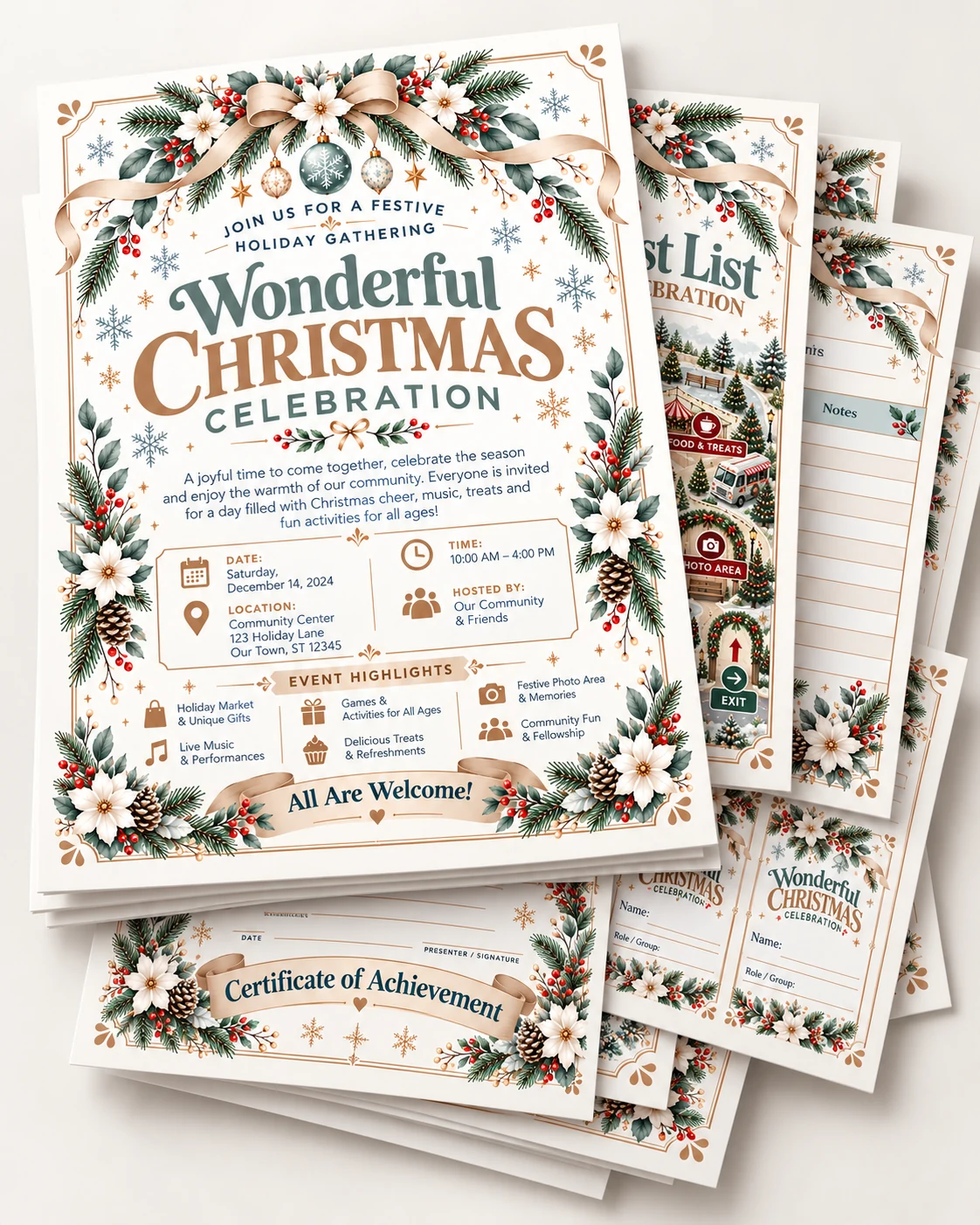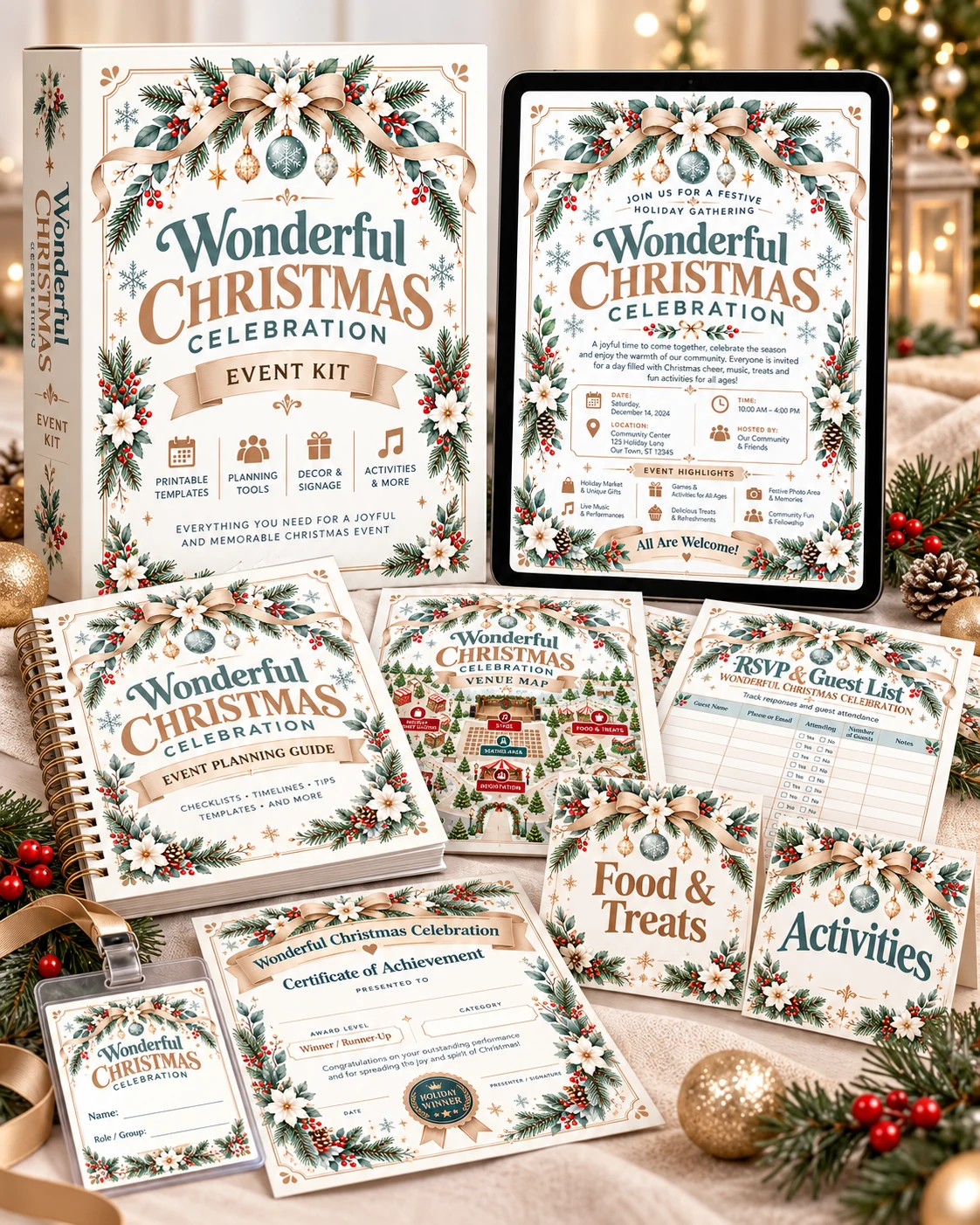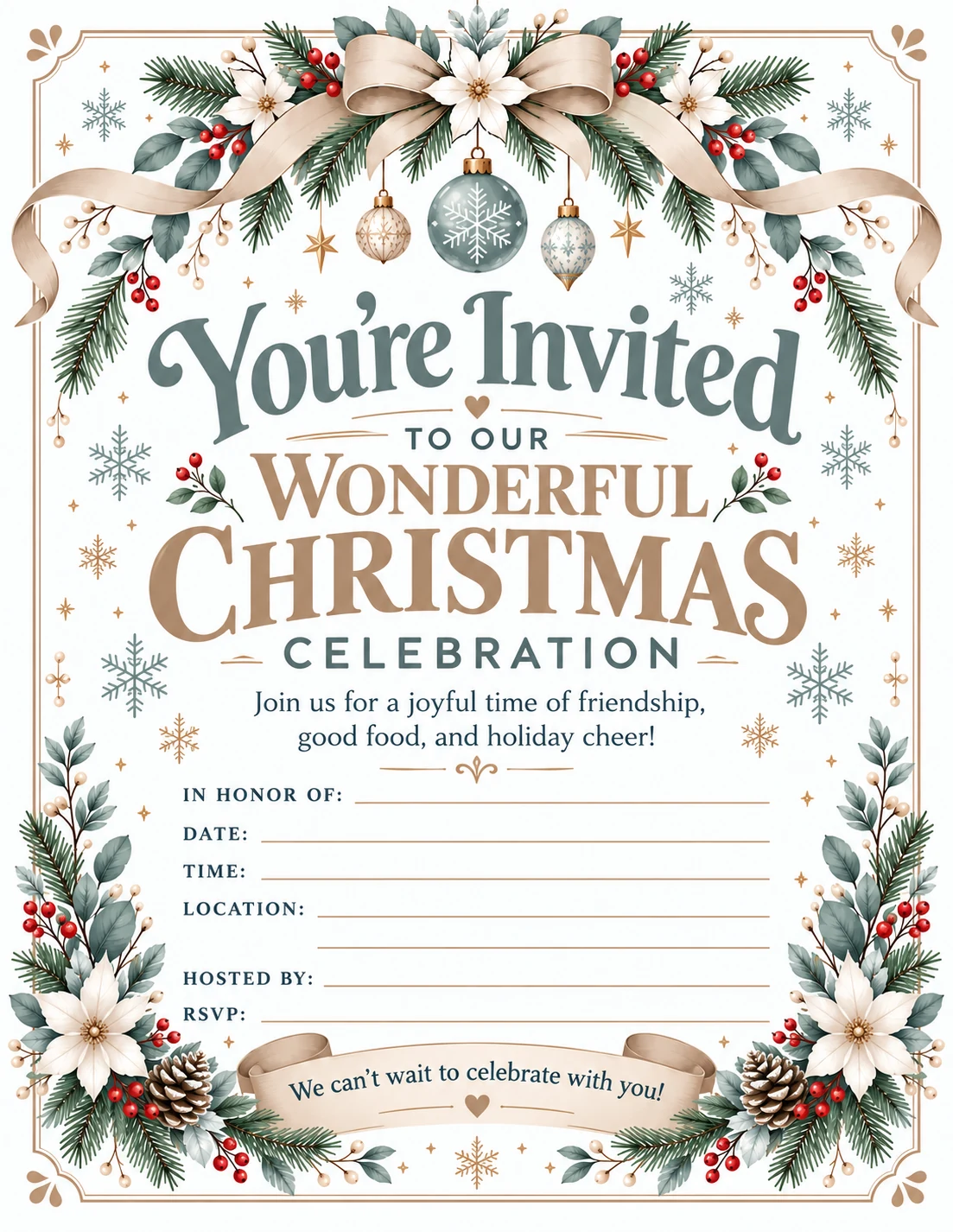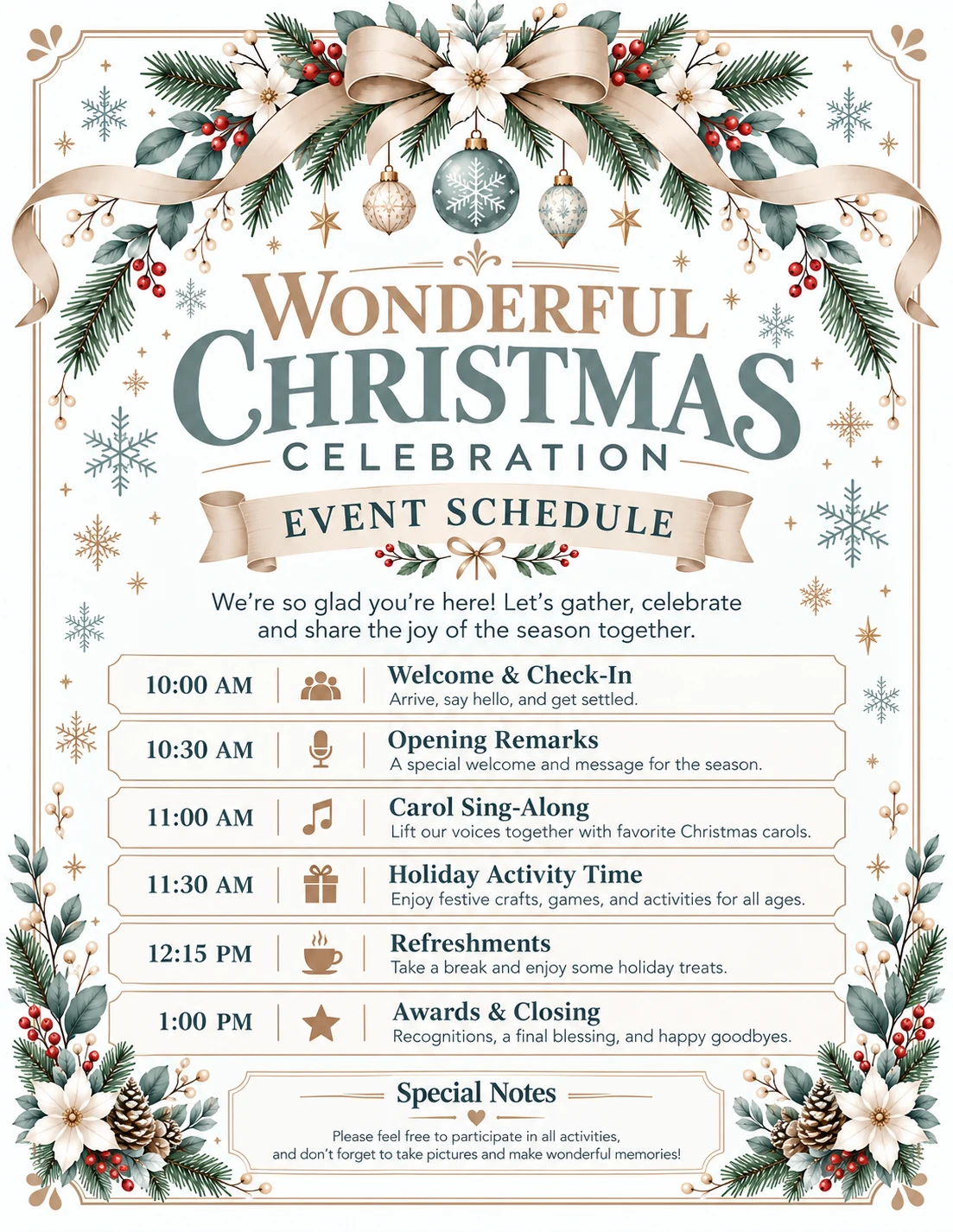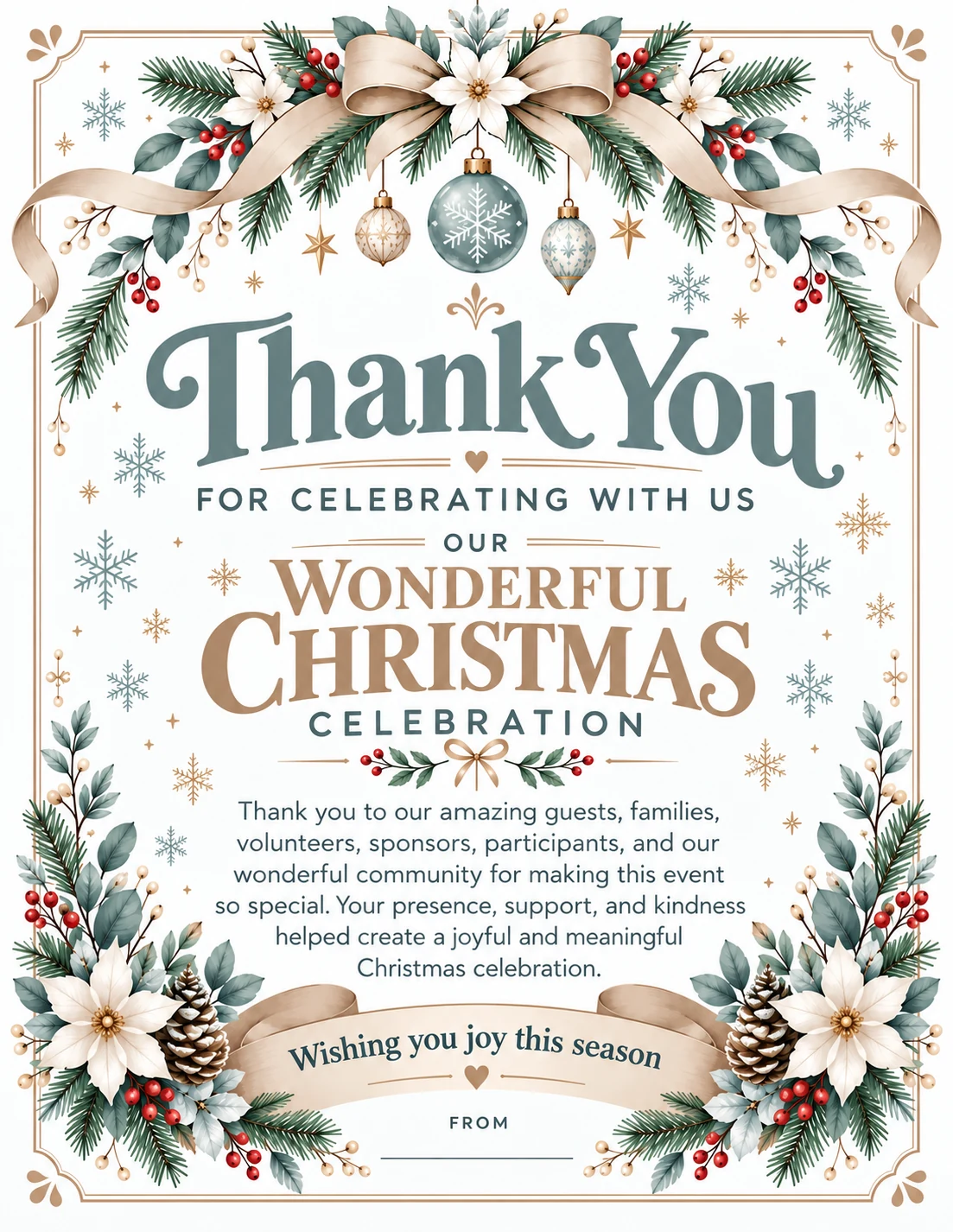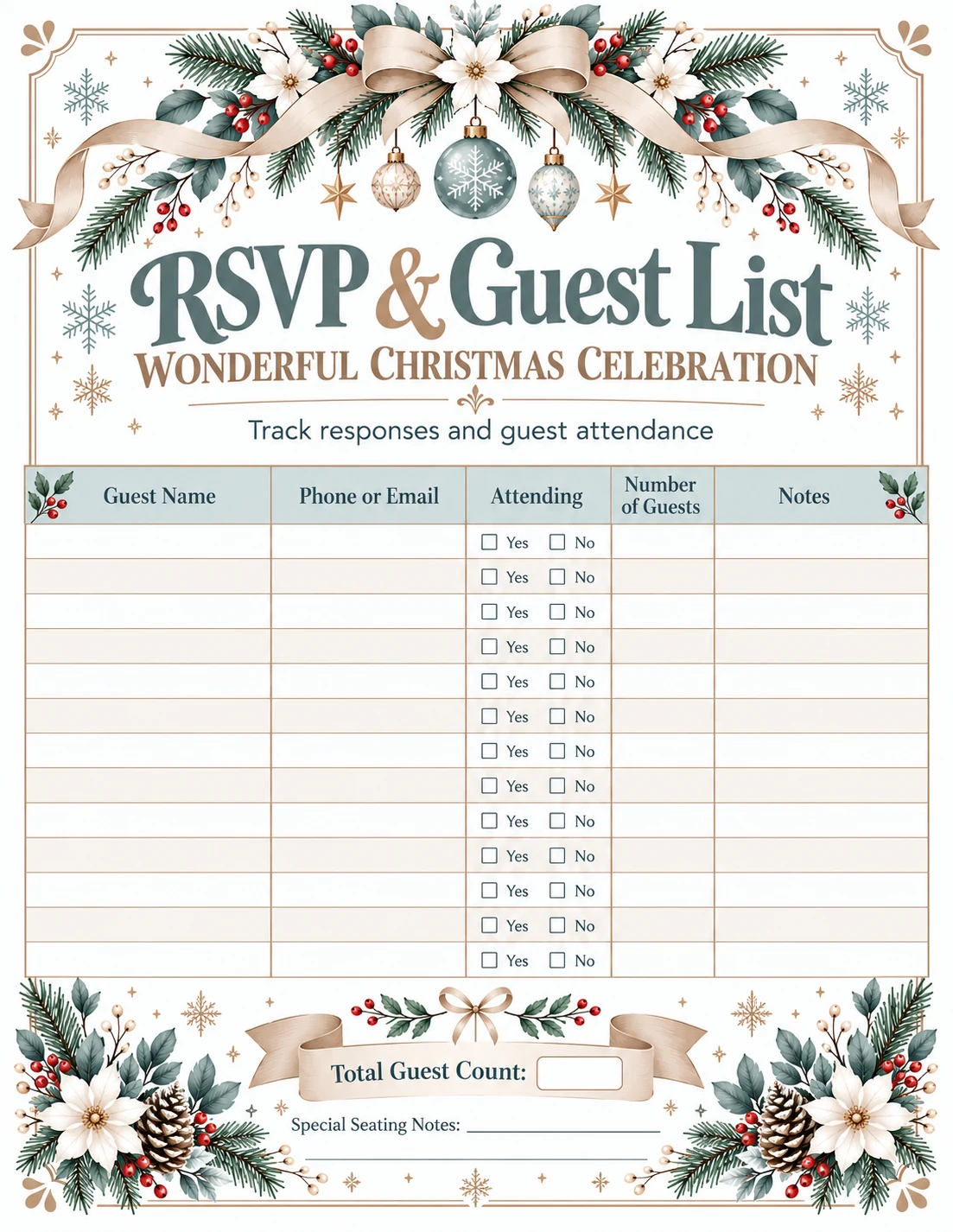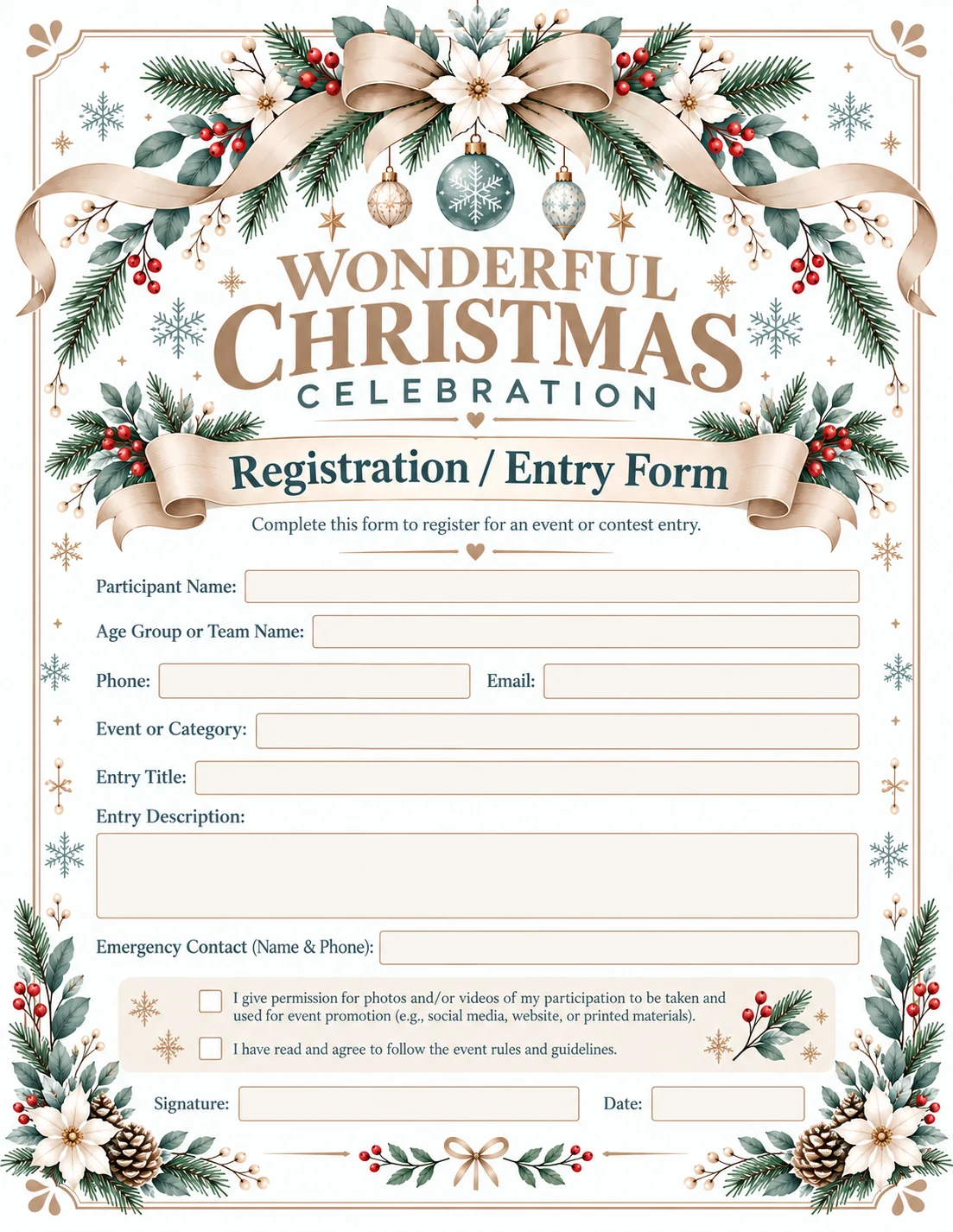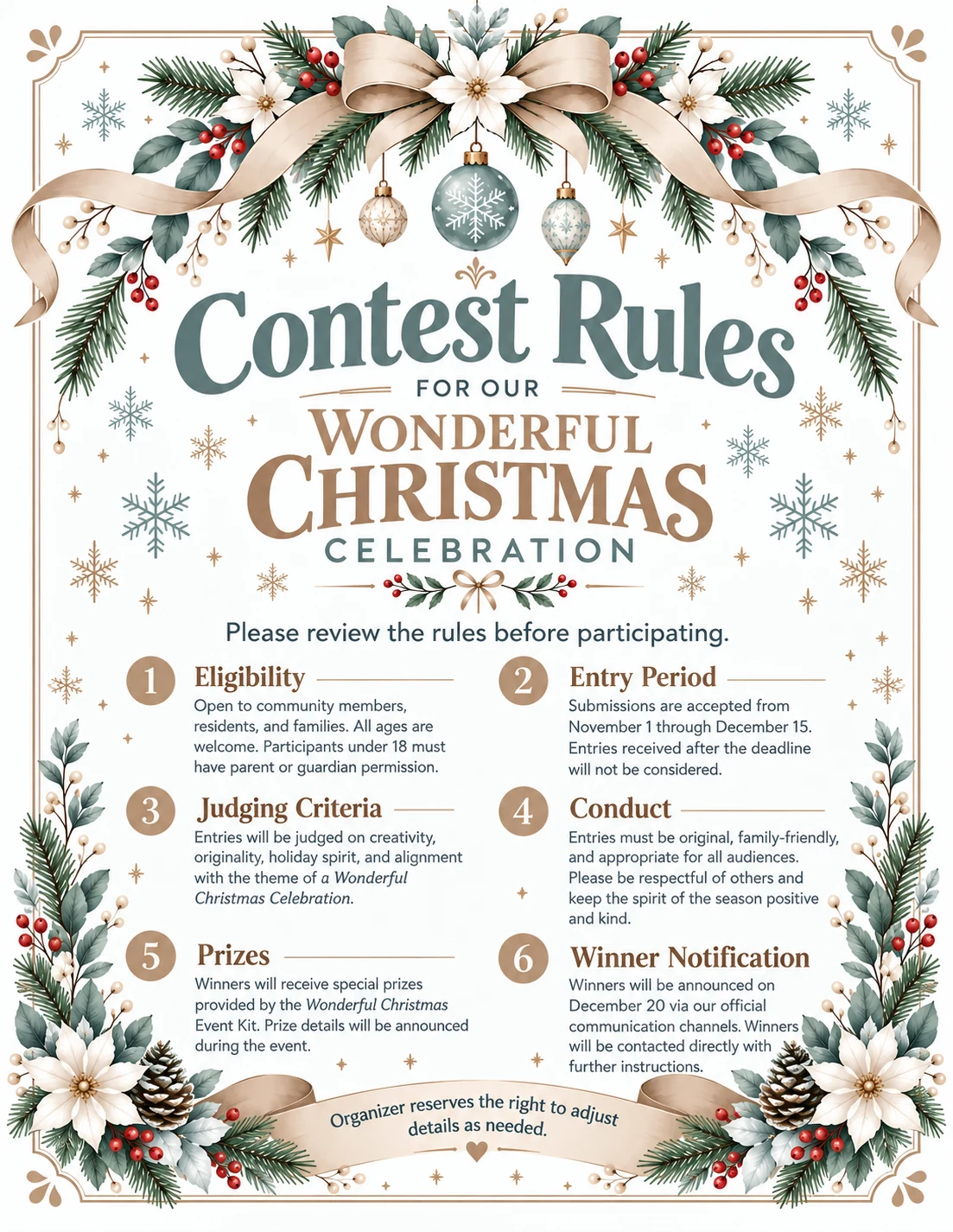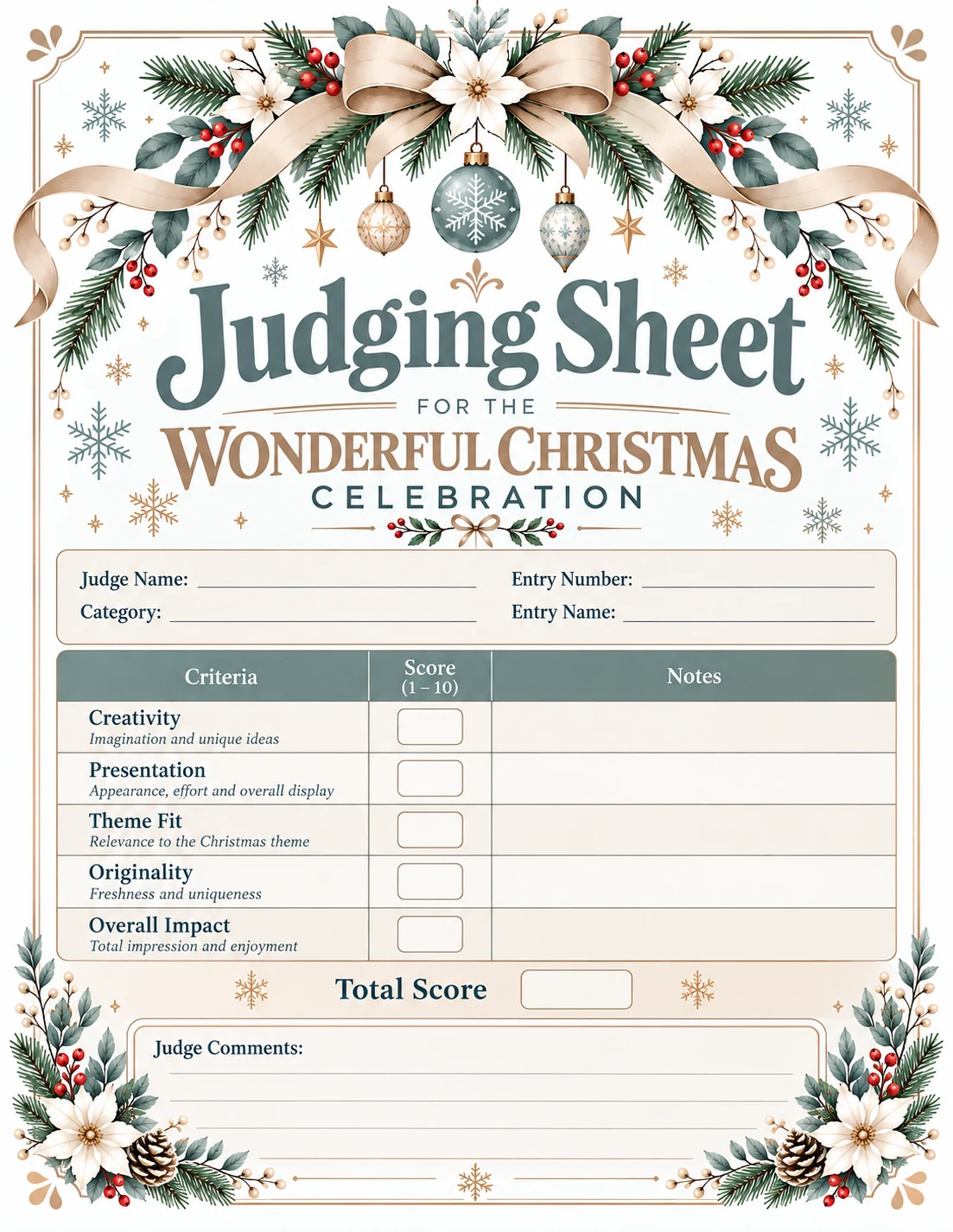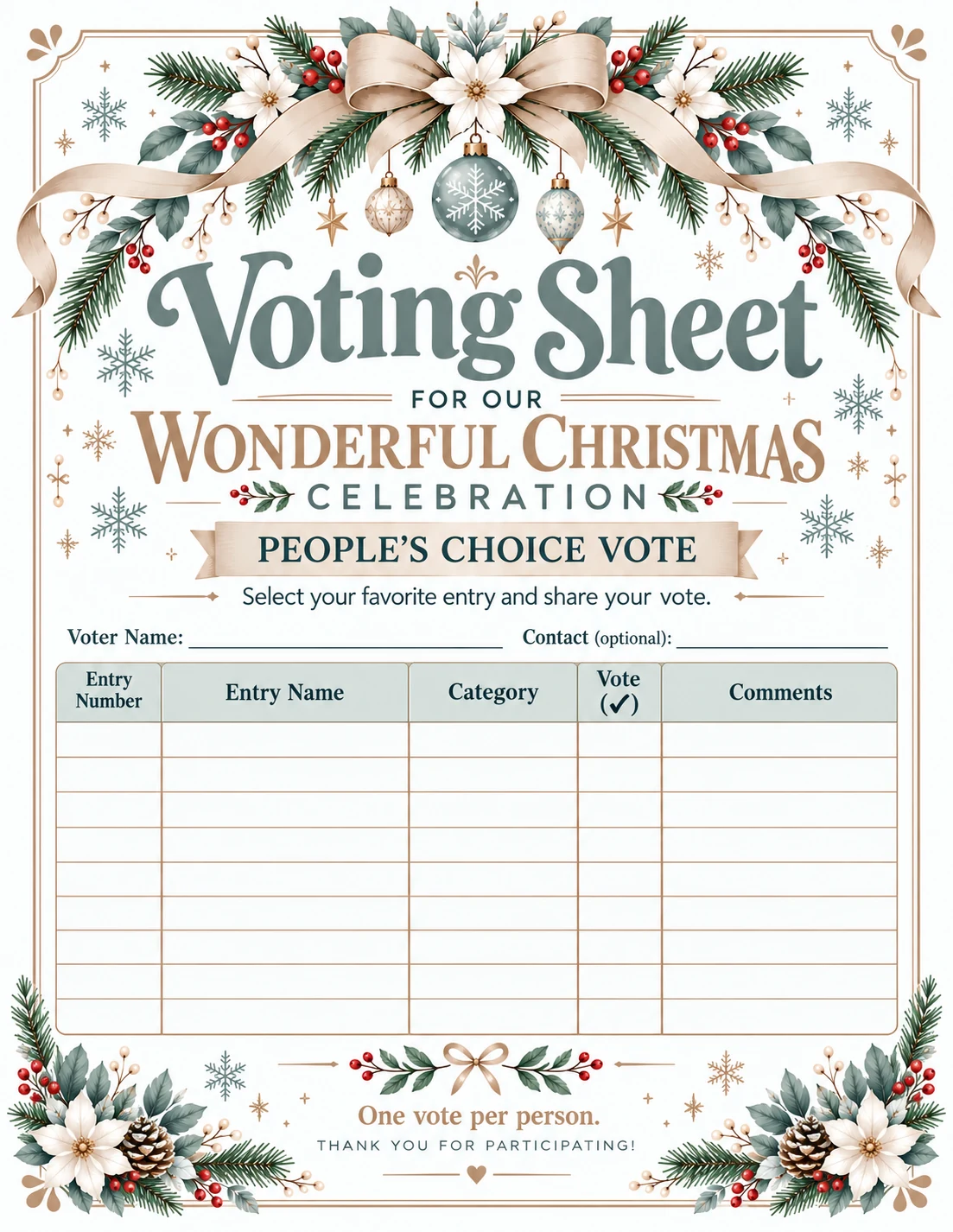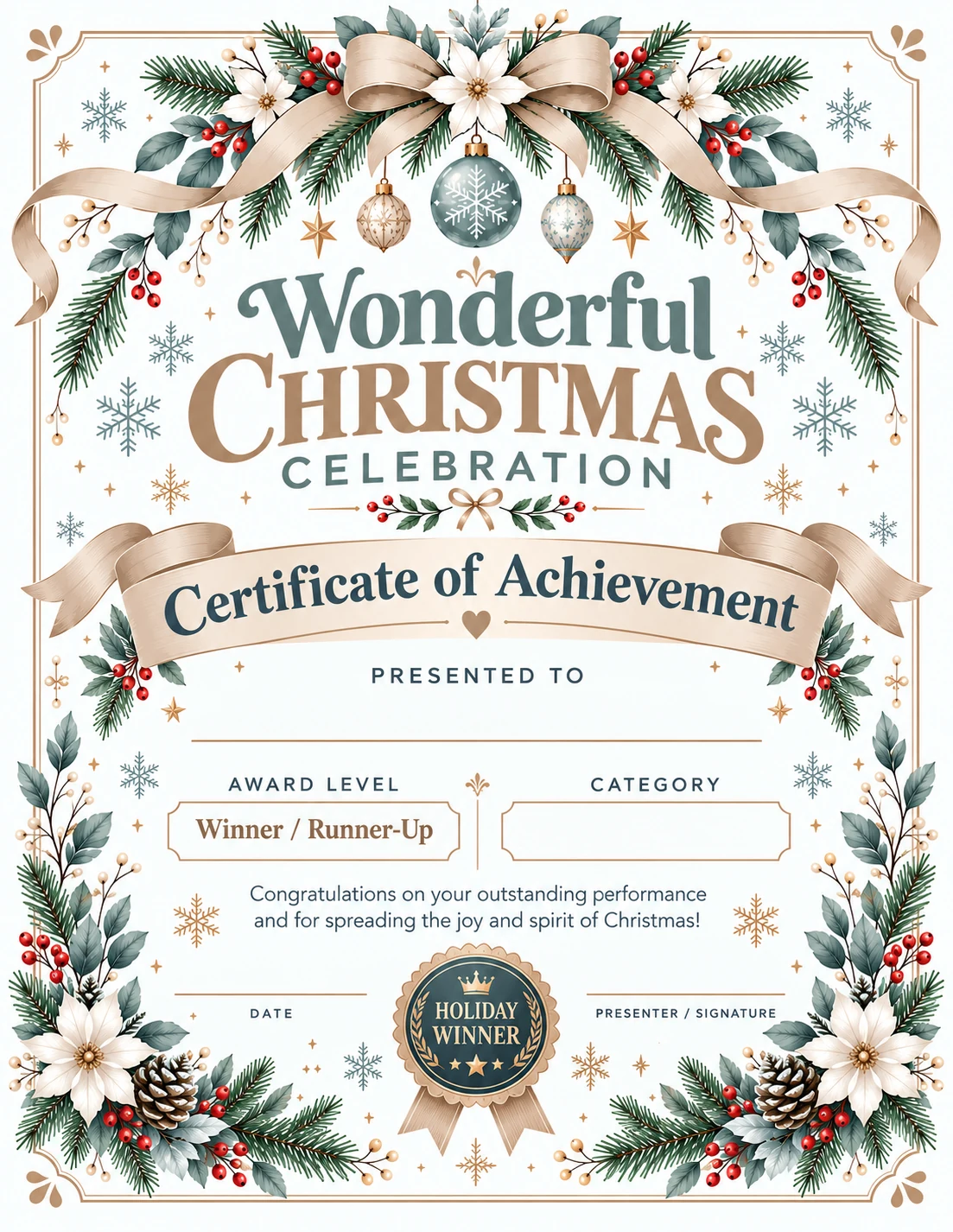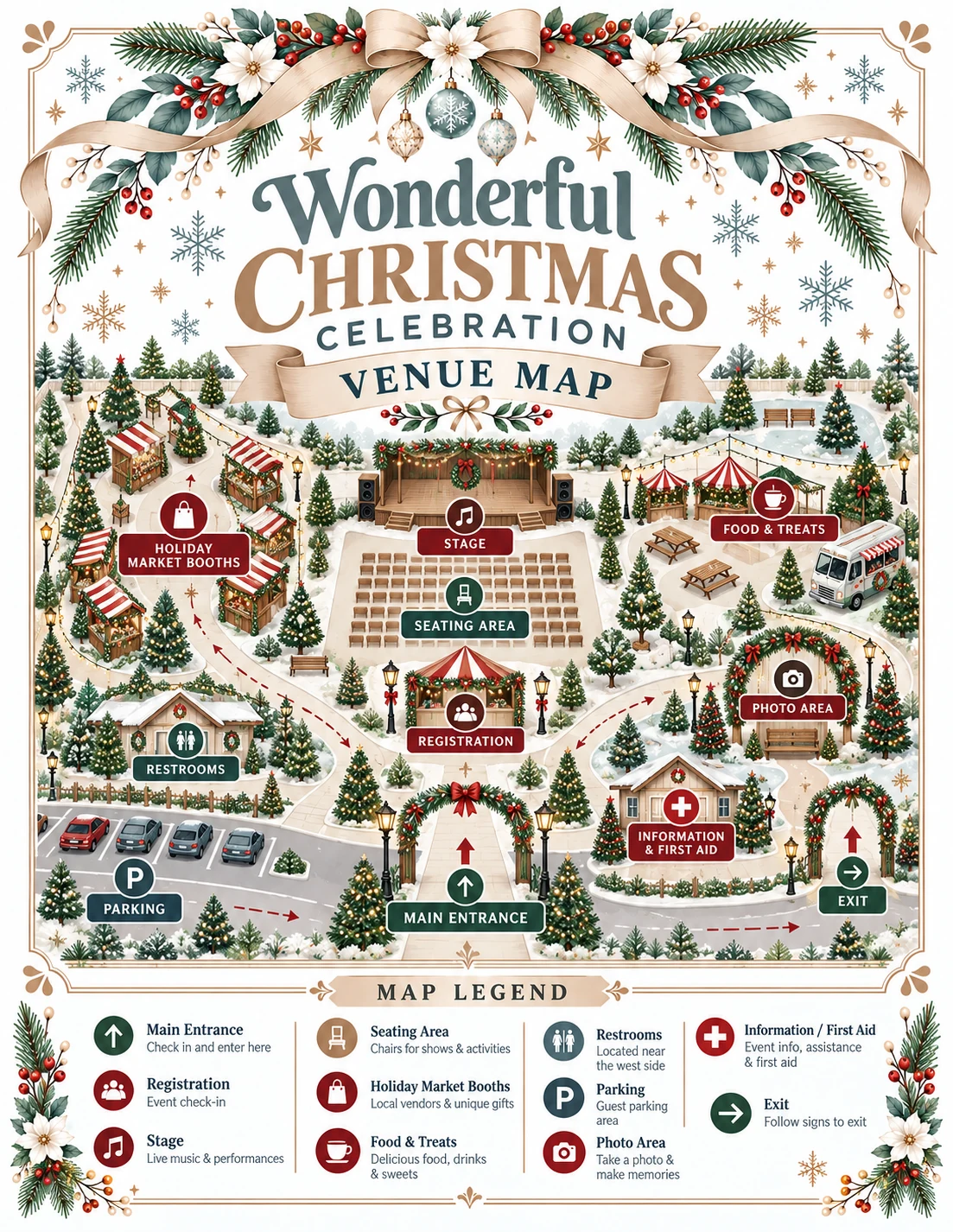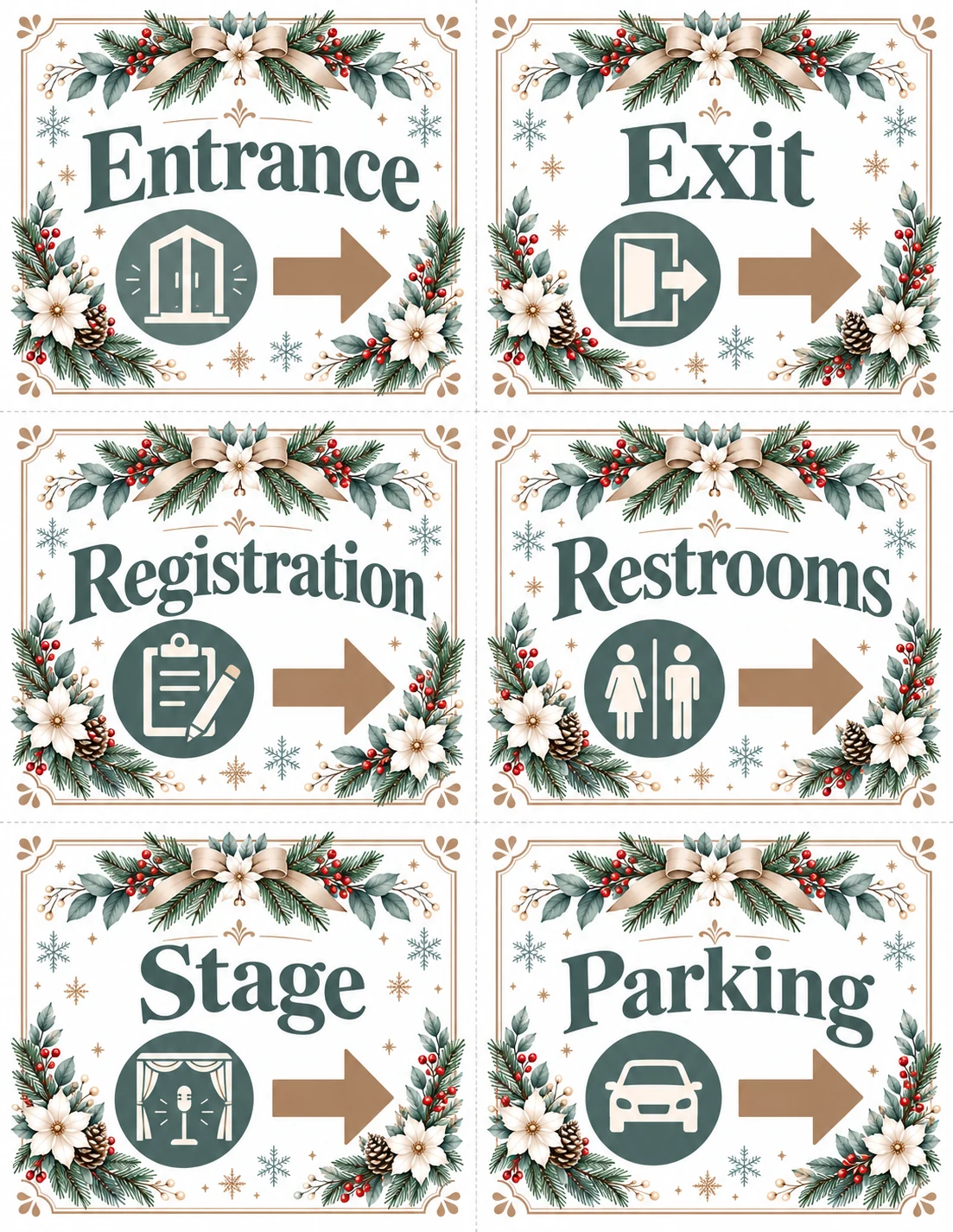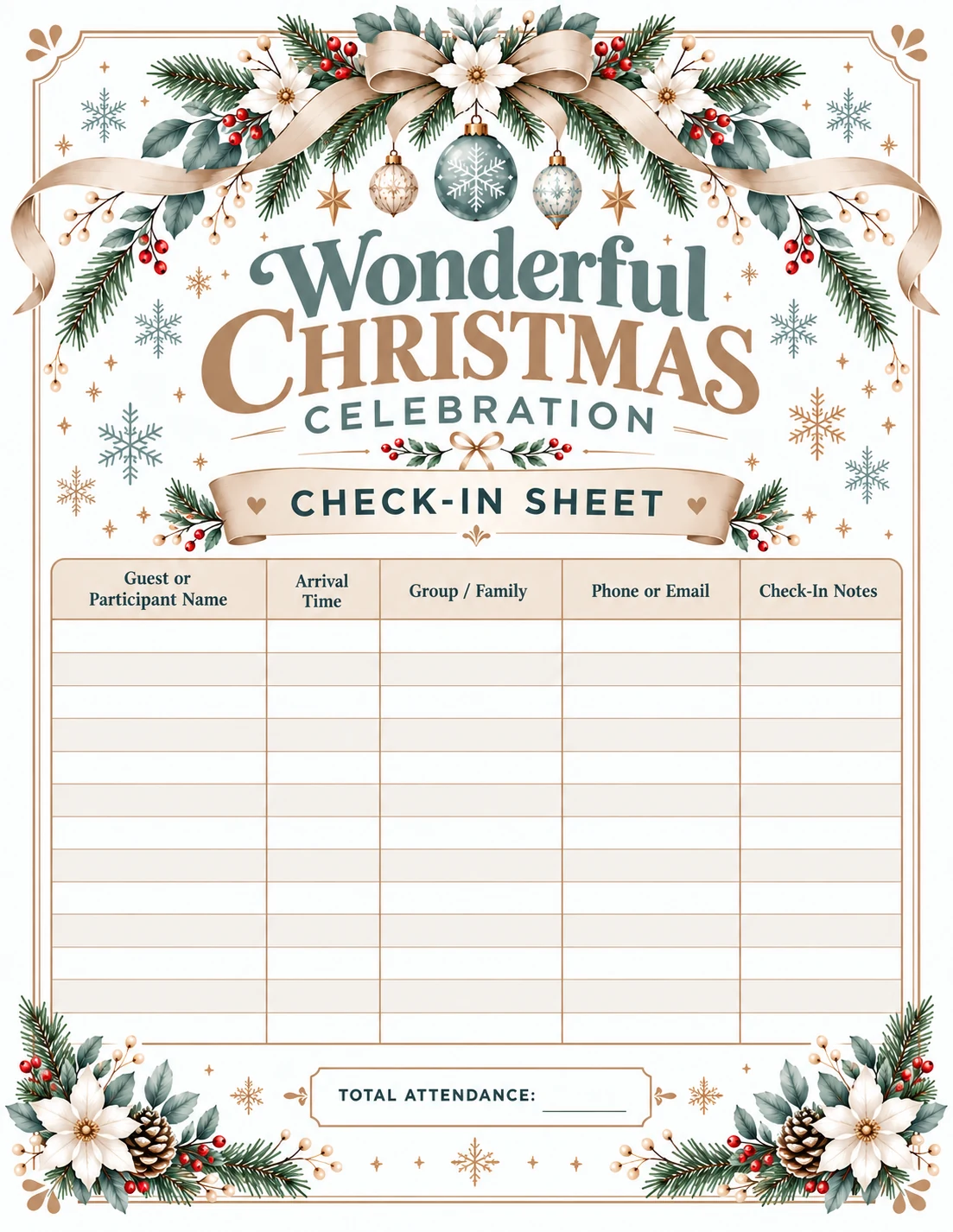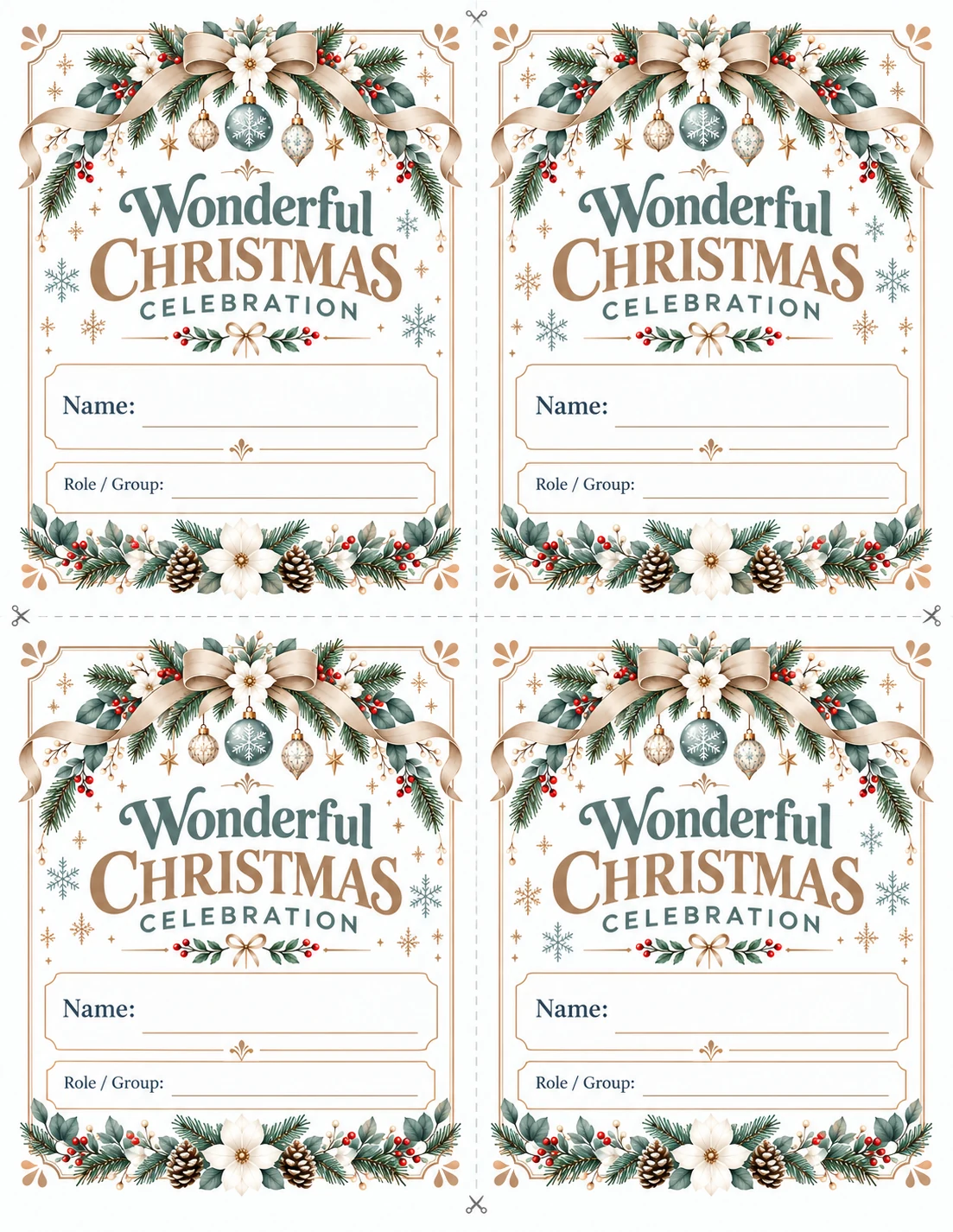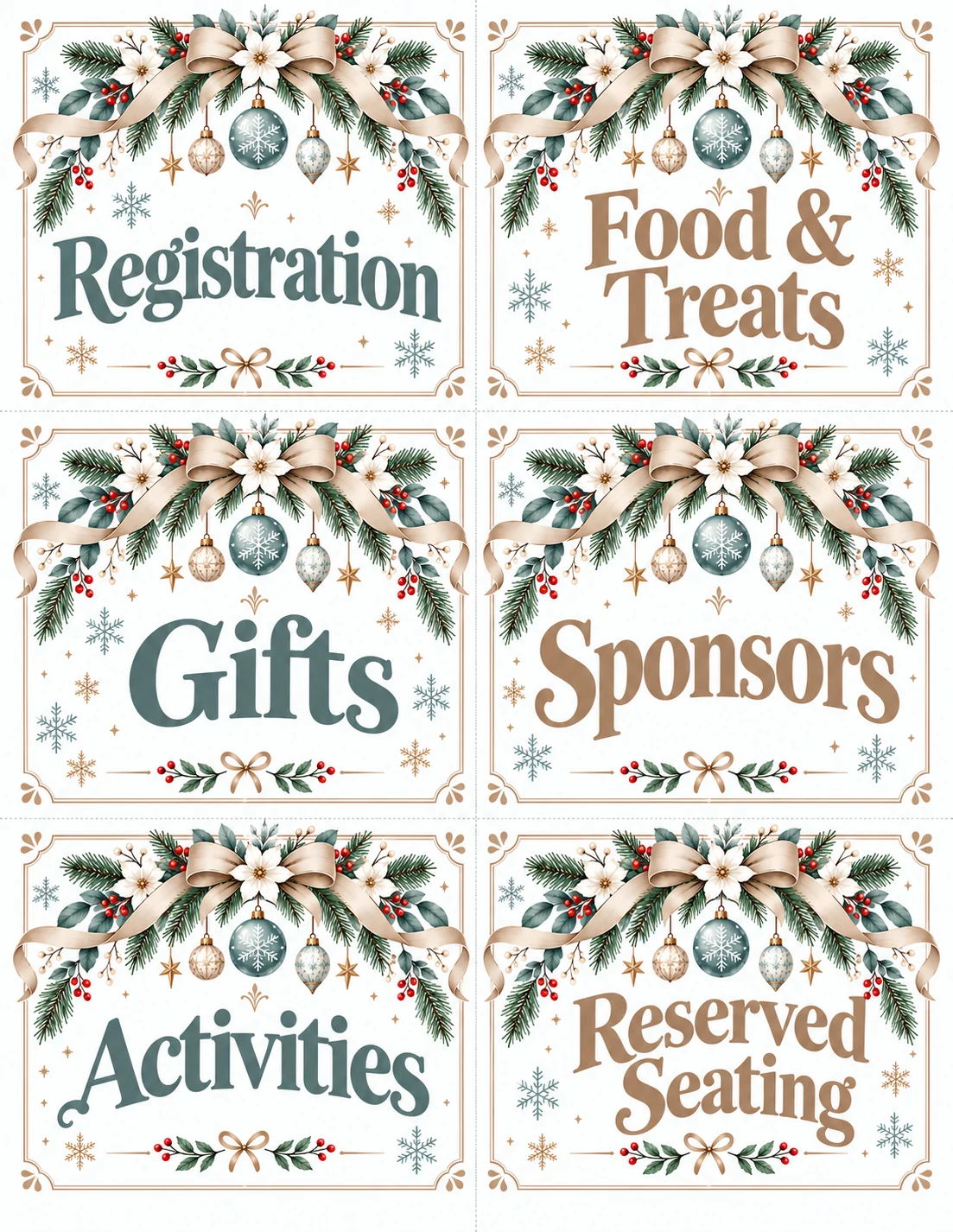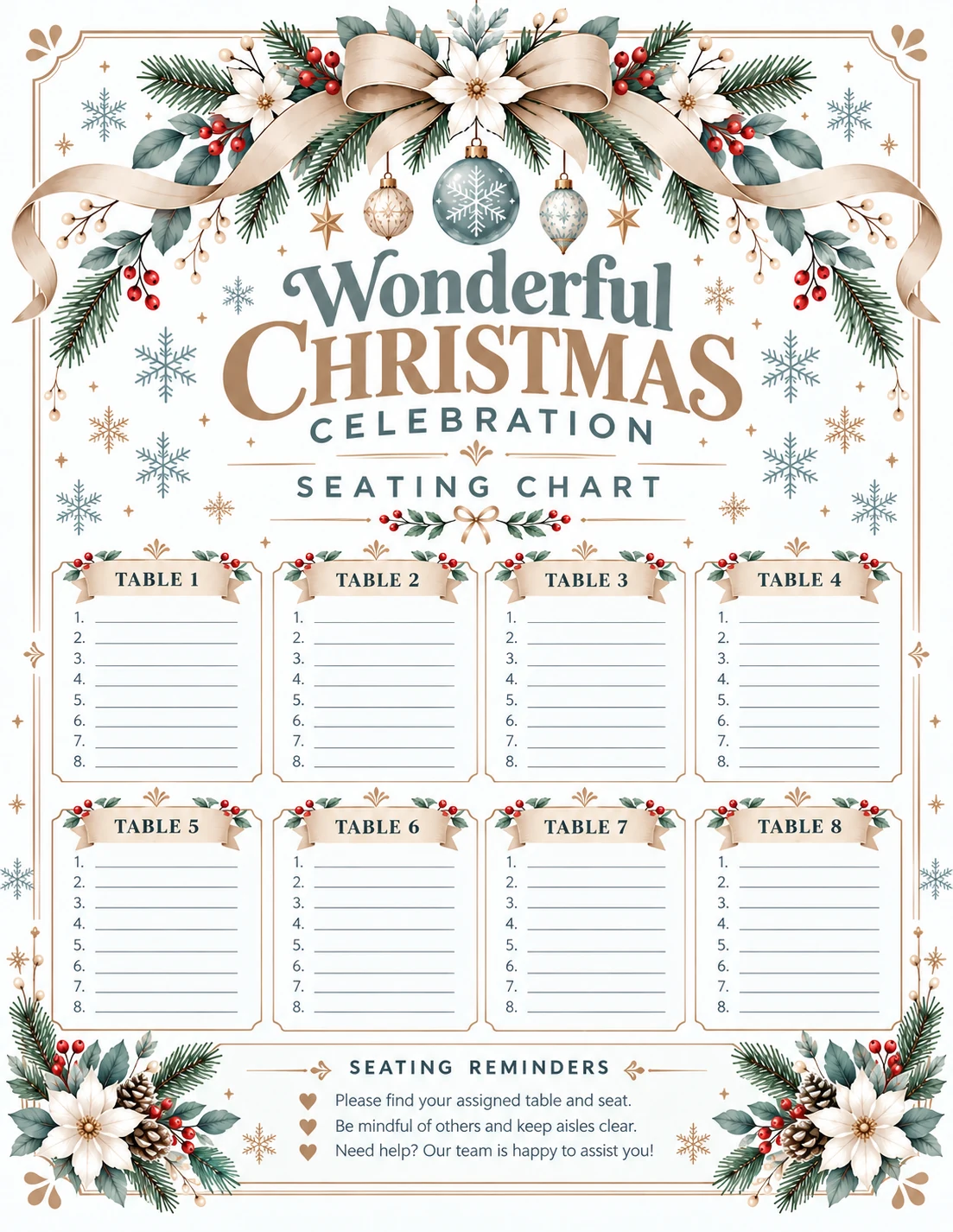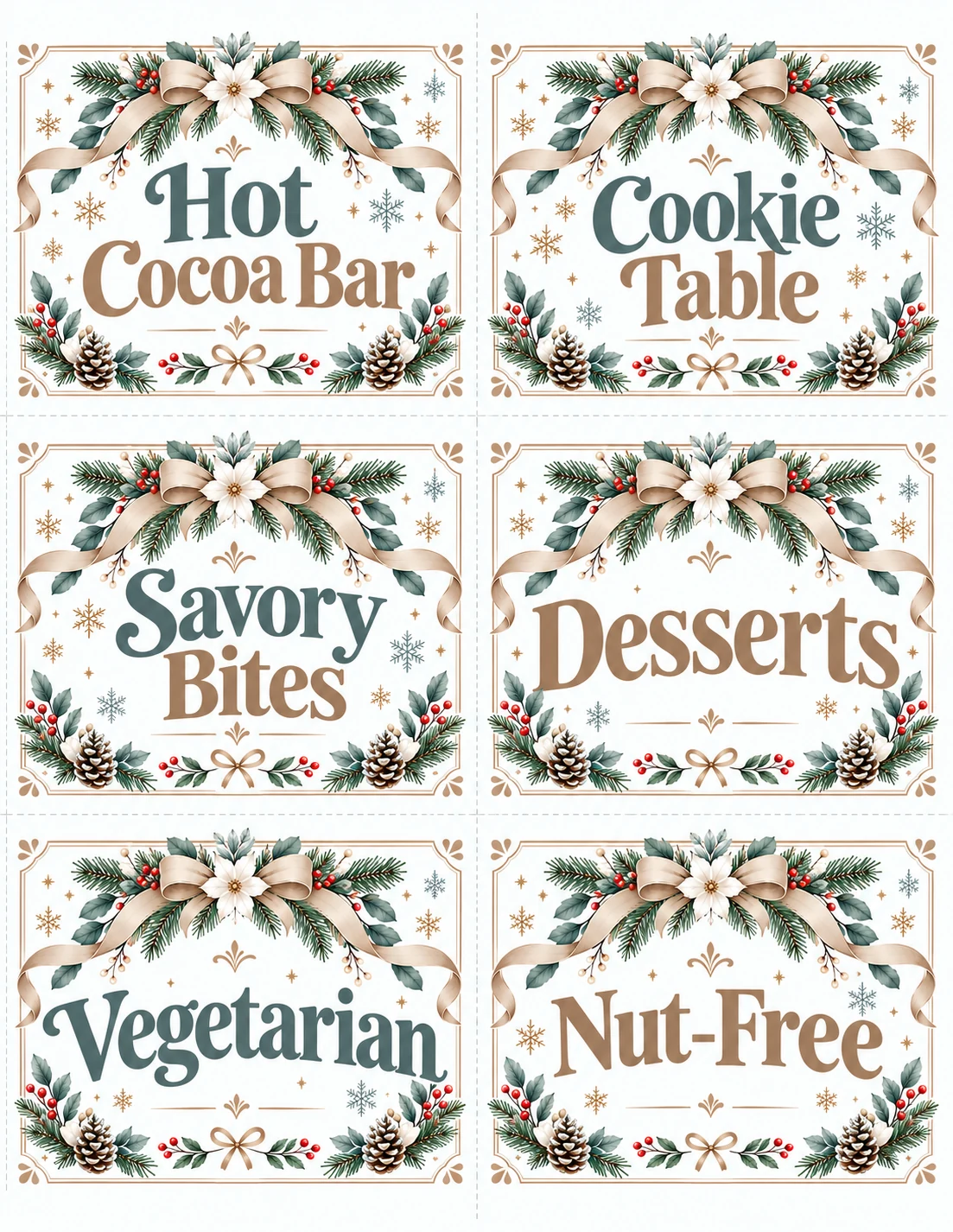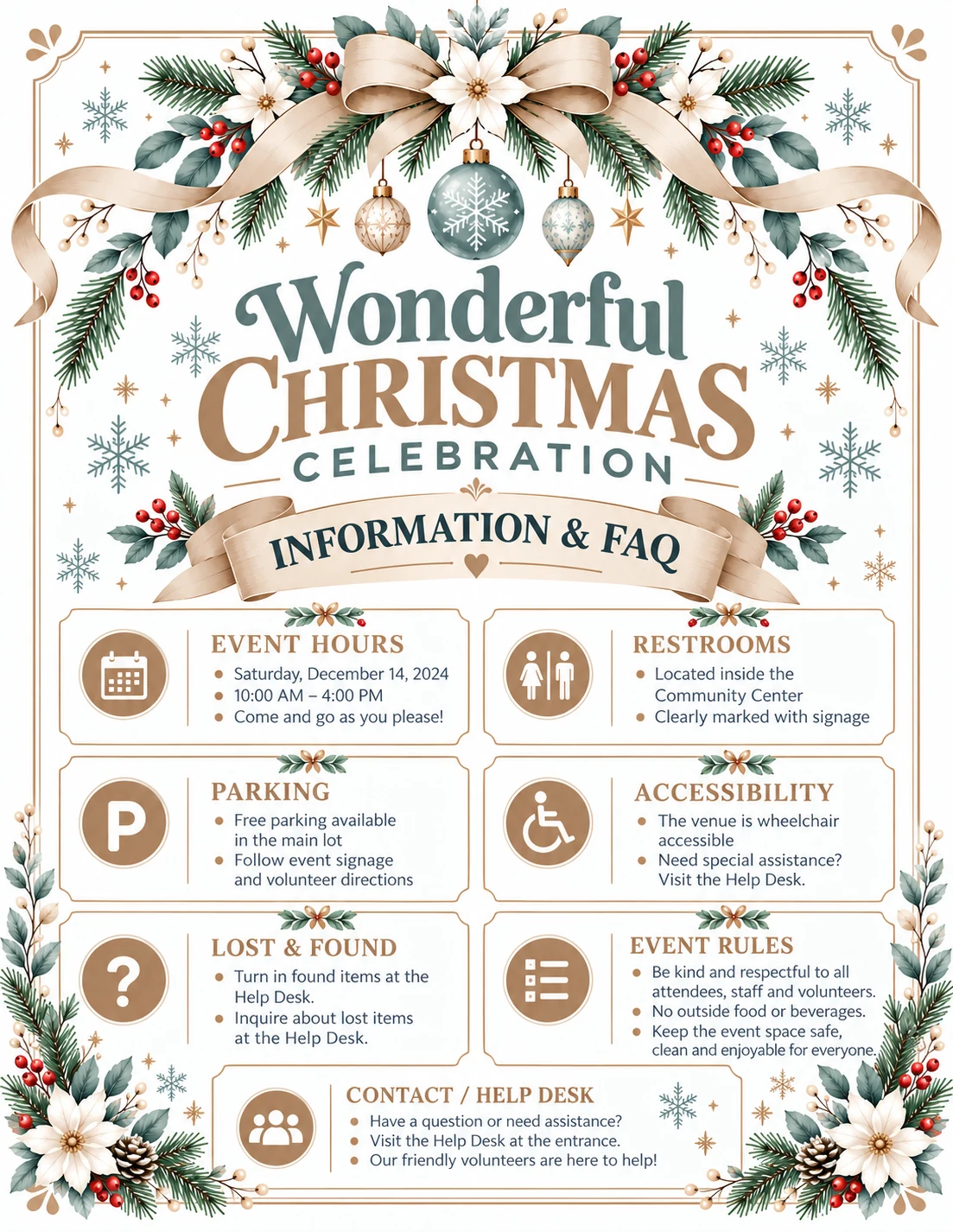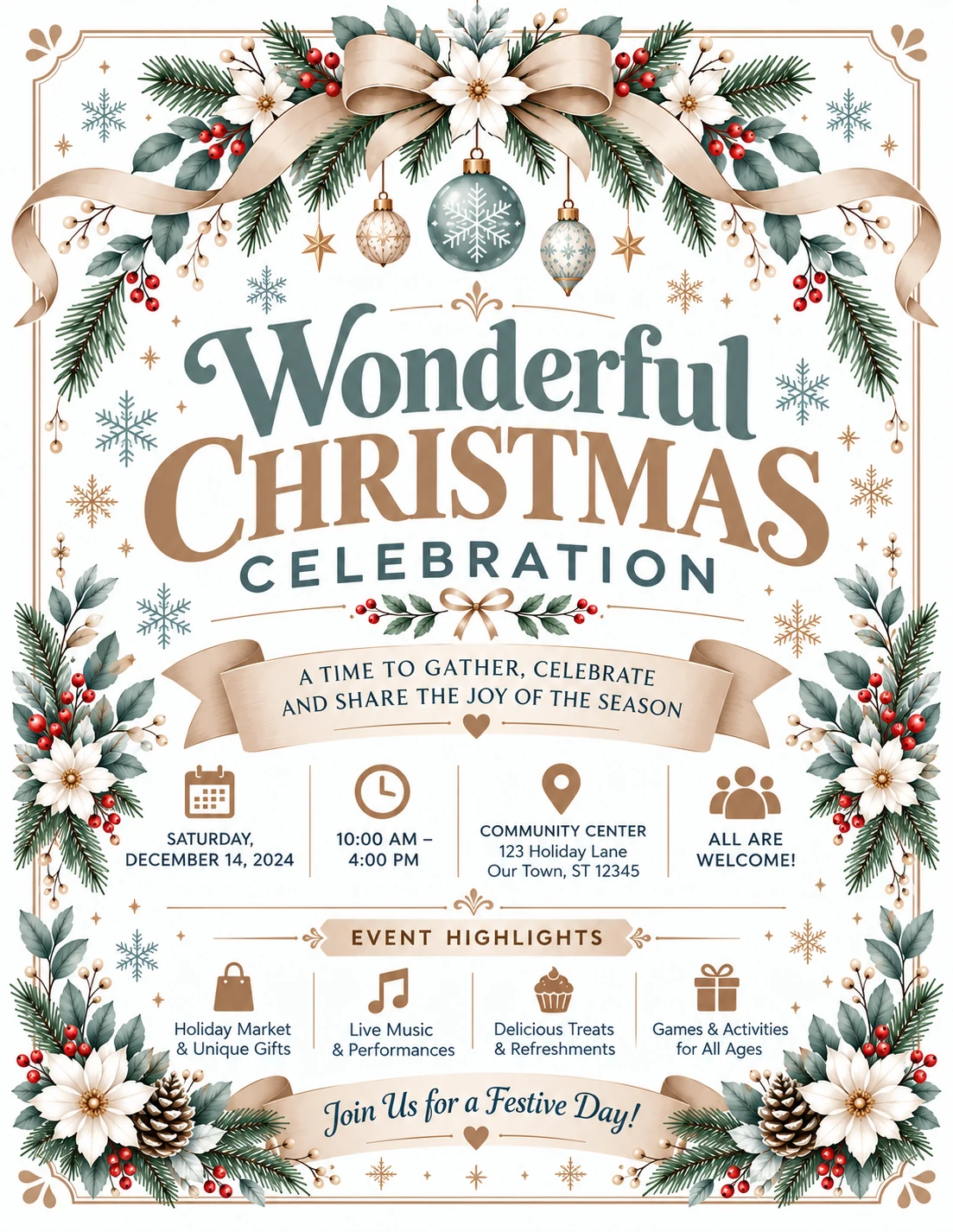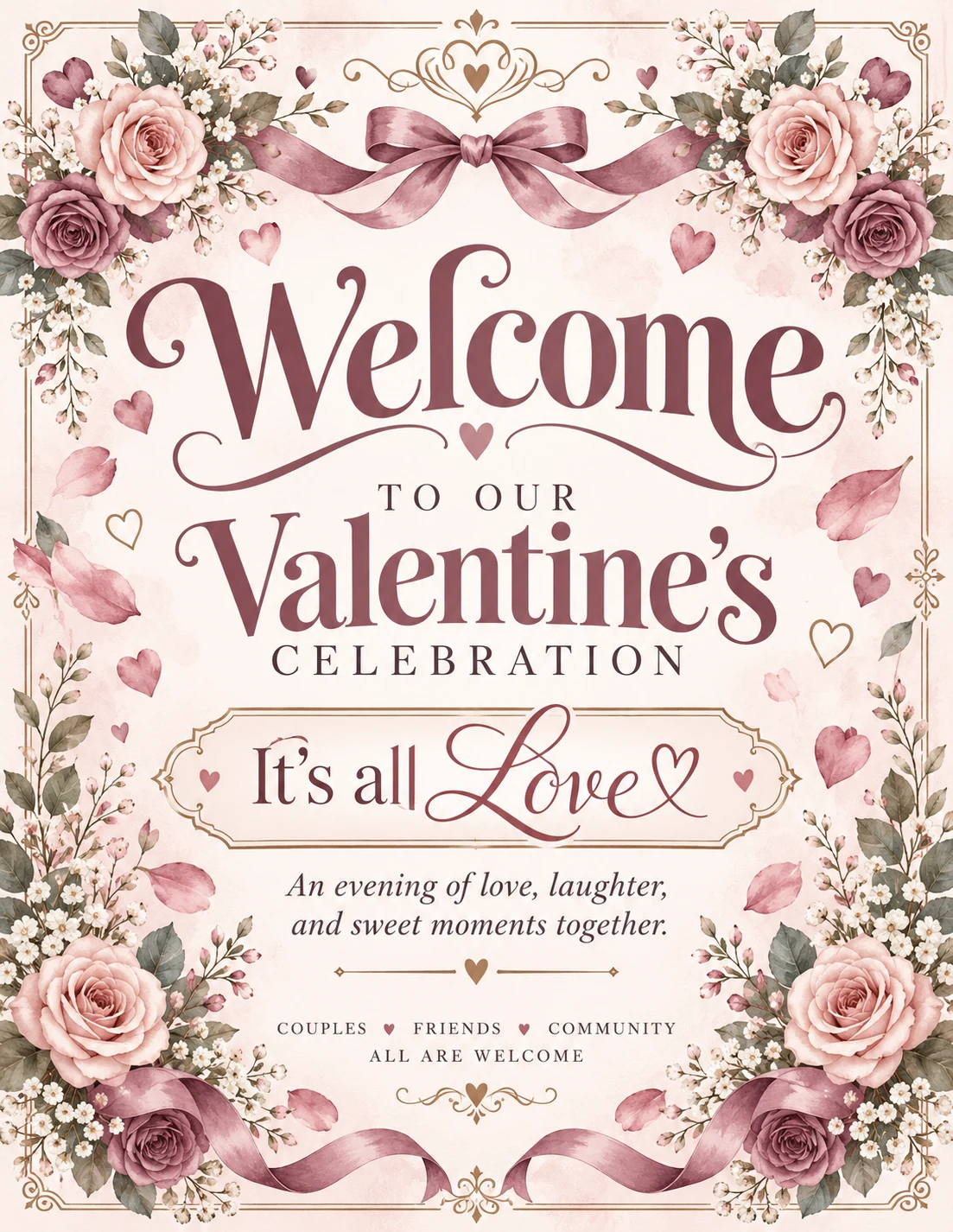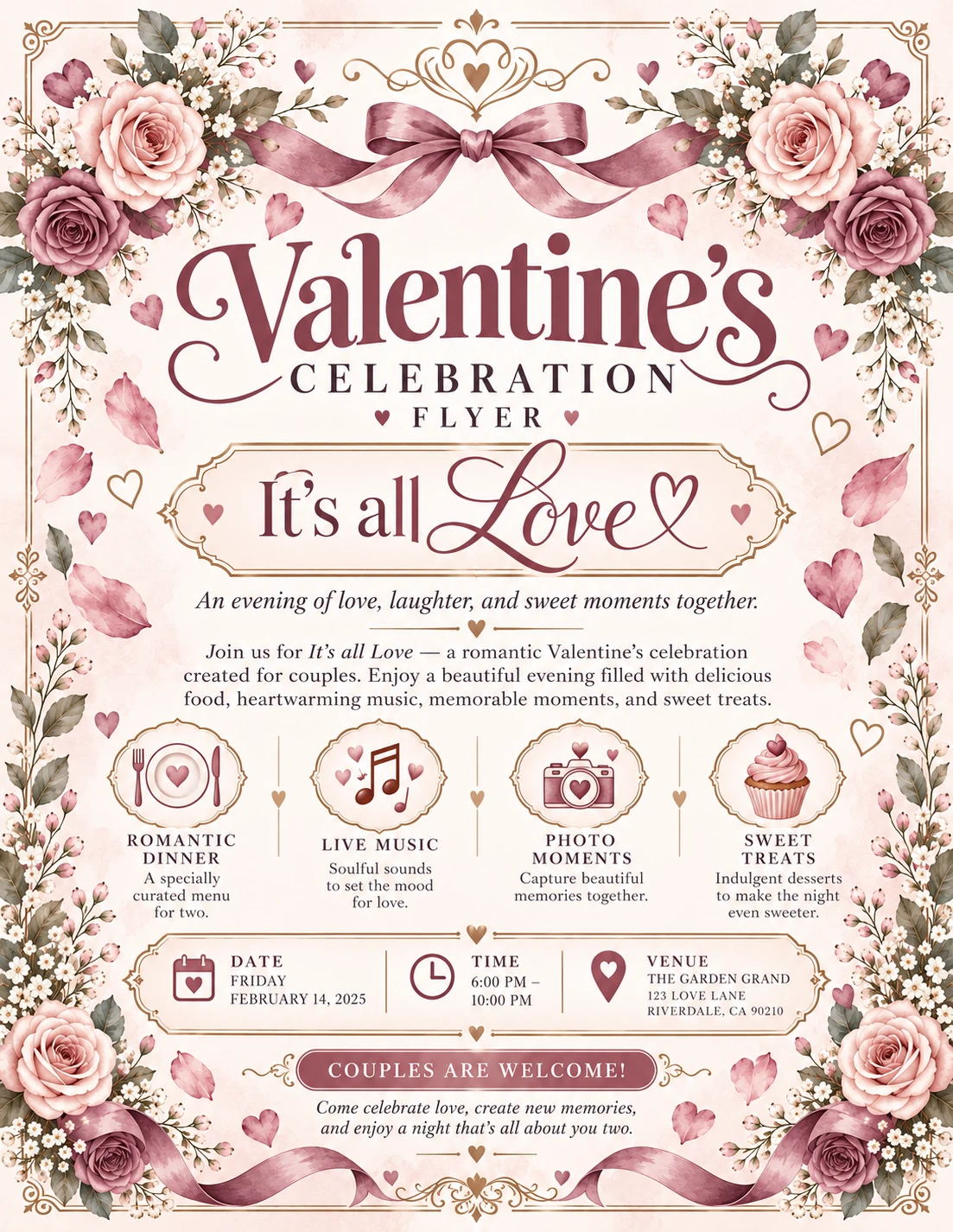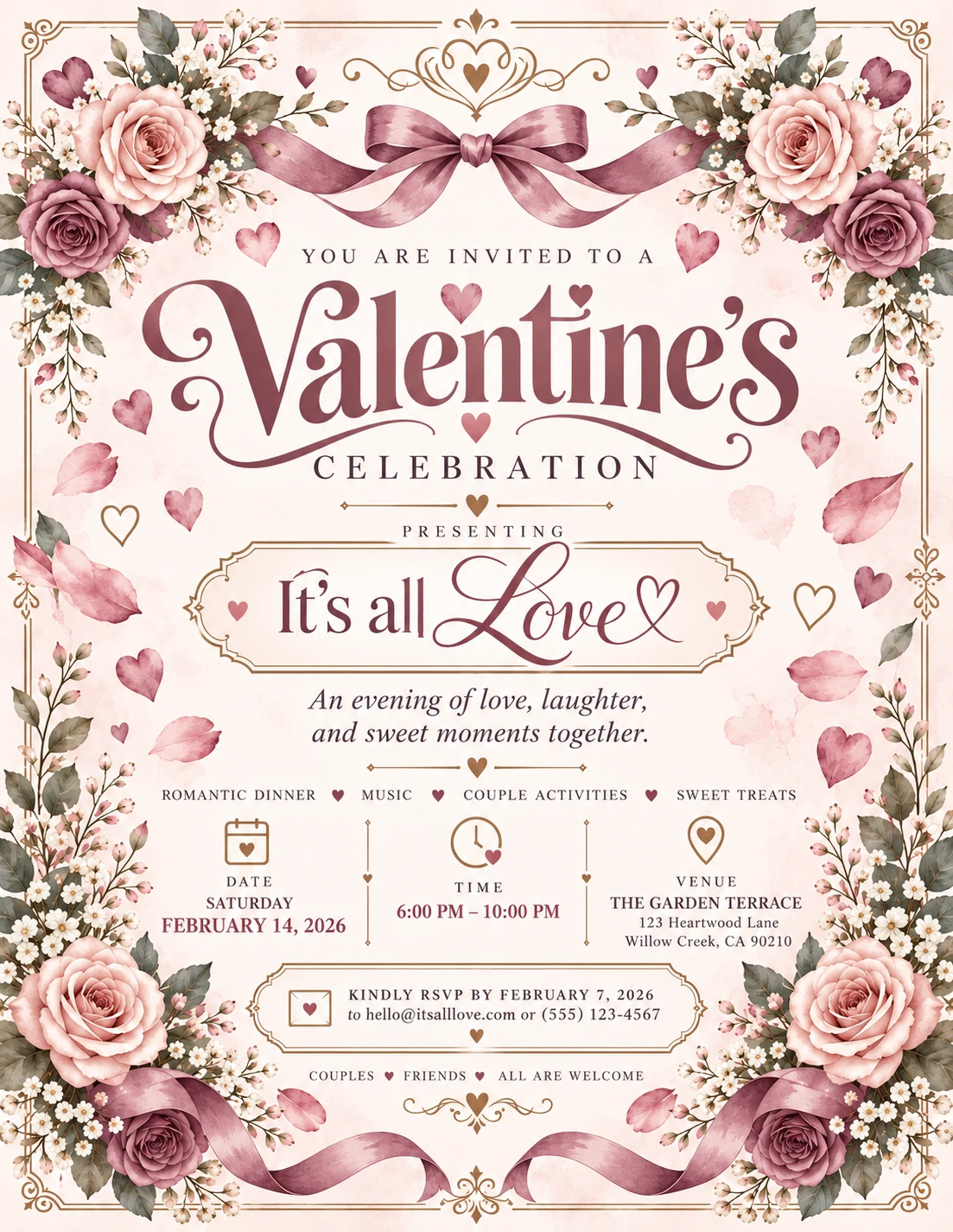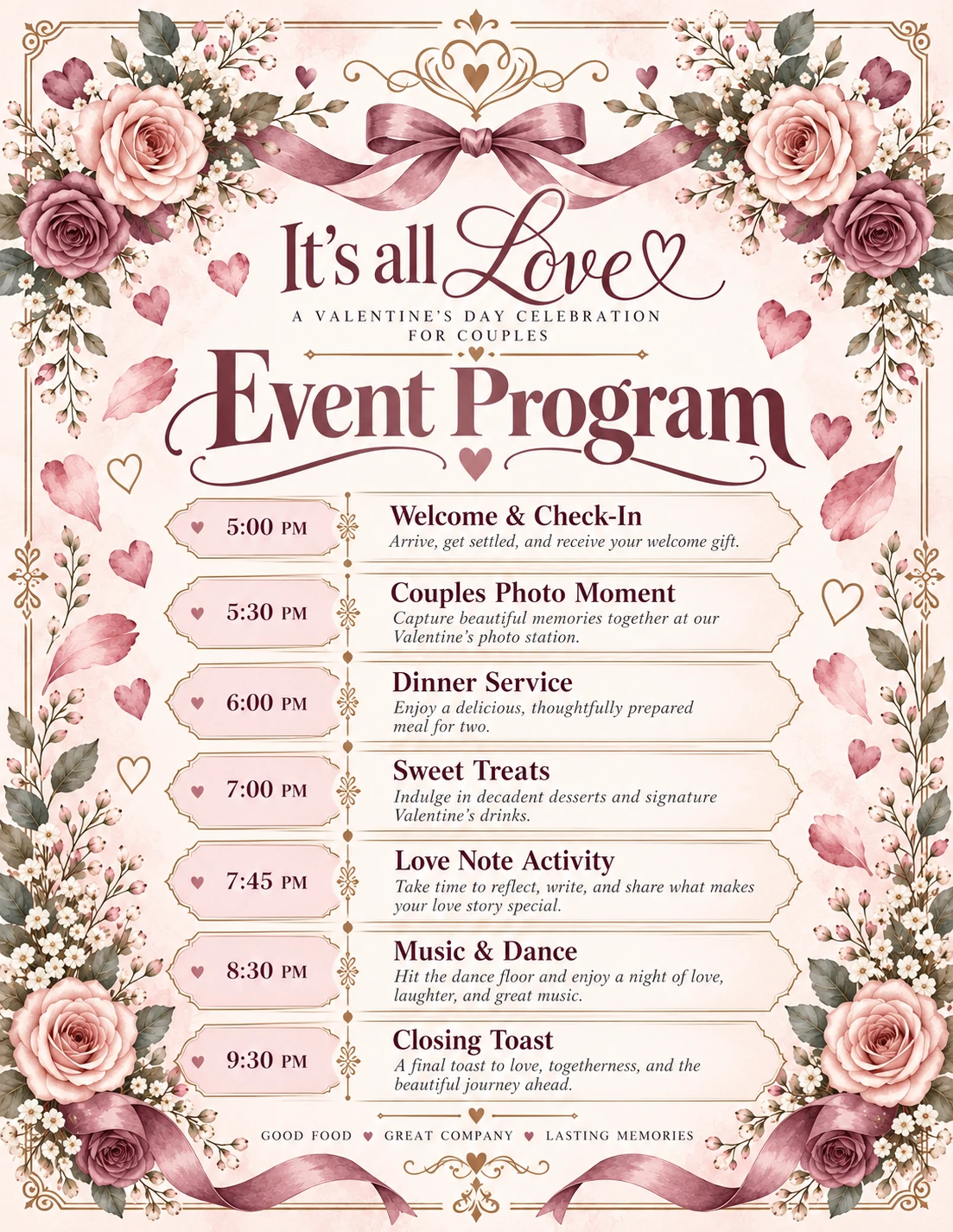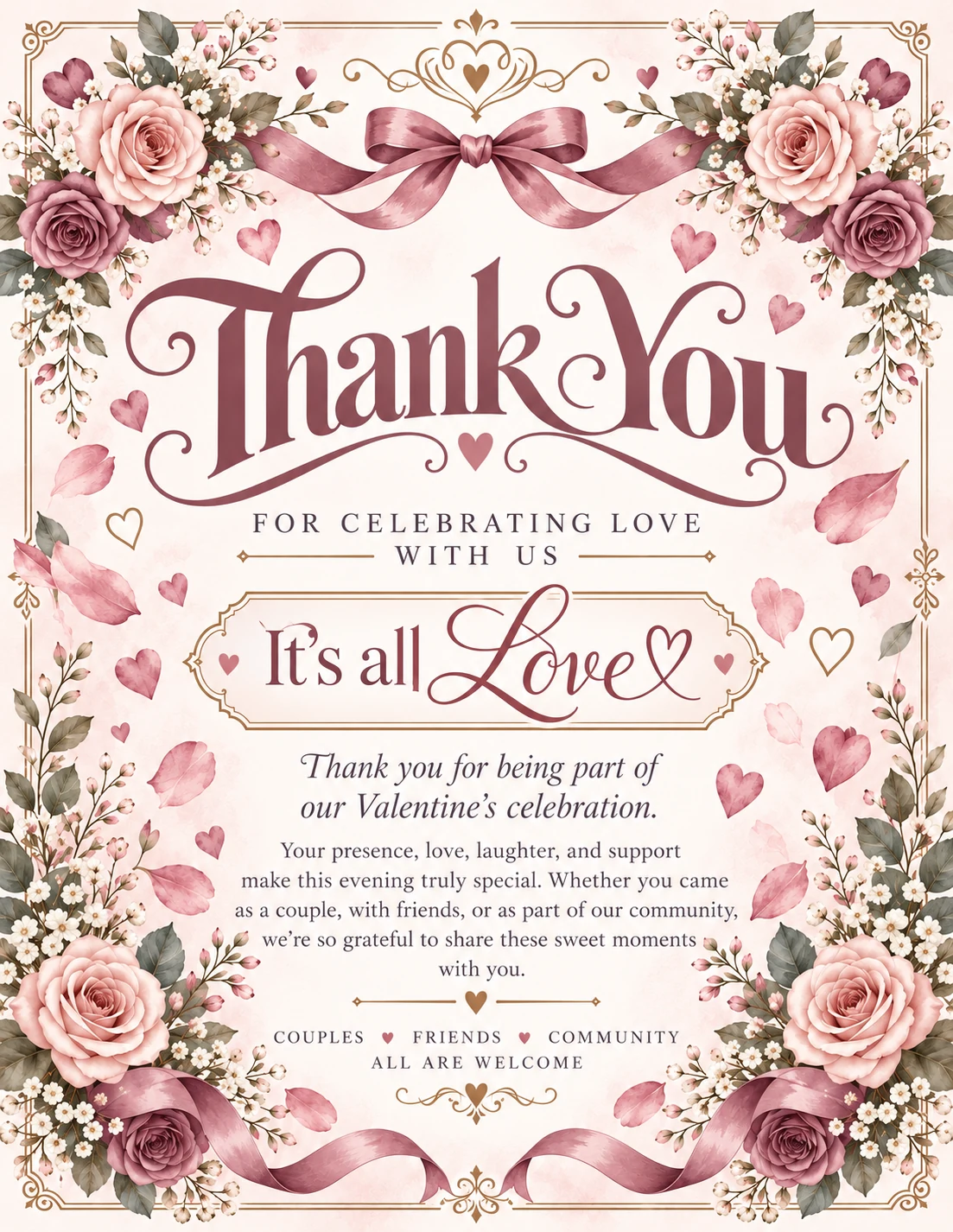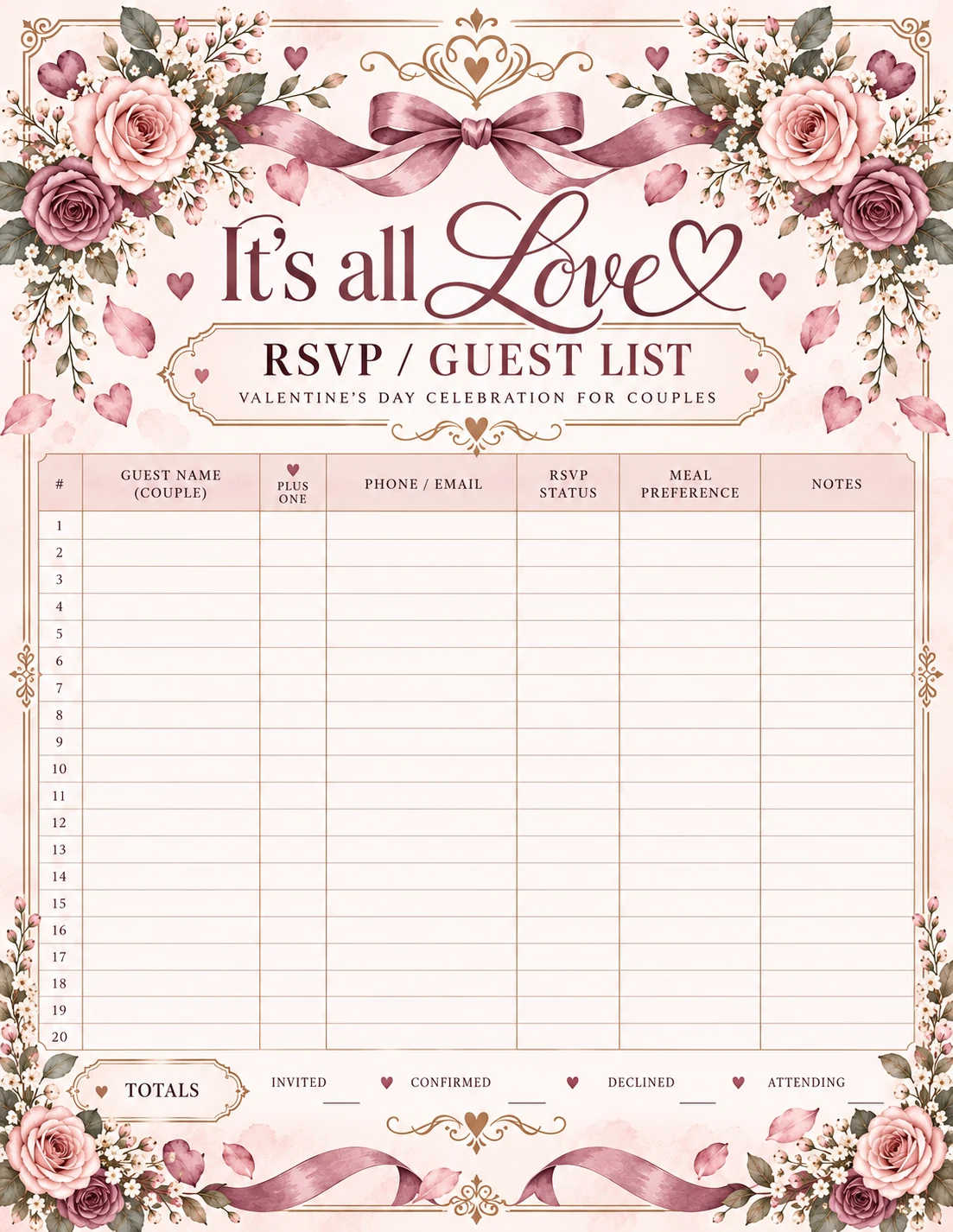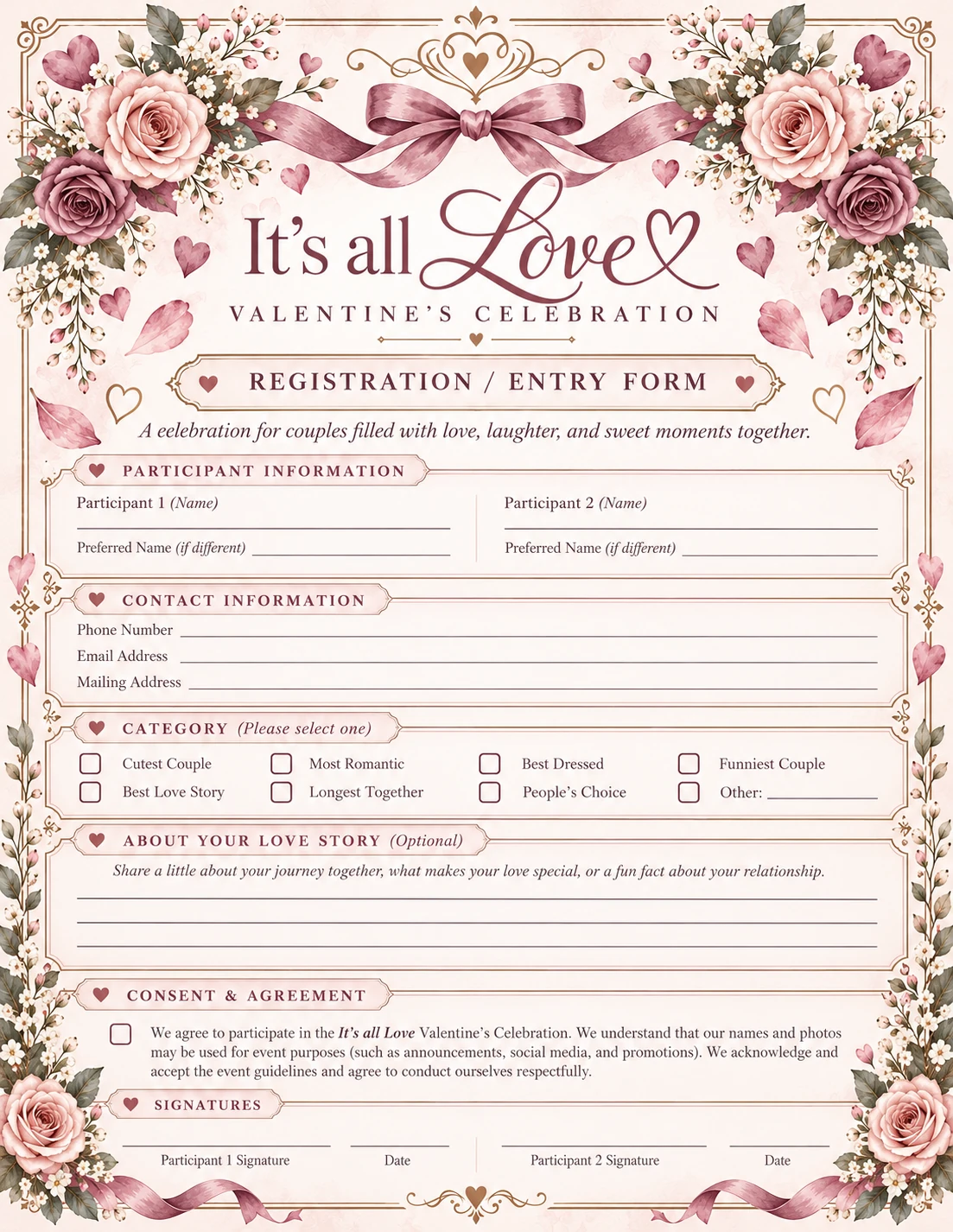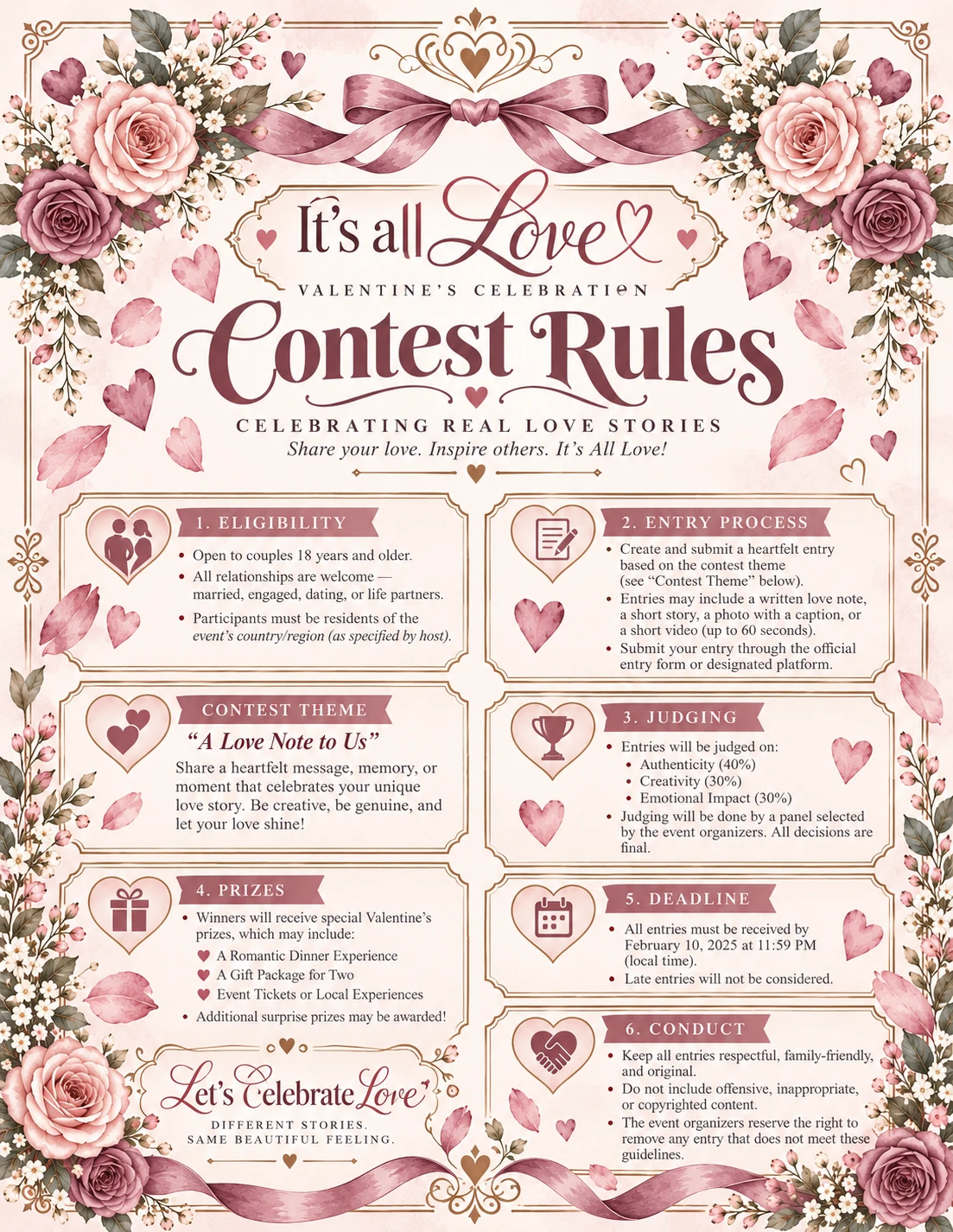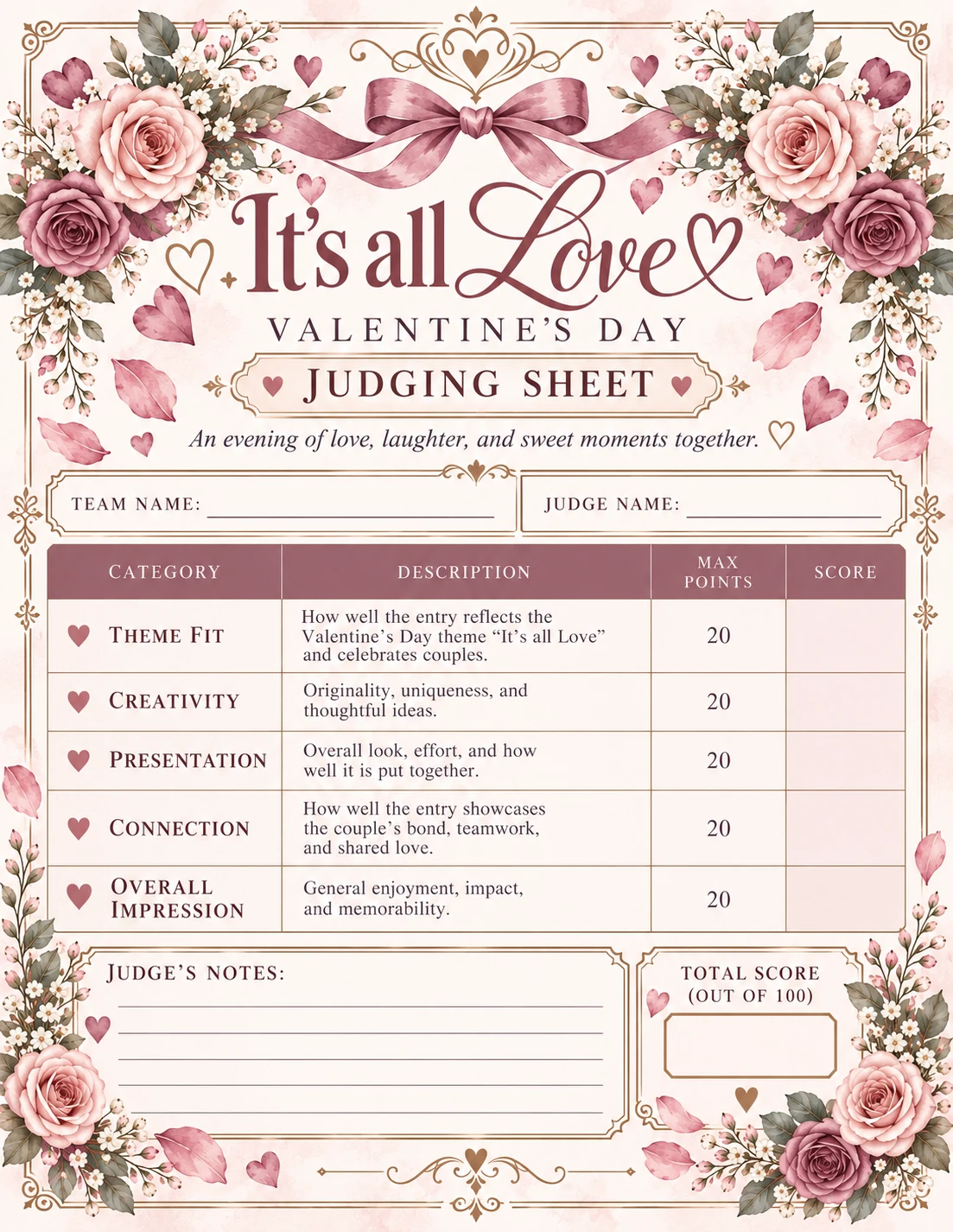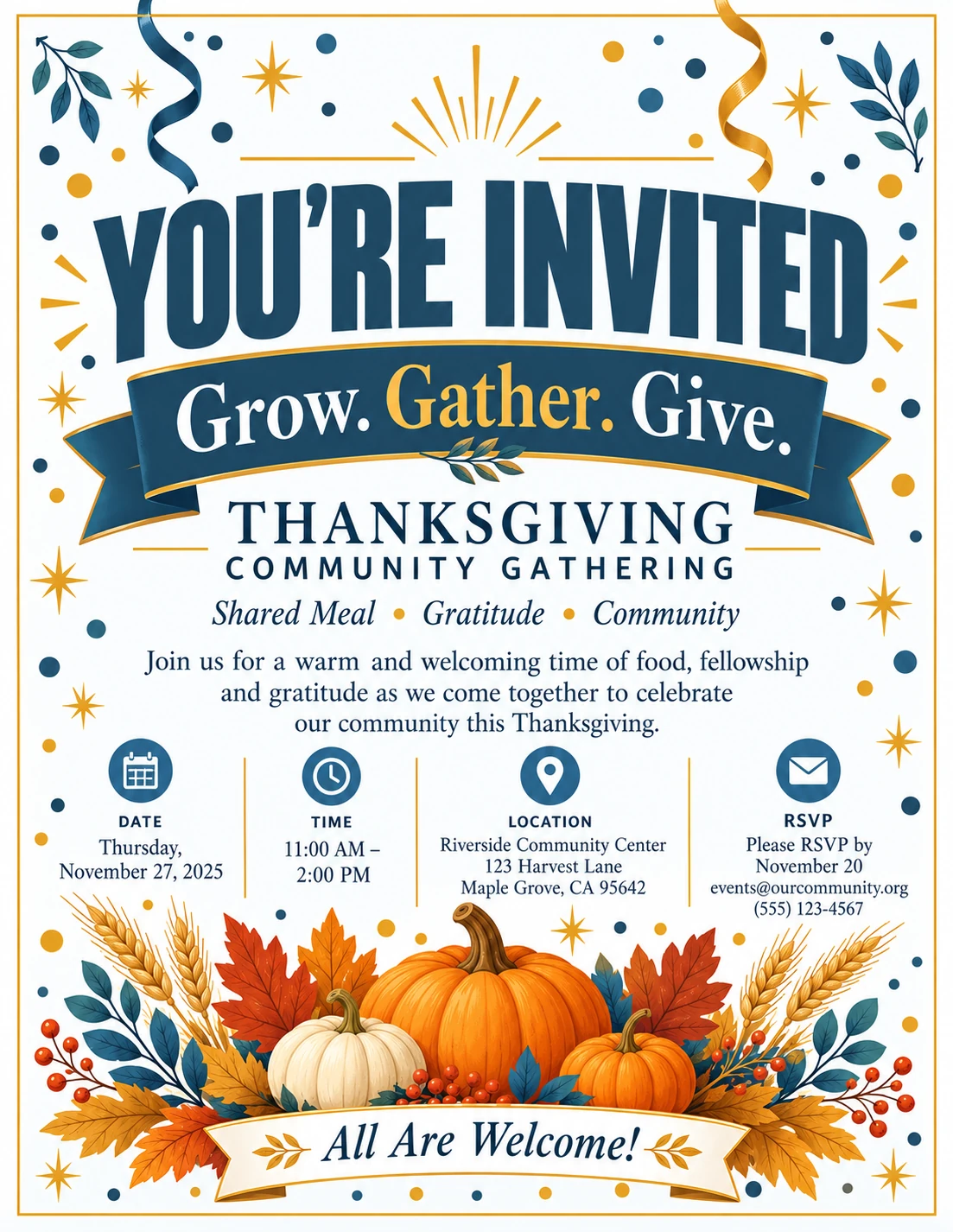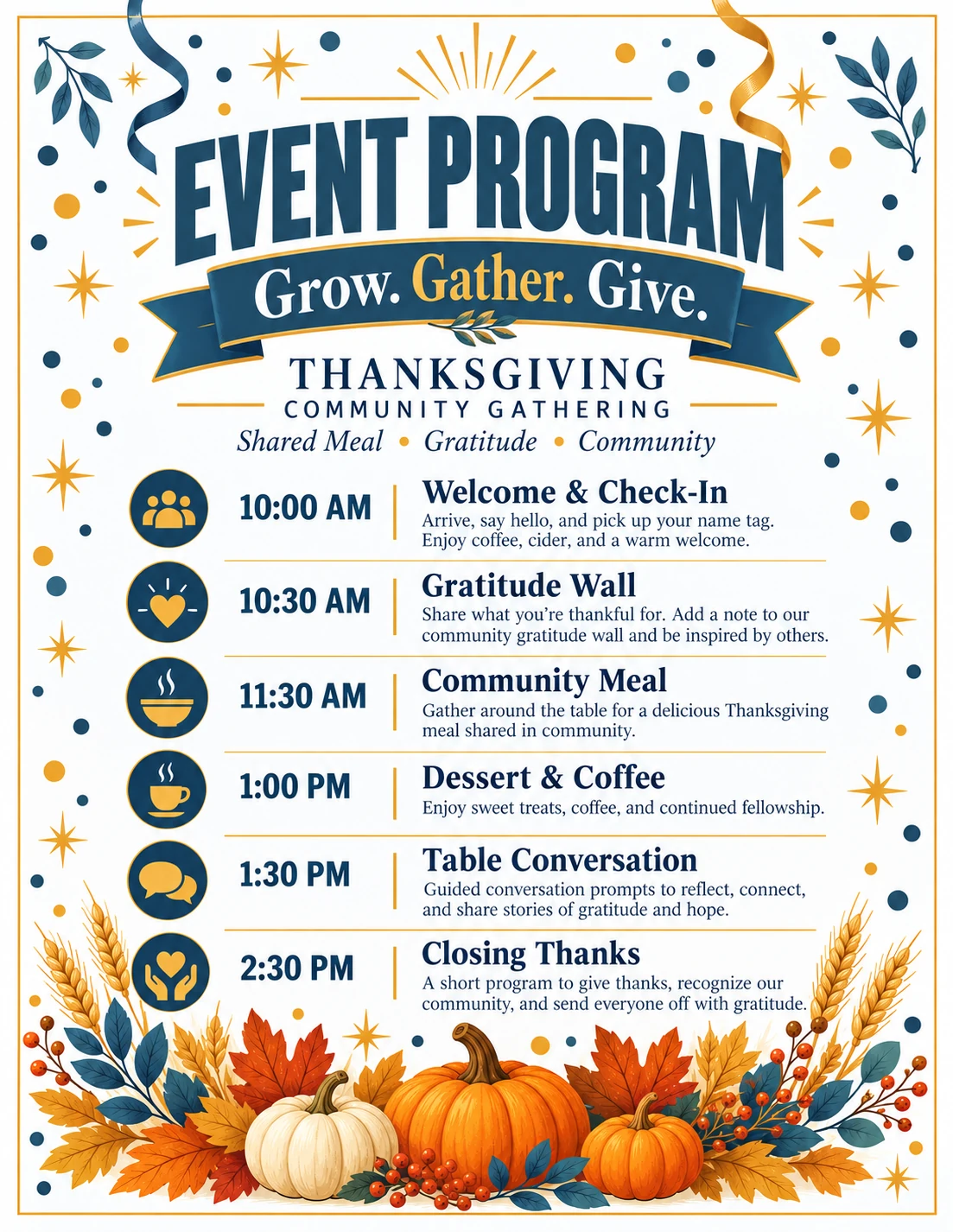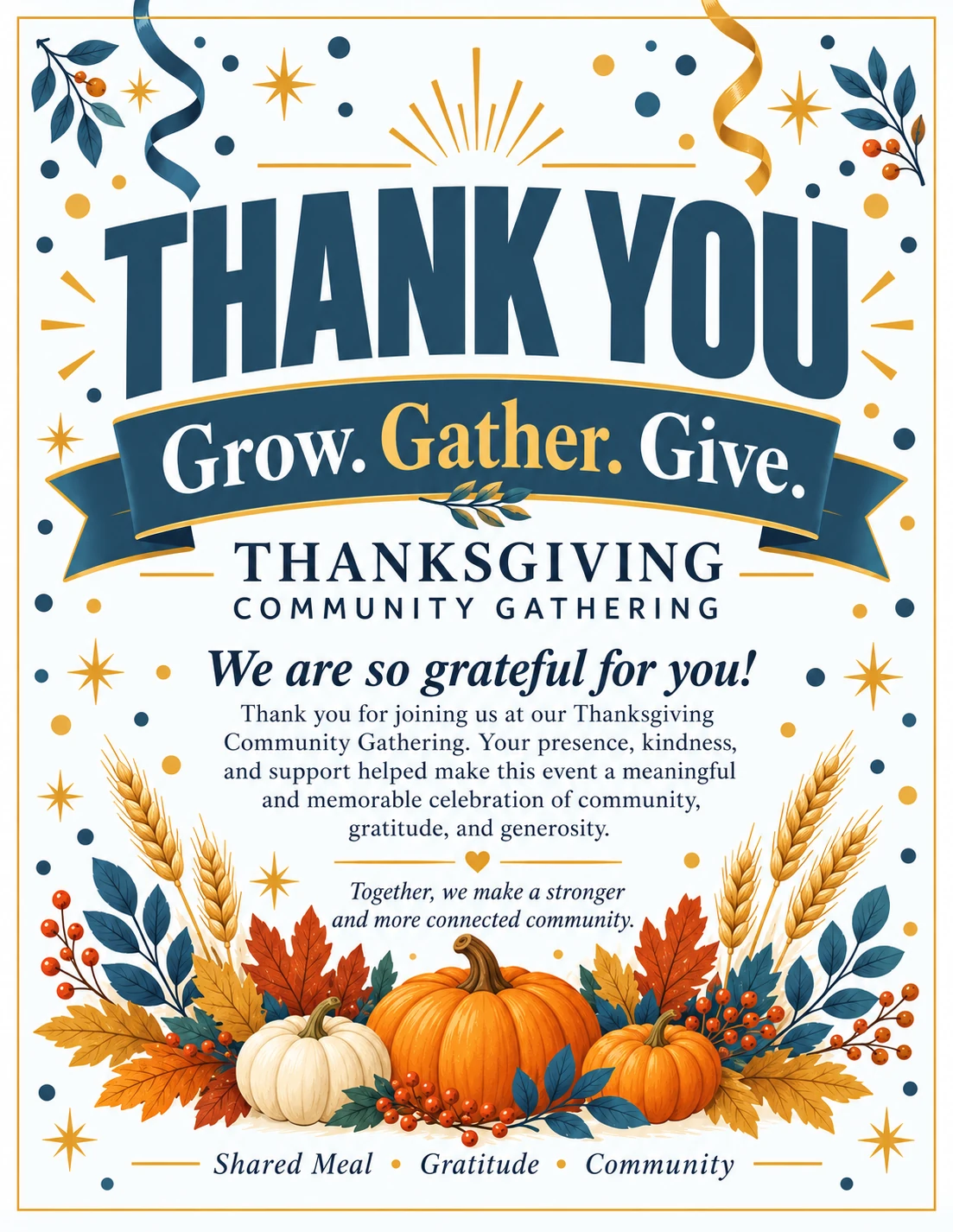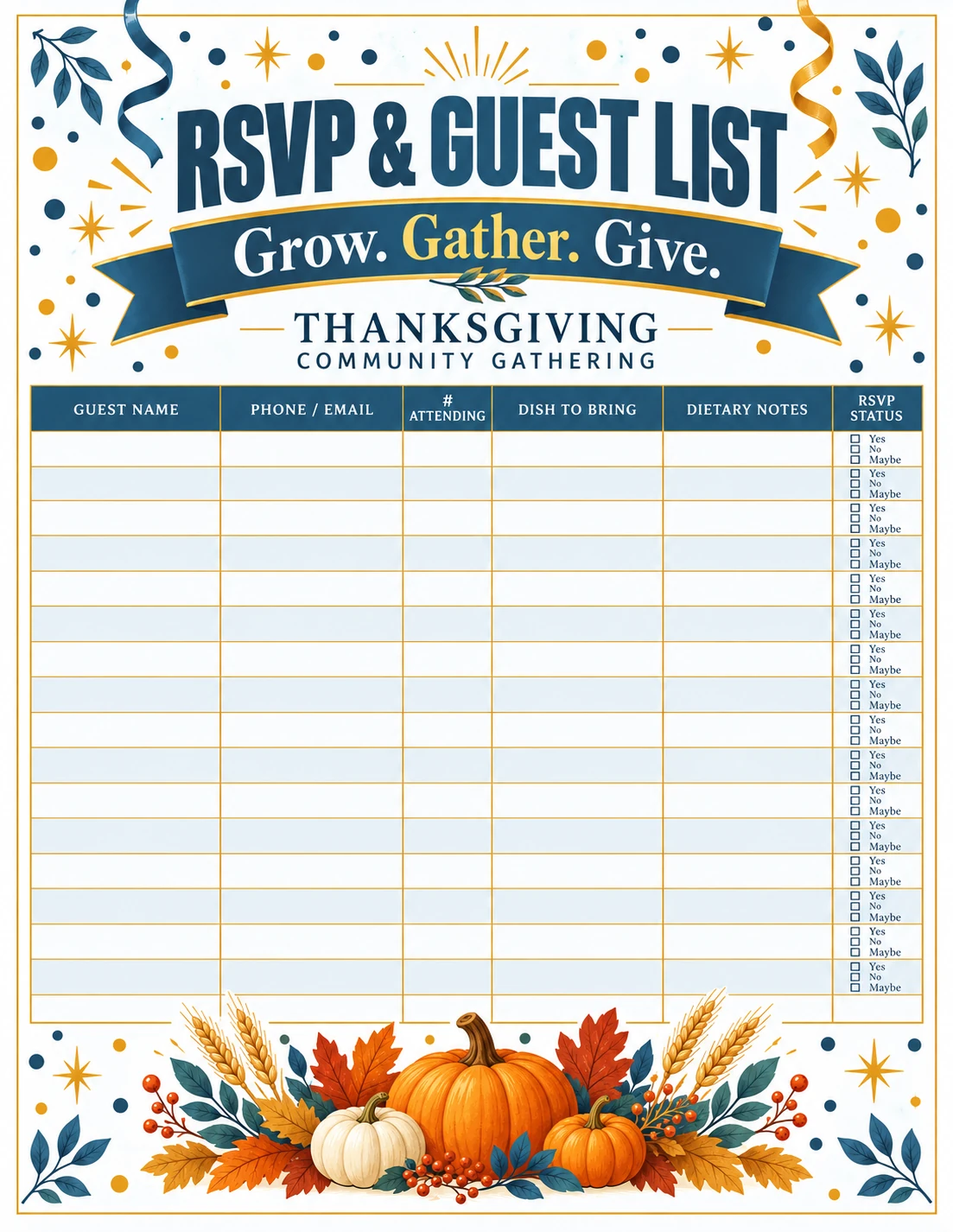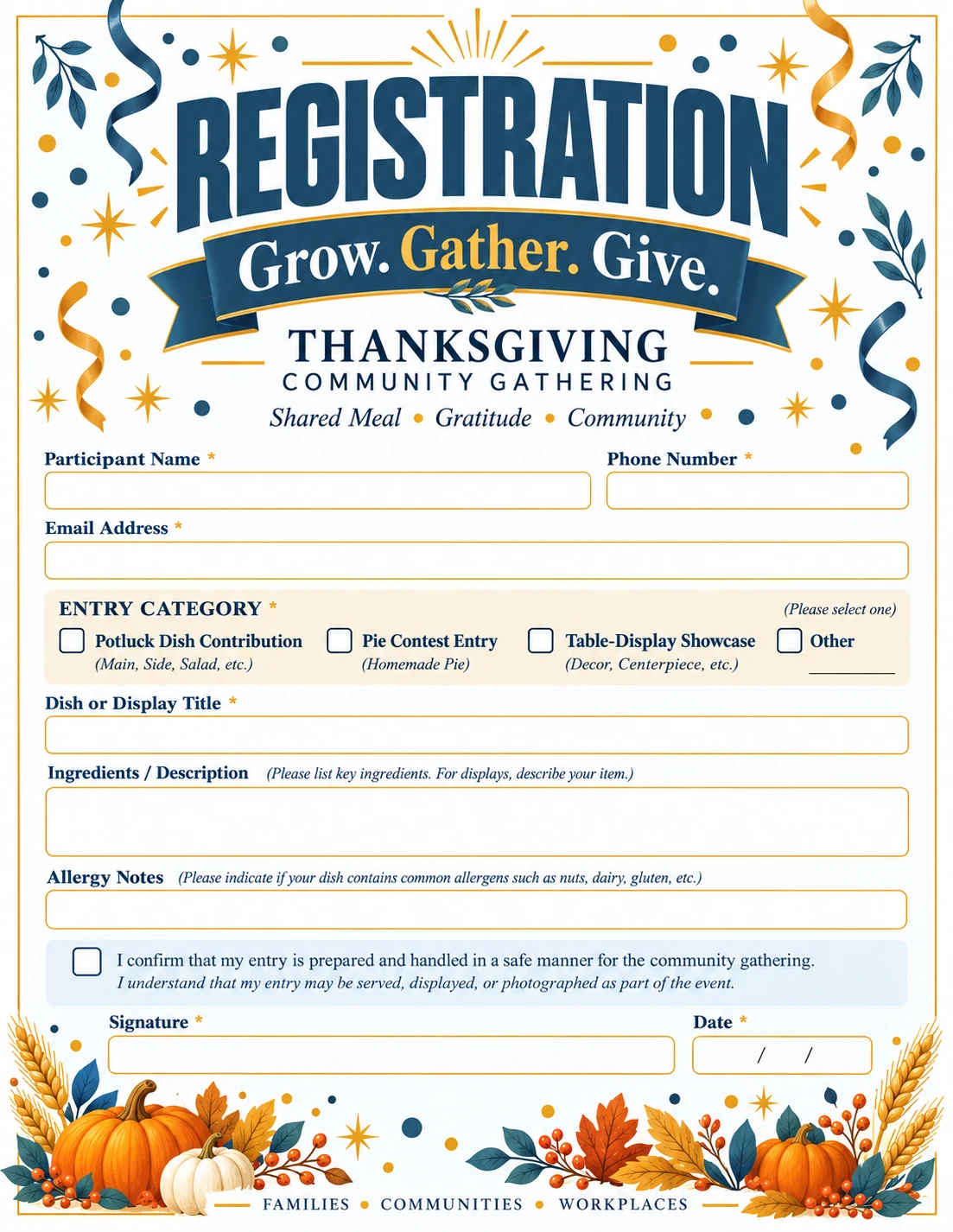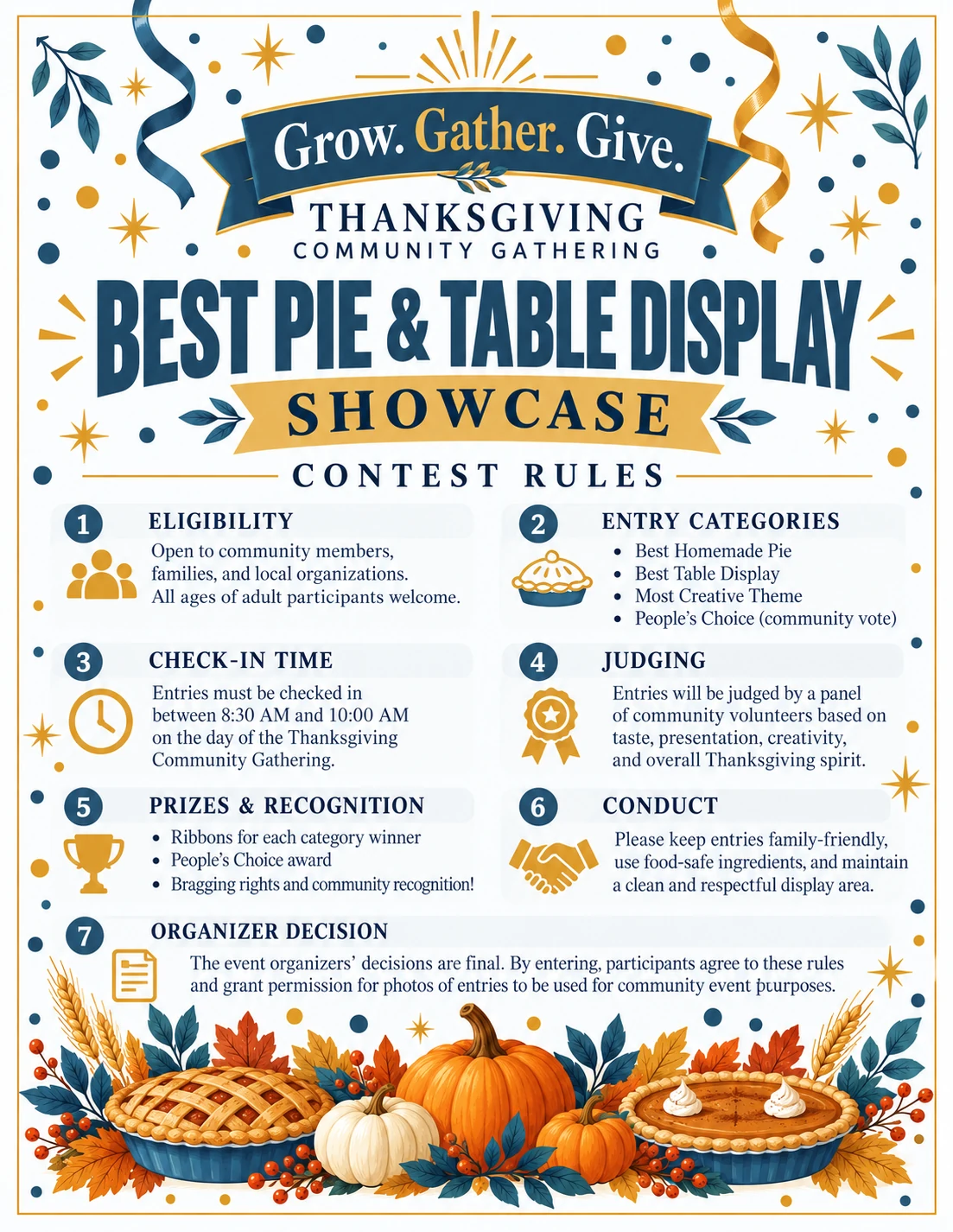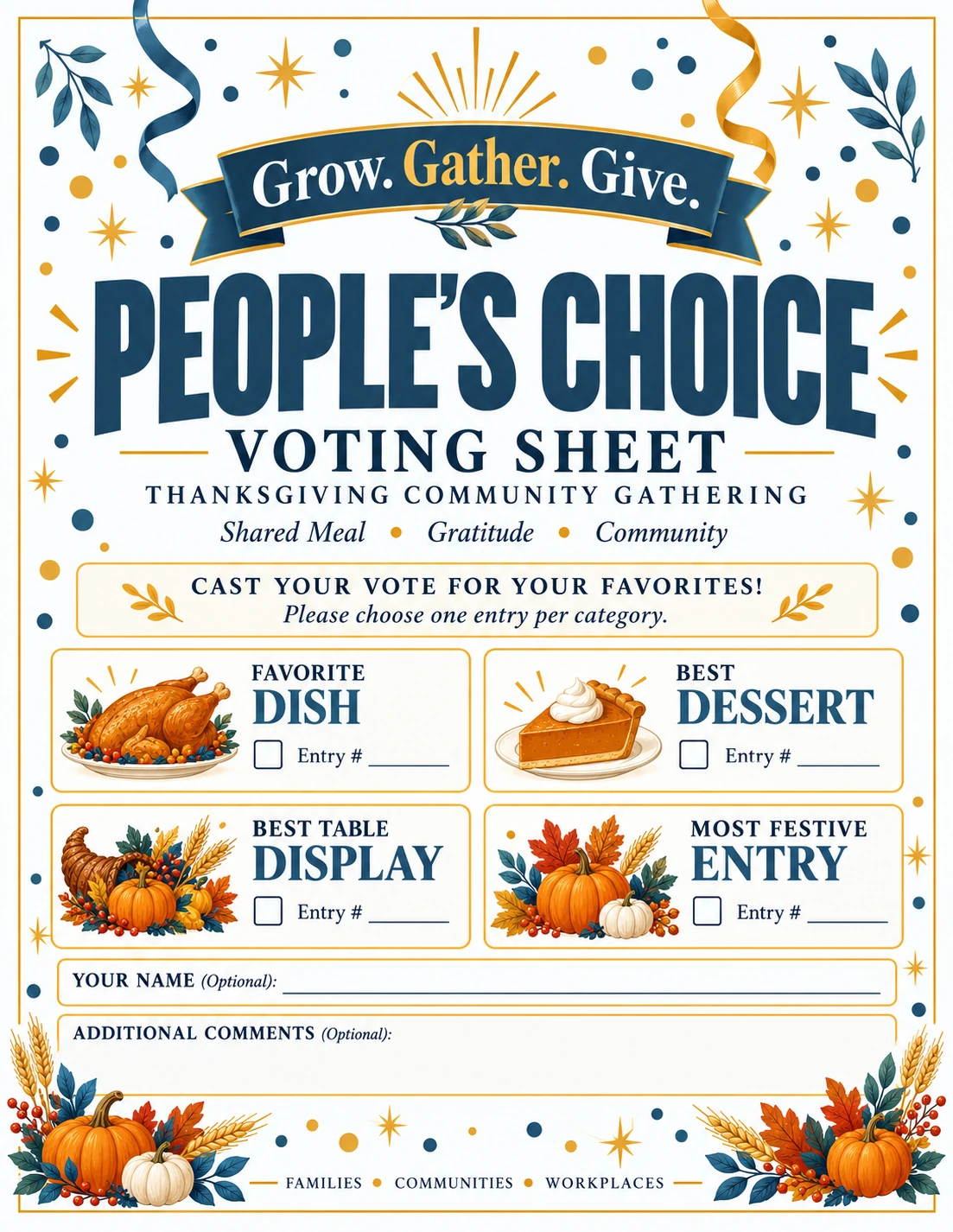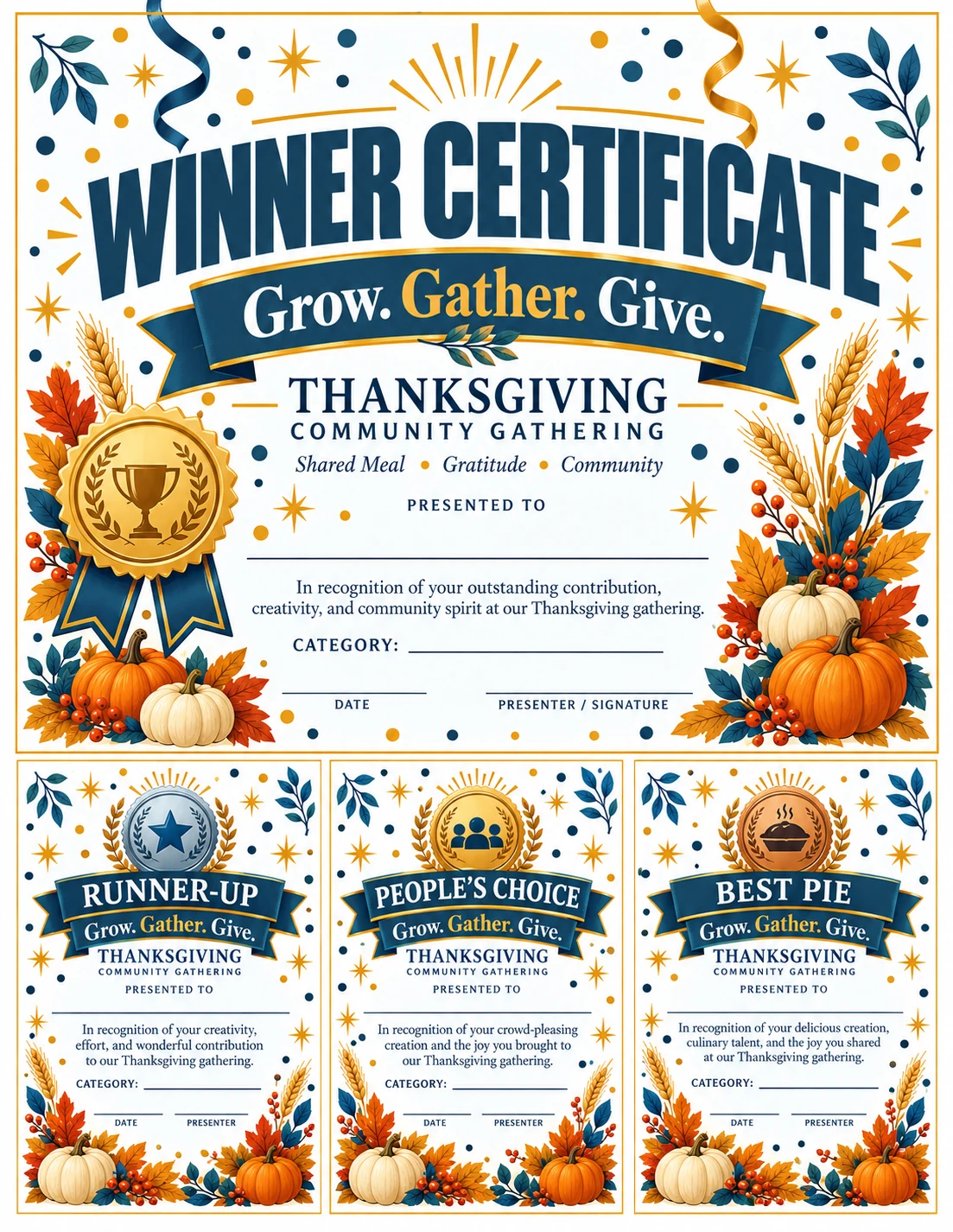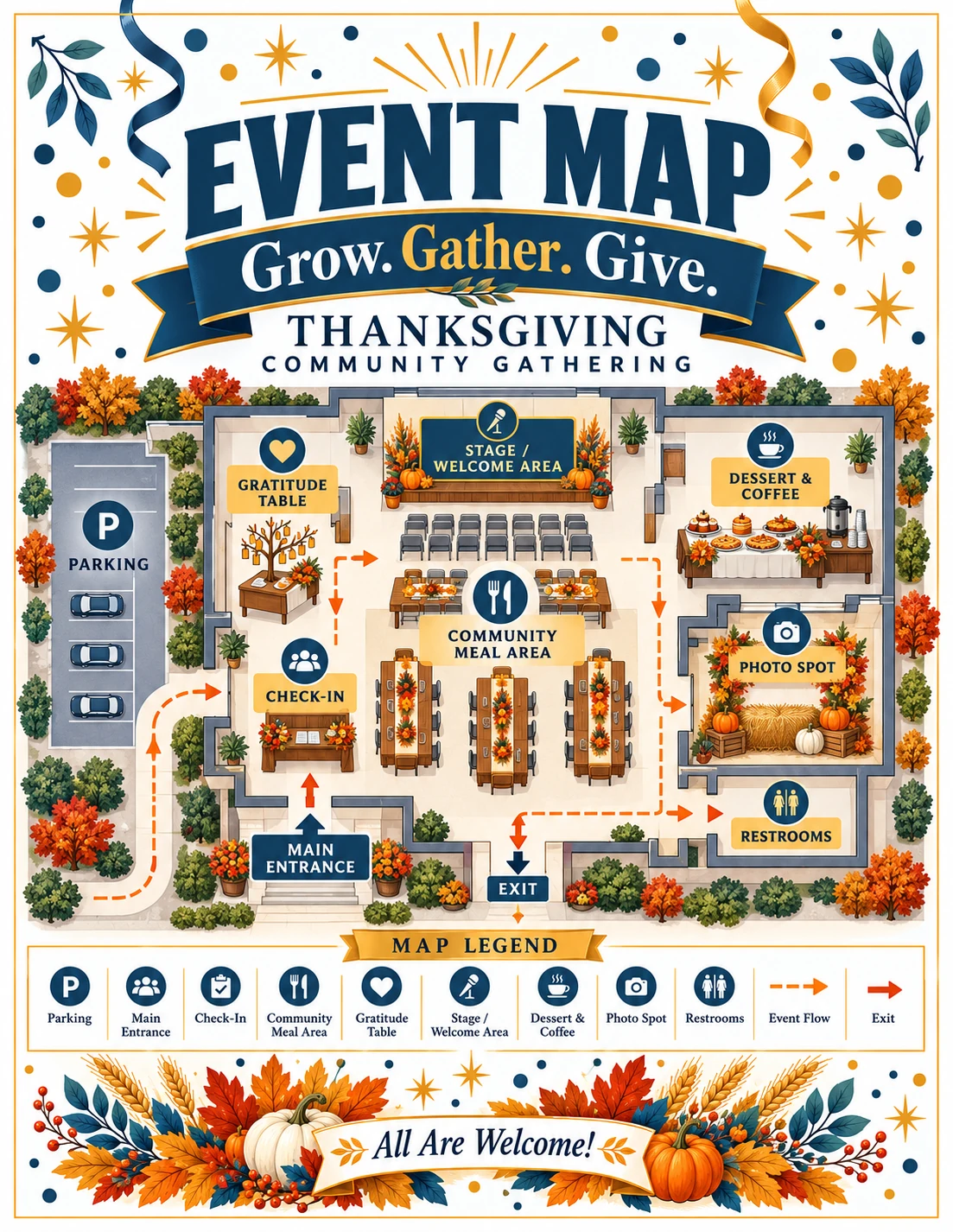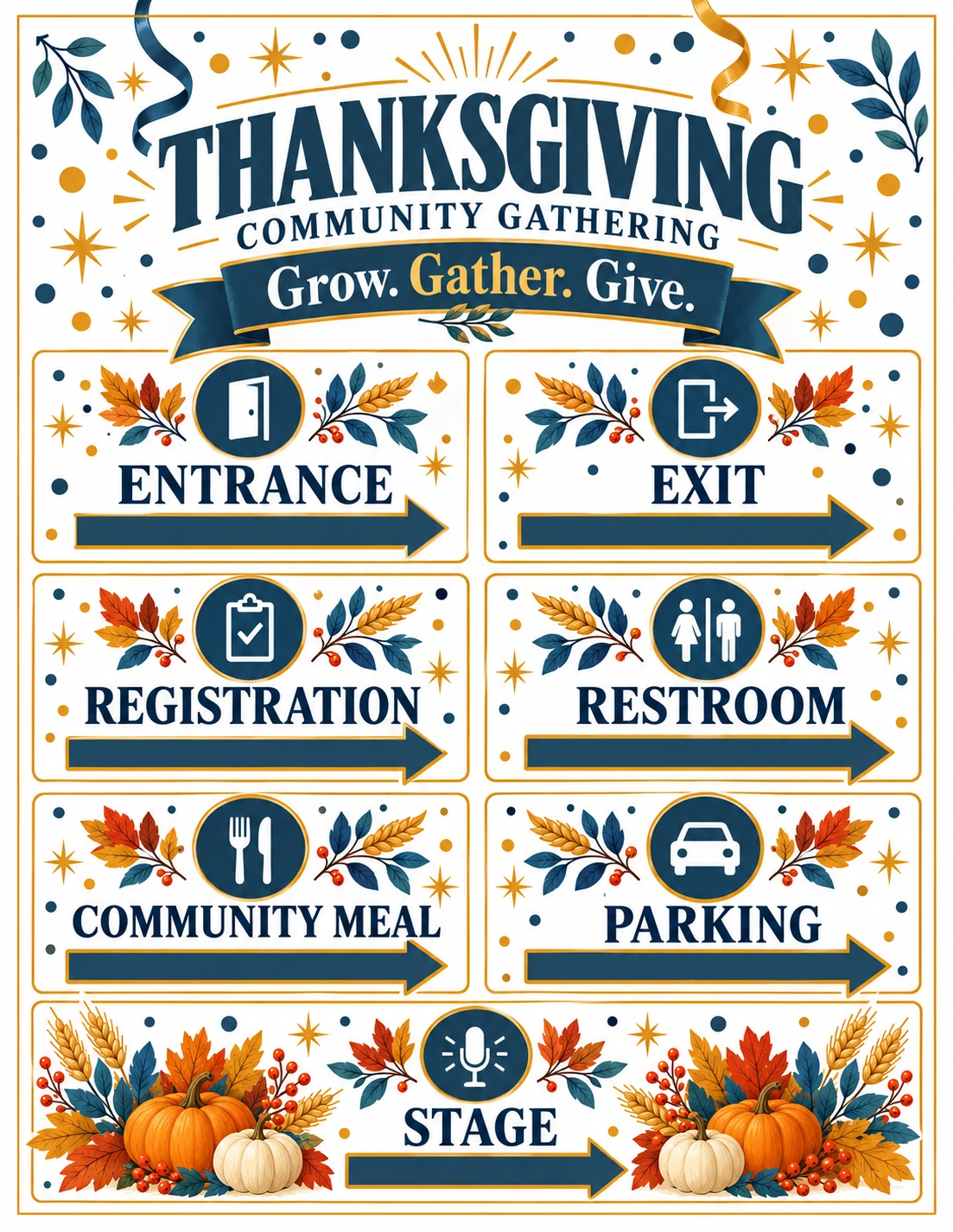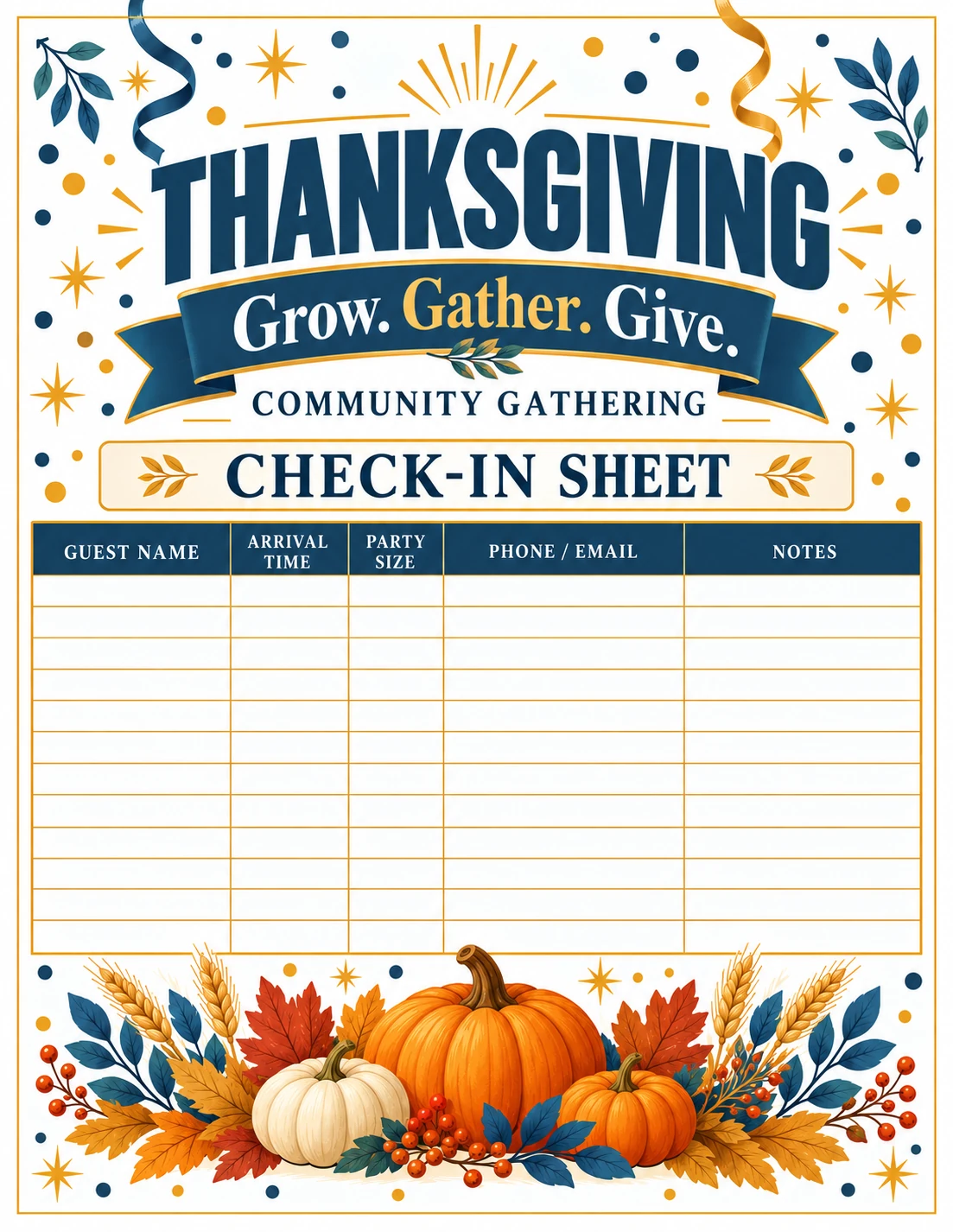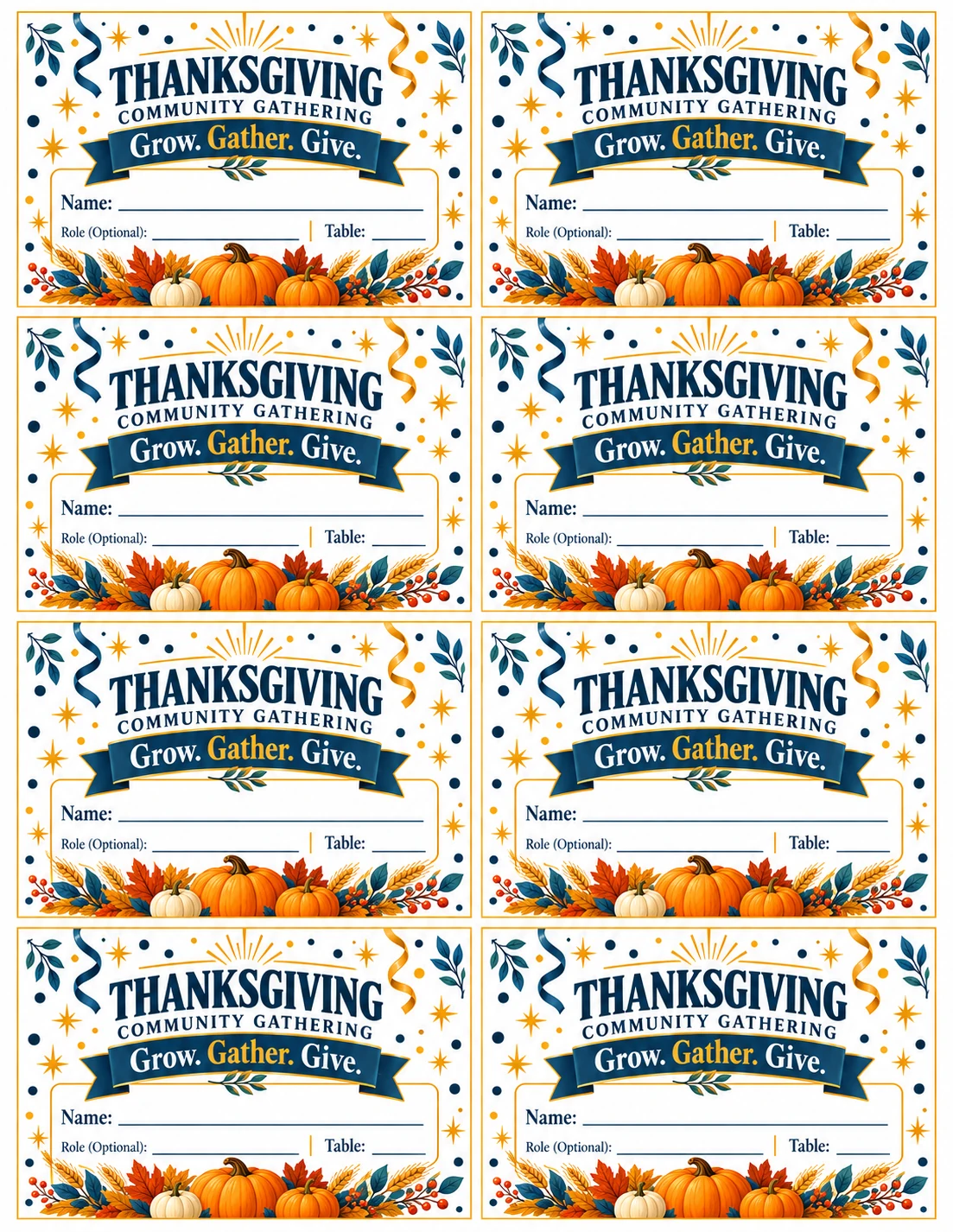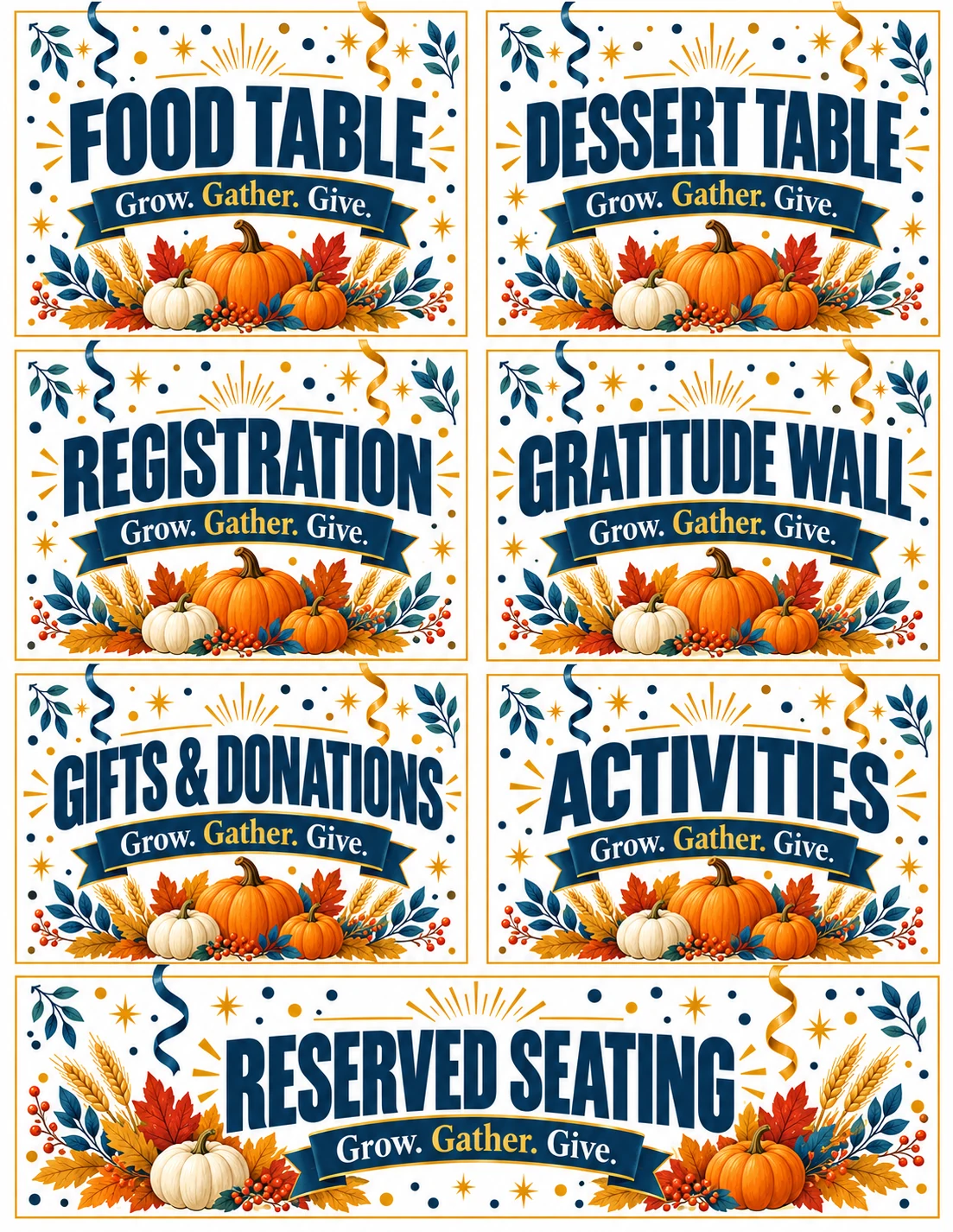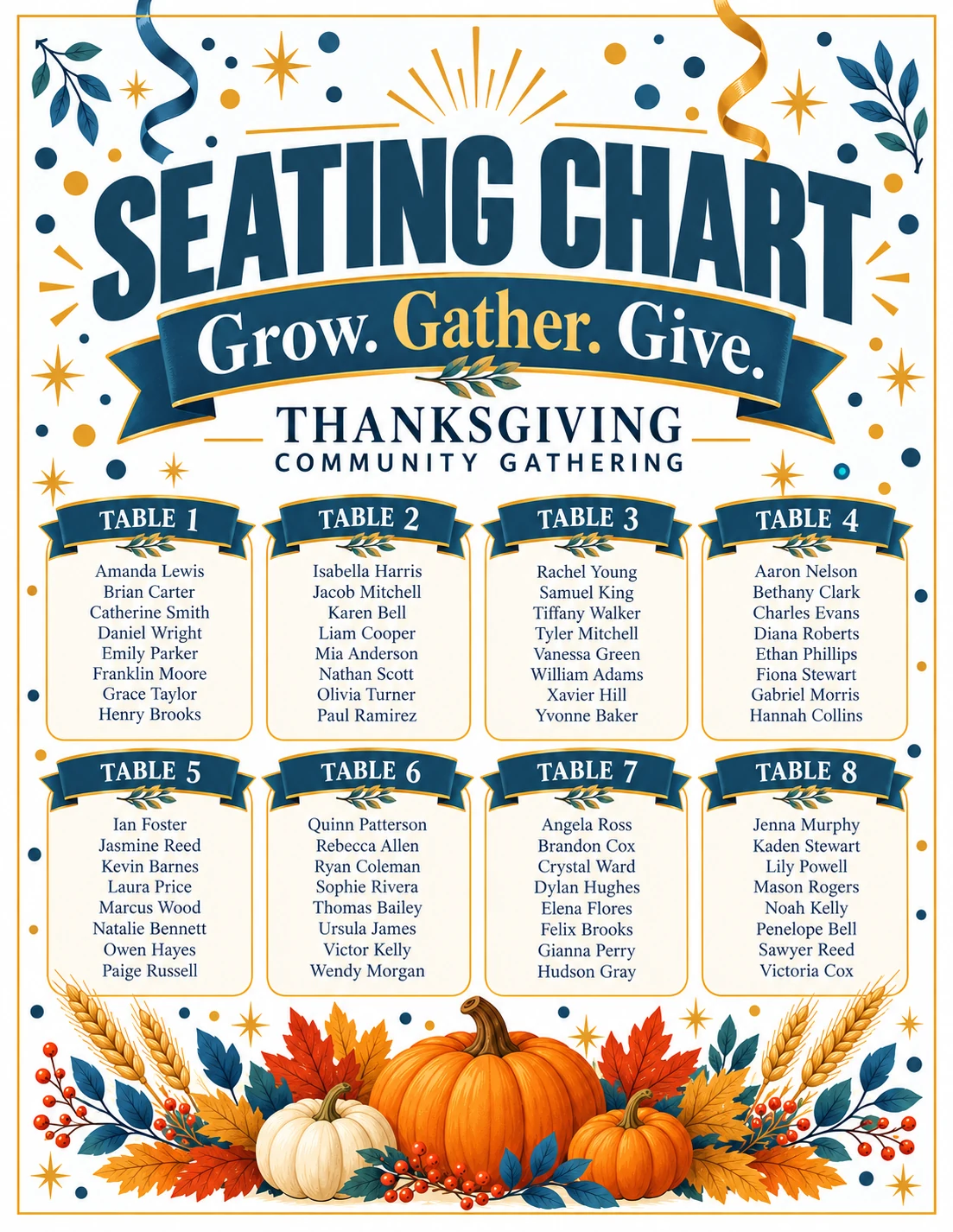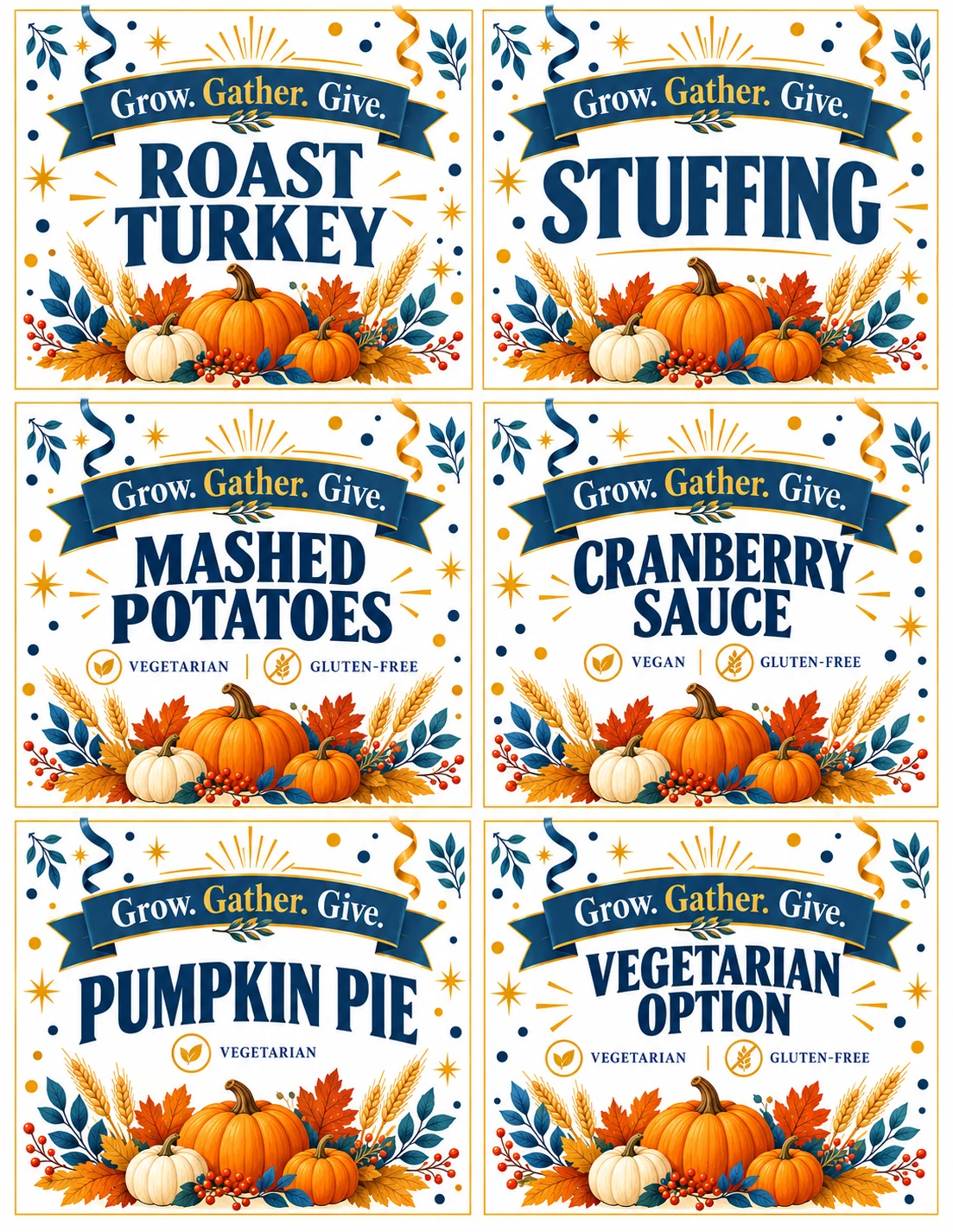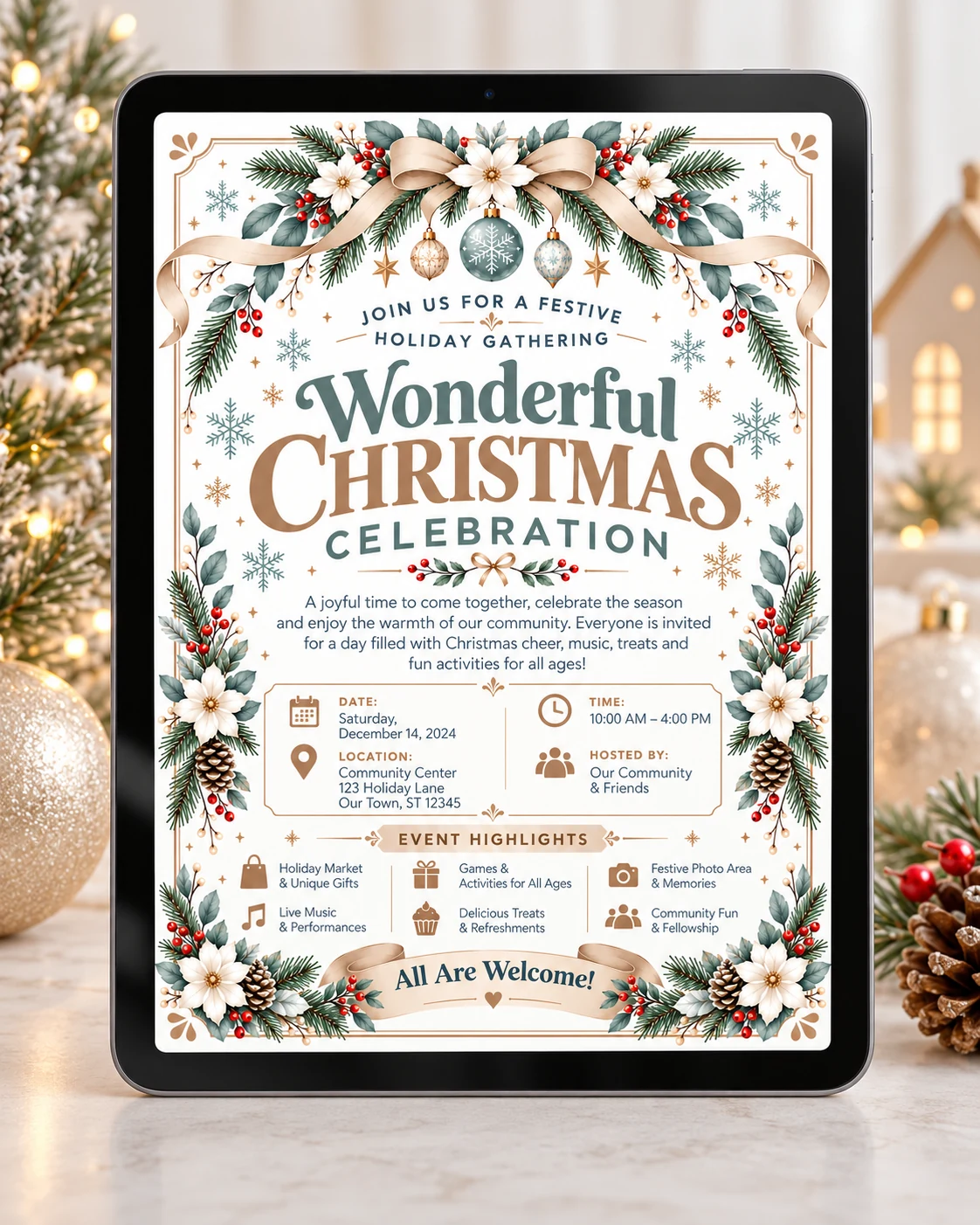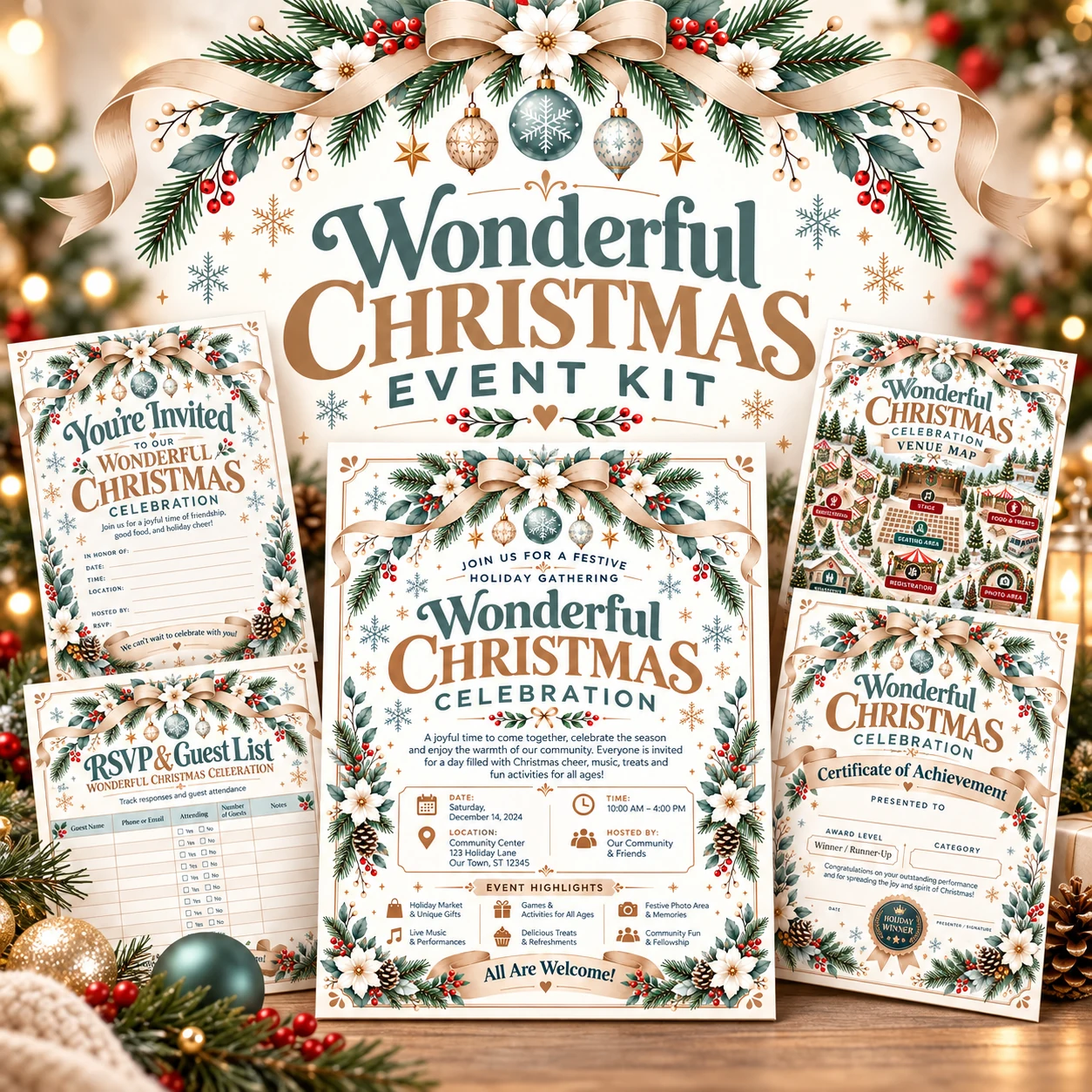
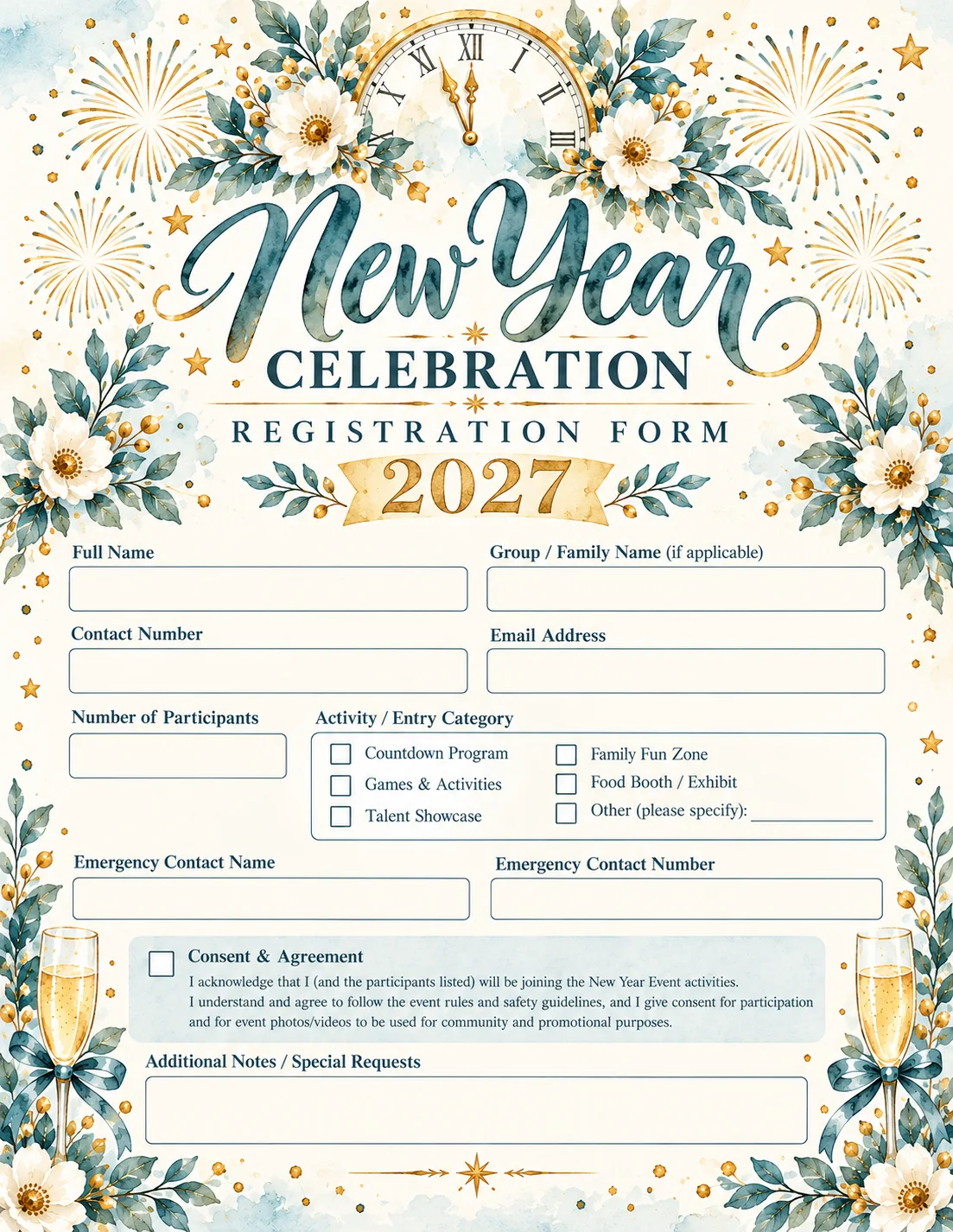
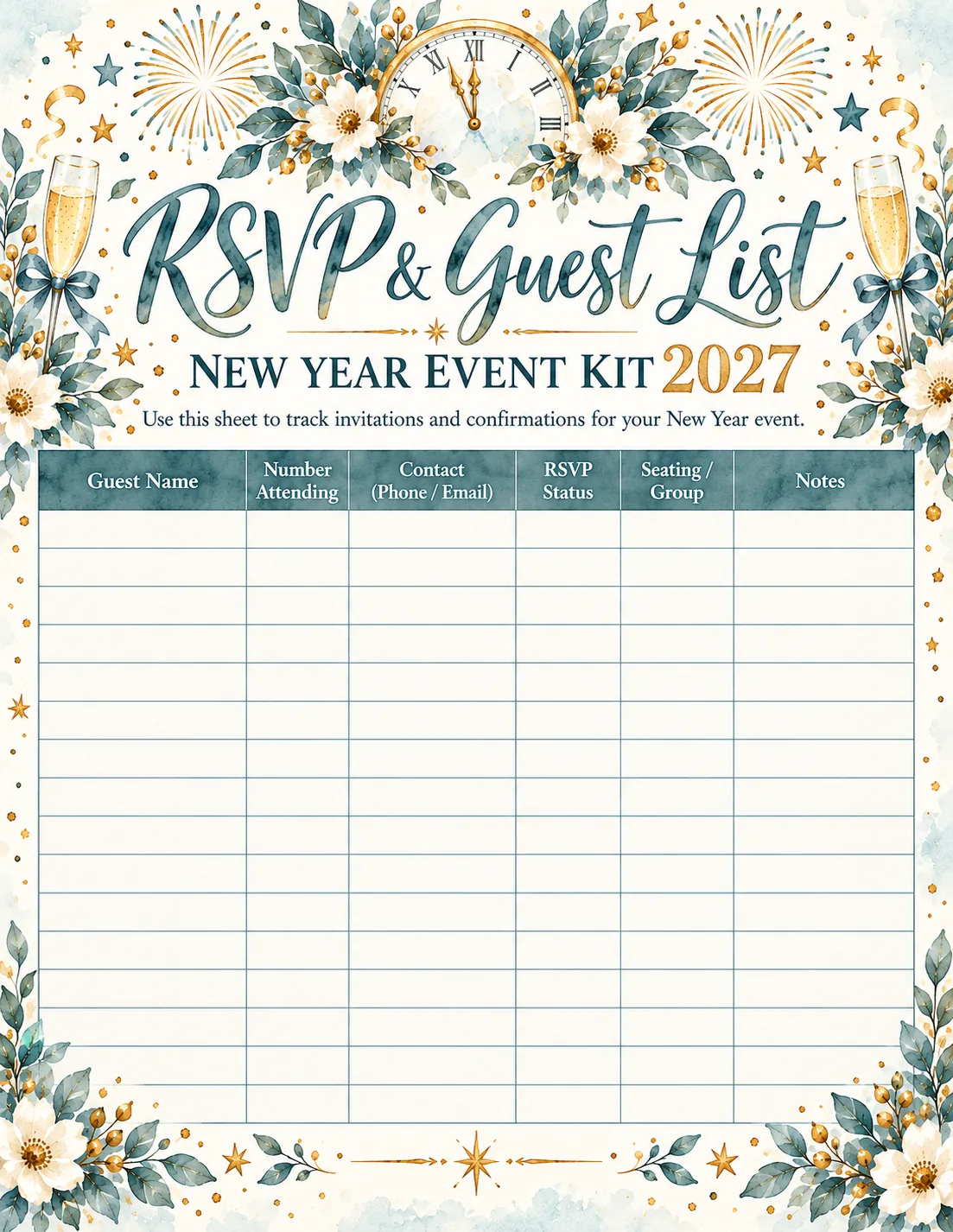
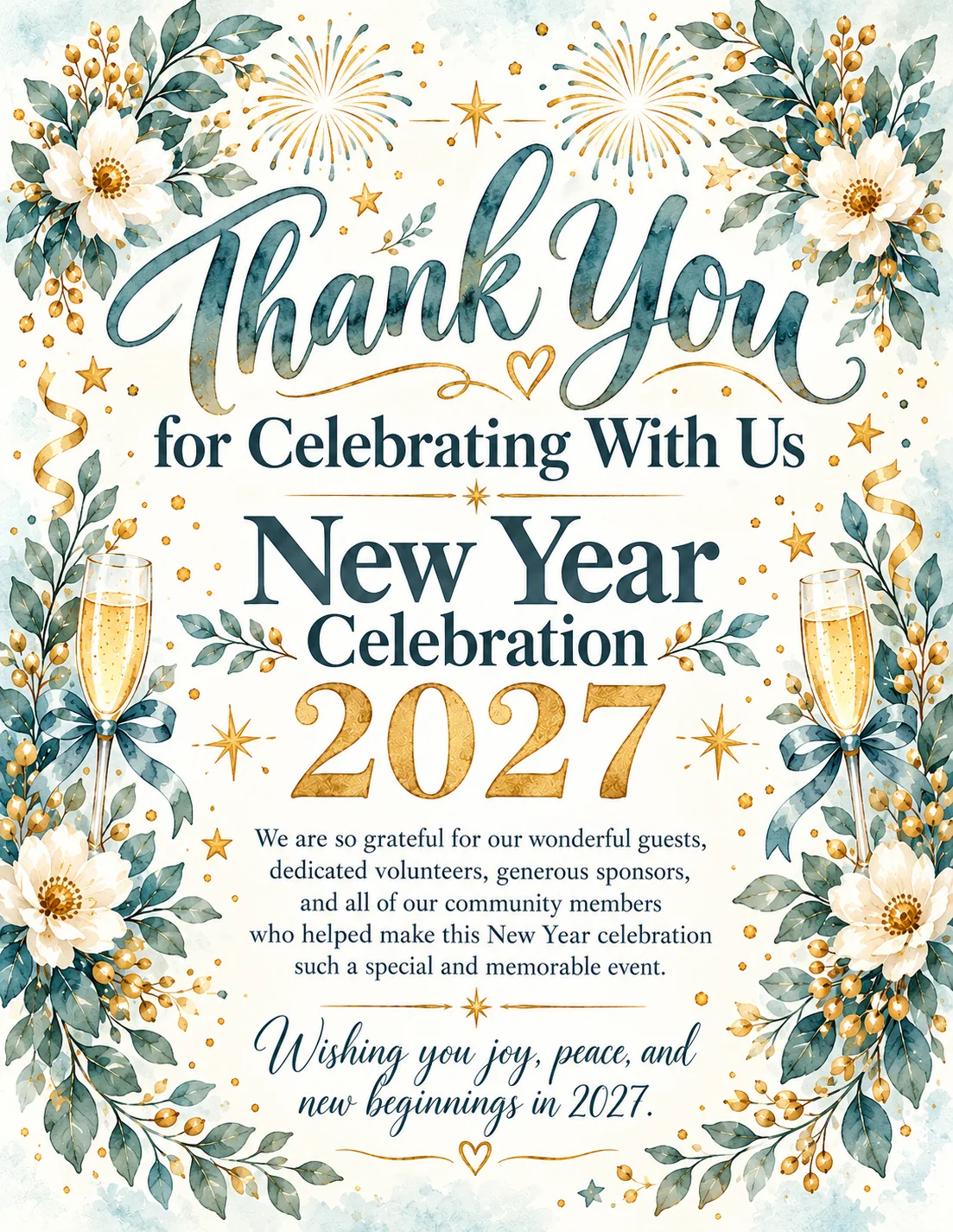
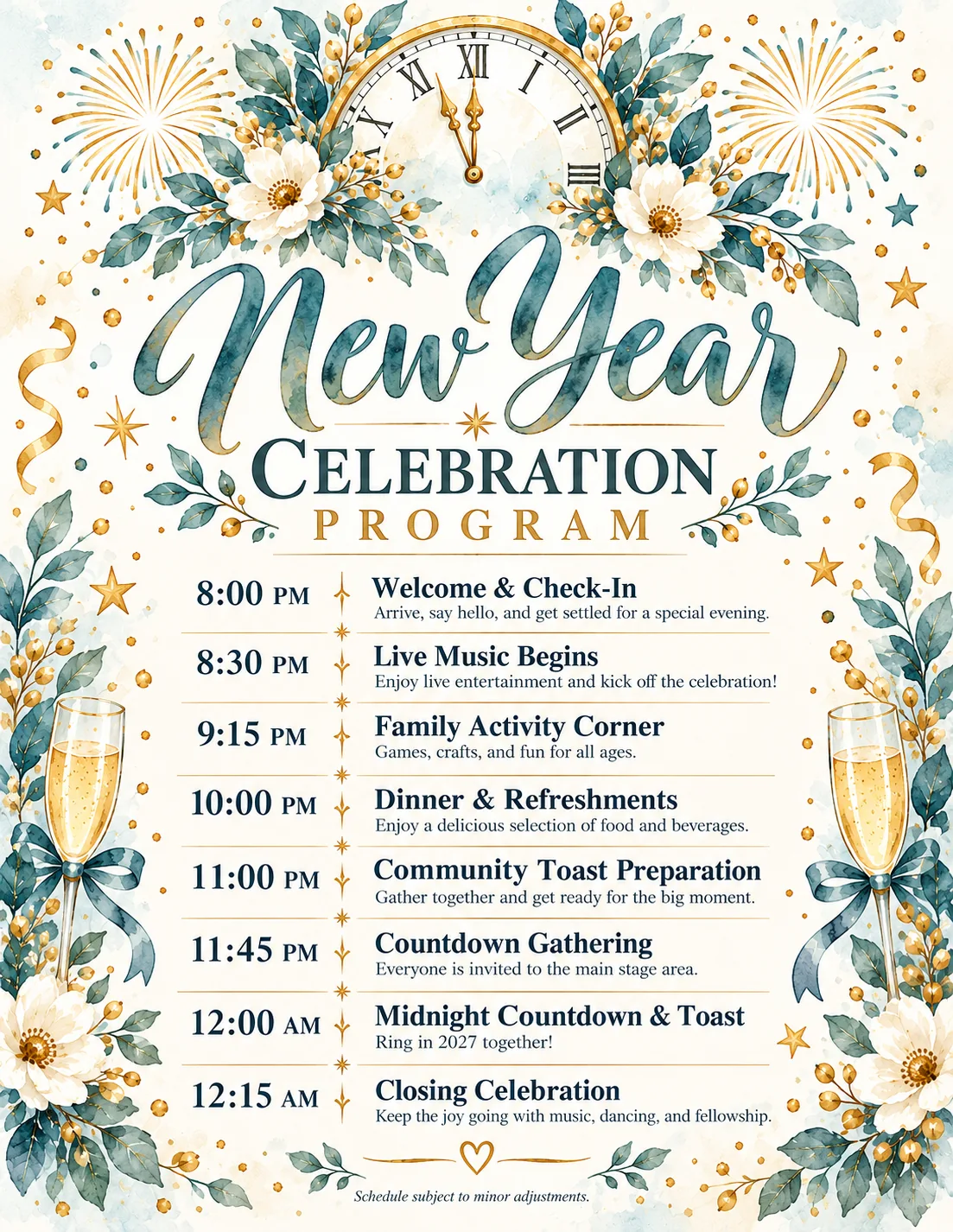
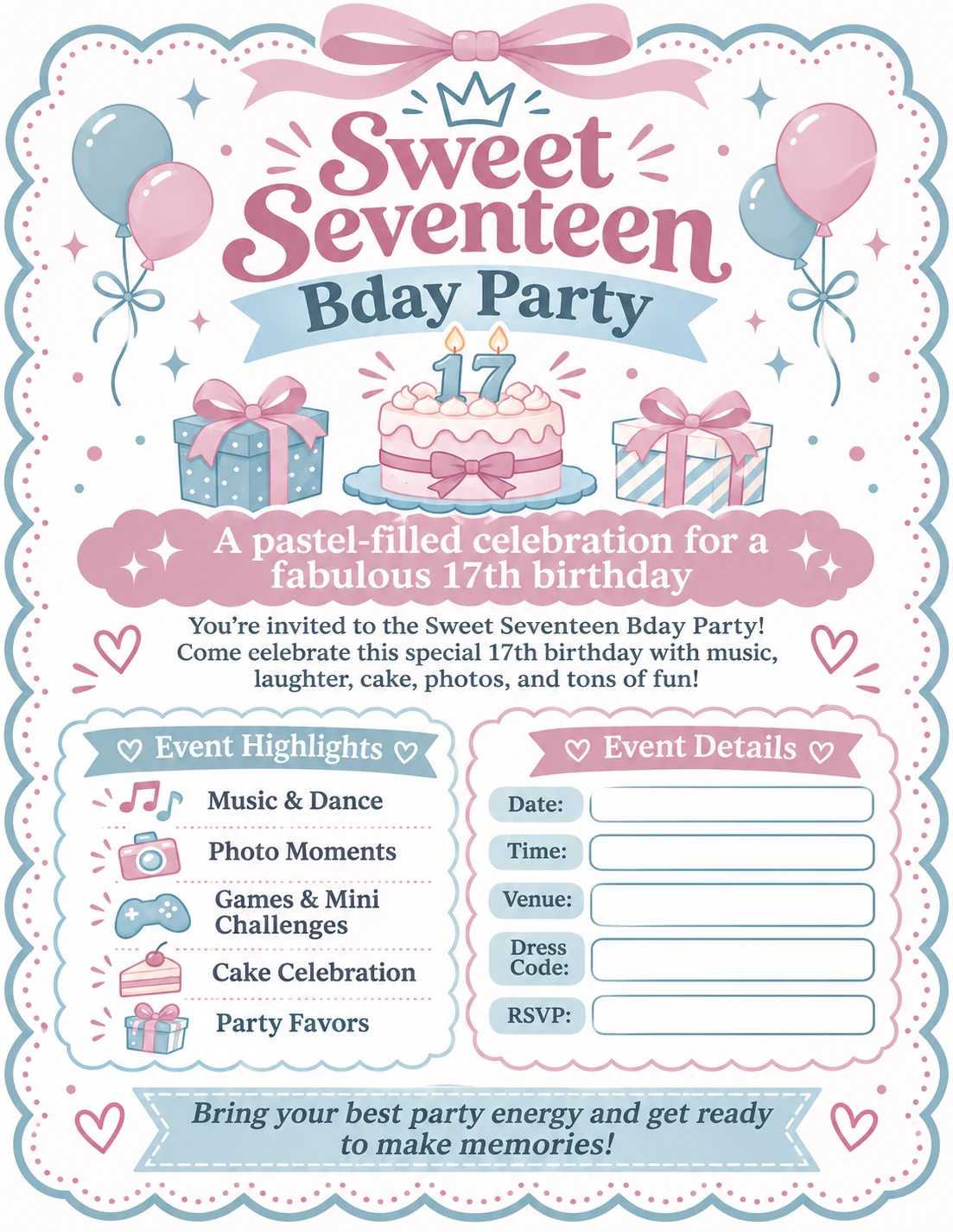
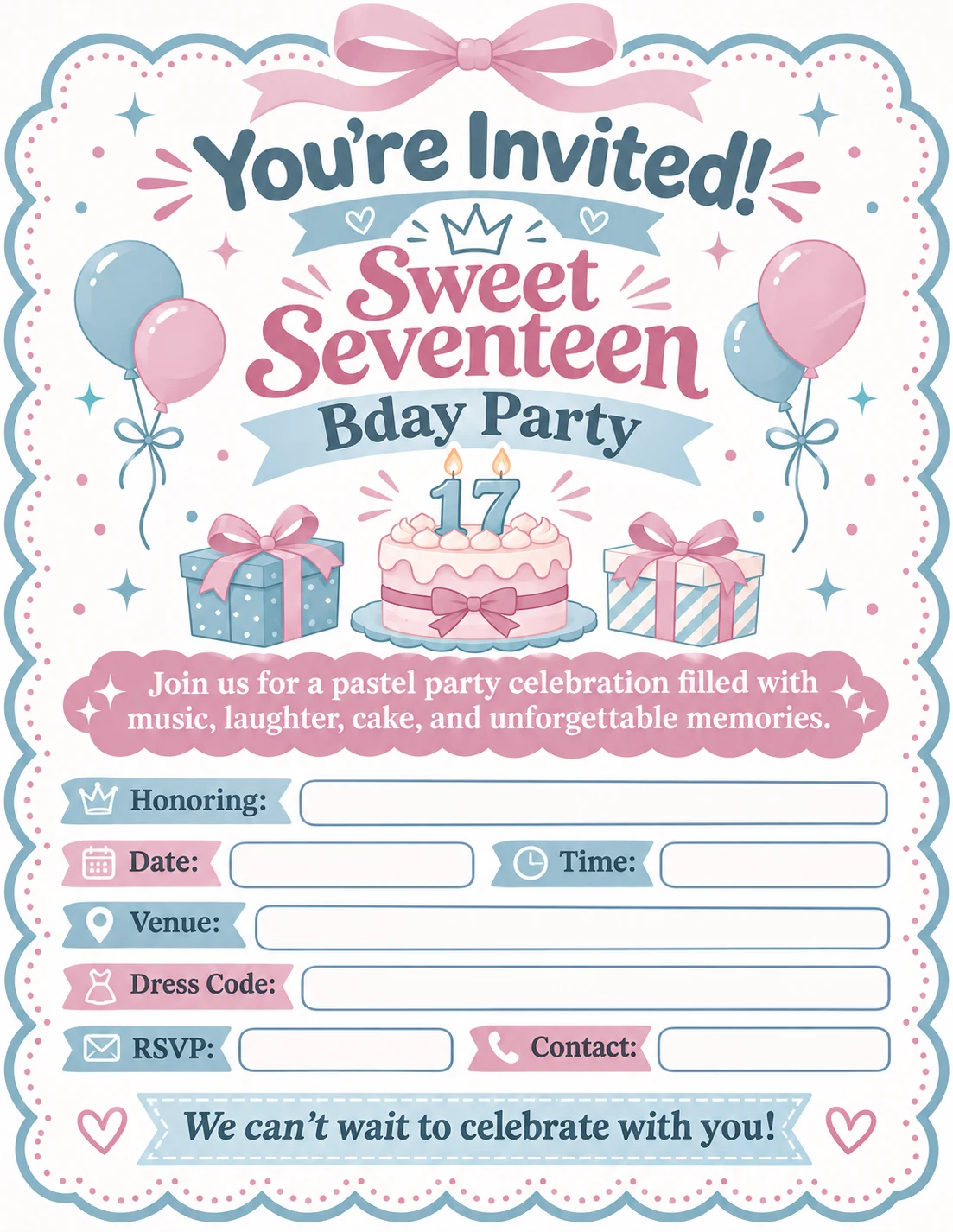
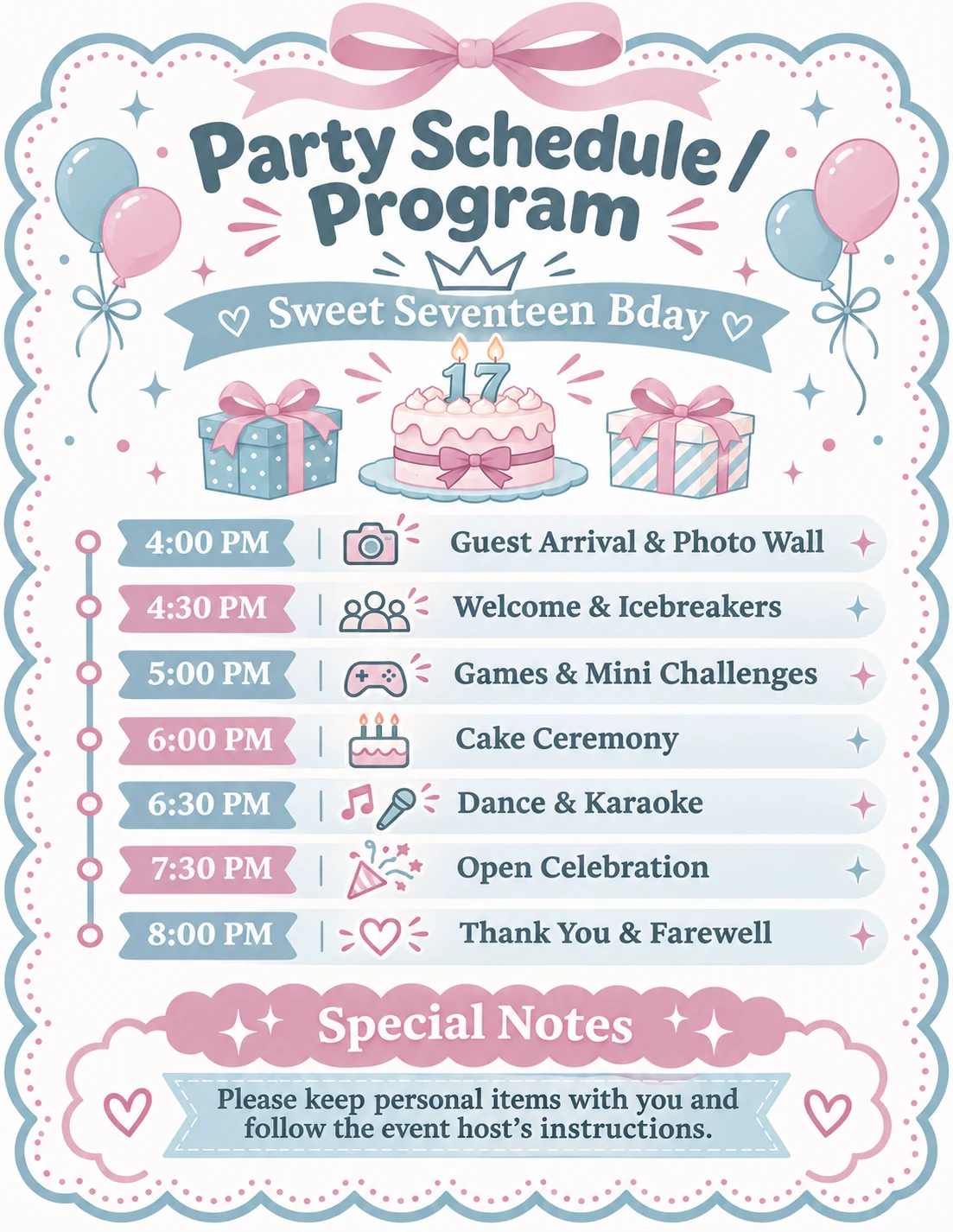
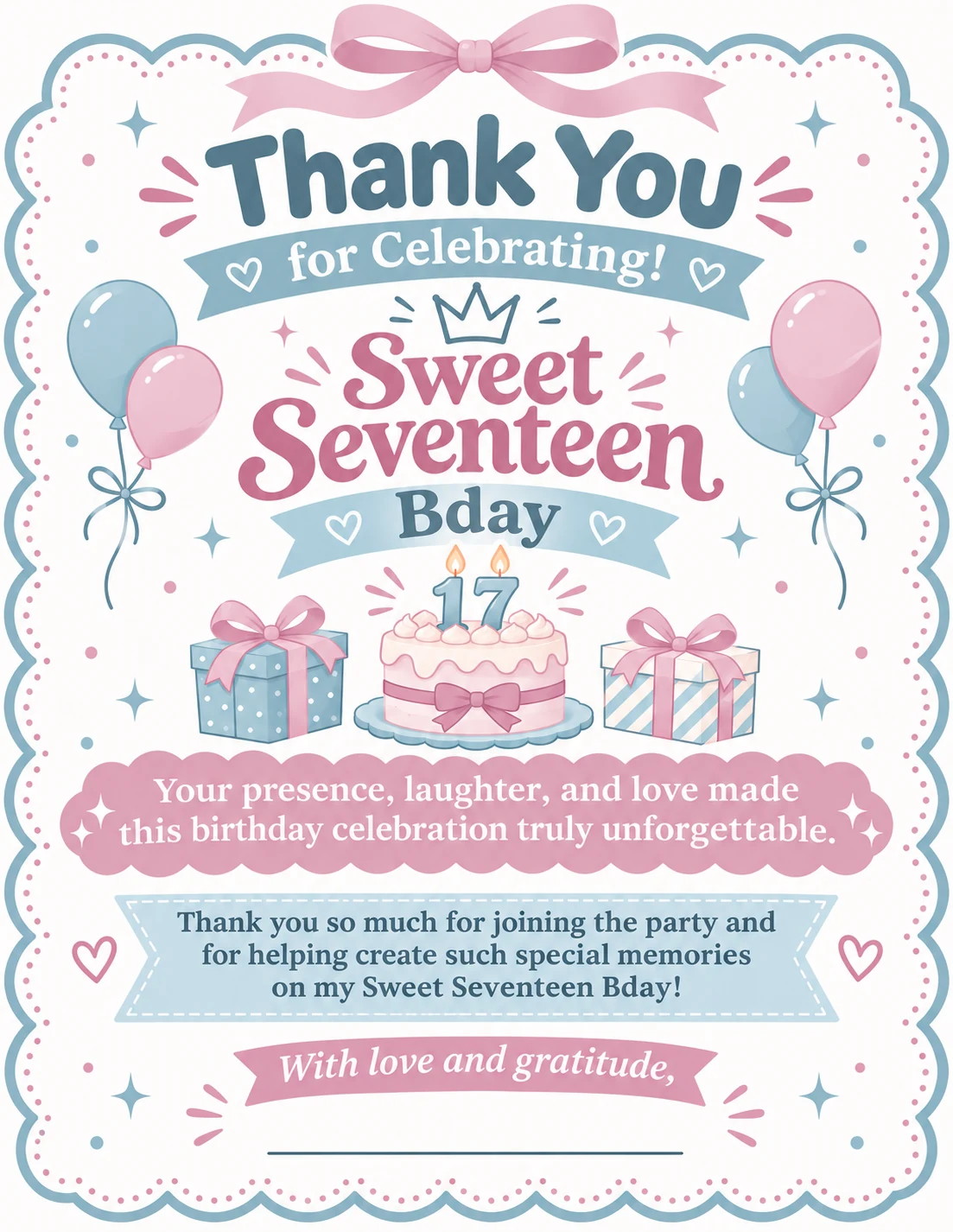
ONE IDEA → A COORDINATED PRINTABLE KITMake the invitation, signage, program, labels and finishing touches feel like one collection.Explore the complete workspace
For Printable Sellers, Designers & Event Creators

Turn One Celebration Idea Into a Beautiful, Coordinated Printable Kit.

Stop starting from a blank canvas for every invitation, welcome sign, schedule or party label. Plan the whole collection in one guided workspace, create production prompts, and package your finished artwork as a PDF.

YES — I WANT A SIMPLER WAY TO CREATE
The Factory builds your plan and prompts. Your chosen AI image tool creates the artwork. Review, refine and export the final files.

Whether you’re building a printable bundle for your shop or coordinating an event for your community, the goal is the same: fewer scattered decisions, one more finished collection.
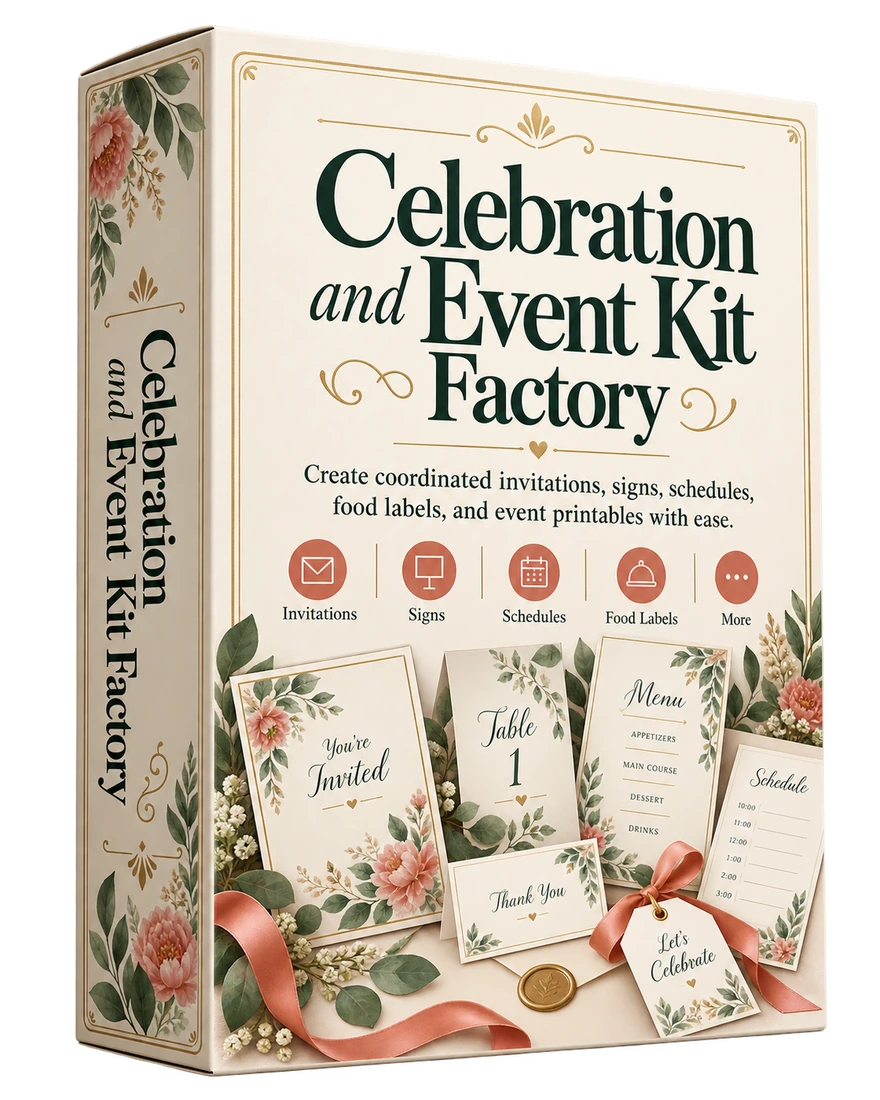
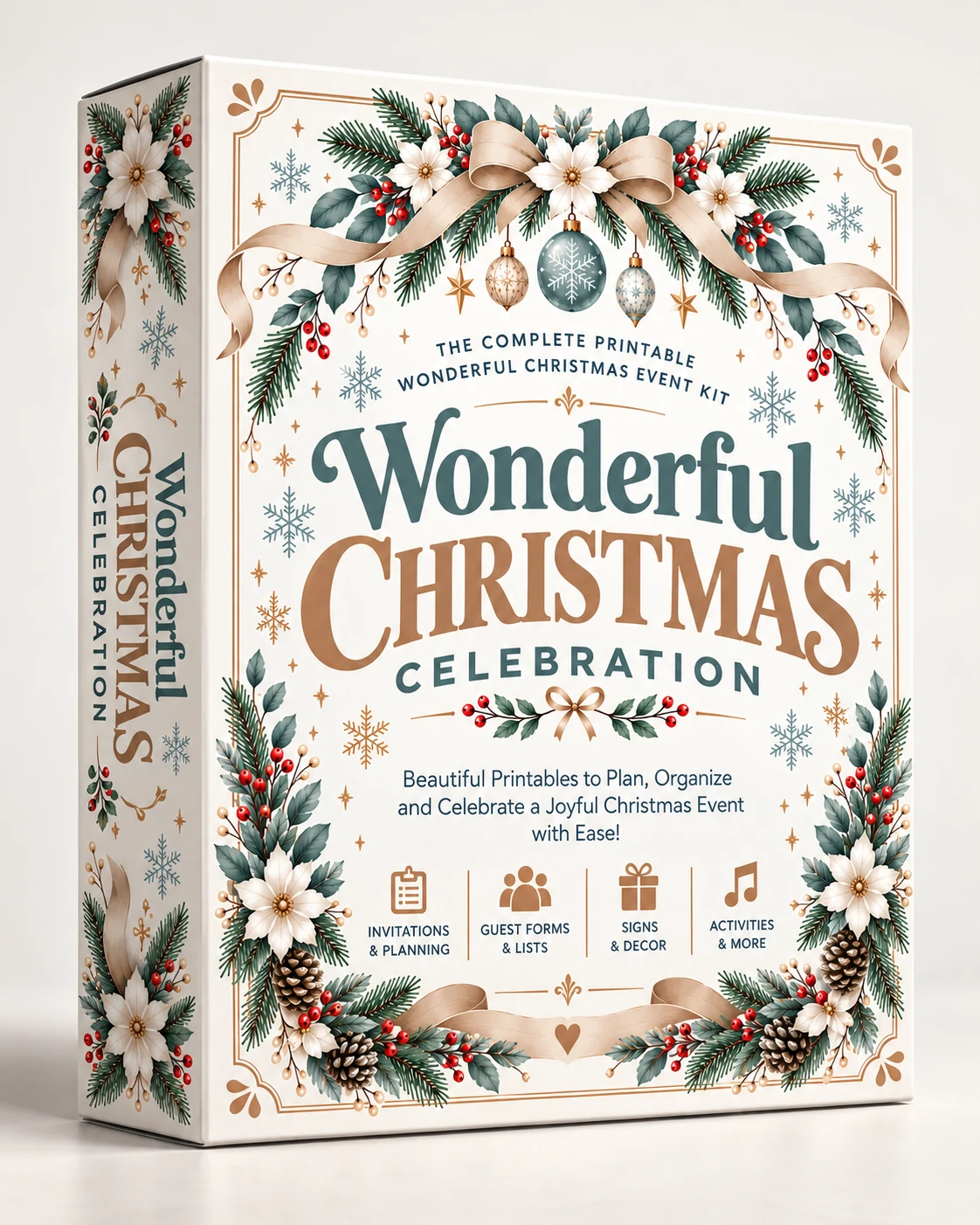
Celebration and Event Kit Factory product box
25Occasions
23Audience choices
20Printable asset types
15Visual styles
10Mockup formats
PDFFile combining
Watch the Demo

See the Possibilities. Then Watch the Event Kit Factory in Action.

First, think about the opportunity: birthdays, weddings, graduations and seasonal events often call for more than a single invitation. Then watch how Celebration & Event Kit Factory turns an occasion into a coordinated printable plan, guides your style choices, builds prompts for use in ChatGPT or another compatible image generator, and helps you organize finished files for presentation or delivery.

Inside the Factory: From Idea to Kit

  1. Choose a real occasion. Pick an audience and a focused set of printable assets.
  2. Set one design direction. Choose palette, typography and decorations for consistent results.
  3. Generate production prompts. Copy the master and batch prompts into your preferred AI image tool.
  4. Prepare the delivery. Review generated images, create mockups and combine finished files into a PDF.
Created Using Factory-Guided Prompts

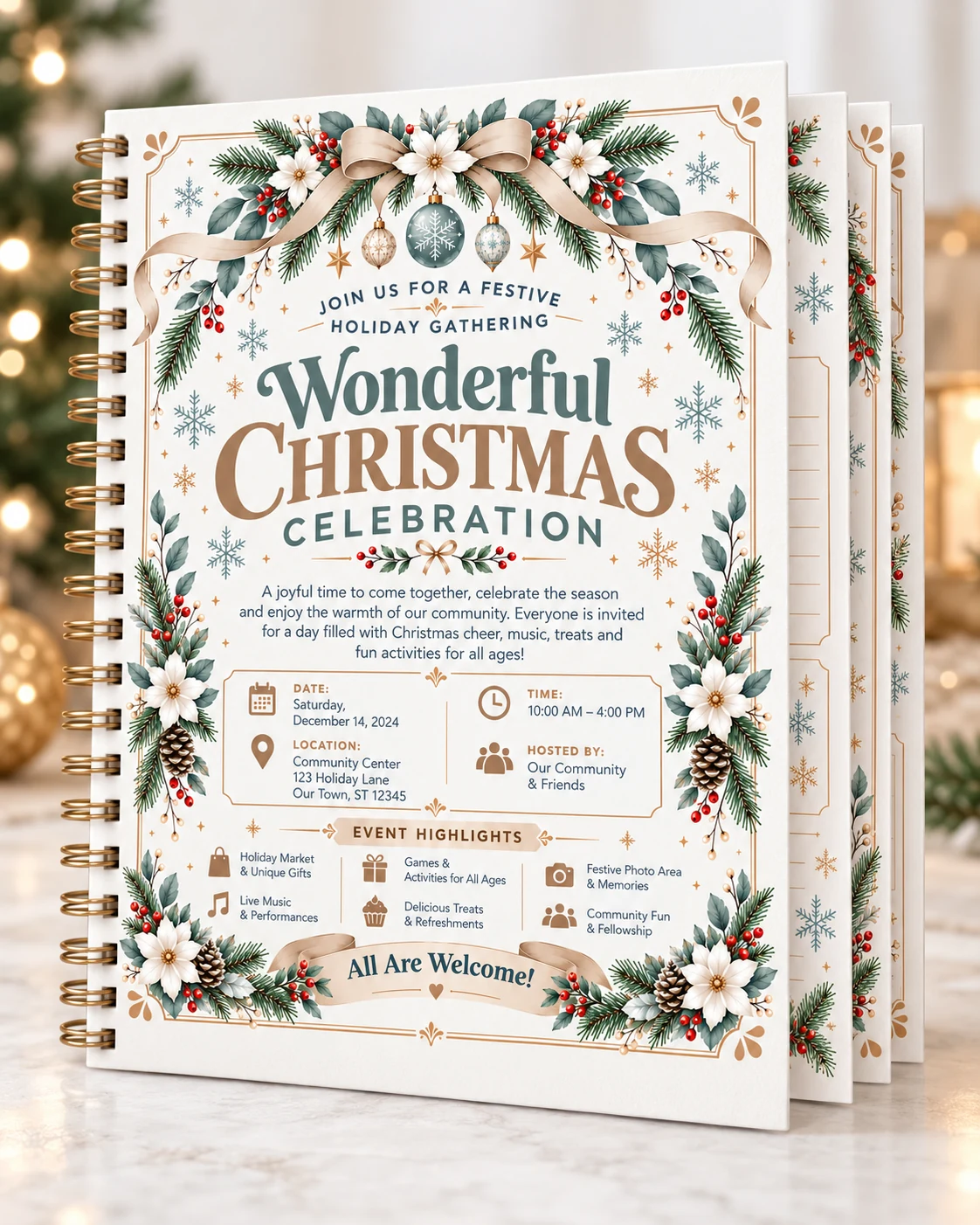
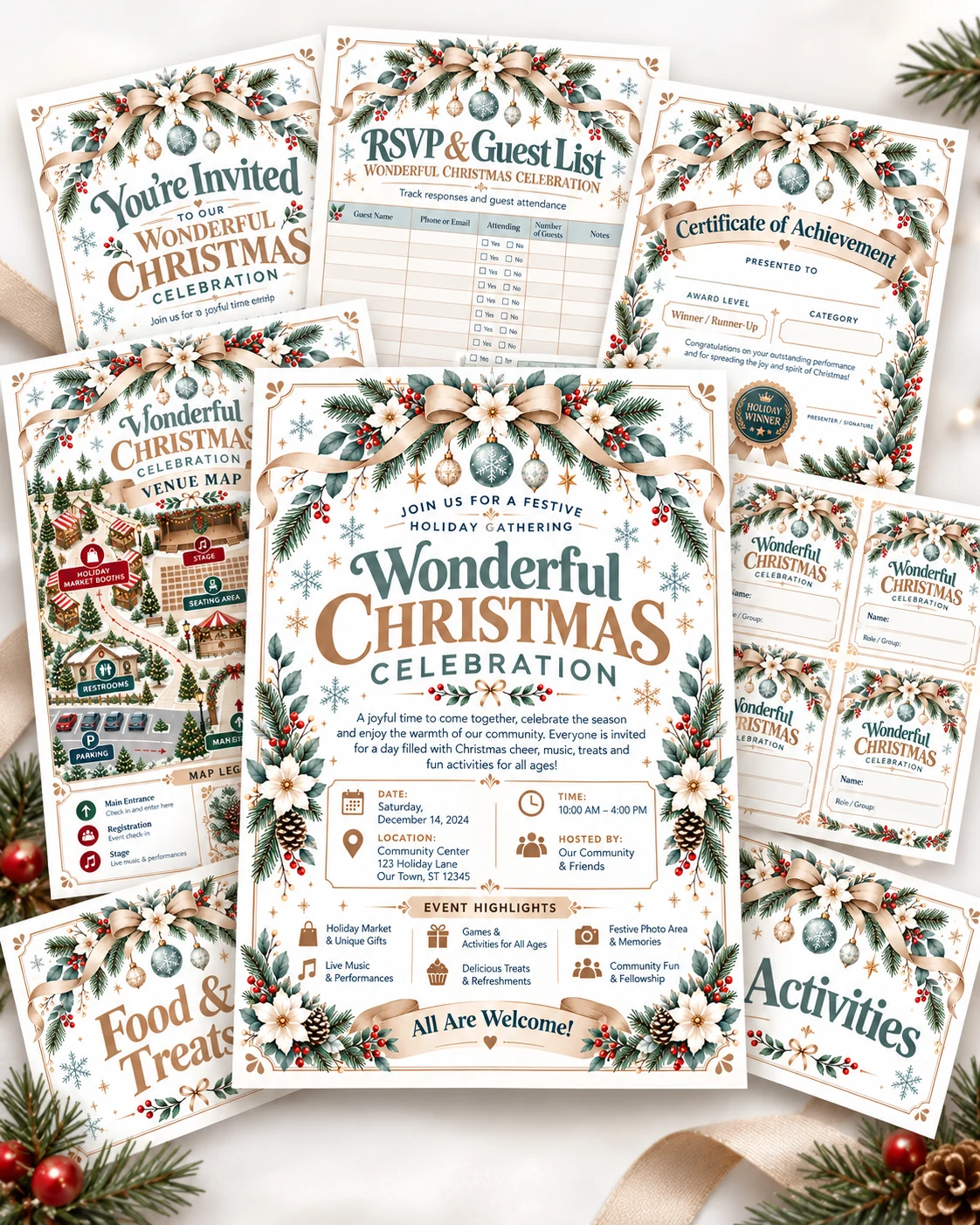
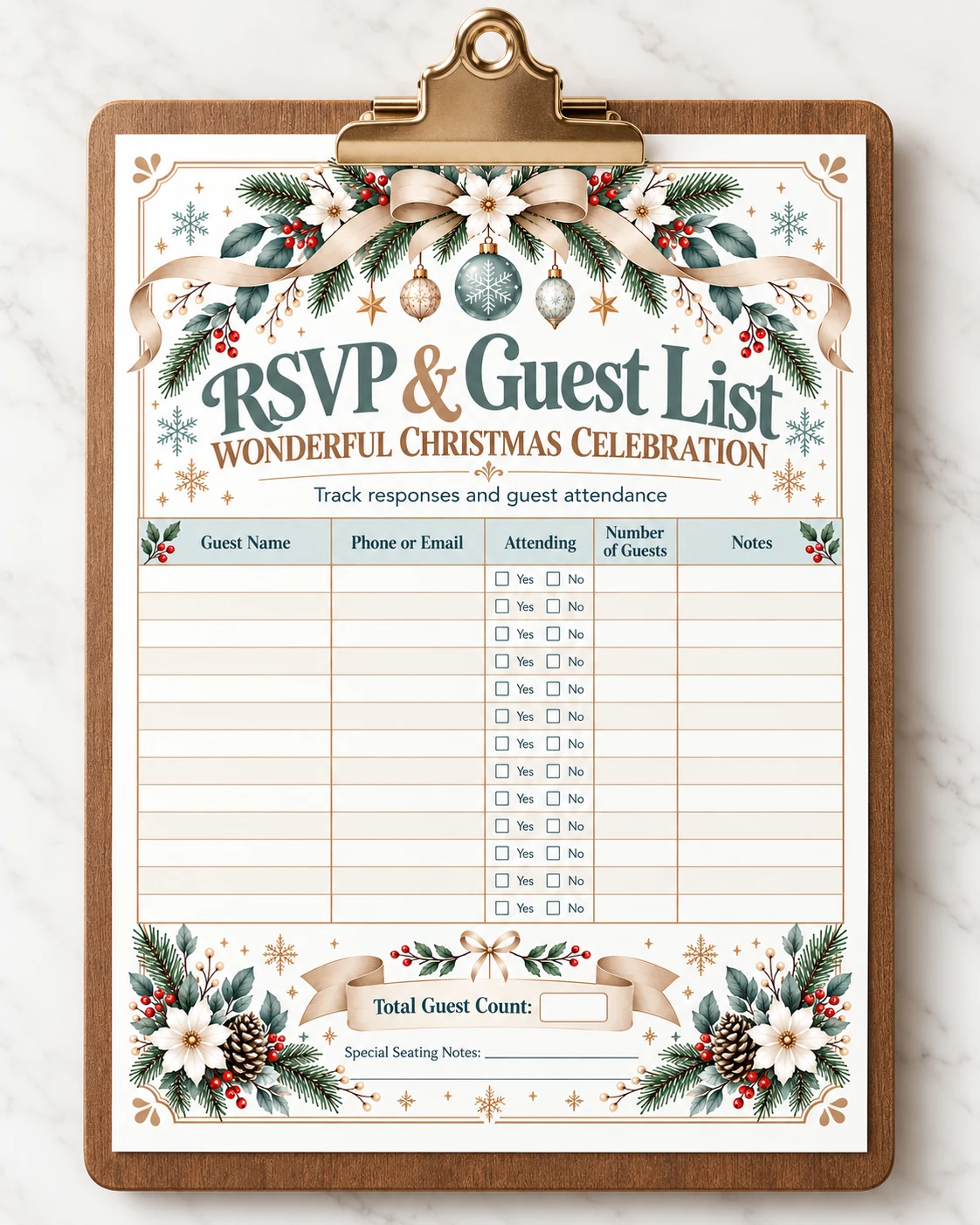
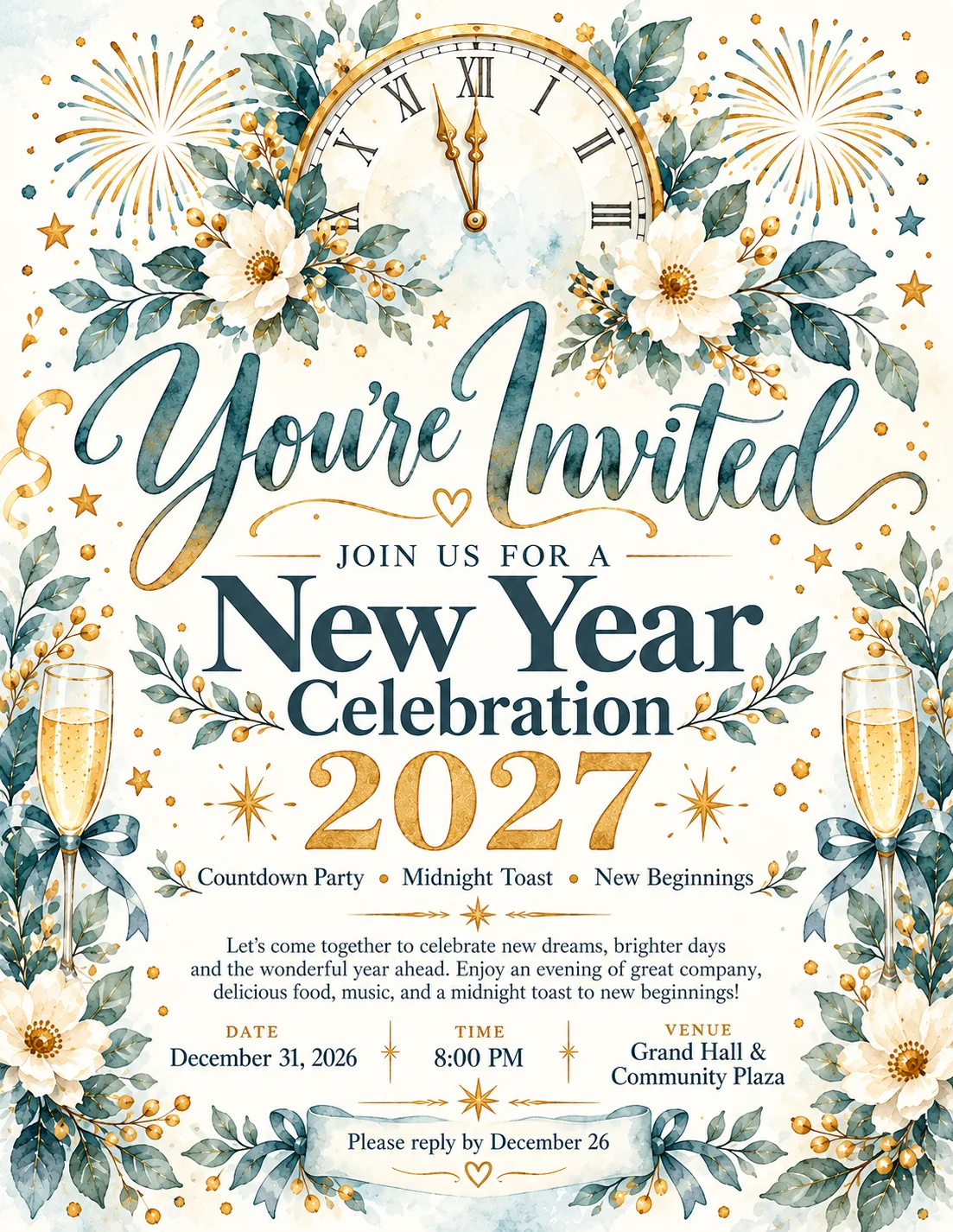
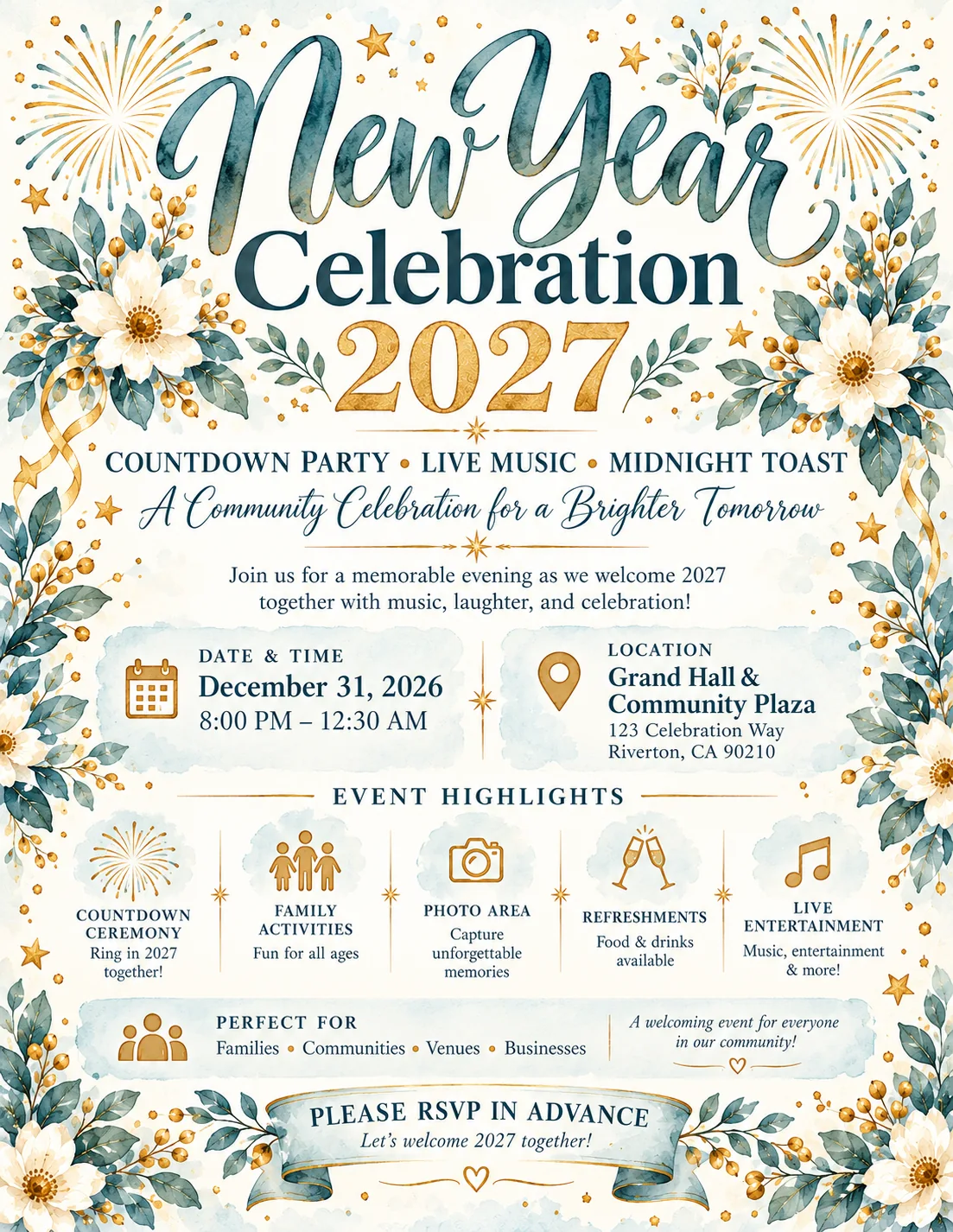
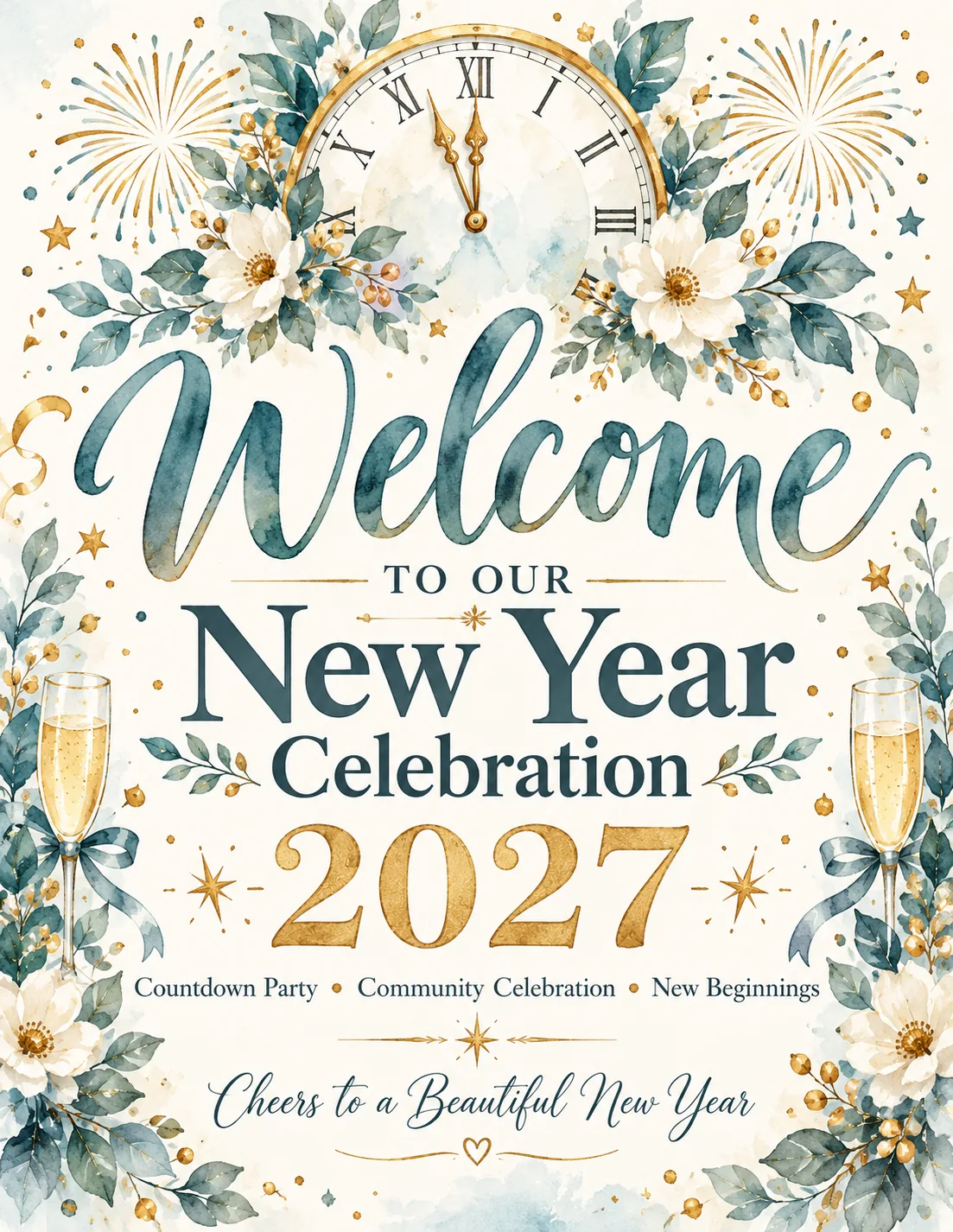
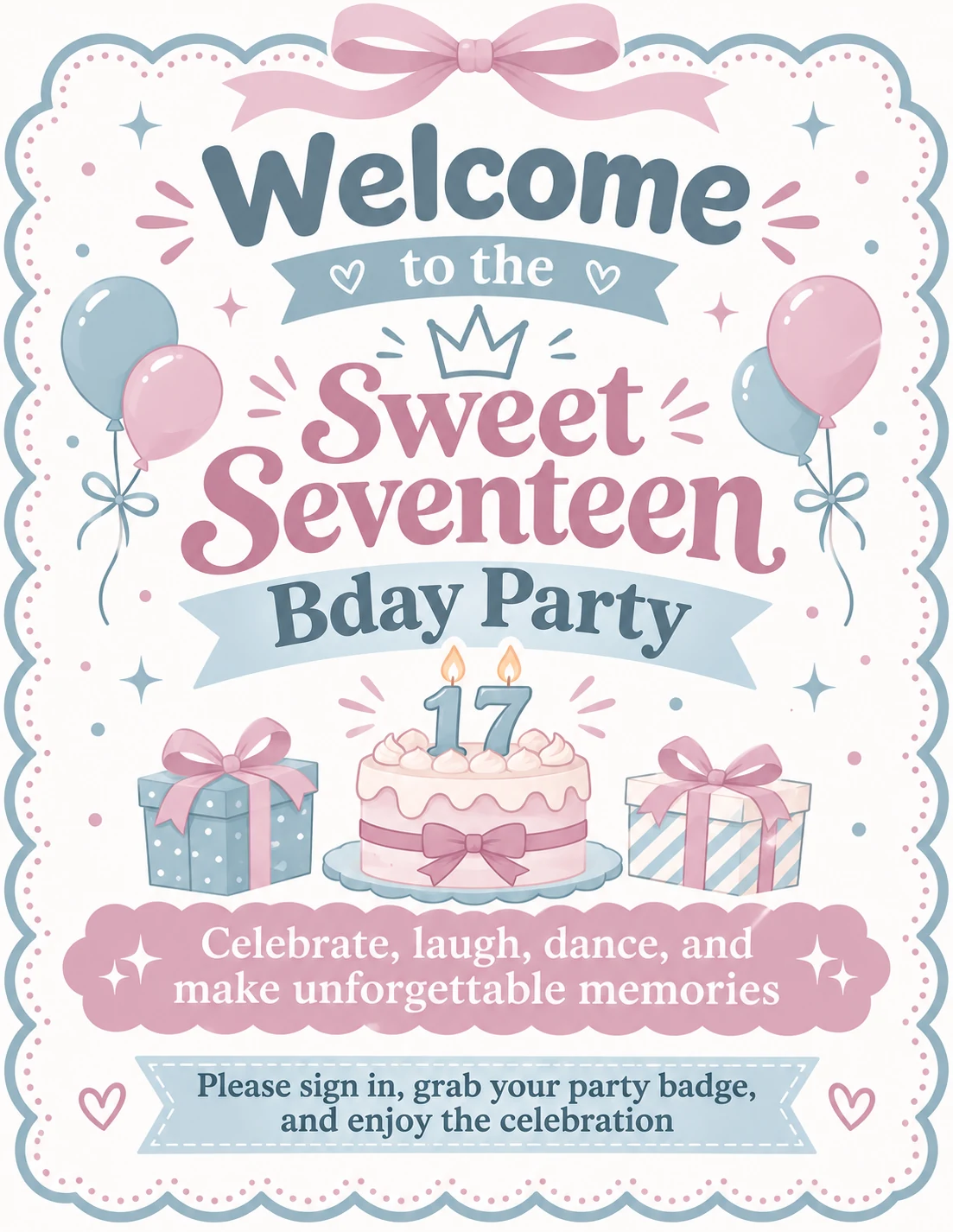
Event Printables Created in ChatGPT With Celebration & Event Kit Factory Prompts.

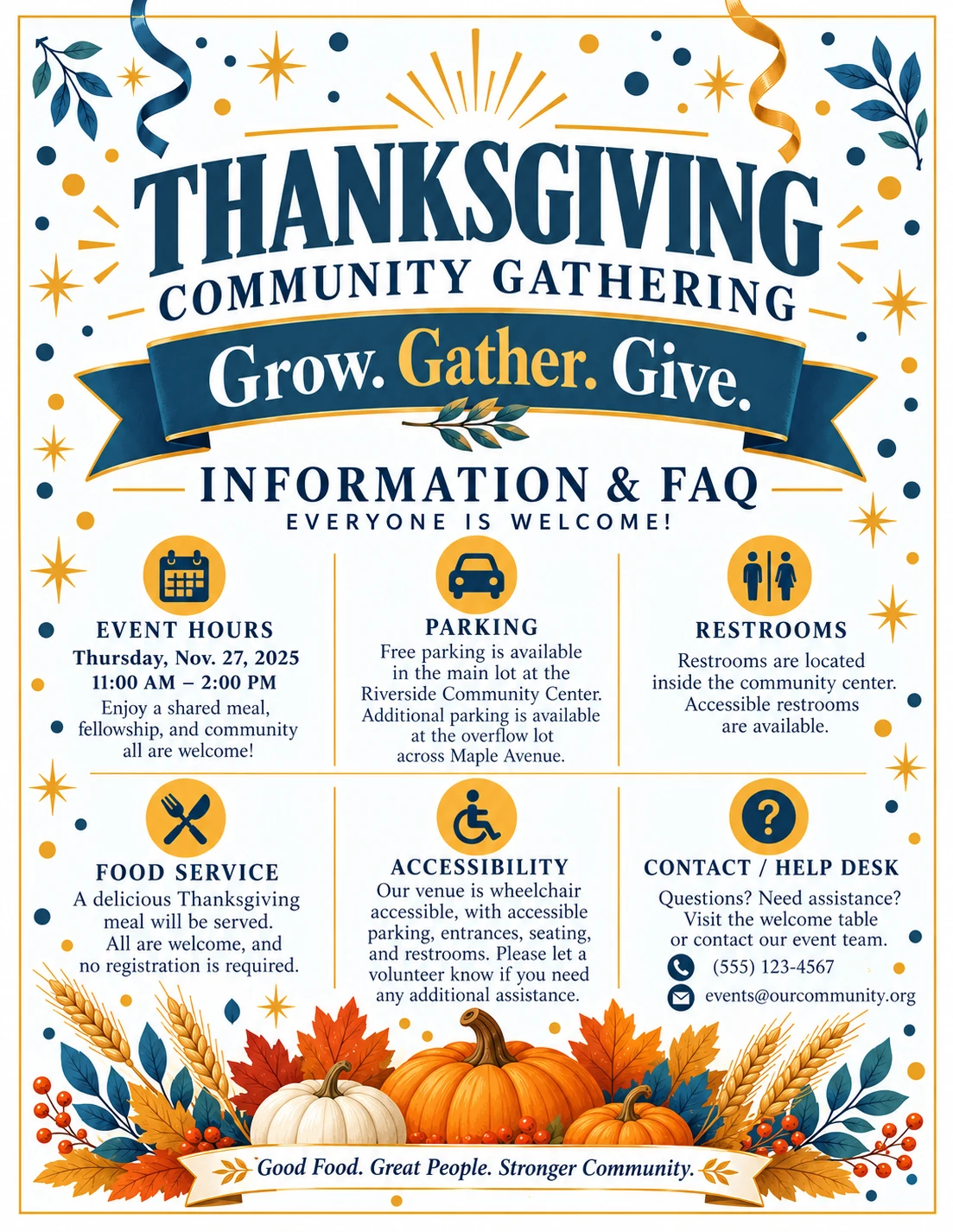
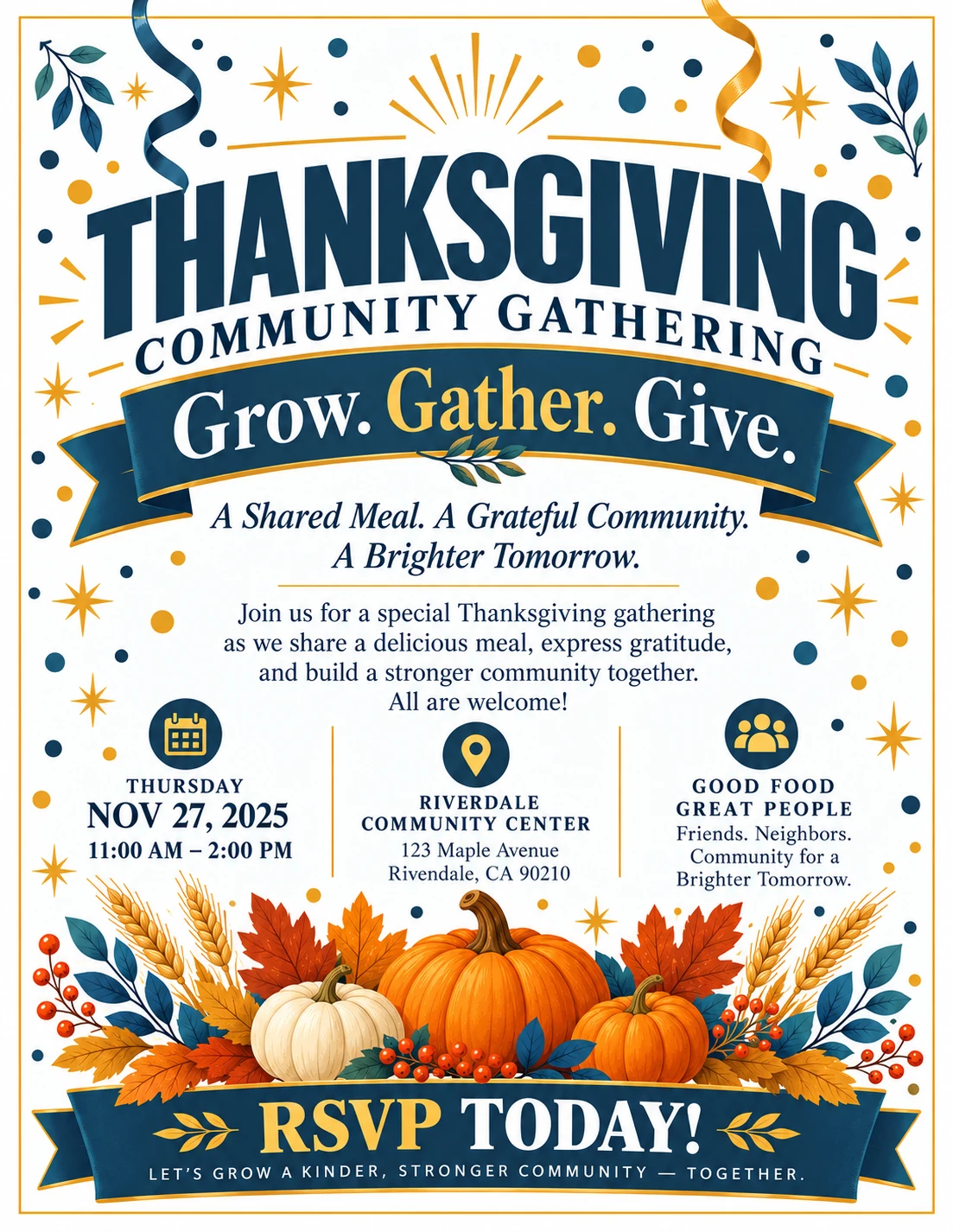
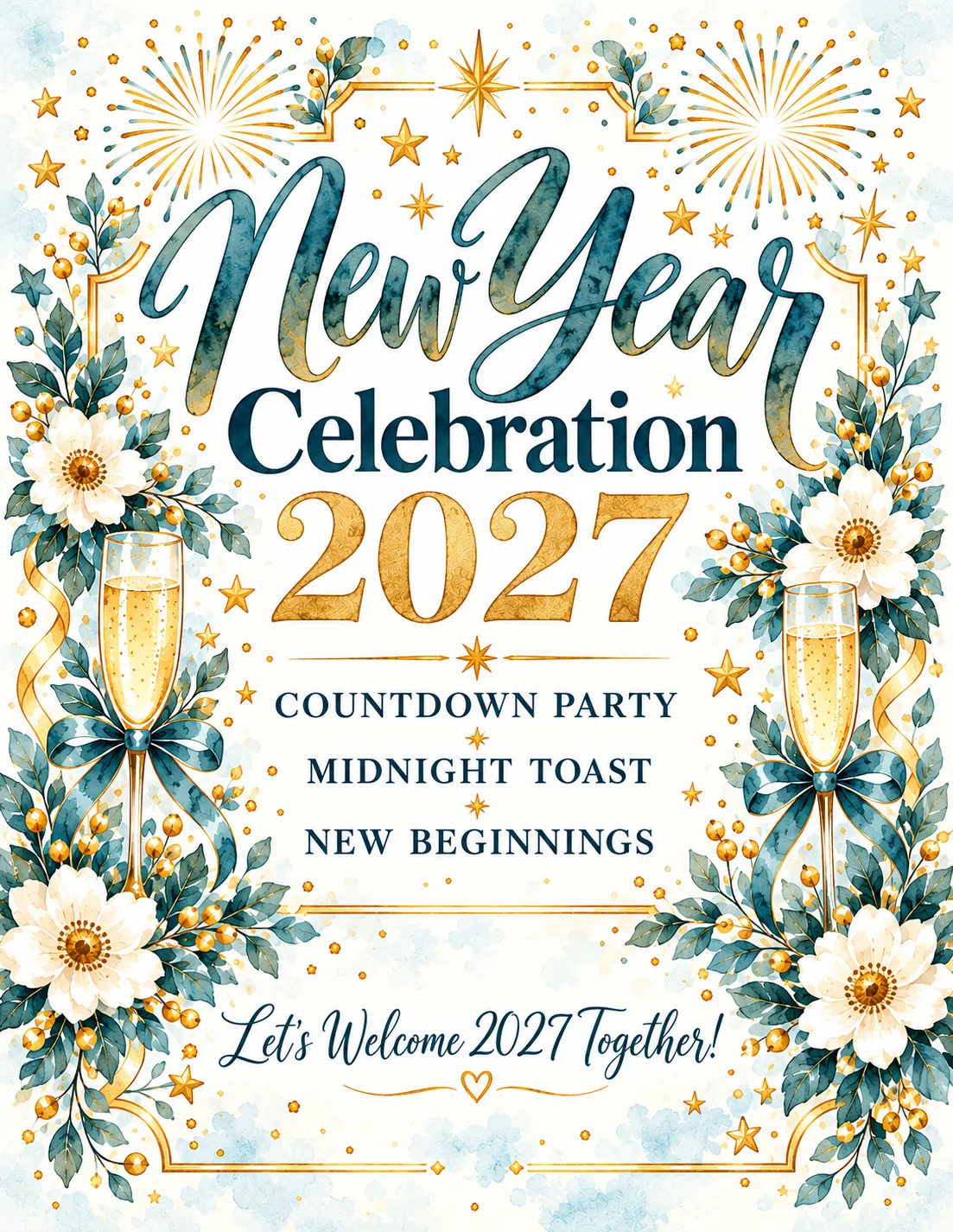
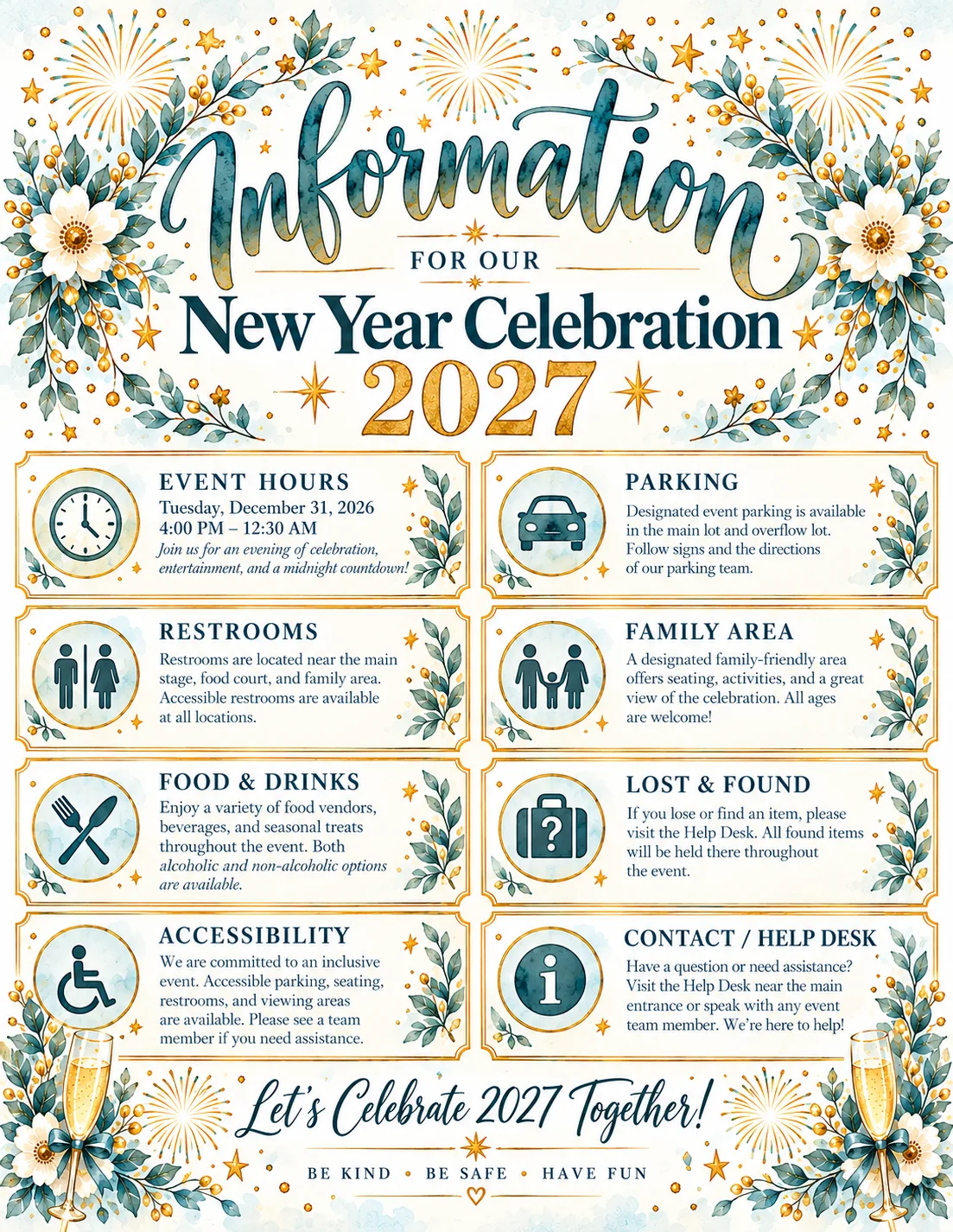
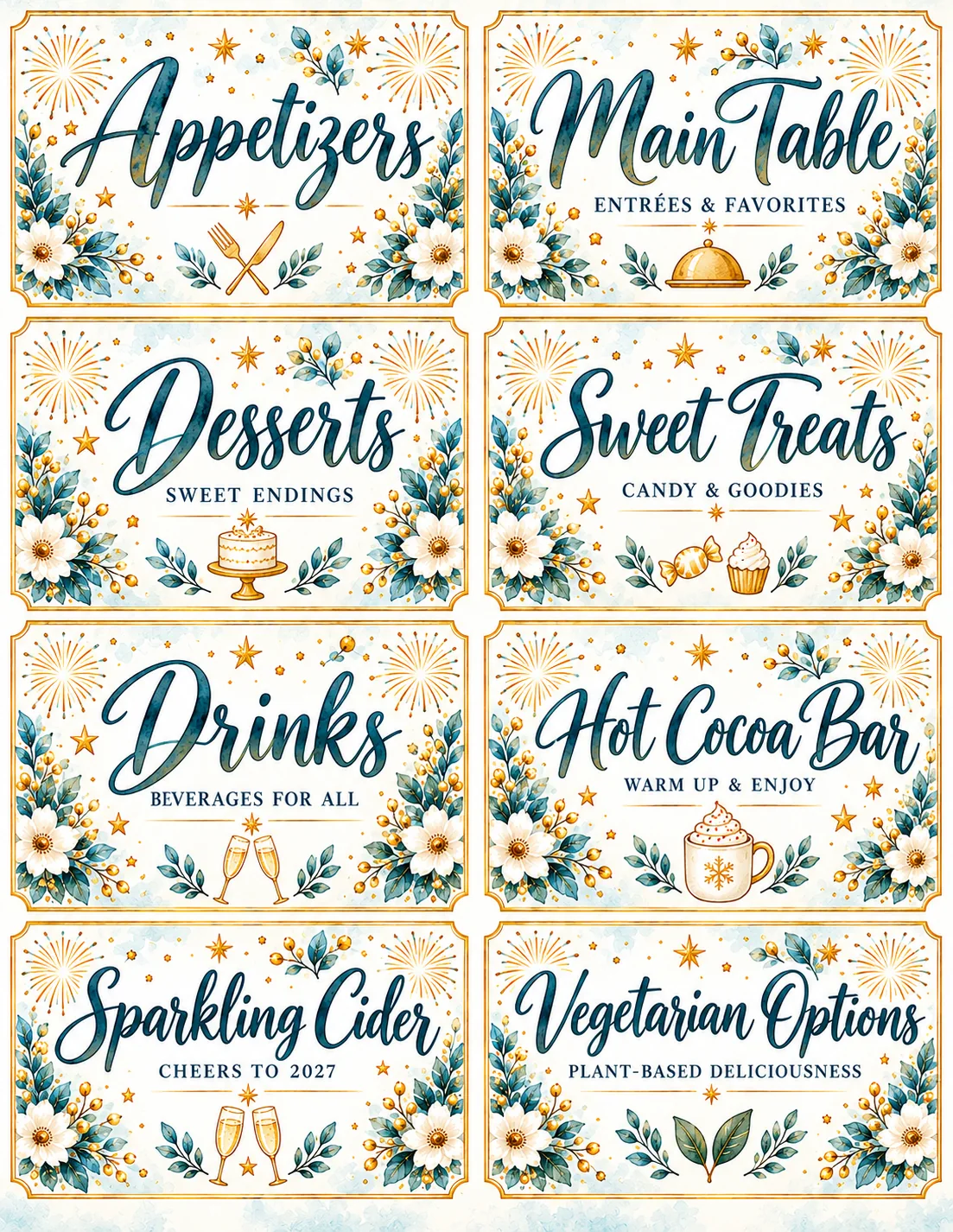
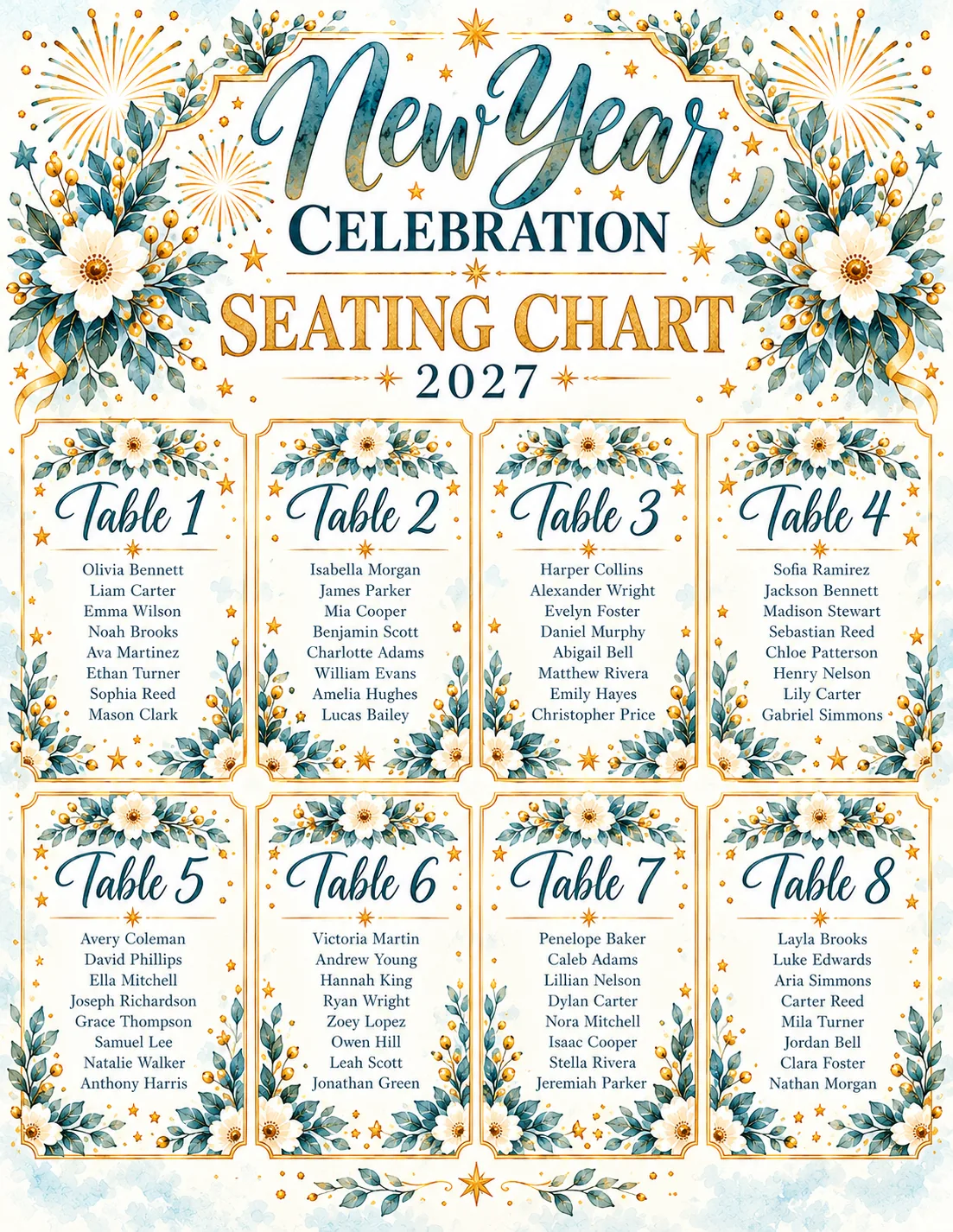
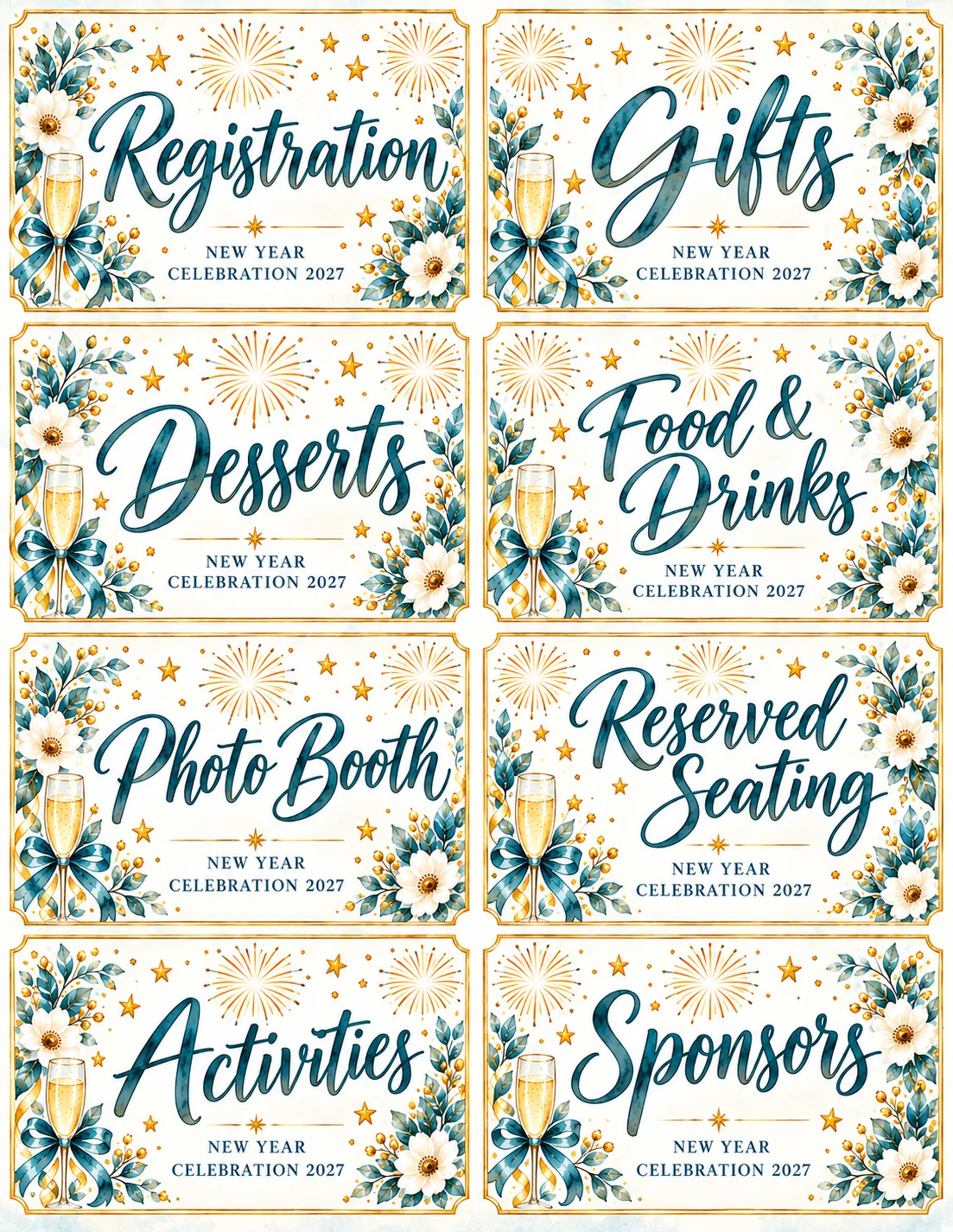
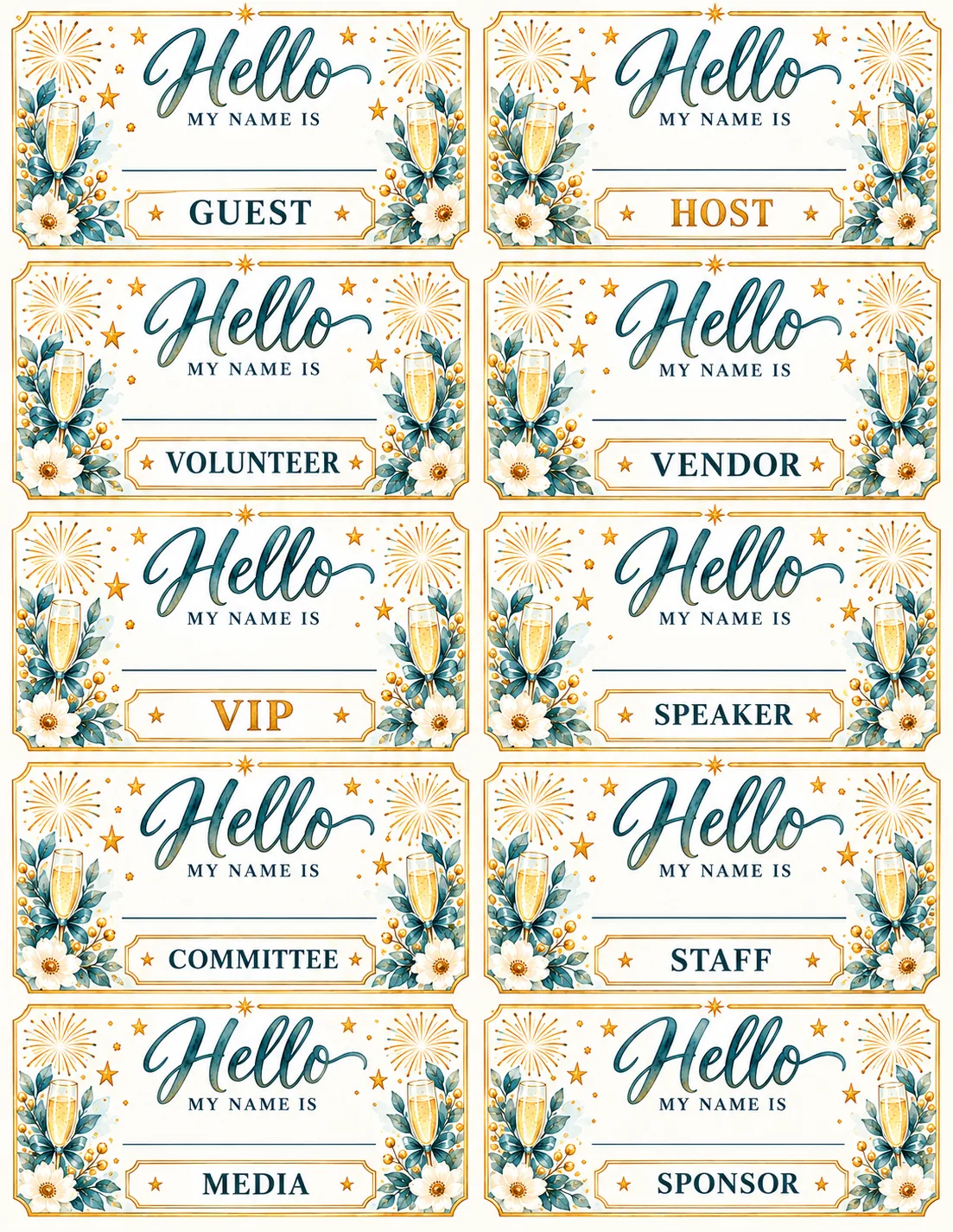
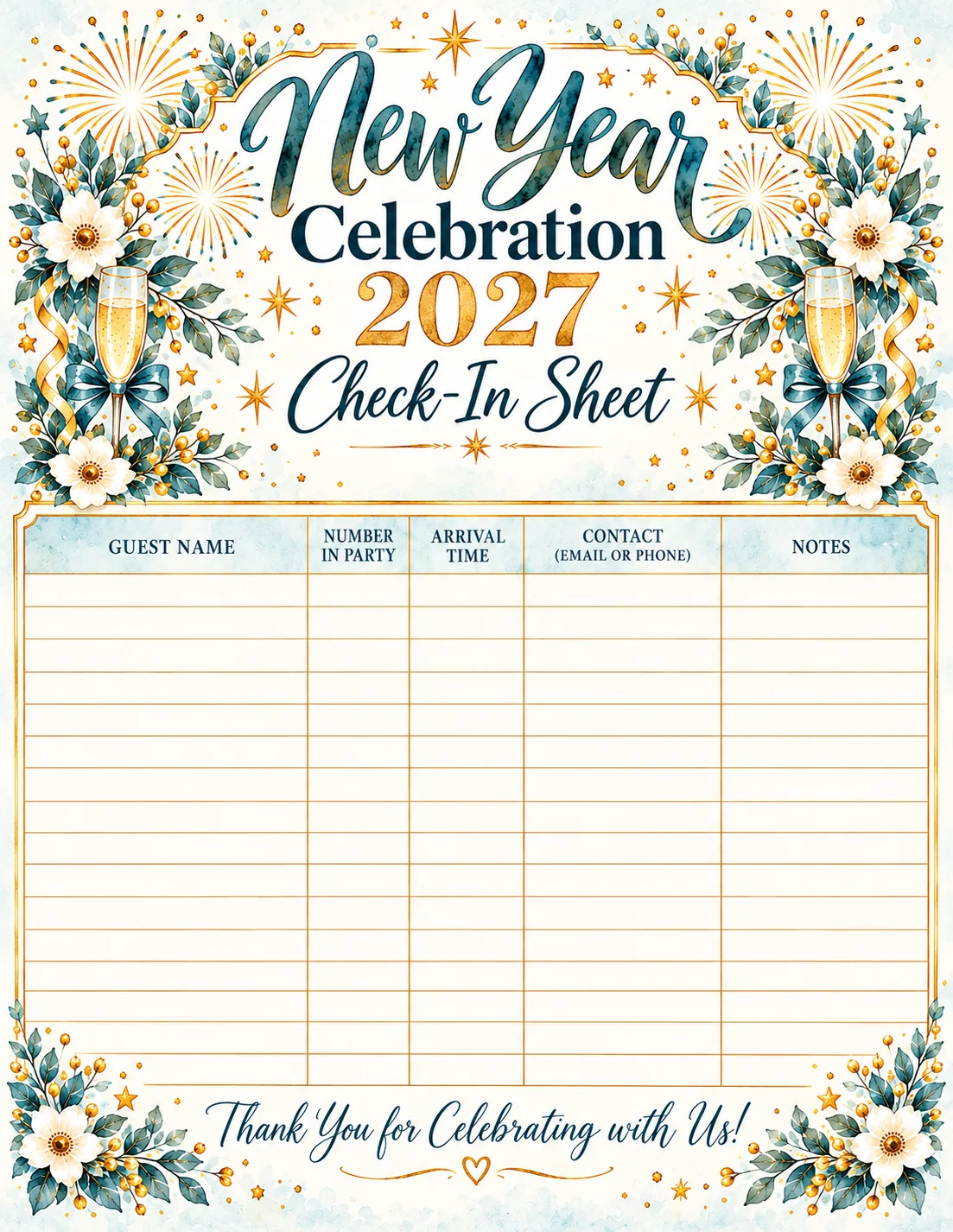
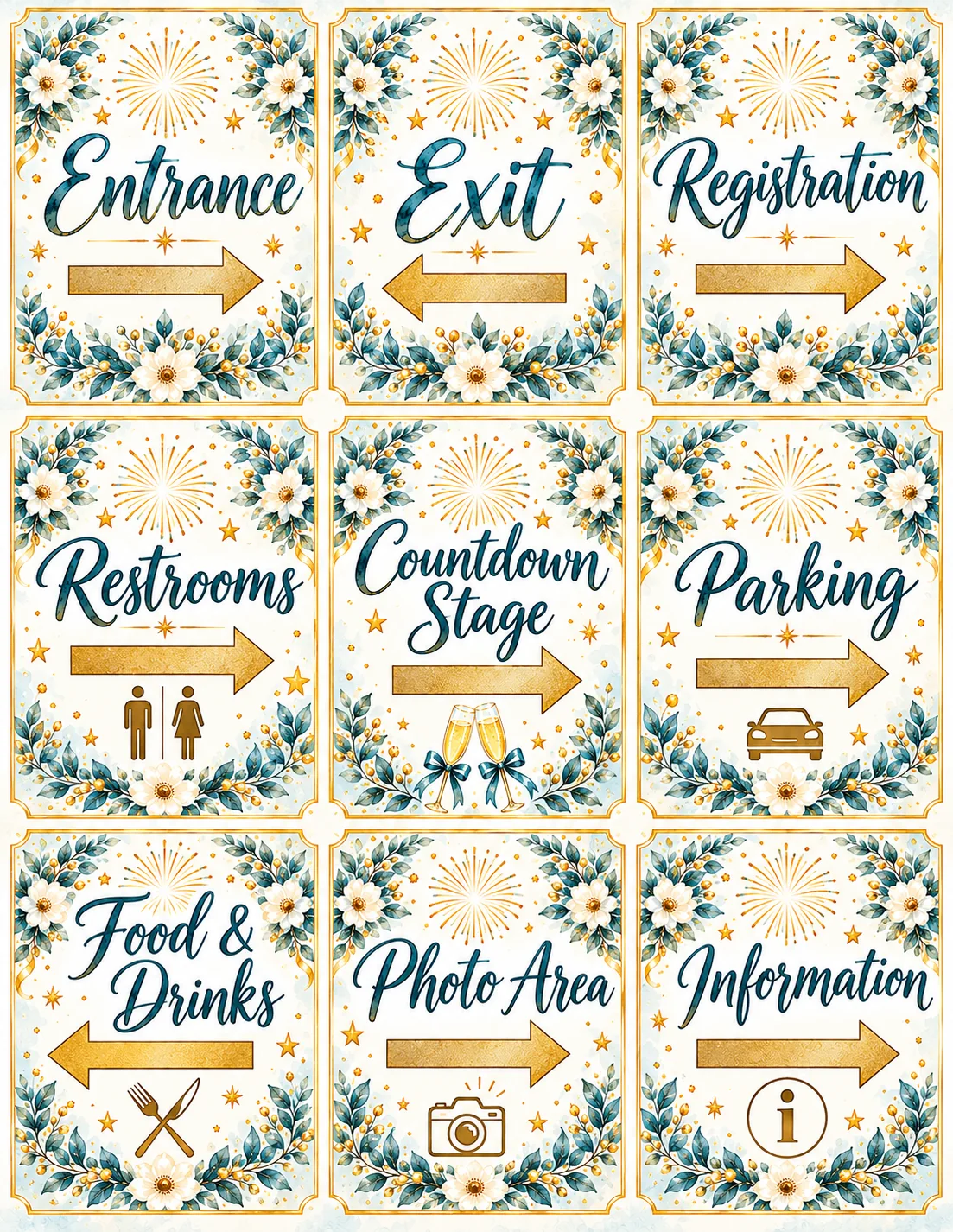
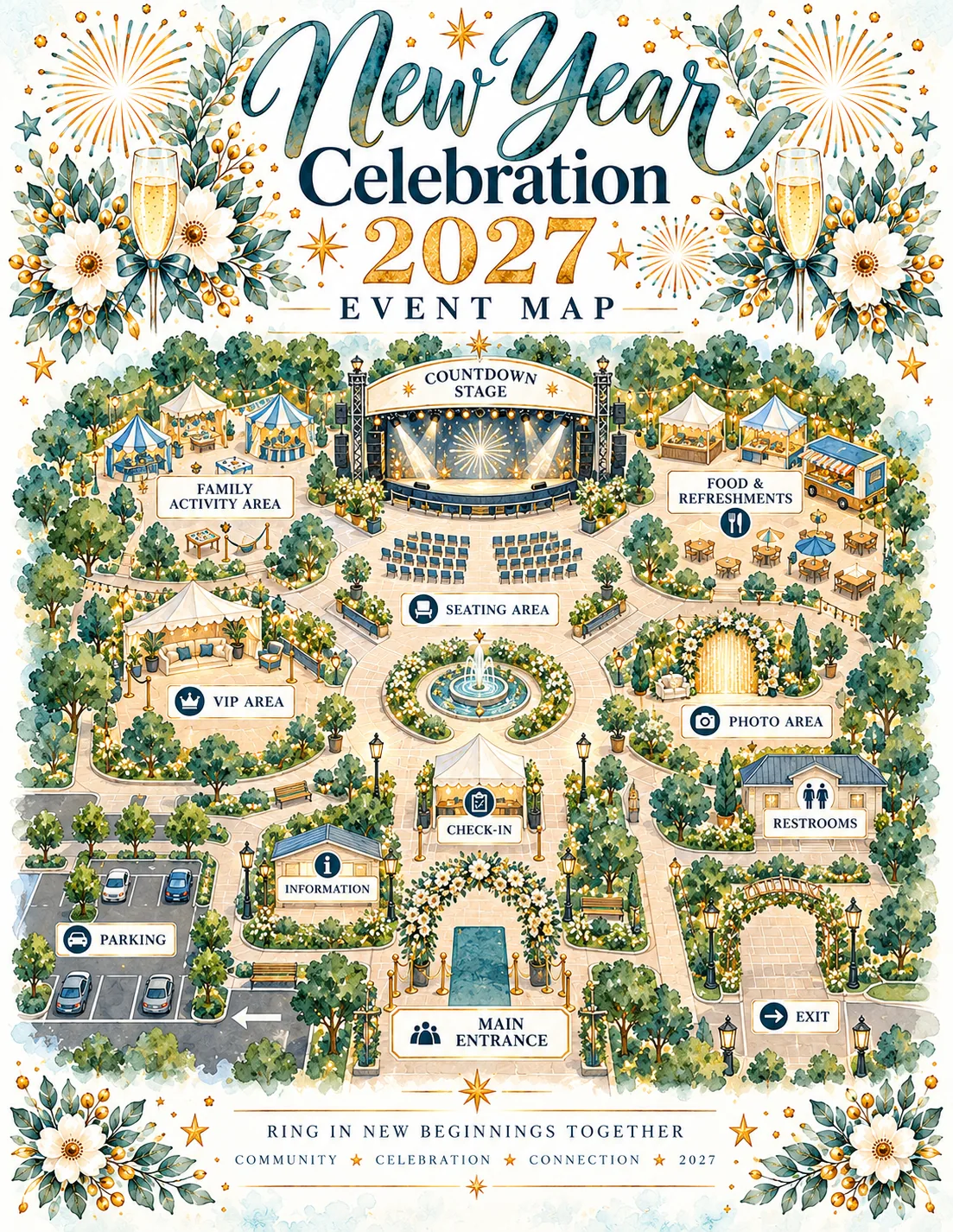
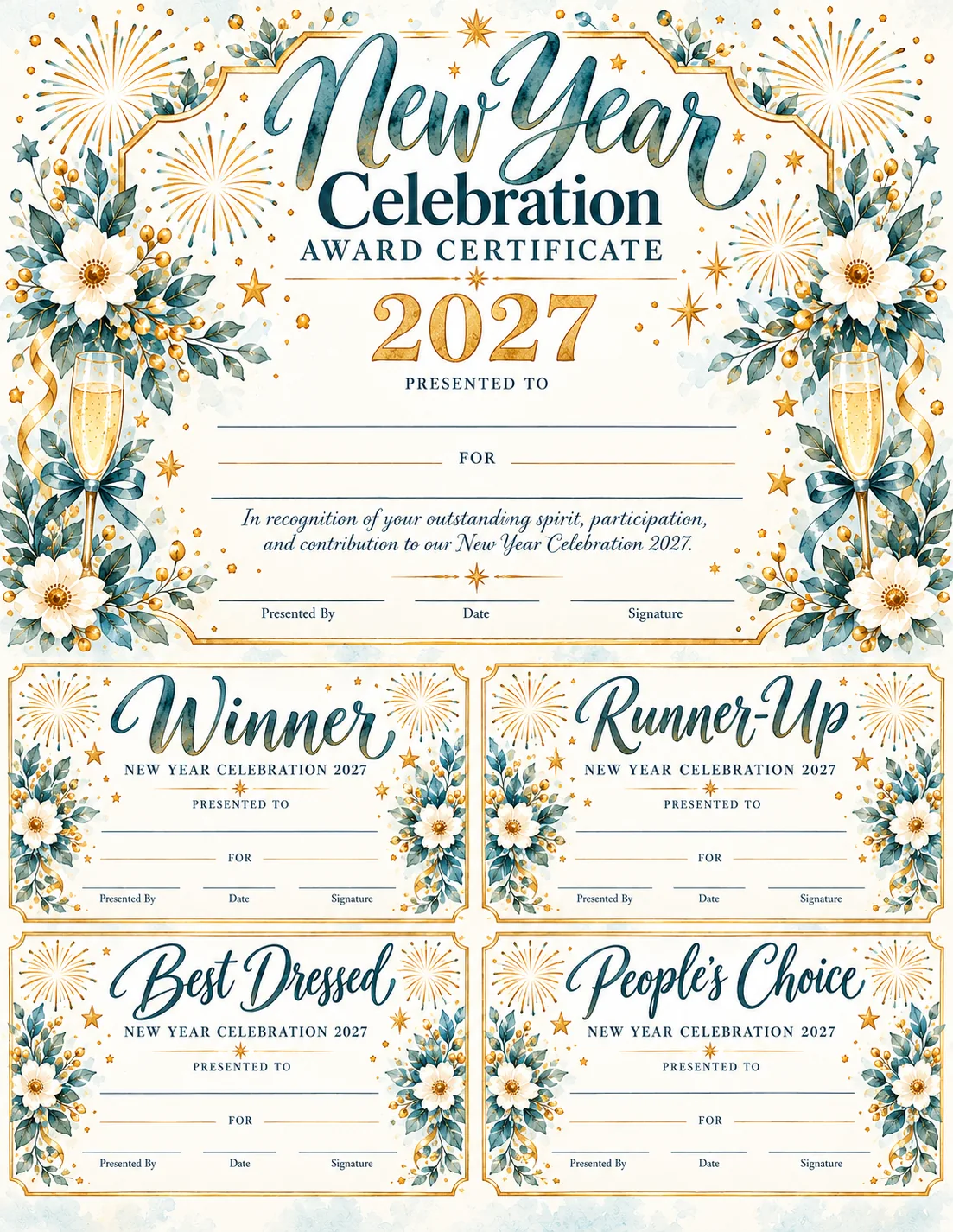
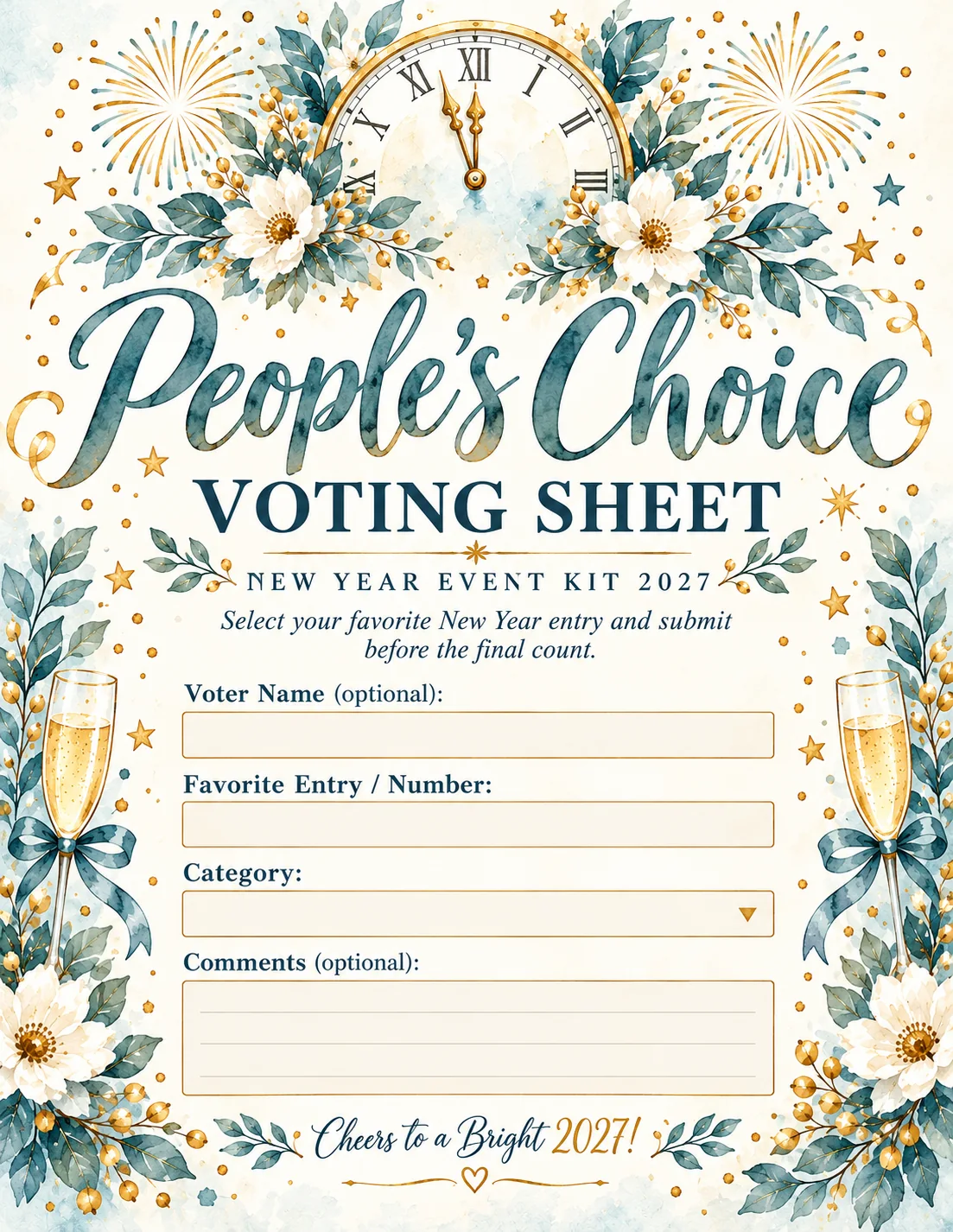
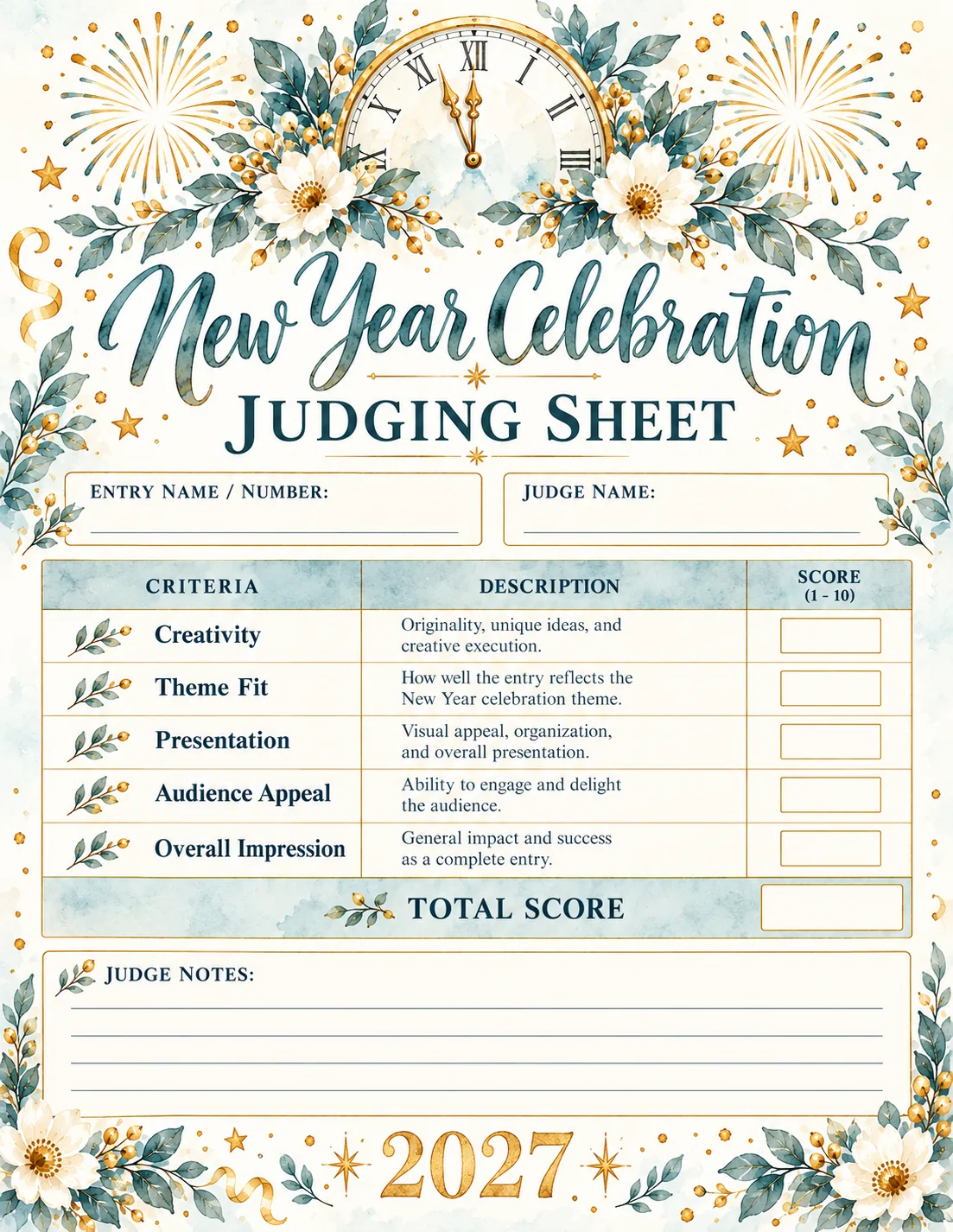
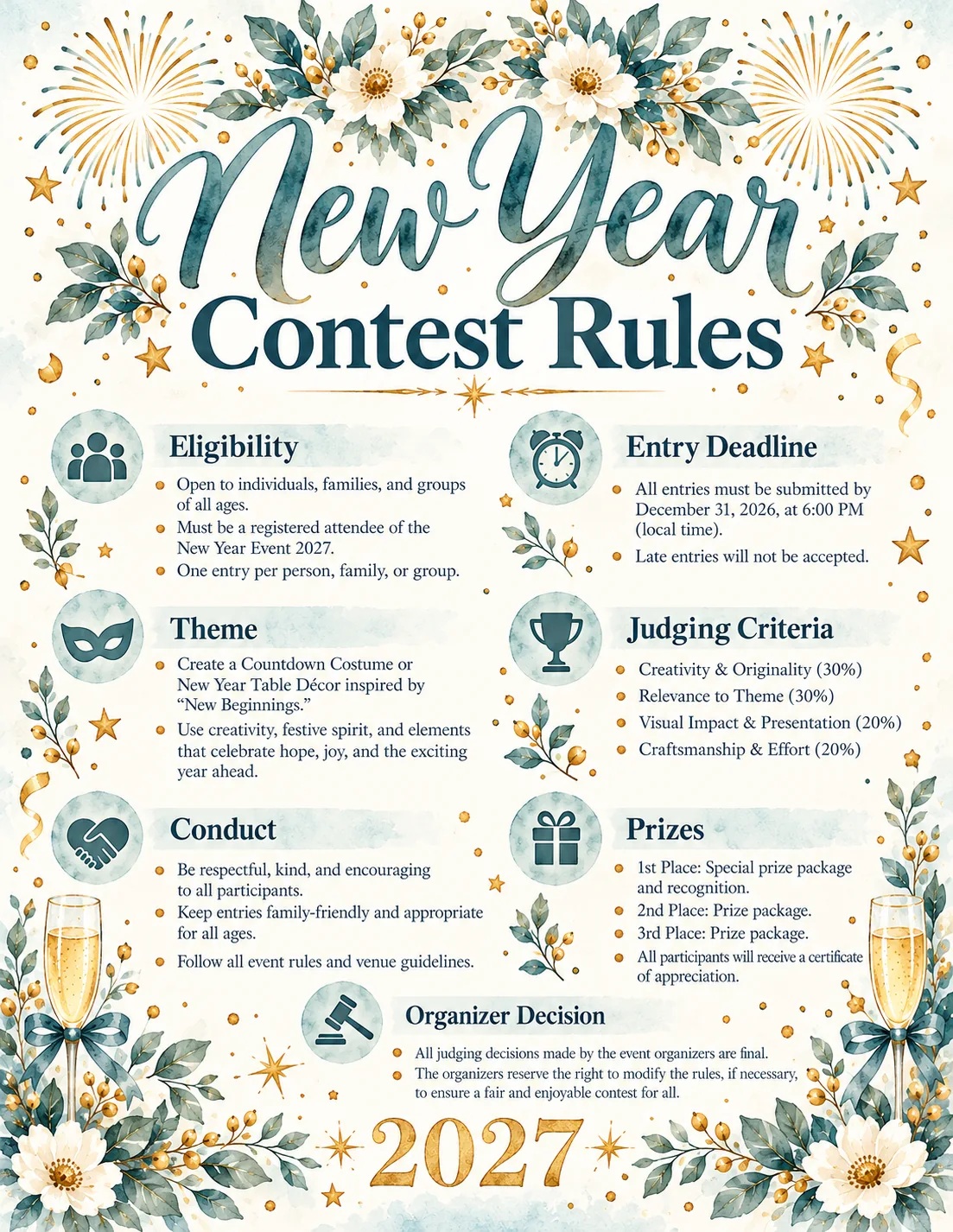
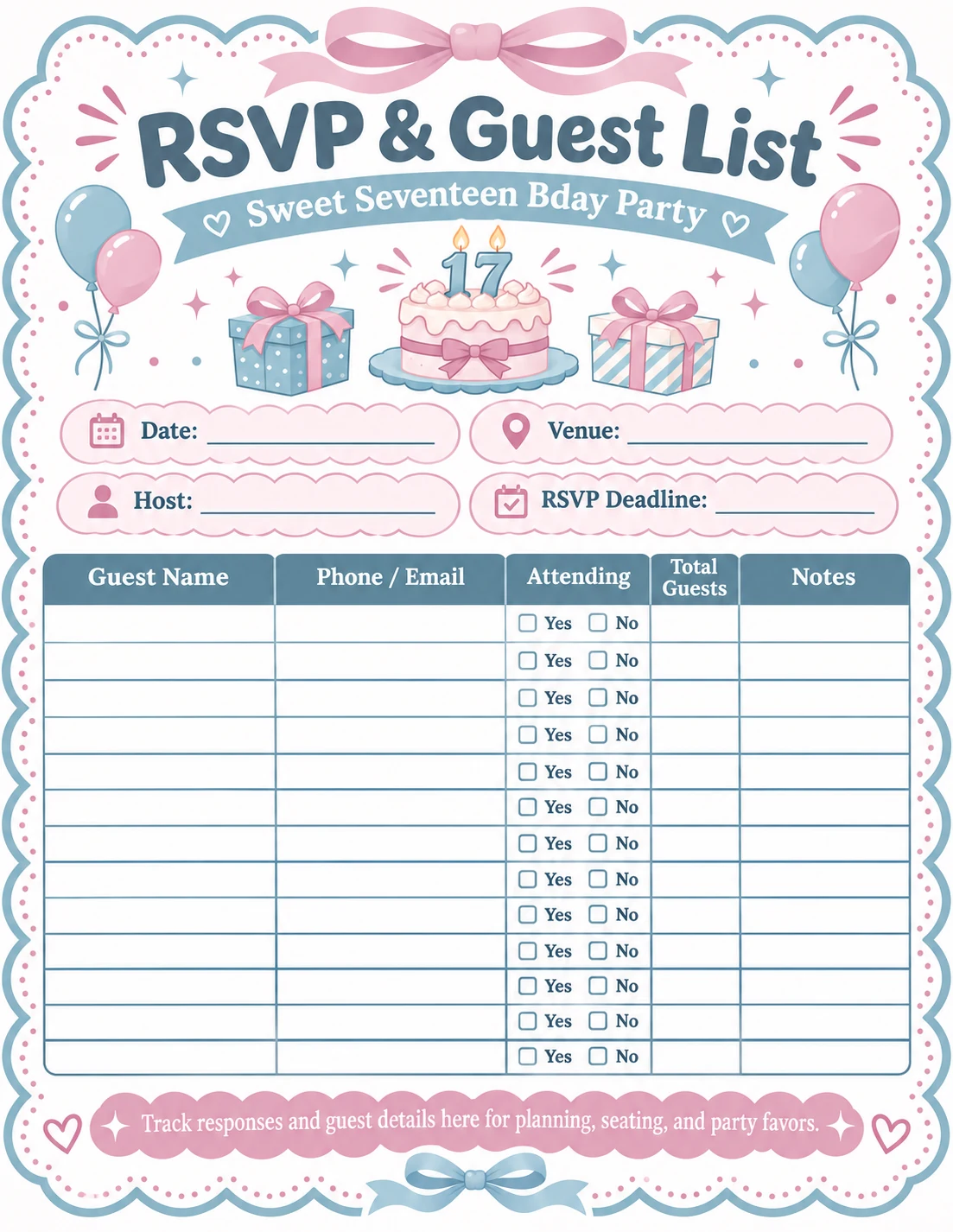
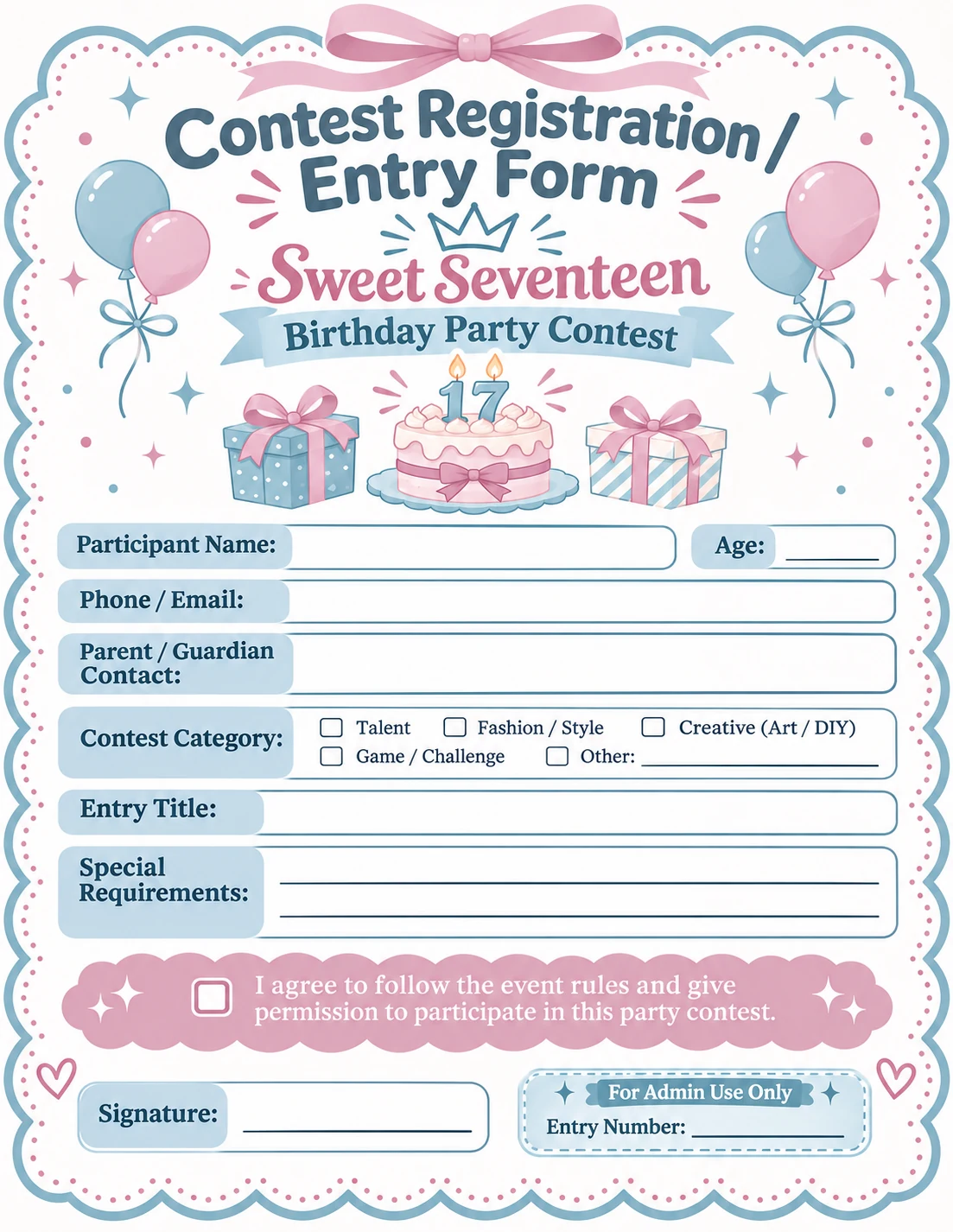
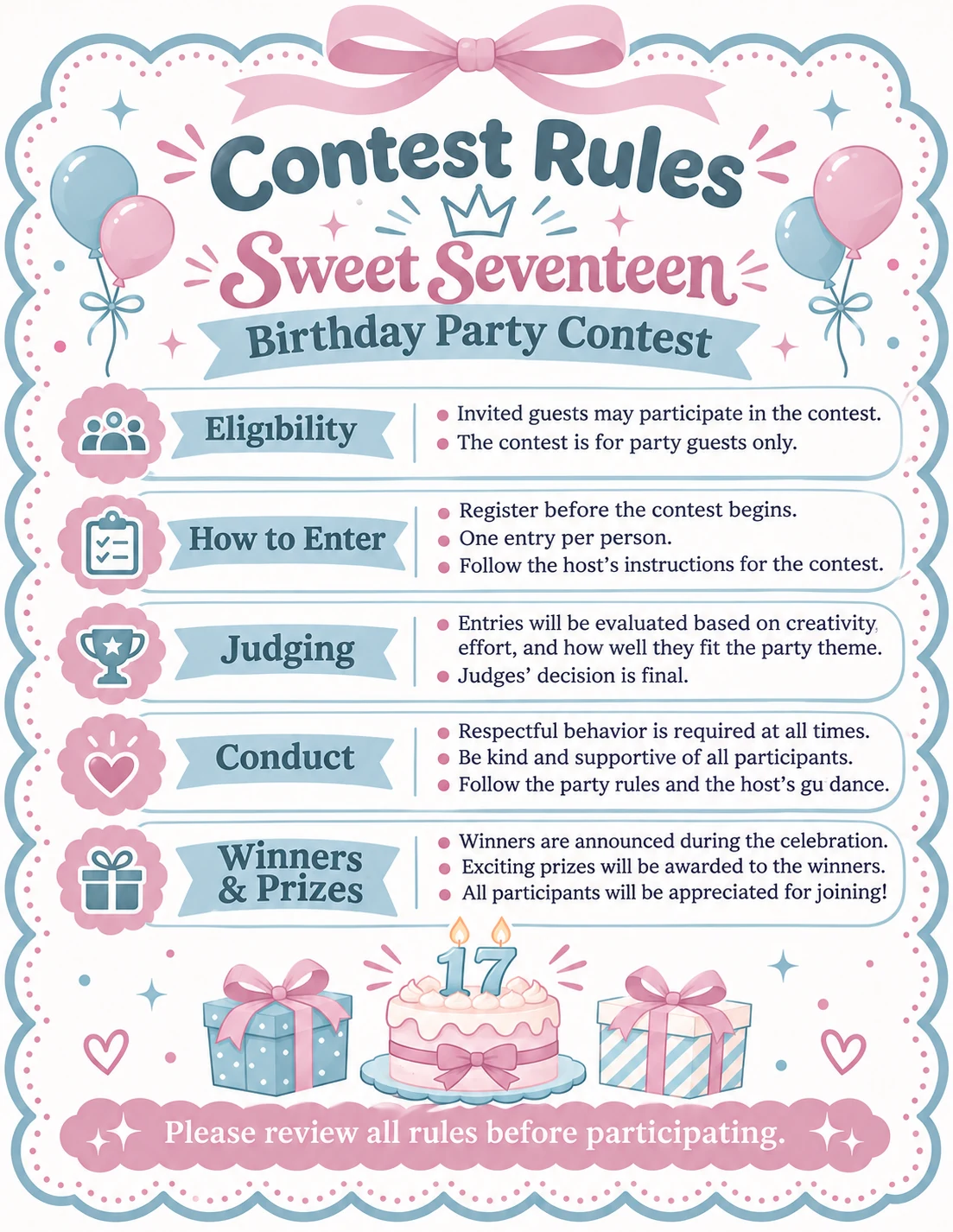
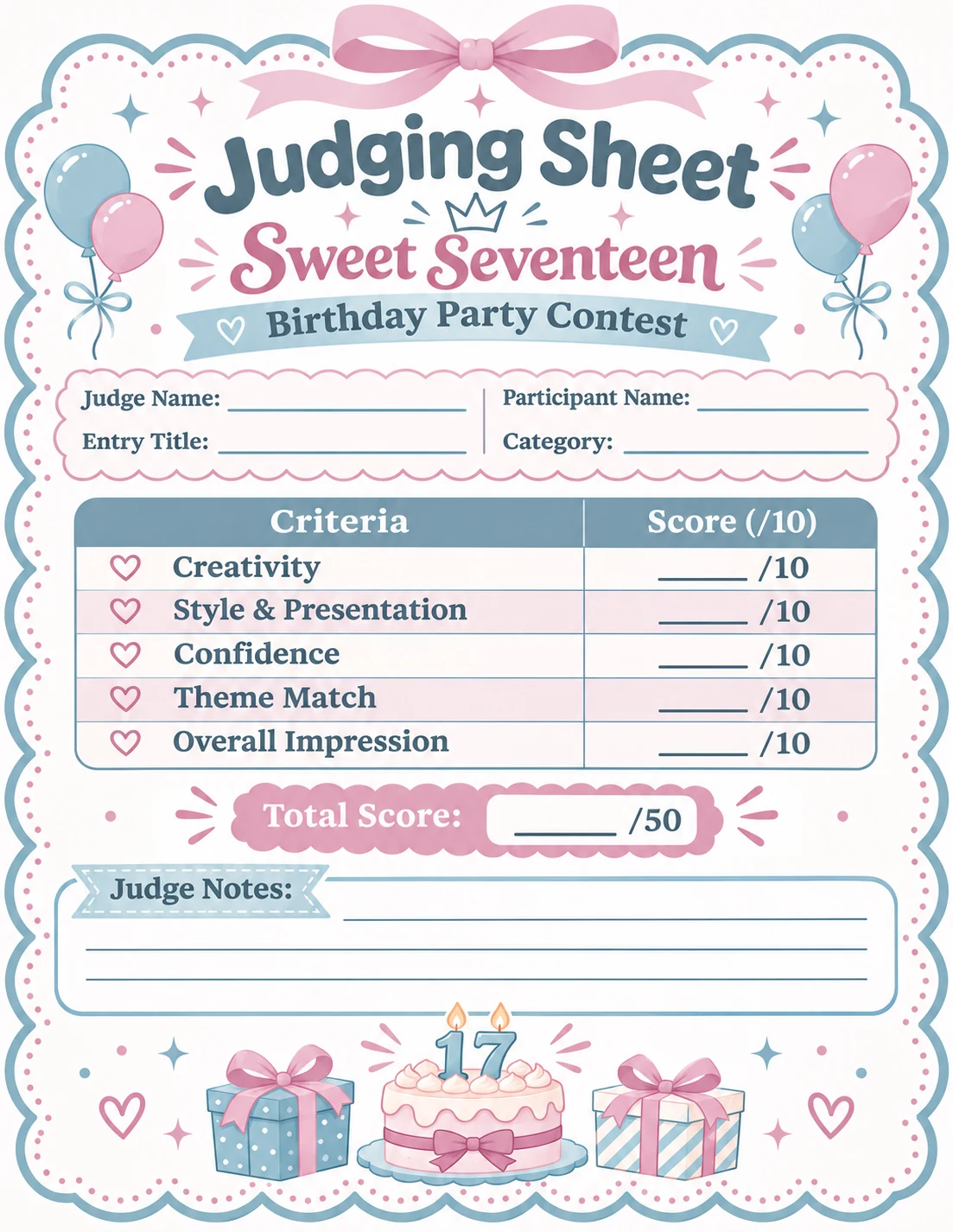
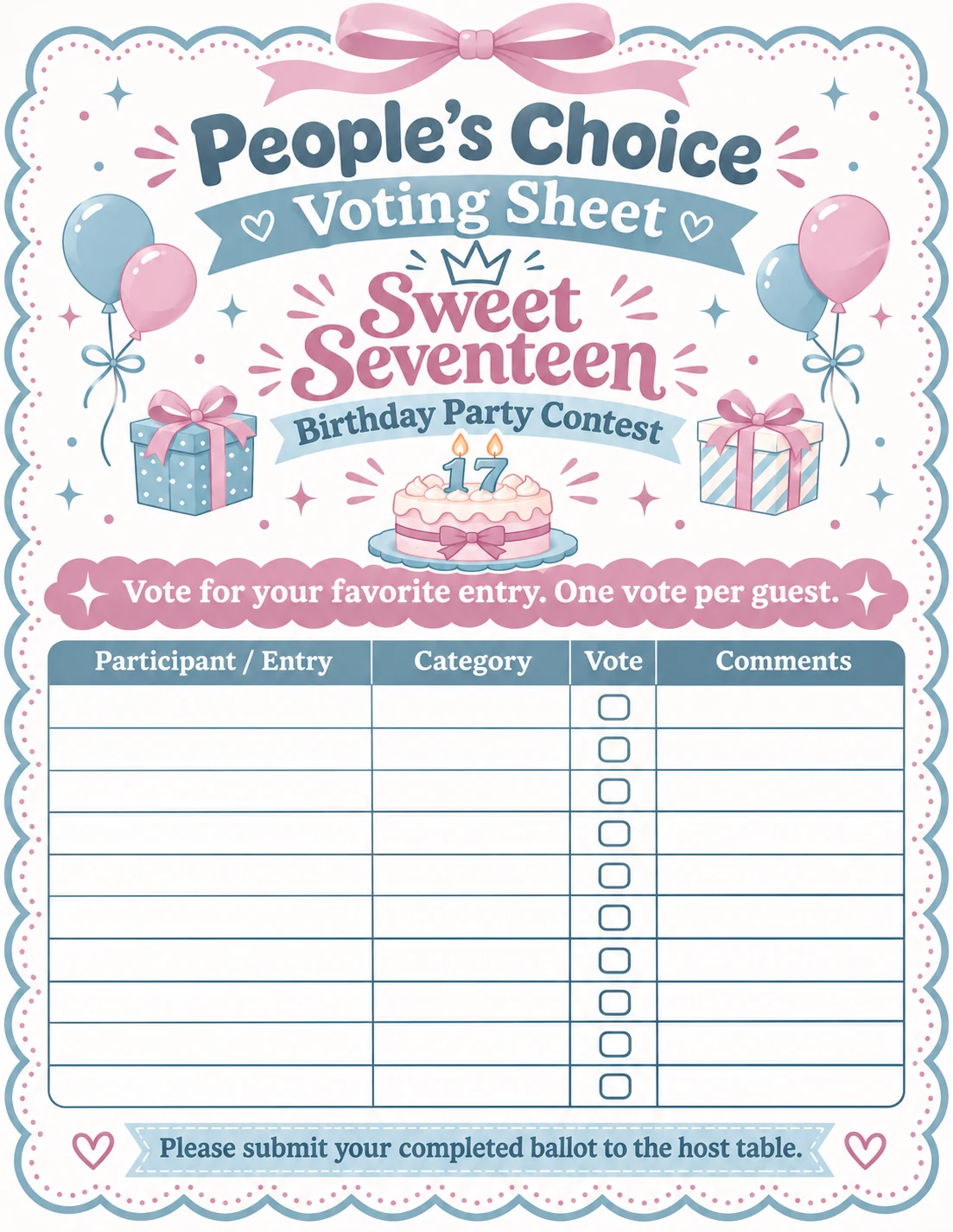
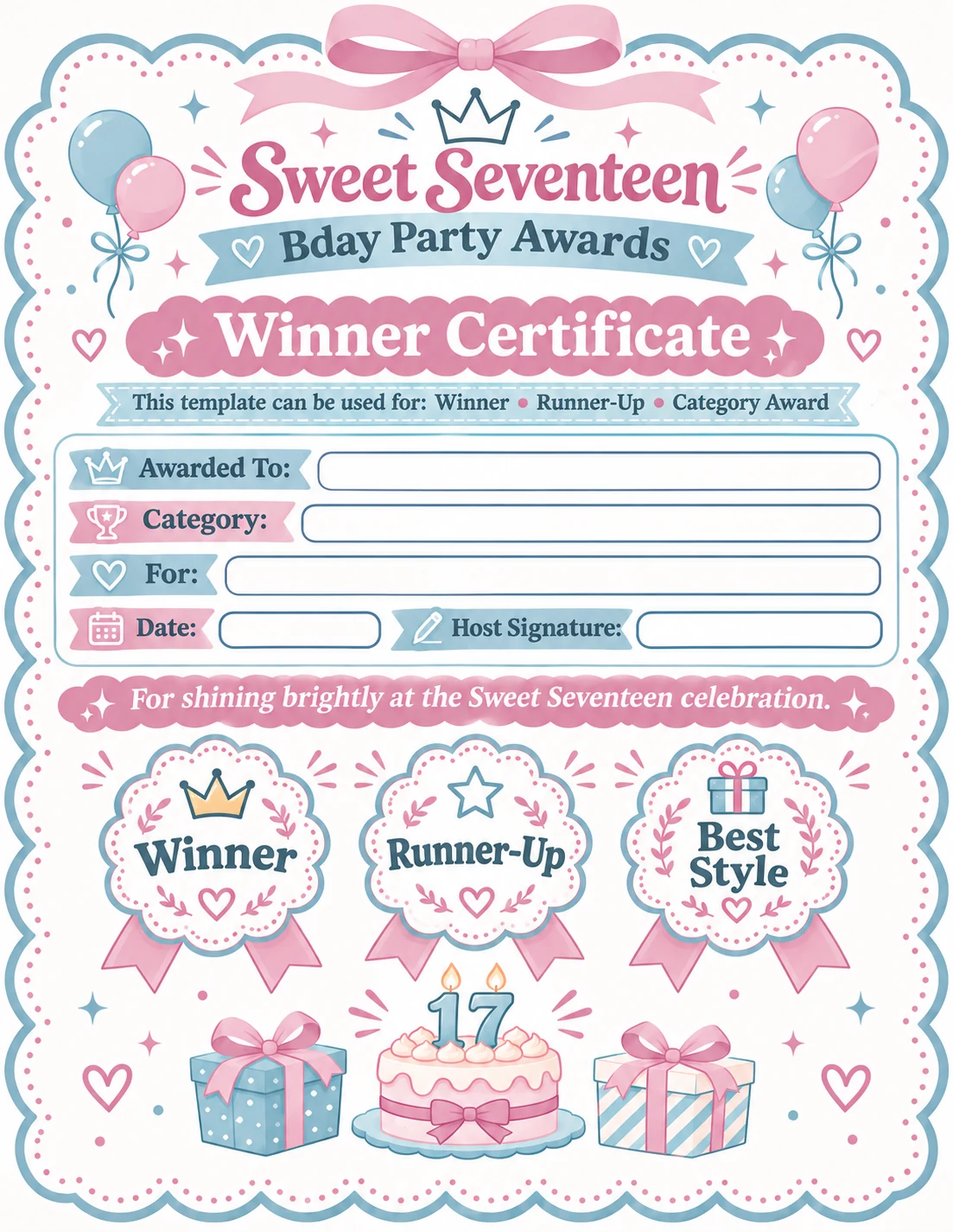
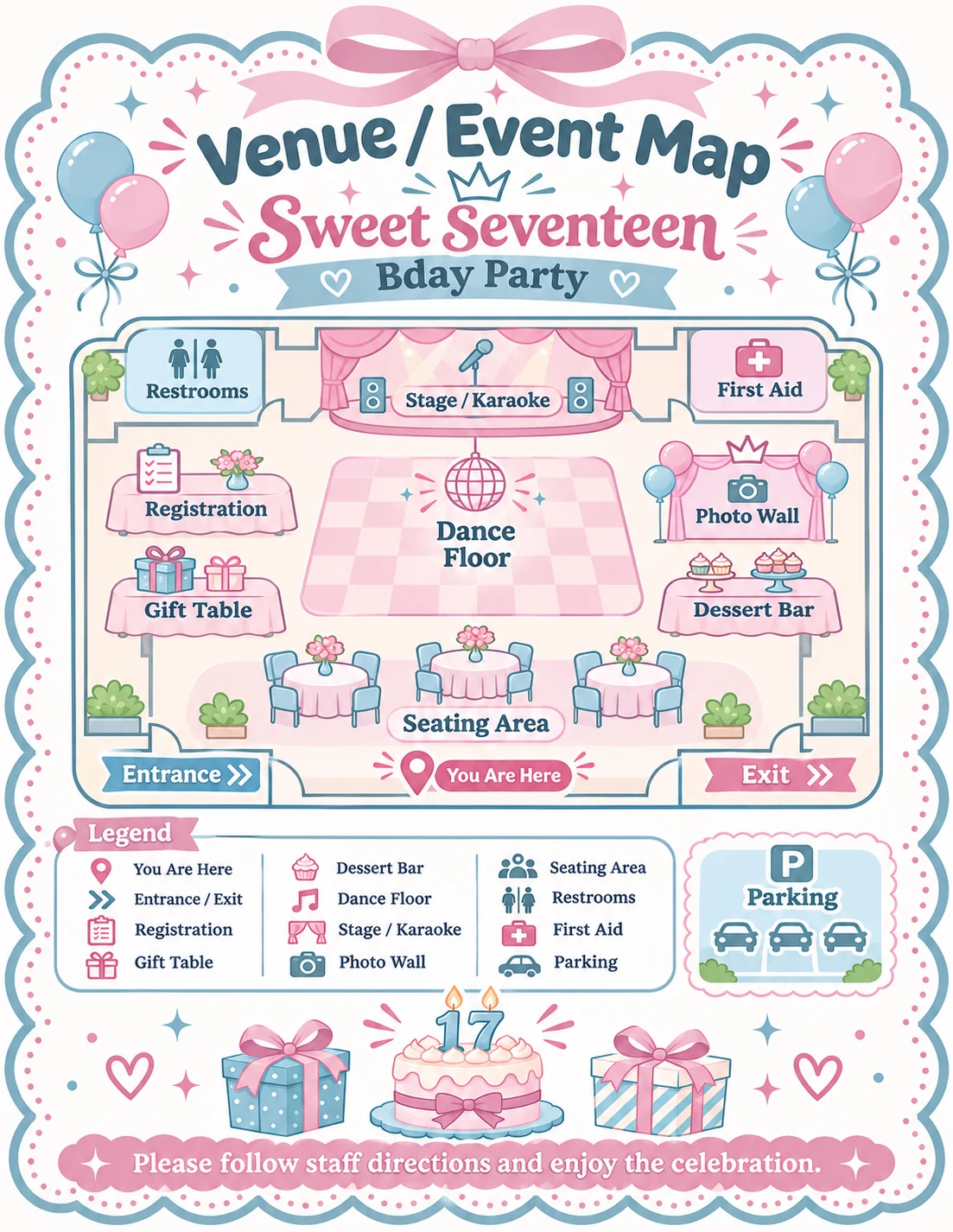
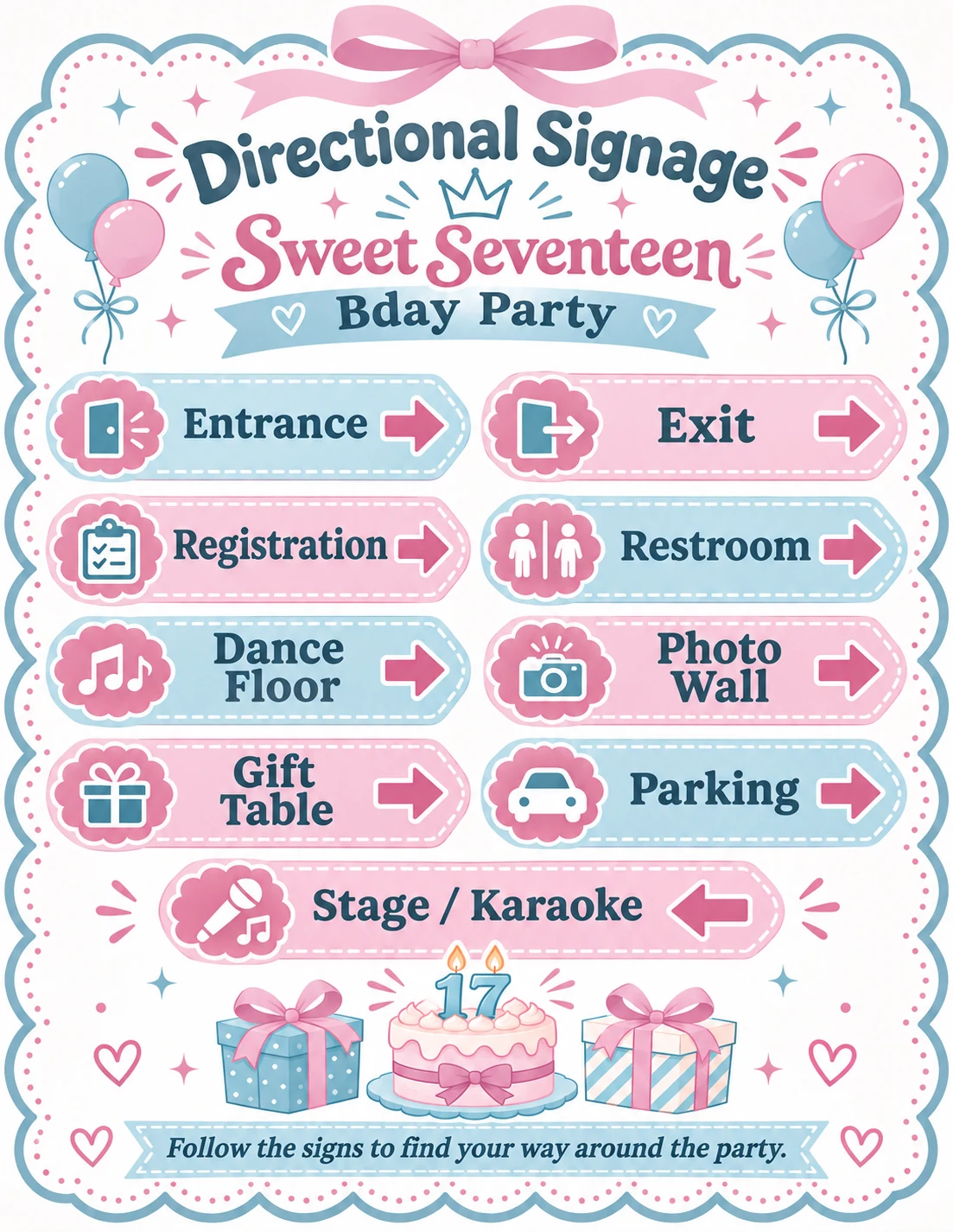
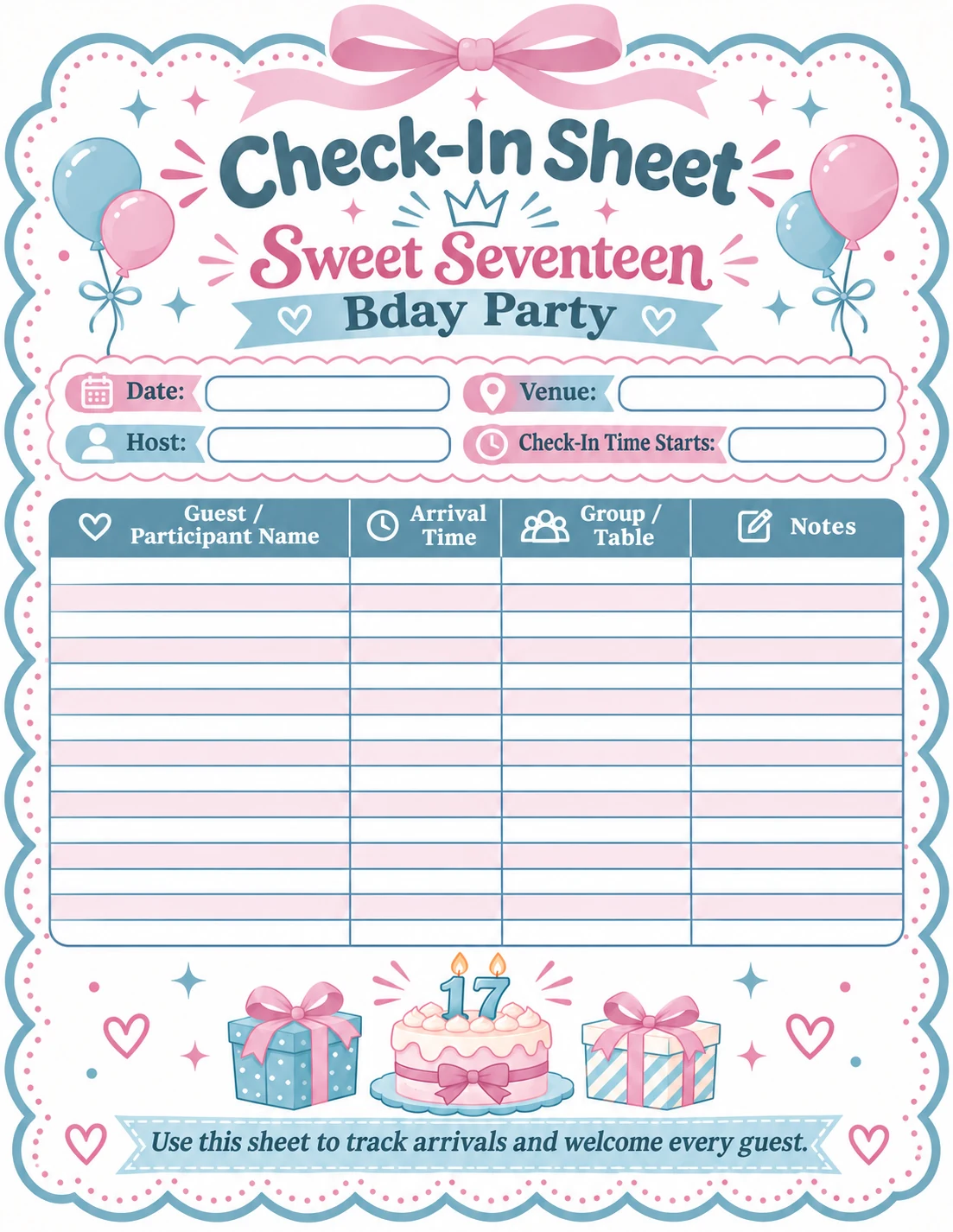
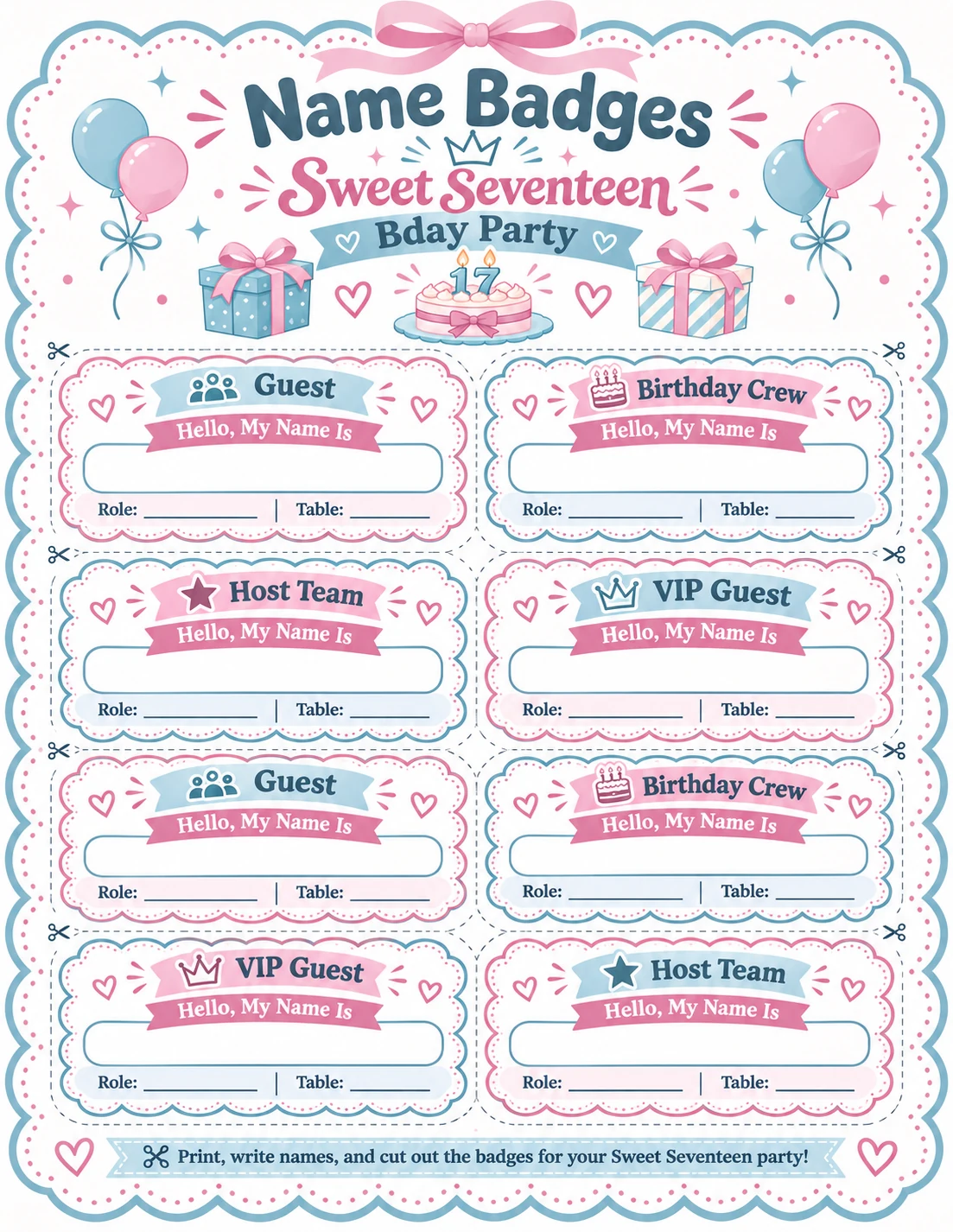
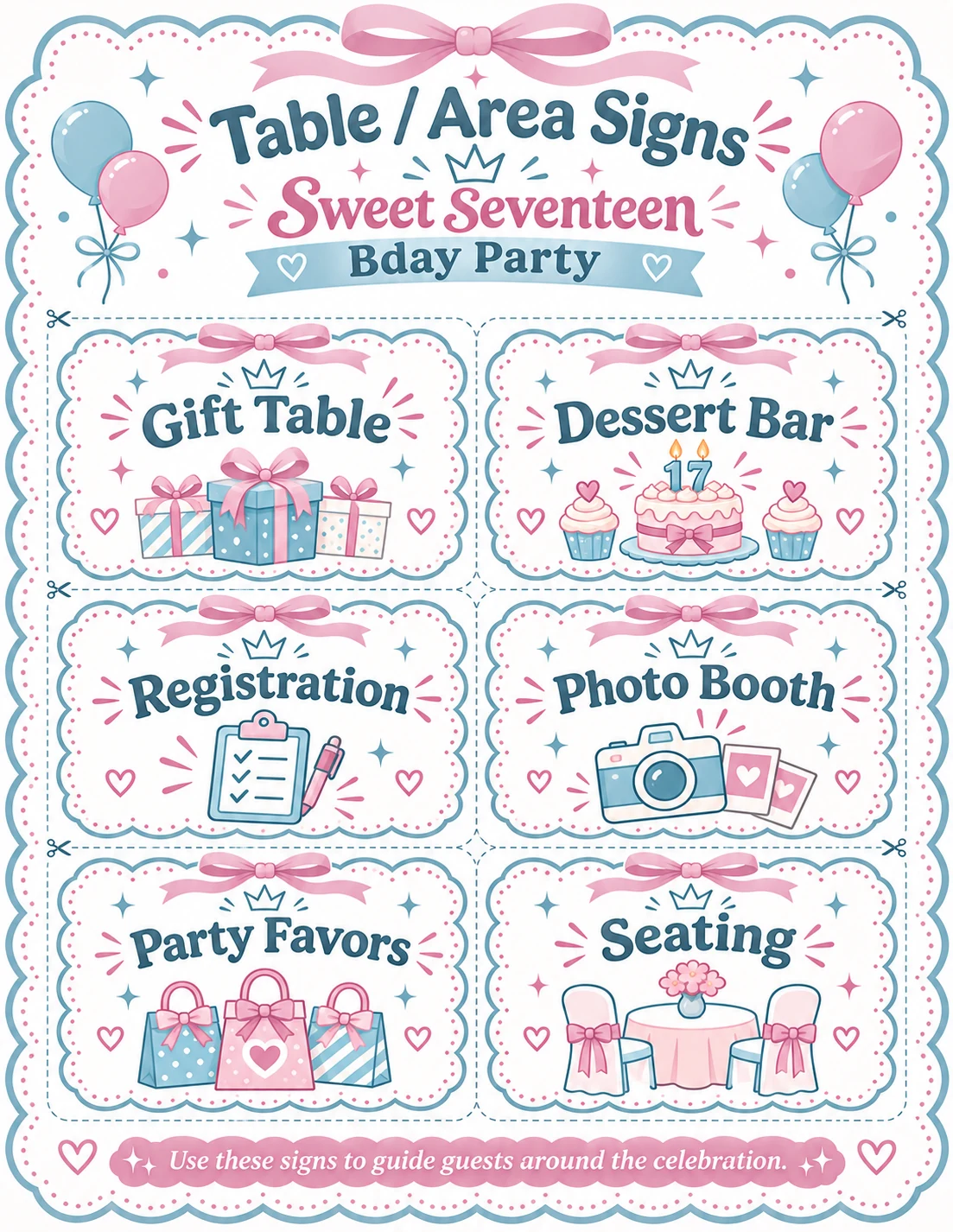
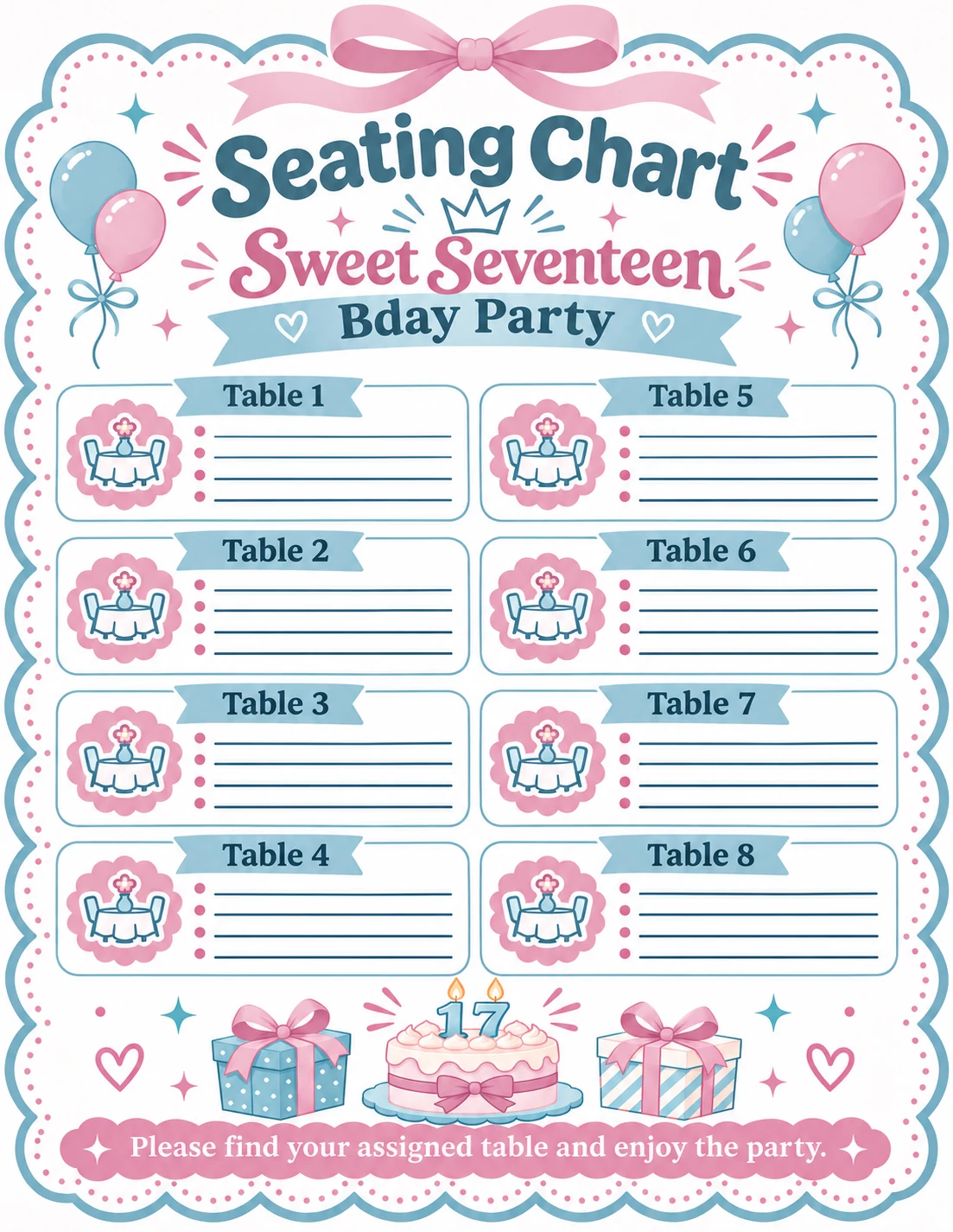
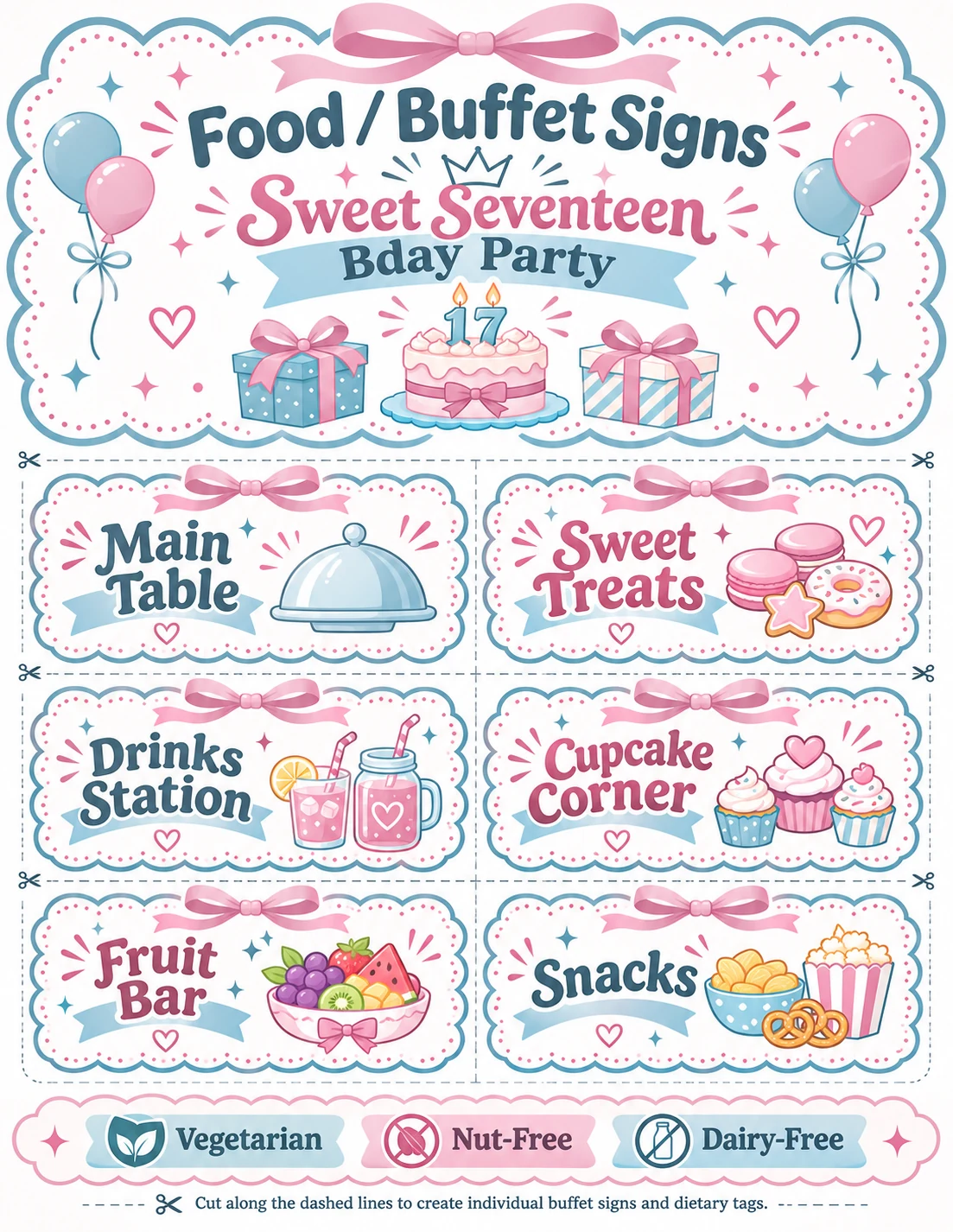
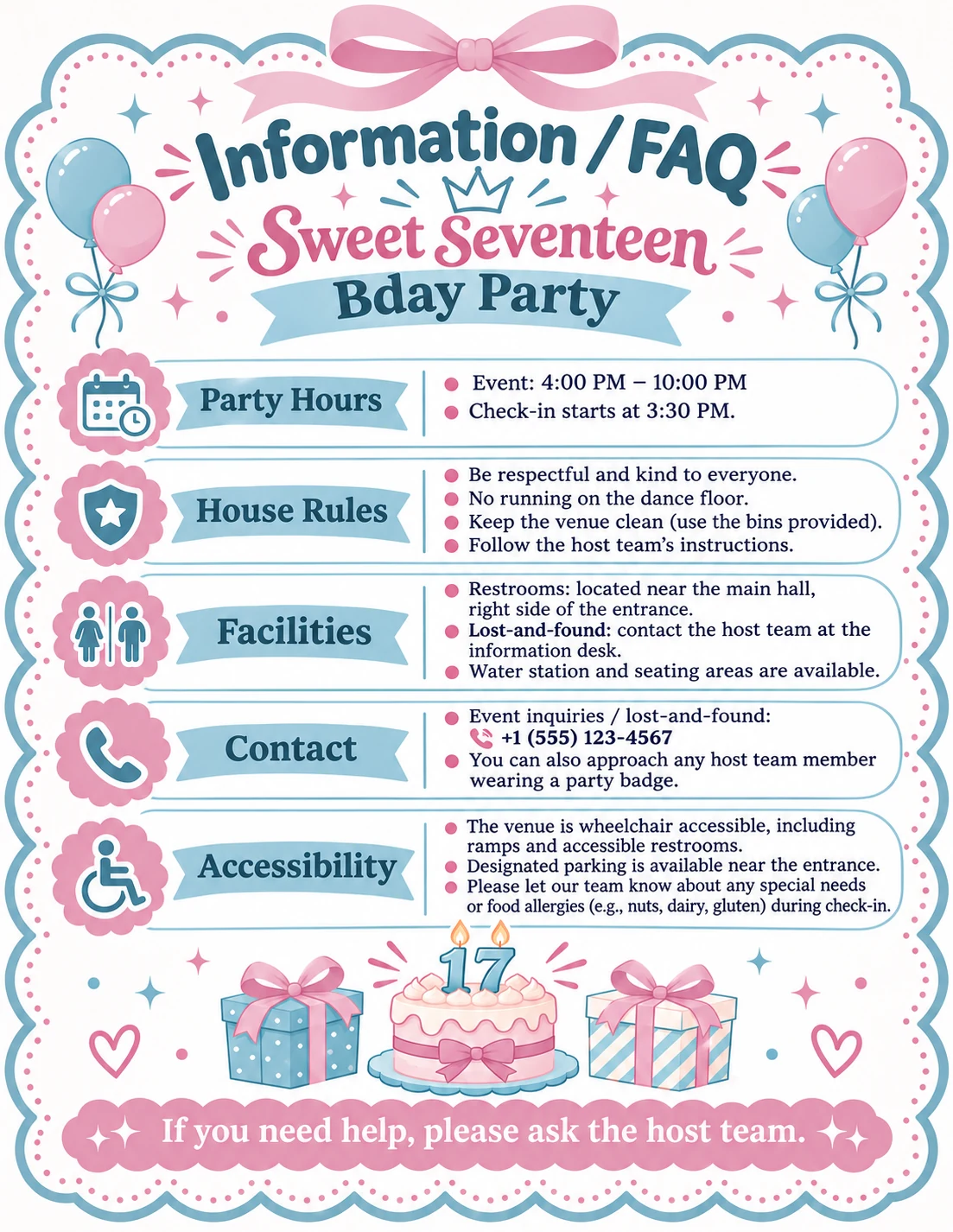
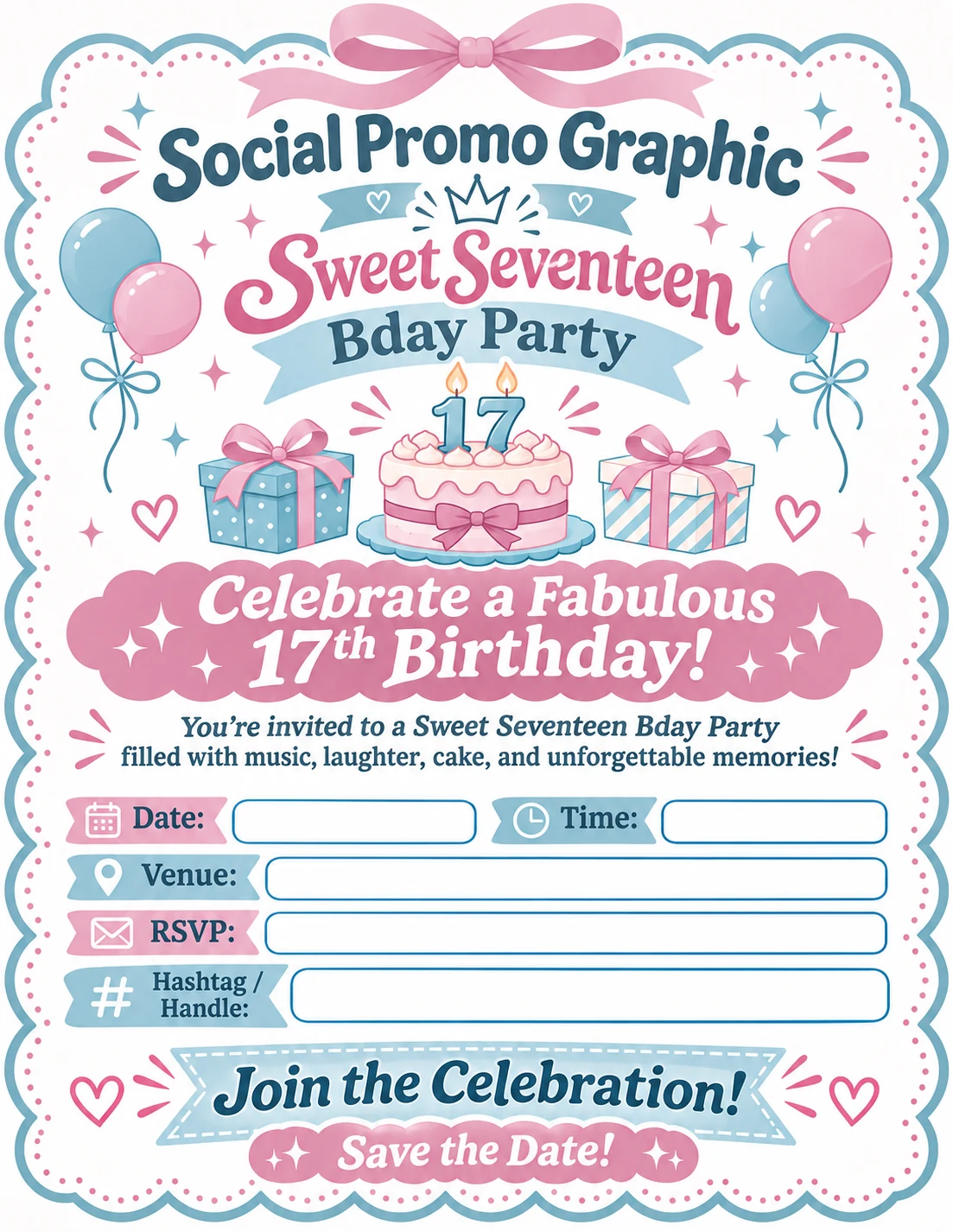
See the idea in action with 20 matching New Year 2027 and Sweet Seventeen Birthday Party examples—from welcome signs and invitations to guest materials, activity sheets and certificates. They illustrate what you can create using structured Factory prompts in ChatGPT or another compatible AI image generator.

20 illustrative New Year 2027 printable images

The Bigger Printable Opportunity

People Don’t Just Need an Invitation. They Need an Event That Feels Thought Through.

A birthday host may need an invitation and food signs. A school needs programs and certificates. A community event needs directional signs, maps and check-in sheets. Each occasion creates a different collection of practical needs.

01 / BIRTHDAYS

From one invitation to a themed celebration set.

Coordinate welcome signs, guest lists, table signs and thank-you materials around one cheerful look.

Potential collection: invitation + signage + labels + thank-you
02 / SCHOOLS

From a graduation theme to practical event materials.

Plan programs, recognition pages, directions and check-in materials that make the occasion easier to run.

Potential collection: program + certificate + map + sign
03 / SEASONAL

From a holiday concept to a reusable creative workflow.

Switch the audience, occasion and design direction for Christmas, Thanksgiving, New Year and more.

Potential collection: flyer + event schedule + buffet signs
This is not a promise of sales.

It is a broader way to think about what a coordinated event printable collection can include. Research actual buyer demand and marketplace rules before publishing any product.

SHOW ME THE PROCESS
Marketplace Category Evidence

Coordinated Printable Bundles Already Have a Place in Digital Marketplaces.

These are real independent Etsy listings that illustrate how sellers package several event materials together. They are examples of product formats—not proof that a new product will sell or earn a specific amount.

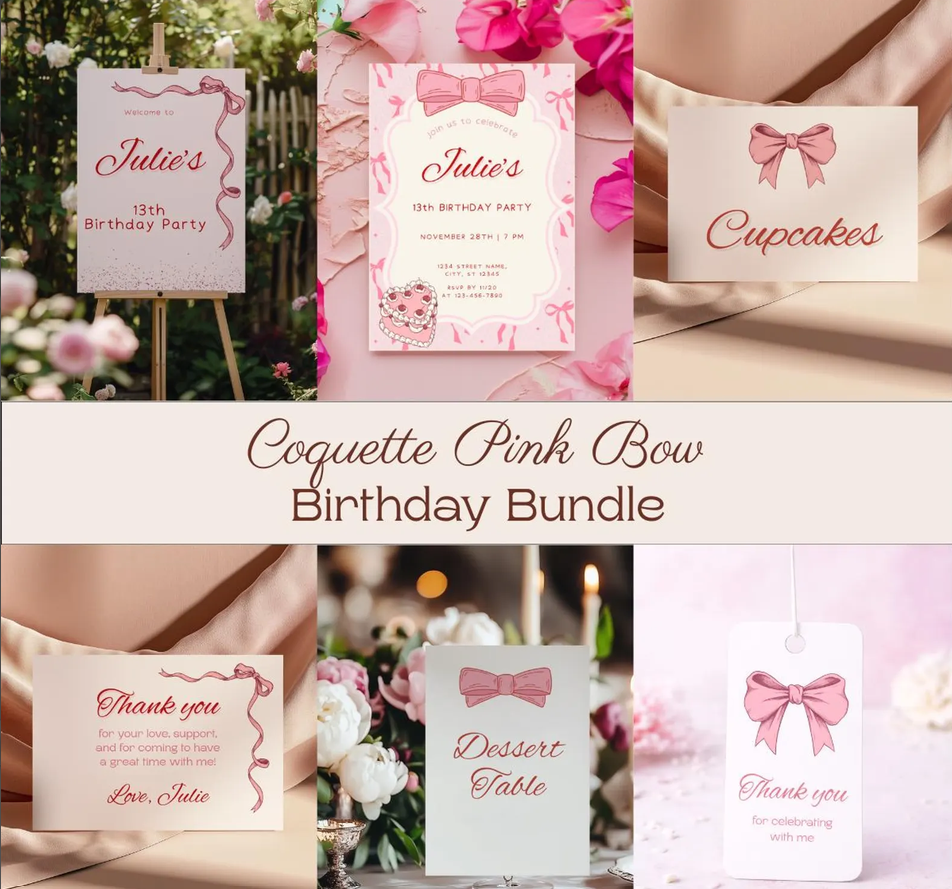
Pink bow birthday party bundle featuring a welcome sign, invitation, food signs, thank-you card and favor tag
BIRTHDAYS

Pink Bow Birthday Party Printable Bundle

A third-party listing combining an invitation, welcome sign, food labels, table signs and thank-you items in one themed collection.

View the actual Etsy listing ↗
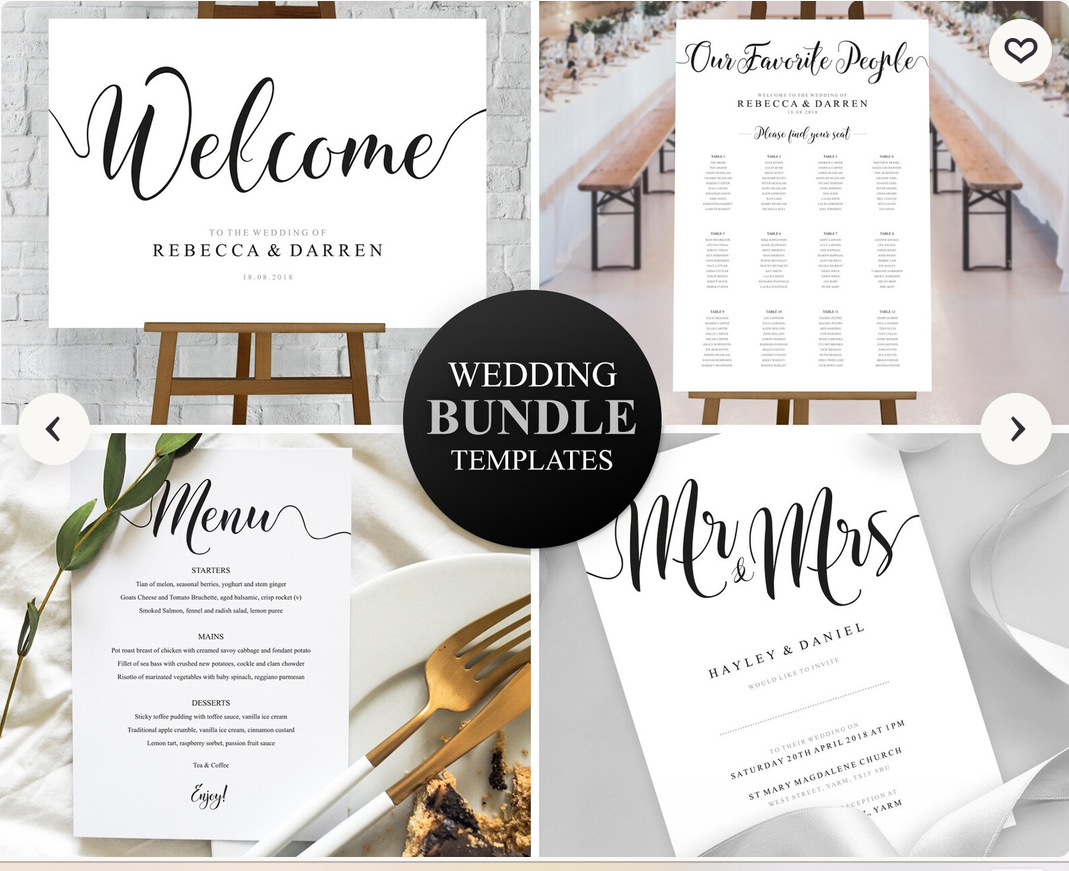
Minimal black and white wedding bundle with welcome sign, seating chart, menu and invitation
WEDDINGS

Wedding Welcome Sign & Seating Chart Bundle

A third-party listing pairing invitation-related materials, seating information and coordinated event signage.

View the actual Etsy listing ↗
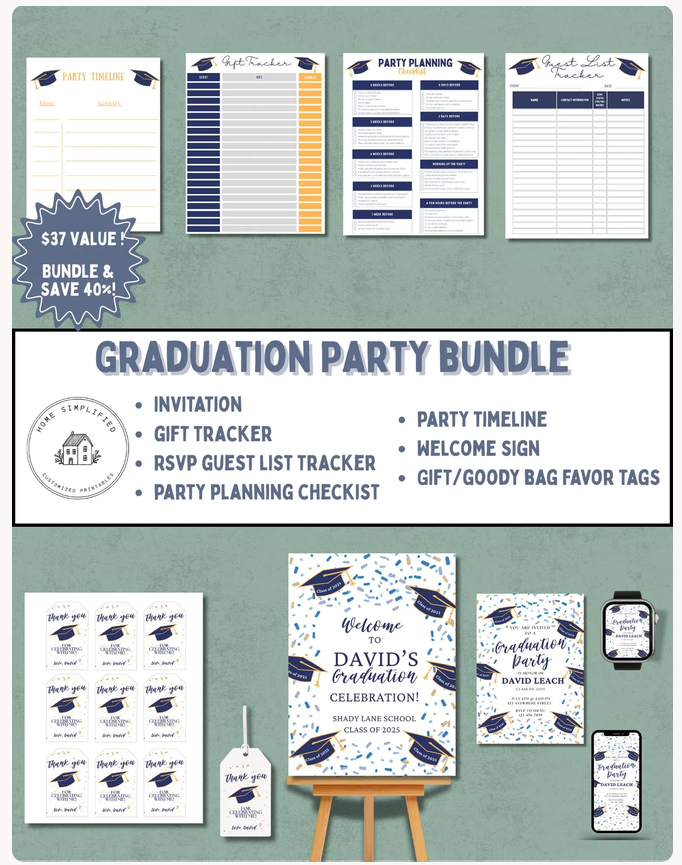
Graduation party bundle displaying invitations, party checklist, welcome sign, favor tags and printable tracker
GRADUATIONS

Graduation Party Printable Bundle

A third-party listing showing invitations, welcome signage, checklists, favor tags and planning items sold as a coordinated set.

View the actual Etsy listing ↗

Examples reviewed October 2026. These listings belong to independent Etsy sellers, do not endorse the Factory
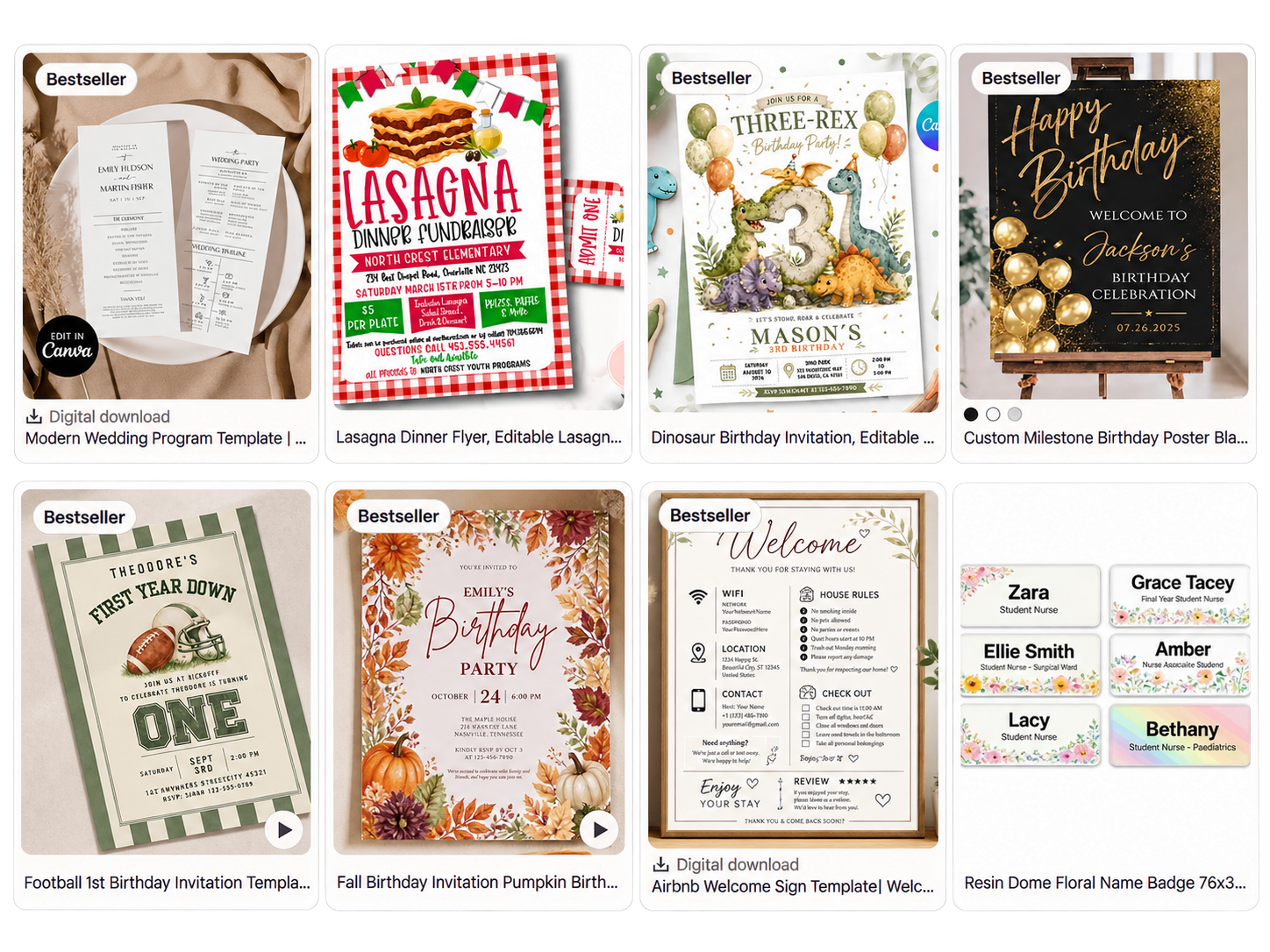
Bestseller Event Printable on Etsy

A collage of independent Etsy listings for invitations, birthday signs, wedding printables, party flyers and name badges, several featuring bestseller labels
For Digital Product Sellers

What If Your Next Listing Started With a Complete Product Plan—Not a Blank Canvas?

When you sell digital products, the hardest part is often not having an idea. It is moving from that idea to a coherent, presentable product with assets that belong together.

A coordinated event kit creates room to serve different event types and audiences. You can decide whether to build a small focused set, a more comprehensive printable bundle, or a custom event package.

The goal: spend less effort repeatedly deciding where to start, and more effort finishing, refining and presenting your own original products.

SEE THE REAL EXAMPLES
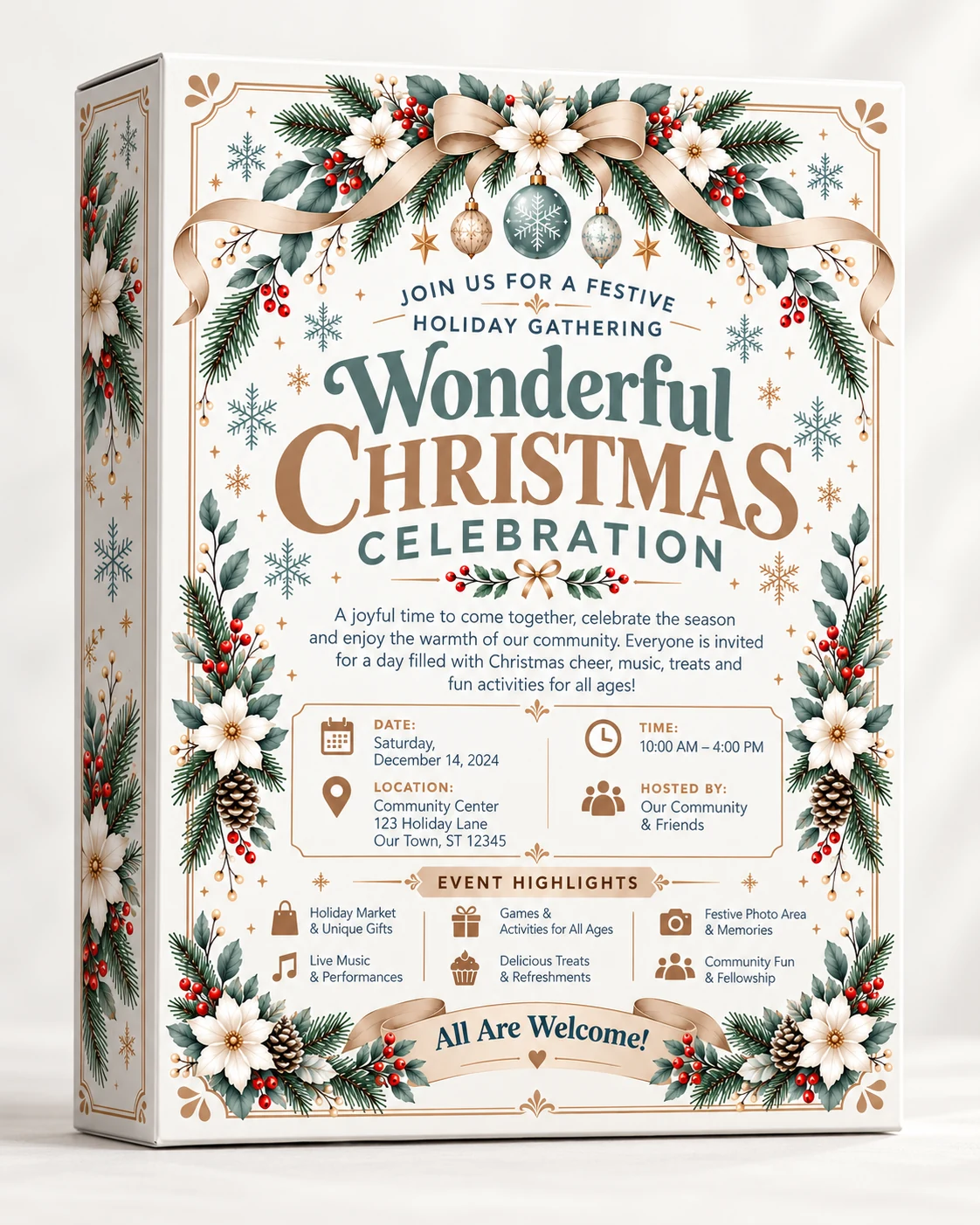
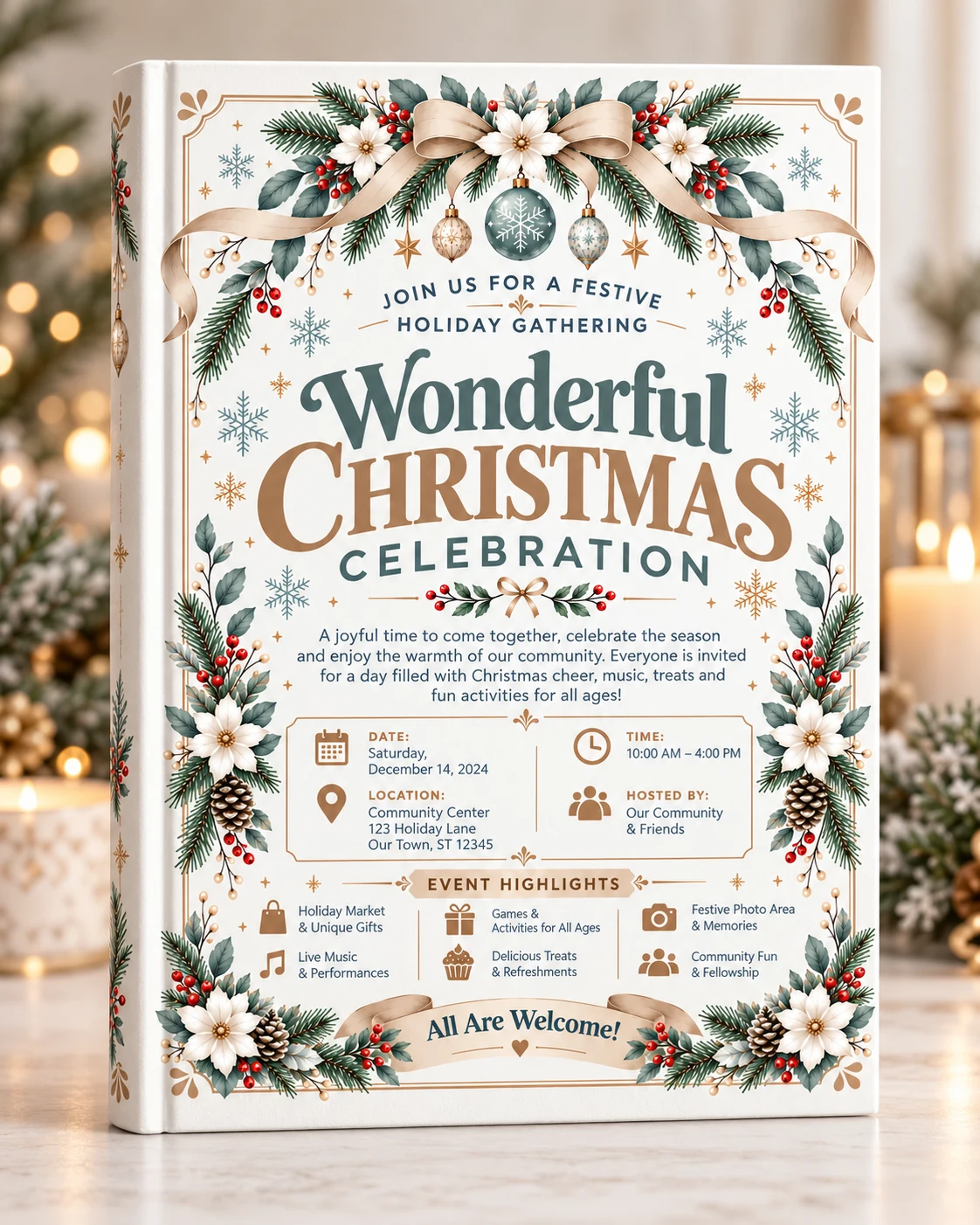
Example event kit product mockupAnother coordinated event printable product mockupExample printable collection mockupExample event printable presentation
Does This Sound Familiar?

It’s Saturday Night. You Still Haven’t Finished the Printable Kit You Planned to List on Monday.

You started with a great idea: a coordinated birthday bundle, a seasonal event kit, maybe a collection for teachers or community organizers. The invitation looked promising. Then came the welcome sign. The schedule. The favor tags. The food labels. The matching certificate. Suddenly, your “simple product” became a dozen separate design projects.

One AI result uses elegant florals. Another introduces random lettering. Your colors keep shifting. Every time you fix one asset, another looks out of place. Meanwhile, your listings are still drafts—and the seasonal opportunity you wanted to catch is getting closer.

“Another idea. Another blank page. Another evening lost to getting everything to match.”

There’s a familiar, uncomfortable thought behind the open tabs: “What if I spend another whole weekend on this and nobody even buys it?”

You don’t just want a pretty image. You want a finished collection that feels consistent, useful and presentable—something you can show with confidence instead of endlessly tweaking.

And if you’re creating printables for your own event, the fear is just as real: guests will arrive, the finishing touches won’t be ready, and you’ll spend the celebration solving problems instead of enjoying it.

The Emotional Cost of Starting Over

The Fear Isn’t That You Can’t Make a Printable. It’s That You’ll Never Finish a Collection Worth Showing.

You may already know Canva. You may have experimented with ChatGPT or another image generator. You may even have a few designs sitting in folders. But knowing the tools is different from having a reliable workflow that carries one idea through every coordinated asset.

What keeps you up isn’t just the workload. It’s the uncertainty.

  • • What if my designs look amateur next to established sellers?
  • • What if I miss another holiday because I never finish the files?
  • • What if AI keeps producing mismatched layouts and inaccurate text?
  • • What if I spend money on tools but still have no complete product?
  • • What if this becomes another project I start and never publish?

That is why a structured process matters. It cannot guarantee sales or perfect outputs. It can help you make clearer creative decisions, reduce repeated setup work, and keep a single kit moving toward completion.

A printable can't guarantee the perfect party. But a clearer system for creating coordinated materials can remove one meaningful source of unnecessary stress.

The Old Way vs. The Factory Way

A Folder of Random Templates Is Not a Product Creation System.

A ready-made template can be ideal when you need exactly one item and love the design as-is. But what happens when the event requires eight related items? What happens when you want a different color scheme, a different audience, or an occasion that the template seller didn't anticipate?

Collecting Random Templates

  • ❌ 8 items require 8 separate searches
  • ❌ Clashing fonts and mismatched visual themes
  • ❌ Inconsistent wording and unaligned margins
  • ❌ Hours wasted editing disparate Canva templates
  • ❌ Scattered files across downloads folder

Coordinated Kit Factory Workflow

  • ✓ 1 unified creative direction for all 8 items
  • ✓ Shared 4-color palette and typography rules
  • ✓ Structured production prompts in clean batches
  • ✓ Guided mockup prompts for presentation
  • ✓ Built-in browser combiner for single master PDF

Instead of starting from zero twenty times, start with one consistent direction and move through a clear production workflow.

A Better Way to Build

The Missing Piece Isn’t Another Template. It’s One Creative Direction for the Entire Kit.

Most organizers begin with a single immediate need: an invitation, a poster, or a welcome sign. Then a new need appears. They search again, discover another template, adjust a few colors, and hope the result still feels consistent.

Before long, they're juggling mismatched styles, different file sizes, inconsistent wording, and scattered instructions. Even when each individual printable looks good, the collection may feel disconnected.
Here is the simpler principle: don't start with individual pages. Start with the event as one coordinated experience.

The Cohesive Event Identity Principle

  1. Decide on the occasion: Establish exact event context first.
  2. Decide who is coming: Target audience shapes exact tone.
  3. Choose needed materials: Select only functional assets.
  4. Shared visual direction: Unified palette, style & typography.
  5. Produce as one kit: Unified prompting and PDF assembly.
Introducing Celebration & Event Kit Factory

Meet the Workspace That Takes You from Event Idea to Organized Printable Kit.

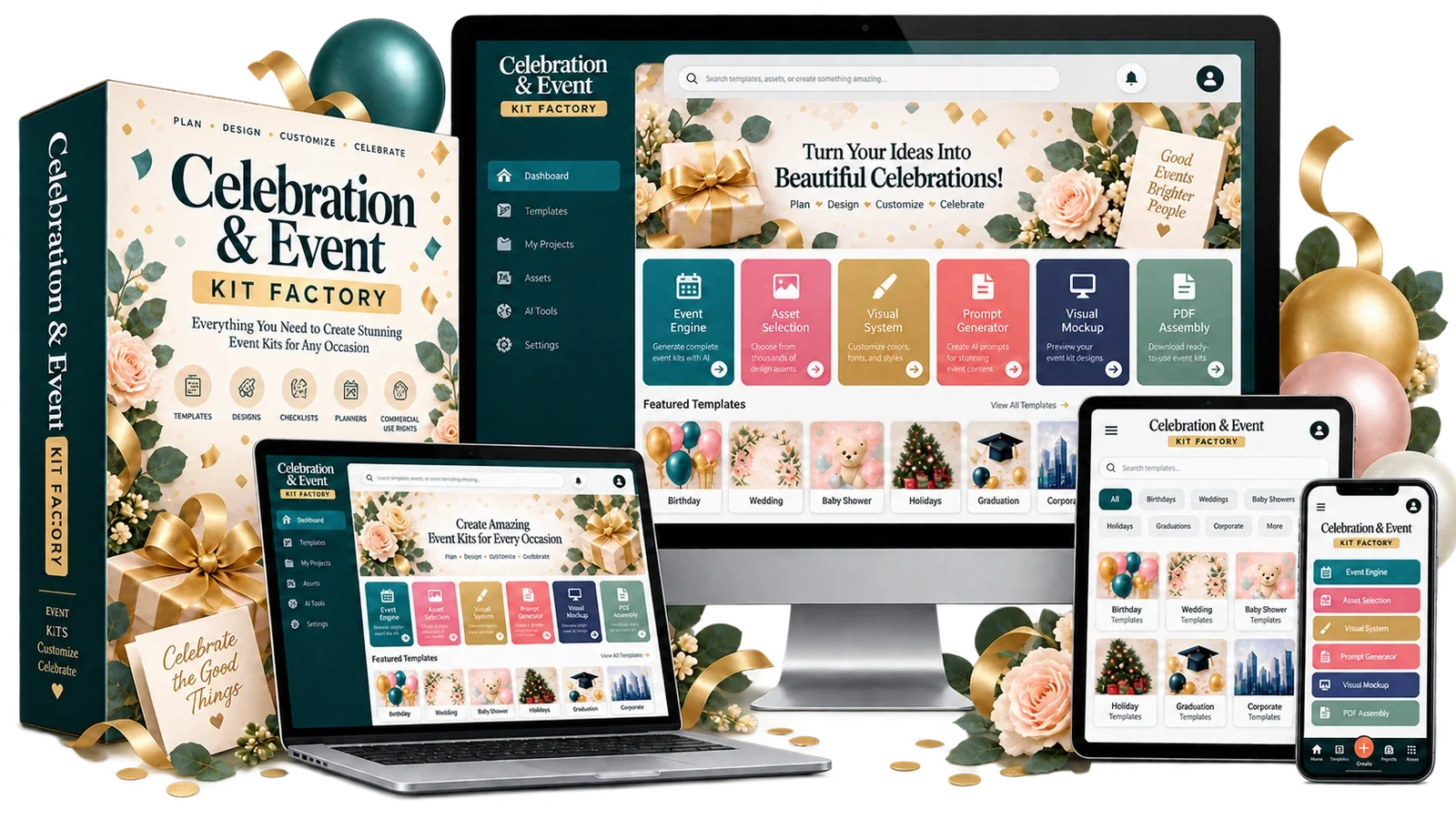
Celebration and Event Kit Factory product presentation

Your guided workspace for planning, prompting, presenting, and packaging coordinated event printables.

Celebration & Event Kit Factory brings the scattered pieces of event printable production into one organized process. Instead of rewriting creative instructions for every sign or starting each design brief over, you build a shared foundation once.

1

Define Foundation

Choose an occasion and audience. Select the practical assets that make sense for your specific event layout.

2

Set Visual Direction

Define visual style, custom four-color palette, typography direction, decorative language, and print dimensions.

3

Prompt & Package

Generate master and production batch prompts for external AI generation, create mockup prompts, and combine finished files into PDF.

The outcome you're working toward: a collection of event materials that feels connected, intentional, and ready for real-world use after your final checks.

START BUILDING MY EVENT KIT
The Coordinated-Kit Advantage

One Occasion Can Become a Full, Useful Printable Collection.

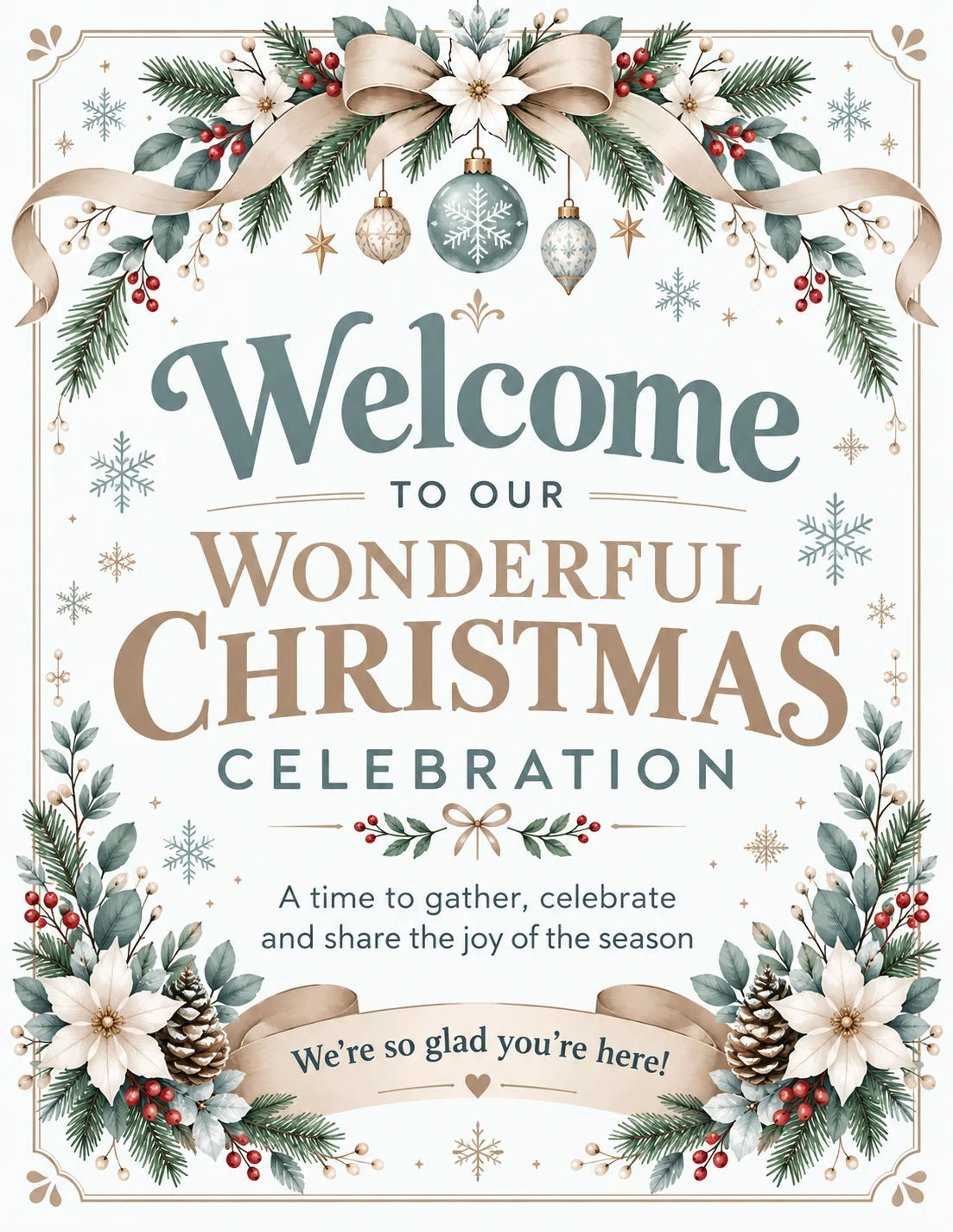
Consider a Christmas gathering. Your invitation sets the tone before anyone arrives. The welcome sign makes the first impression. The schedule helps people know what's happening. The food signs bring clarity to the buffet. A thank-you page adds a thoughtful finishing touch.

Now imagine those pieces share a complementary color palette, a consistent typography direction, and decorative details that feel related. The event immediately has a more intentional visual rhythm.

Example A: Seasonal Christmas Gathering

Invitation + Welcome Sign + Buffet Labels + Schedule + Thank-You Page sharing botanical accents & rich evergreen/gold tones.

Example B: School Graduation

Ceremony Program + Seating Info + Directional Signage + Recognition Page formatted for crisp formal legibility.

For a community fair, a venue map and clear information signs may be essential.

"The lesson is important: a useful event kit is not the one with the most pages. It's the one with the right pages, created to work together."

When you plan this way, you stop asking, “What printable should I download next?” and start asking, “What would make this event feel ready, easy to navigate, and beautifully consistent?”

That is a much better question—and it's the idea behind Celebration & Event Kit Factory.

The 20-Asset Kit Library

20 Types of Printables. One Consistent Look. So Many Ways to Build a Bundle.

From the first invitation to the final thank-you, choose only what your specific buyer or event needs. A small kit can be just a few assets; a larger gathering can use a more complete set.

01

Welcome Sign

02

Event Flyer

03

Event Invitation

04

Schedule / Program

05

Thank-You Page

06

RSVP / Guest List

07

Registration / Entry Form

08

Contest Rules

09

Judging Sheet

10

Voting Sheet

11

Winner Certificate / Badge

12

Venue / Event Map

13

Directional Signage

14

Check-In Sheet

15

Name Badges

16

Table / Area Signs

17

Seating Chart

18

Food / Buffet Signs

19

Information / FAQ Sign

20

Social Promo Graphic

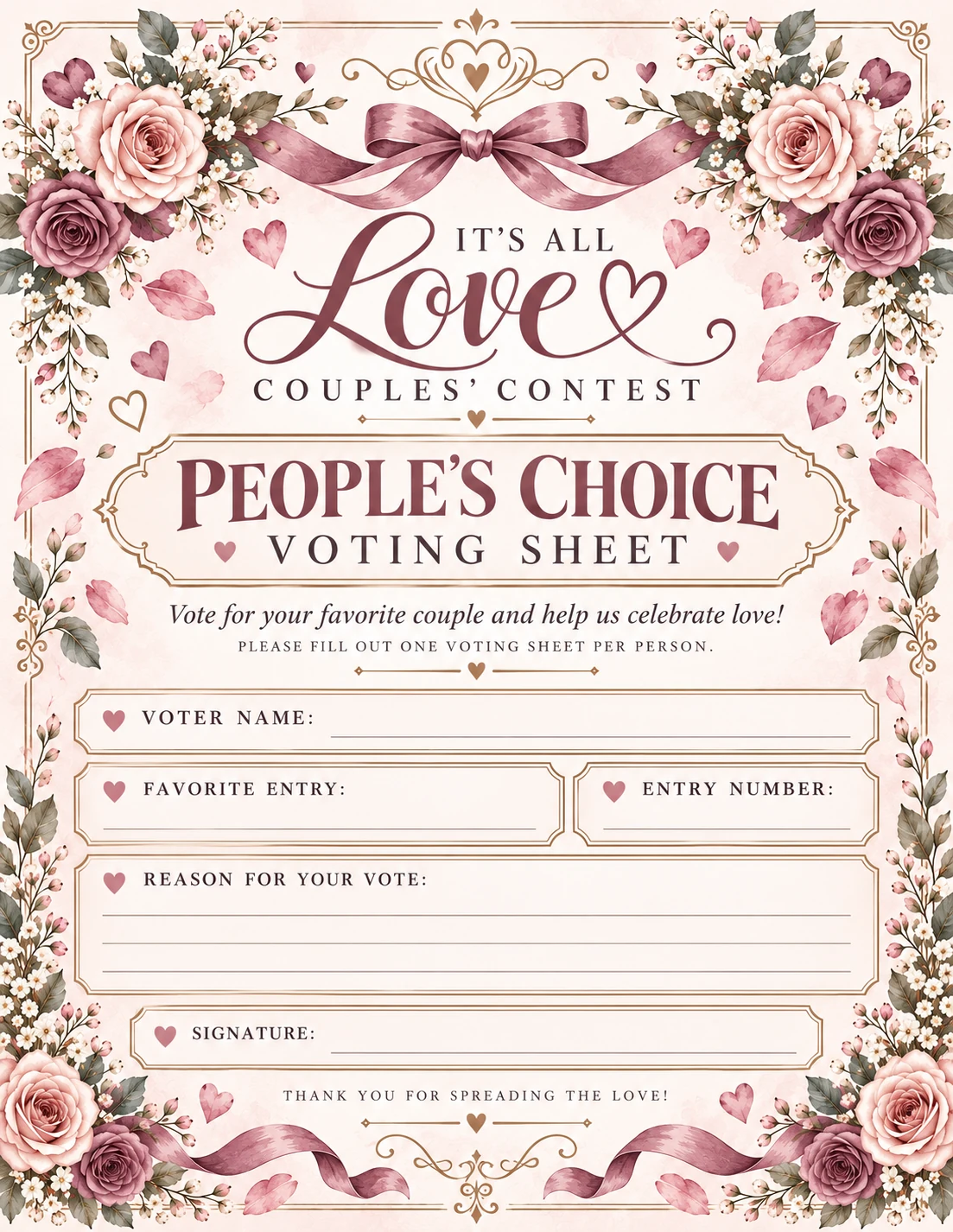
Different occasions call for different details. Explore these printable collections to see how a shared creative direction can bring invitations, signage, activity materials, and finishing touches together.
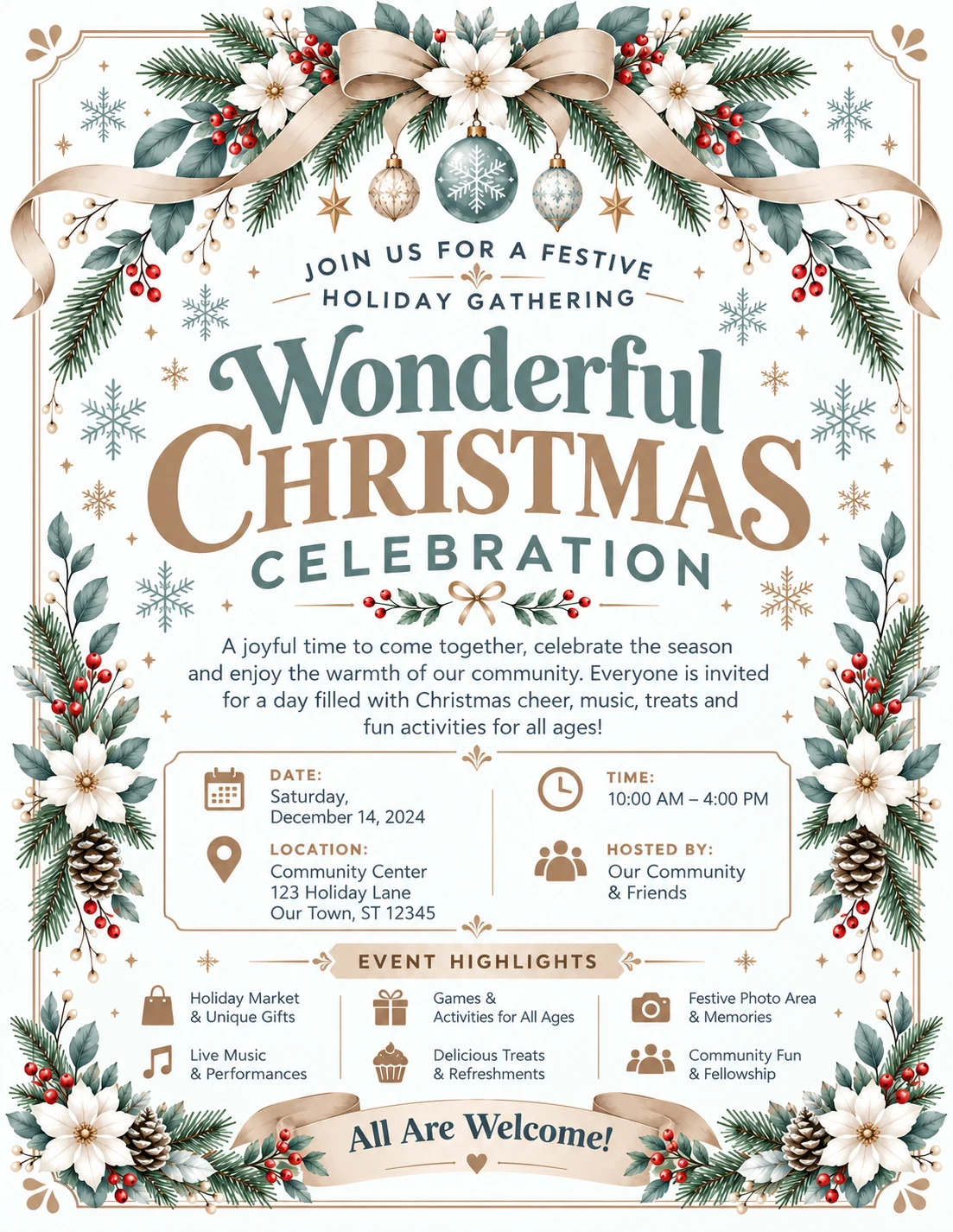
Real-world flexibility: A family birthday may need a cheerful invitation, a welcome sign, a buffet label, and a thank-you page. An office holiday party may require an event flyer, a schedule, name badges, directional signs, and a polished welcome display. A festival may need wayfinding, registration, and information materials.

A clearer creative process starts with one decision

Stop making every printable from scratch.

Build the occasion foundation once. Keep your creative direction together. Then work through the assets that matter.
GET ACCESS TO THE FACTORY
The Transformation

Imagine Opening a Folder of Matching Files Instead of Another Half-Finished Project.

Imagine walking into the venue before guests arrive. The welcome sign reflects the same theme as your invitation. The event program feels like it belongs. The direction signs are clear. Your tables have the labels they actually need. You know where the files are because you created and packaged them as one set.

Without System Coordination

Frantic last-minute searches, explaining directions repeatedly, mismatched fonts, clashing color schemes, missing signs, and constant stress on event day.

With Event Kit Factory

Clear guided materials, seamless atmosphere, zero clashing elements, predictable output pipeline, and time to welcome your guests with joy.

Instead of explaining every detail repeatedly, your printed materials help guide the experience. Instead of wondering whether your colors clash, you've worked from a consistent design direction. Instead of spending the night hunting for one last template, you've followed a repeatable process.

Thoughtful materials can make a celebration easier to run—and give you one less thing to worry about while you're welcoming guests, greeting relatives, helping students, or celebrating with friends.

"More confidence in the preparation, more pride in the presentation, and more room to enjoy the occasion itself."
See the Actual Software Workflow

From “I Have an Idea” to “Here Are My Finished Files”—Seven Clear Stages.

1

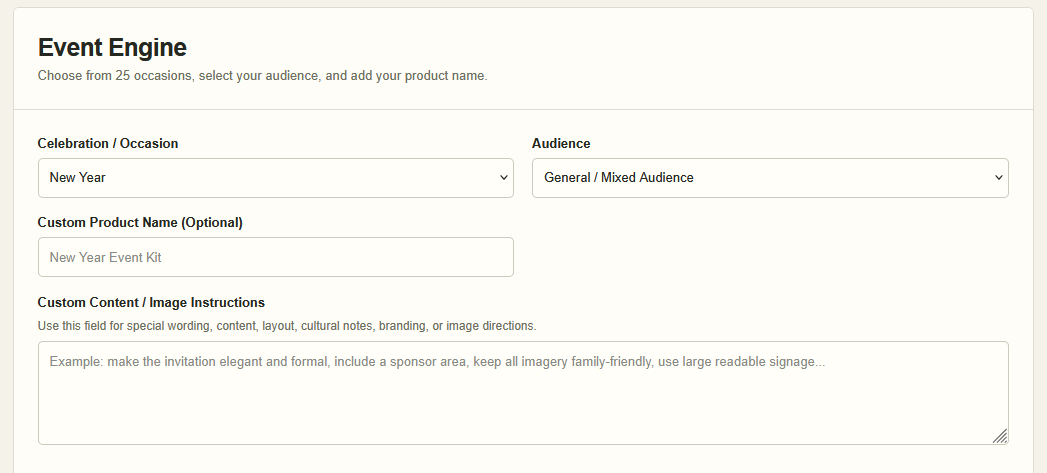
Step 1: Start with the occasion

Choose the type of celebration and the audience. Give your project a name and add any wording, cultural notes, branding needs, or important event instructions.

25 Occasions & 23 Audiences
25 Supported Occasions
  • New Year
  • Valentine's Day
  • Easter
  • Halloween
  • Christmas
  • Thanksgiving
  • Lunar New Year
  • Diwali
  • Hanukkah
  • Ramadan Community Iftar
  • Eid al-Fitr
  • Eid al-Adha
  • Mother's Day
  • Father's Day
  • Birthday Party
  • Wedding
  • Wedding Anniversary
  • Engagement Party
  • Bridal Shower
  • Baby Shower
  • Gender Reveal Event
  • School Graduation
  • Housewarming Party
  • Retirement Party
  • Grand Opening
23 Audience Profiles
  • General / Mixed Audience
  • All Ages
  • Families
  • Kids / Children
  • Teens
  • Adults
  • Couples
  • Friends / Social Groups
  • Parents
  • Schools / Education
  • Teachers / PTA
  • Workplace / Corporate
  • Community / Neighborhood
  • Church / Faith Community
  • Nonprofits / Fundraisers
  • Clubs / Associations
  • Sports Participants / Fans
  • Vendors / Exhibitors
  • Guests / Attendees
  • Formal / VIP Guests
  • Creators / Makers
  • Seniors
  • Students / Young Adults

Also enter a custom product name and any special copy, theme, cultural or image instructions for your event.

Event Engine software screenshot
2

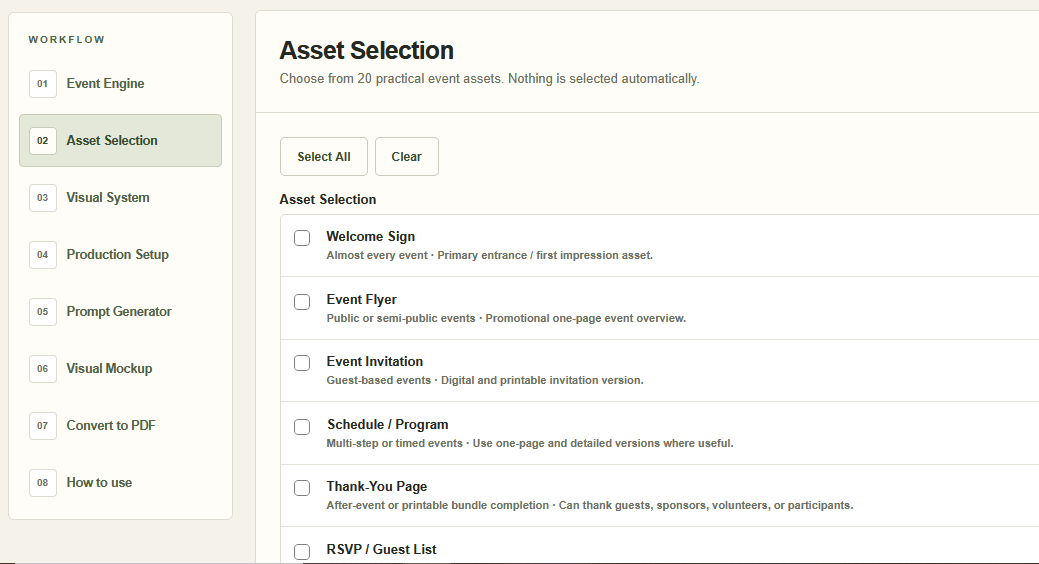
Step 2: Choose the useful pieces

Pick from twenty practical asset types. Build a small set for a simple gathering or a broader set for an organized event. Nothing is added automatically just because you switch occasions.

20 Asset Choices • Select All / Clear
Select from 20 Printable Asset Types
  • Welcome Sign
  • Event Flyer
  • Event Invitation
  • Schedule / Program
  • Thank-You Page
  • RSVP / Guest List
  • Registration / Entry Form
  • Contest Rules
  • Judging Sheet
  • Voting Sheet
  • Winner Certificate / Badge
  • Venue / Event Map
  • Directional Signage
  • Check-In Sheet
  • Name Badges
  • Table / Area Signs
  • Seating Chart
  • Food / Buffet Signs
  • Information / FAQ Sign
  • Social Promo Graphic

Choose only the items your audience needs. Use Select All or Clear to manage the selection—assets are not auto-selected for you.

Asset Selection software screenshot
3

Step 3: Define one visual language

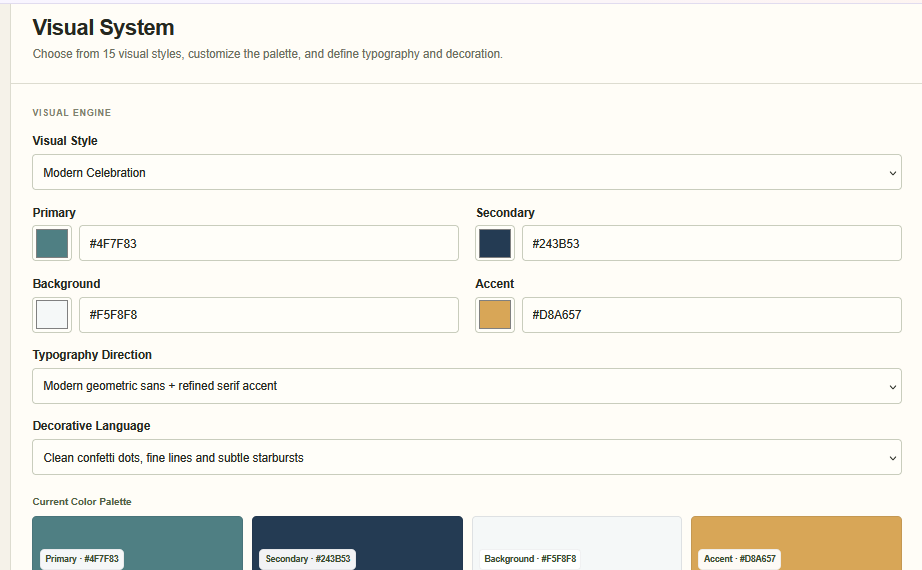
Select a visual style, edit the four-color palette, and choose typography and decorative details that fit the atmosphere you want.

15 Styles • 4-Color Hex System • 30 Typography • 15 Decor
15 Visual Styles
  • Modern Celebration
  • Editorial Elegance
  • Soft Minimal
  • Bold Confetti
  • Pastel Party
  • Luxe Metallic
  • Botanical Garden
  • Rustic Natural
  • Boho Warm
  • Retro Pop
  • Watercolor Whimsy
  • Classic Formal
  • Romantic Floral
  • Kids Playful
  • Corporate Clean
Fine-Tune the Visual Direction
  • 4 editable palette colors: Primary, Secondary, Background and Accent (HEX values)
  • 30 typography directions for appropriate headline and supporting text styling
  • 15 decorative-language choices for borders, ornaments and accents
  • Align every selected asset with the same visual identity
Visual System software screenshot
4

Step 4: Set your production preferences

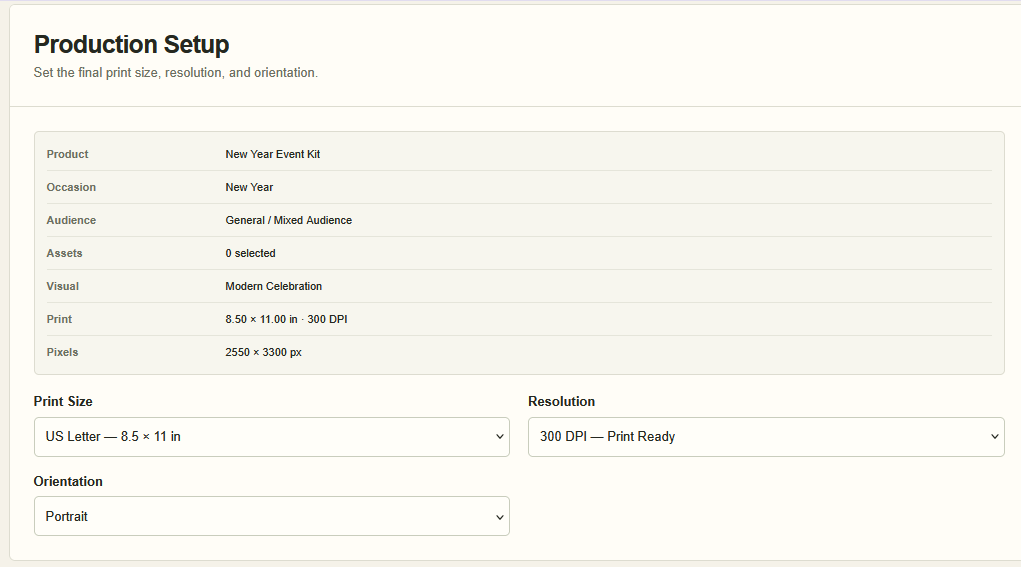
Choose common paper sizes such as US Letter or A4, other supported dimensions, or a custom size. Select resolution and orientation so the production prompt includes output specifications.

US Letter / A4 / A5 / Custom • 150/300/600 DPI • Portrait/Landscape
Production Configuration
  • Paper and printable presets such as US Letter, A4 and A5
  • Custom output dimensions when a standard size does not fit
  • Portrait or landscape orientation
  • 150, 300 or 600 DPI target settings
  • File naming and downloadable brief guidance for a more organized production process

These settings guide the generation prompt; review real output dimensions before selling or printing.

Production Setup software screenshot
5

Step 5: Generate your creative brief

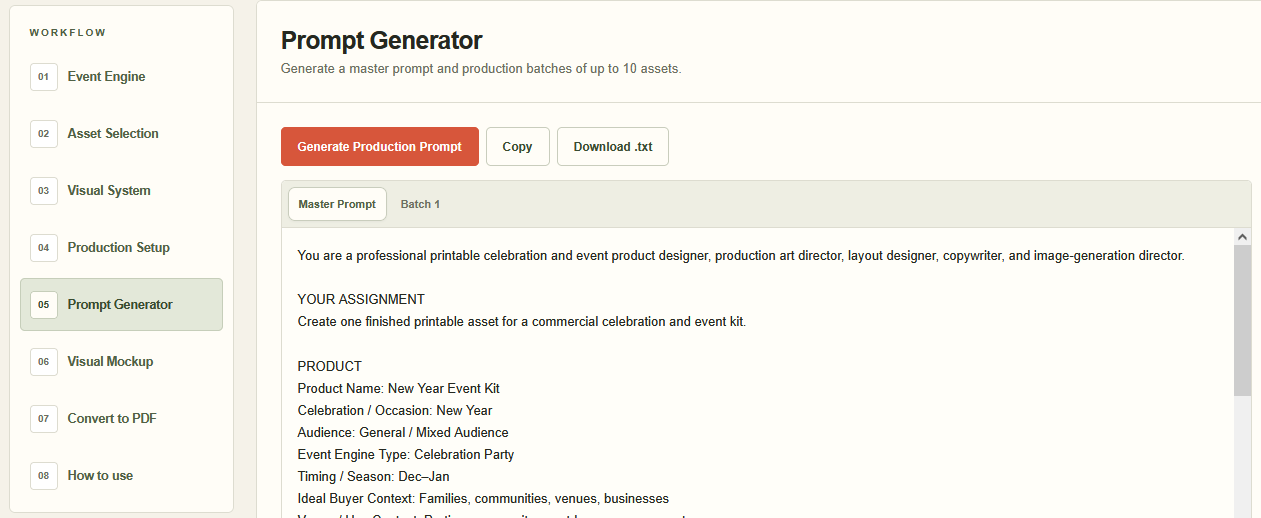
Create the master prompt and production batches of up to ten assets. Copy or download the prompts, then paste them into your chosen AI image generator to create actual printable images. Review and refine outputs as necessary.

Master Prompt • Batches (Max 10) • External AI Tool Step
Prompts to Take Into Your Creative AI Tool
  • Generate an overall master prompt that coordinates the event direction
  • Generate production batches of up to 10 selected printable assets
  • Copy or download prompts for use in your preferred compatible image generator
  • Generate the actual artwork outside the Factory
  • Proofread and refine images before using them commercially
Prompt Generator software screenshot
6

Step 6: Prepare presentation mockups

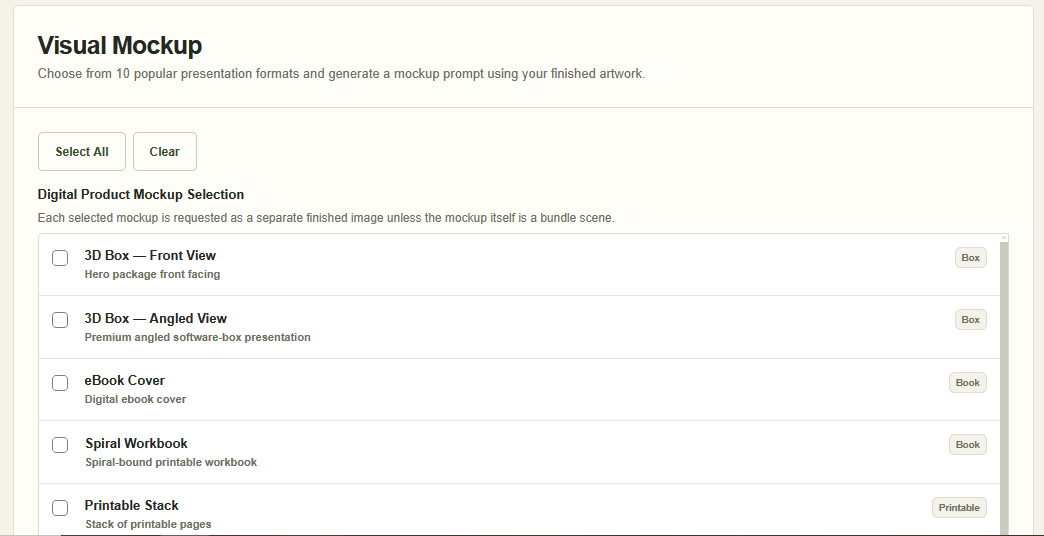
Once your artwork is finished, choose from ten mockup formats, including printable stacks, fan-outs, device displays, and bundle scenes. Generate a separate mockup prompt and provide your finished artwork as reference in your chosen image tool.

10 Presentation Mockup Formats
10 Mockup Formats Available
  • 3D Box — Front View
  • 3D Box — Angled View
  • eBook Cover
  • Spiral Workbook
  • Printable Stack
  • Printable Fan-Out
  • Clipboard Printable
  • Tablet Display
  • Full Product Bundle Scene
  • Marketplace Hero Mockup

Choose a format, use your finished event artwork as the design reference, and generate a presentation mockup with your preferred compatible AI image tool. The Factory creates the mockup prompts; the mockup images are generated externally.

Visual Mockup software screenshot
7

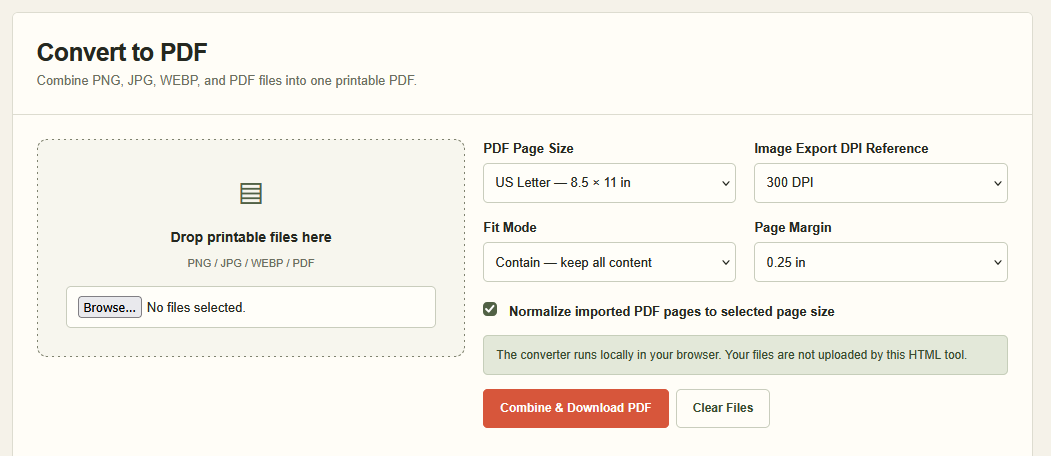
Step 7: Package the final files

Import finished images or PDFs, arrange page order, adjust fit settings, and combine them into a PDF. Check spelling, readability, margins, color consistency, and page order before printing.

Local Browser PDF Combiner
Assemble and Review Final PDFs
  • Import finished PNG, JPG, WEBP or PDF assets
  • Change the order of pages and set fit options
  • Combine files in the browser to export a single PDF
  • Review print margins, text legibility, spelling and color consistency
  • Keep a clean finished bundle ready for delivery or further editing

Imported files are processed locally inside the browser using the built-in PDF combiner.

Convert Pdf software screenshot

You remain in control of important decisions. The system gives those decisions an organized home.

Everything Inside the Front-End Workspace

The Structure, Creative Choices and Practical Tools to Keep Your Next Kit Moving.

Instead of buying another folder of fixed designs, build your own direction around the event and audience you want to serve.

01

Event & Audience Engine

Plan around 25 occasions and 23 audience profiles, with space to describe your own product name and custom content instructions.

02

20 Selectable Asset Types

Include the pieces that matter: invitations, programs, badges, maps, labels, certificates and more. You decide what makes the cut.

03

Creative Visual System

15 styles, custom four-color palettes, 30 typography directions and 15 decoration choices help you establish consistency.

04

Master & Batch Prompt Builder

Generate and copy organized prompts for an external AI image tool, including batches of up to 10 selected assets.

05

10 Presentation Mockup Formats

Plan coordinated displays to show potential customers what a complete kit may look like before purchase.

06

Browser PDF Combiner

Bring in reviewed image and PDF files, arrange their order, and combine them into a single PDF for practical delivery.

The important difference: the Factory is not another image-generation subscription. It is the guided planning, prompt-writing, mockup-planning and PDF assembly workspace around your creative tools.
Creative Control Without the Blank Canvas

Don’t Let Every AI Result Invent a Different Style for Your Kit.

You've probably seen printable bundles that are lovely—but not quite you. Perhaps the palette feels too loud for a formal dinner. Perhaps the script font is difficult to read. Perhaps the decorations fit a children's party better than a workplace celebration.

Controlled Creative Parameters

Celebration & Event Kit Factory gives you choices before the artwork is produced:

  • 15 Visual Styles: Modern Celebration, Editorial Elegance, Soft Minimal, Bold Confetti, Pastel Party, Luxe Metallic, Botanical Garden, Rustic Natural, Boho Warm, Retro Pop, Watercolor Whimsy, Classic Formal, Romantic Floral, Kids Playful, Corporate Clean.
  • 30 Typography Directions: Tailored headline and body font guidance.
  • 15 Decorative Languages: Border treatments, ornaments, & accent guidelines.

Editable 4-Color Palette System

Adjust palette roles with exact hexadecimal values or interactive color picker:

Primary #20382F
Secondary #C66B58
Background #F8F5EE
Accent #C9A567

The result is a clearer starting point for generating, reviewing, and refining a cohesive set.

Presentation Is Part of the Product

When People Can Picture the Finished Kit, It Becomes Easier to Understand Its Value.

A coordinated set deserves a coordinated presentation. The Factory includes prompts for 10 product mockup formats so you can plan how to show the collection—whether for an event organizer, client or online listing.

Inside the Software

Explore the Visual Mockup Prompt Builder

Choose a presentation format in the Factory, then use its guided prompt with your finished event artwork to create a coordinated mockup in your preferred image generator.

Visual Mockup software screenshot
25 Occasions & 23 Audience Profiles

Birthdays in March. Graduations in June. Holiday Celebrations in December. Keep Creating.

The planning challenge doesn't disappear when one event is over. The next occasion brings a different audience, different practical needs, and a different atmosphere.

Explore All 25 Supported Occasions
• New Year
• Valentine's Day
• Easter
• Halloween
• Christmas
• Thanksgiving
• Lunar New Year
• Diwali
• Hanukkah
• Ramadan Community Iftar
• Eid al-Fitr
• Eid al-Adha
• Mother's Day
• Father's Day
• Birthday Party
• Wedding
• Wedding Anniversary
• Engagement Party
• Bridal Shower
• Baby Shower
• Gender Reveal Event
• School Graduation
• Housewarming Party
• Retirement Party
• Grand Opening
Explore All 23 Target Audience Profiles
• General / Mixed Audience
• All Ages
• Families
• Kids / Children
• Teens
• Adults
• Couples
• Friends / Social Groups
• Parents
• Schools / Education
• Teachers / PTA
• Workplace / Corporate
• Community / Neighborhood
• Church / Faith Community
• Nonprofits / Fundraisers
• Clubs / Associations
• Sports Participants / Fans
• Vendors / Exhibitors
• Guests / Attendees
• Formal / VIP Guests
• Creators / Makers
• Seniors
• Students / Young Adults

A playful children's birthday should not look like a formal corporate gathering. A romantic anniversary might call for restrained florals, while a community celebration needs strong readability and clear direction signs. Shape the brief around your exact target audience.

Ideas Beyond One Holiday

Your Next Creation Opportunity Is Already on the Calendar.

Build for year-round celebrations, and plan seasonal launches ahead of time. These are brainstorming ideas; not every example below is a separately named built-in occasion.

JANFresh startsNew Year gatherings · winter parties
FEBLove & connectionValentine’s Day · anniversary kits
MARSpring celebrationsBirthday themes · community events
APRFamily occasionsEaster · showers · reunions
MAYMilestonesMother’s Day · graduations
JUNSummer gatheringsWeddings · Father’s Day · parties
JULGet-togethersBirthdays · neighborhood events
AUGSchool & communitySchool programs · welcome events
SEPCelebrations & clubsFundraisers · clubs · birthdays
OCTHalloweenCostume contests · party signage
NOVGather & give thanksThanksgiving · community meals
DECYear-end momentsChristmas · office parties · New Year
Evergreen possibilities: birthdays, weddings, engagements, graduations, housewarmings and grand openings can inspire creative work beyond any single seasonal window. Research real demand before committing to a commercial niche.
You’re Not Left With a Blank Tool

Learn the Workflow Once. Reuse the Method for Your Next Occasion.

No design degree required. Use the software’s guided workflow and the step-by-step tutorial materials to understand what to choose, what to generate, what to review, and what to deliver.

01

Understand Your Event Brief

Choose an occasion, audience, custom instructions and the right products for the context.

Action: define your first event kit.
02

Choose & Coordinate the Assets

Build a matching look, decide on useful pieces and specify the practical print formats.

Action: lock a shared visual direction.
03

Create the Artwork Externally

Use the generated prompts with an image tool, then review words, visual consistency and output quality.

Action: make and check your first asset.
04

Present & Package the Result

Prepare mockup prompts and combine completed printables into a final organized PDF.

Action: assemble your first finished kit.
A Useful Product for More Than One Type of Buyer

Build It for a Celebration. Adapt the Workflow for a Product Line.

Same engine. Different motivations. The value is in adapting coordinated printable materials to the occasion and the people who will use them.

FOR SELLERS

Build a printable catalog with more intention.

Start with an occasion, plan a useful set, create and refine artwork, make product mockups, and prepare finished files for your shop. You handle niche research, listing creation, licensing and customer service.

FOR ORGANIZERS

Make event day look more put together.
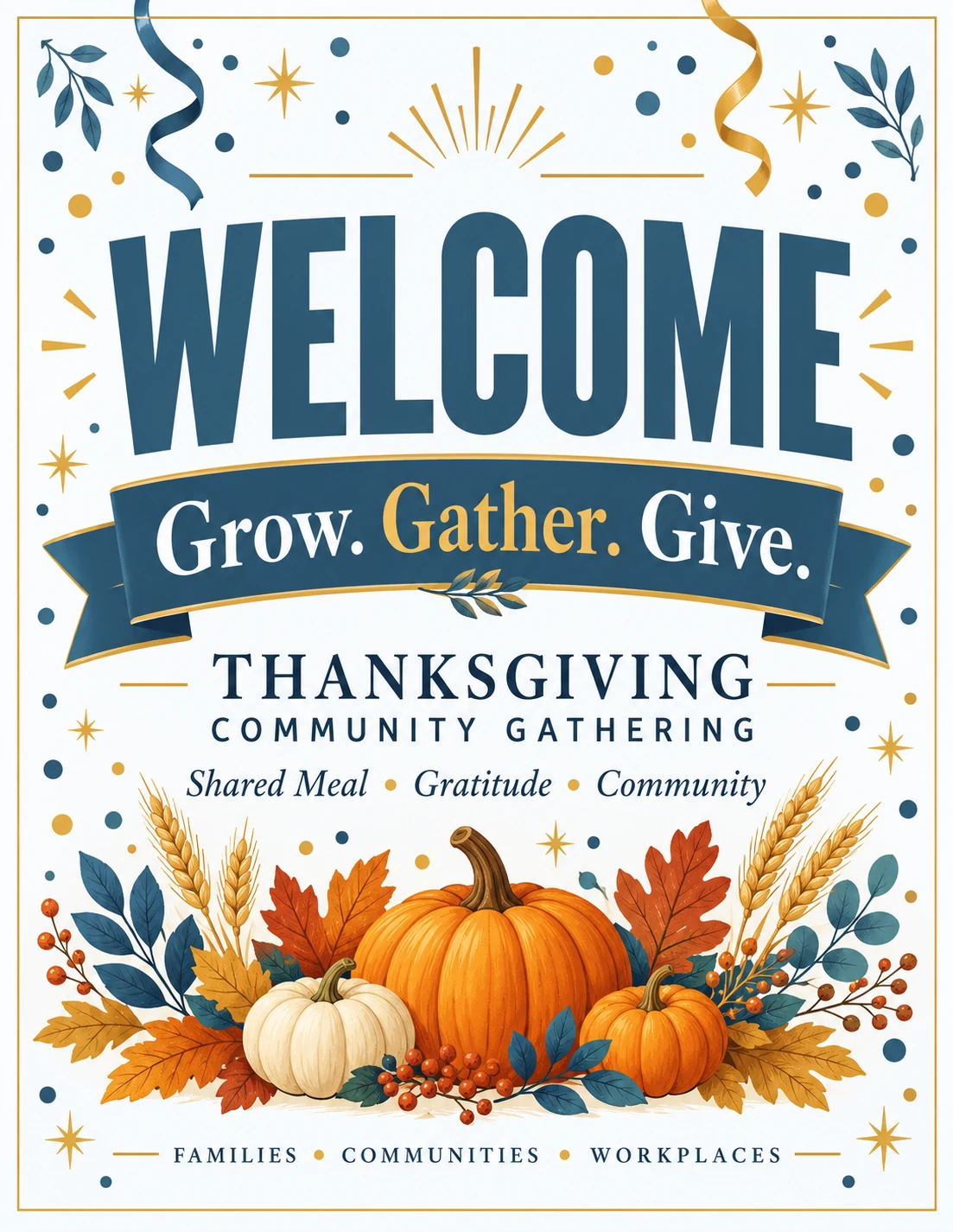
Plan materials that inform, guide and welcome guests without constantly searching for mismatched standalone templates.

FOR CLIENT CREATORS

Give the project a repeatable foundation.

Use a clearer brief to coordinate several deliverables for a client or community event, while retaining manual review of every asset.

Who It’s Designed For

For Etsy Sellers, Printable Creators and the People Who Bring Events to Life.

New Etsy & Digital Product Sellers

Go from a rough celebration idea to a structured set of printable products—without feeling that you need professional design training first.

Established Printable Sellers

Develop themed collections more consistently, refresh seasonal products and give related listings one clear creative direction.

Event Planners & Party Hosts

Coordinate invitations, signs, programs and guest materials for your own events instead of juggling unrelated downloads.

Teachers, Schools & Community Teams

Plan useful, readable materials for graduations, fundraisers, workshops, school functions, parties and organized gatherings.

Third-Party Commercial Terms Note: However you intend to use the files, check the licensing and commercial-use rules of the AI artwork tool you choose. Celebration & Event Kit Factory organizes your workflow; it doesn't override third-party terms.
A Transparent, Practical Workflow

Know Exactly What the Factory Does—and What You Still Control.

Celebration & Event Kit Factory is a browser-based event-kit planning and prompt-generation tool with a PDF-combining feature. It does not contain a built-in AI image generator that automatically draws every finished sign or invitation. To produce the actual artwork, you'll use a compatible AI image tool separately and provide it with the prompts generated here.

The tool also doesn't guarantee error-free wording, perfect layouts, or professional print results without review. AI-generated lettering and layout can require corrections. Always verify names, dates, venue details, legibility, and print margins.

When you use the PDF combiner, your imported files are processed locally in your browser by this HTML tool rather than uploaded by the converter itself.

Verification Checklist Before Printing:

✔ Check spelling & wording legibility
✔ Confirm dates, times, & venue addresses
✔ Inspect safe print margins & resolution settings
✔ Verify PDF page order before distribution

Frequently Asked Questions

Before You Decide, Let’s Answer What You’re Really Wondering.

“But I'm Not a Designer.”
You don't need to begin with a blank canvas. The system lets you choose a style, color palette, typography direction, decorative elements, and useful asset types. You do still need to review what your image generator creates.
“What If I Only Need a Few Printables?”
That's completely fine. You choose the pieces you need. A simple dinner might call for just a welcome sign and food labels, while a festival might need programs, directional signage, and registration materials.
“Can I Use It for More Than Christmas?”
Yes. The Event Engine covers twenty-five occasions, including seasonal holidays and year-round events such as birthdays, weddings, graduations, and grand openings.
“Will It Give Me Actual Printable Files?”
It generates production prompts for your AI image tool, and it can combine finished image/PDF files into one downloadable PDF. The image-generation step takes place in a separate creative tool.
“Can I Create Product Mockups?”
Yes. It prepares separate prompts for ten presentation formats. The actual mockup images are generated in your chosen image tool using your completed artwork as the design reference.
“What About Print Size?”
The tool supports common size presets, custom dimensions for production prompting, resolution settings, and options for combining final files into a PDF. Review the final export before printing.
“Does the PDF Combiner Upload My Personal Files to a Server?”
No. The PDF combiner runs locally inside your web browser. Your imported PNG, JPG, WEBP, or PDF files are processed directly on your device.
“Can I Sell Event Kits Created With This Software?”
You can use the Factory to plan your own original designs, but commercial rights for generated artwork depend on the terms of the AI image generator and any stock elements or fonts you use. Check each platform’s current policies (including Etsy’s rules on AI-assisted content) before listing. No specific earnings or marketplace approval is guaranteed.
“Do I Need AI Credits or an API Key?”
The Factory does not require you to enter an API key: it prepares prompts for you to use in a separate compatible AI image tool. That external tool may have usage limits, account requirements or subscription costs of its own.
“Does the Factory Generate the Artwork Automatically?”
No. It creates the creative briefs, production prompts and mockup prompts; then you copy those into your chosen external image-generation tool. Review and correct spelling, design quality and page dimensions before combining the finished files into PDF.
“I Already Use ChatGPT or Canva. Why Would I Need This?”
An image-generation tool helps produce individual visuals. A graphics editor helps with finishing work. The Factory provides the process around them: occasion and audience decisions, asset selection, coordinated style instructions, organized production prompts, mockup planning and PDF combining. It works alongside your existing creative tools, not in place of them.
“What If I Have Never Created a Printable Product Before?”
Start small. Choose a familiar occasion and three or four useful assets, then follow the seven steps. The software guides the planning and prompts, but you should still proofread output, check commercial rights and learn the requirements of whichever marketplace you use.
“Will This Guarantee Etsy Sales or Passive Income?”
No. The Factory is a production and planning tool, not an automated business or sales system. Marketplace results depend on product quality, originality, customer demand, listing optimization, pricing, competition and marketing.
The Front-End Offer

Everything You Need to Plan, Prompt, Present and Package Your Next Event Kit.

Get access to the guided event-kit workspace—not just another fixed set of templates. Here is what is included in this front-end edition:

One system for the moments your customers want to celebrate—and the finished collections you want to feel proud to show.
  • ✓ 25 Occasions & 23 Audience Profiles: Year-round seasonal and milestone planning.
  • ✓ 20 Practical Printable Asset Types: Welcome signs, flyers, menus, badges, maps, & more.
  • ✓ 15 Visual Styles & 4-Color Hex System: Cohesive design control.
  • ✓ 30 Typography & 15 Decorative Directions: Clear instructions for text & borders.
  • ✓ Production Settings: US Letter, A4, A5, Custom sizes, 150/300/600 DPI, orientation.
  • ✓ Prompt Engine: Master prompt & batch production prompts (max 10 per batch).
  • ✓ 10 Mockup Formats: Product bundle scenes, stacks, & hero displays.
  • ✓ Built-in Browser PDF Combiner: Merge local PNG, JPG, WEBP, and PDF files.
  • ✓ 7-Step Guided Workflow: Clear direction from event brief and asset selection through to delivery.
  • ✓ Reusable Creative System: Plan small focused kits or broader coordinated event collections.

Not another collection of pretty images you hope will fit your event. Not a blank design screen that leaves you wondering what to do next. A repeatable workflow for deciding what matters, giving the collection a shared look, directing production, and packaging the result.

The Cost of Standing Still

How Many More Good Ideas Will Stay Unfinished in a Folder?

Another holiday. Another family gathering. Another school celebration. Another office party. Another list of small design tasks that somehow lands on your shoulders.

You can approach it the usual way: open new tabs, search for pieces that almost match, improvise the missing parts, and hope everything comes together before guests arrive.

Or you can give yourself a more organized starting point now.

Think about the difference between rushing to find a sign the evening before an event and having a clear plan for the pieces you need, the style you want, and the way you'll produce them.

That's a small shift with a meaningful emotional payoff: fewer unfinished details hanging over you, and more space to be present when the celebration begins.
Your Next Collection Starts Here

You Already Have the Ideas. Give Them a System That Helps You Finish.

Think of the next celebration on your calendar—or the next printable product you keep meaning to publish. You already have the occasion. You can picture the look. You know the pieces could be beautiful together.
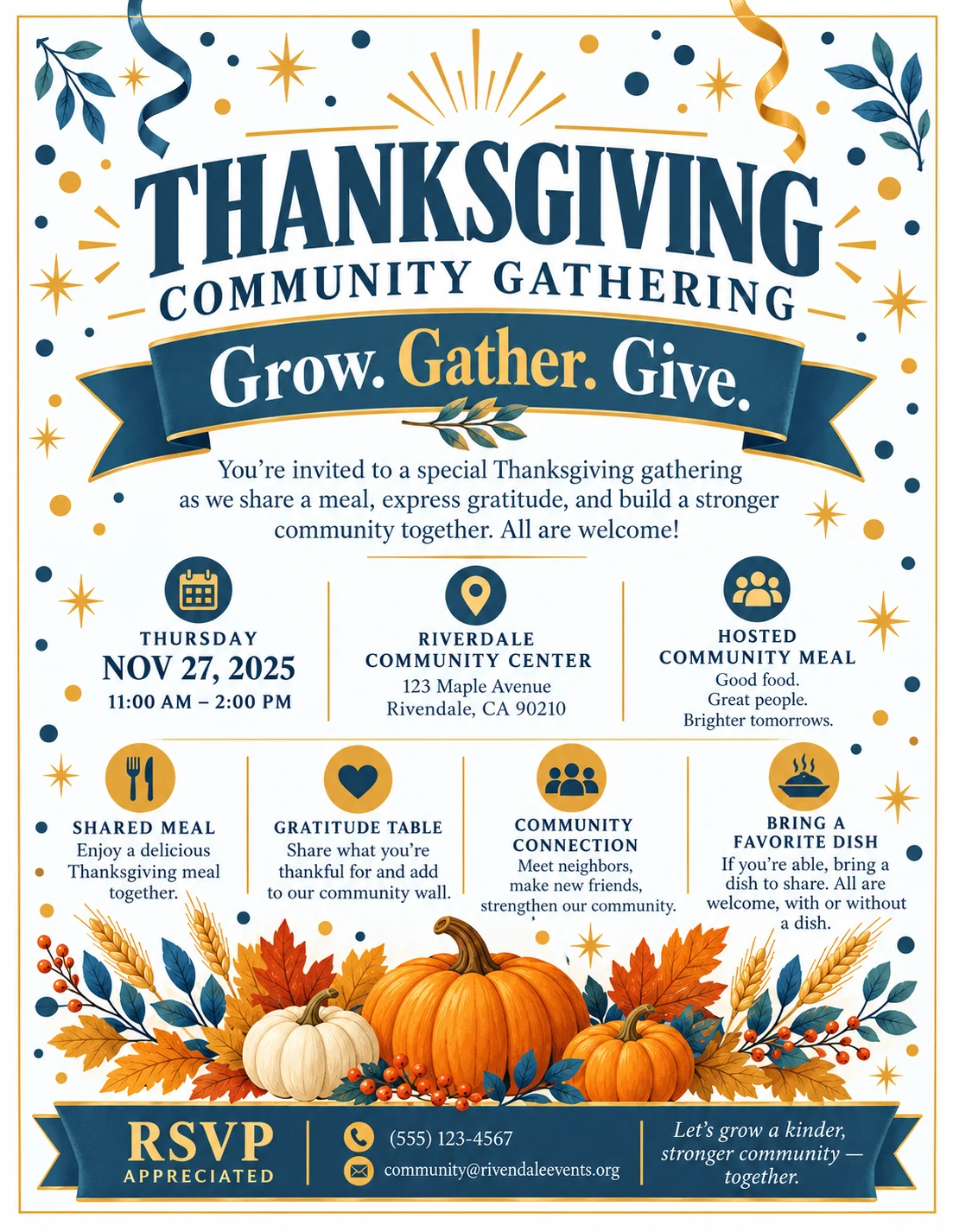
What you need now is a process that helps you finish the kit instead of restarting each time. A clear occasion brief. A useful asset list. One visual language. Production prompts. Mockup concepts. A finished PDF.
The Factory won’t magically create perfect artwork or guarantee a customer will buy. But it can replace a great deal of guesswork with decisions you can make once and use across a coordinated set.

With Celebration & Event Kit Factory, you can approach your next event with a practical sequence: choose the occasion, select the right materials, define the creative direction, generate your production prompts, create and review the artwork with your chosen AI tool, and package the finished files.

No pretending that great events happen by magic. Just a clearer way to handle the details so you can focus on the bigger picture.

Make the event feel thoughtful. Make the preparation feel manageable. And give yourself a better chance to enjoy the day you worked so hard to create.

Create with more confidence. Celebrate with less chaos.