BIRTHDAY PARTIES
Birthday party bundles
Invitations, signage, labels and activities designed to work together.
Give your audience a guided way to plan, prompt, present and package matching event printables—from invitations and welcome signs to activity sheets and finishing touches. Three connected offers. One clear creative journey.
Launch window: Thu 17 Dec 2026 10:00 EST · Affiliate platform: WarriorPlus
Launch date / time
Thu 17 Dec 2026 10:00 ESTAffiliate platform
WarriorPlusFront End price
$27Front End commission
50%Upgrade commission
50%Approval requirements
To be confirmedLaunch and commercial terms will be confirmed here before promotion opens. Check your approved affiliate-platform terms for tracking, payout and refund adjustments.
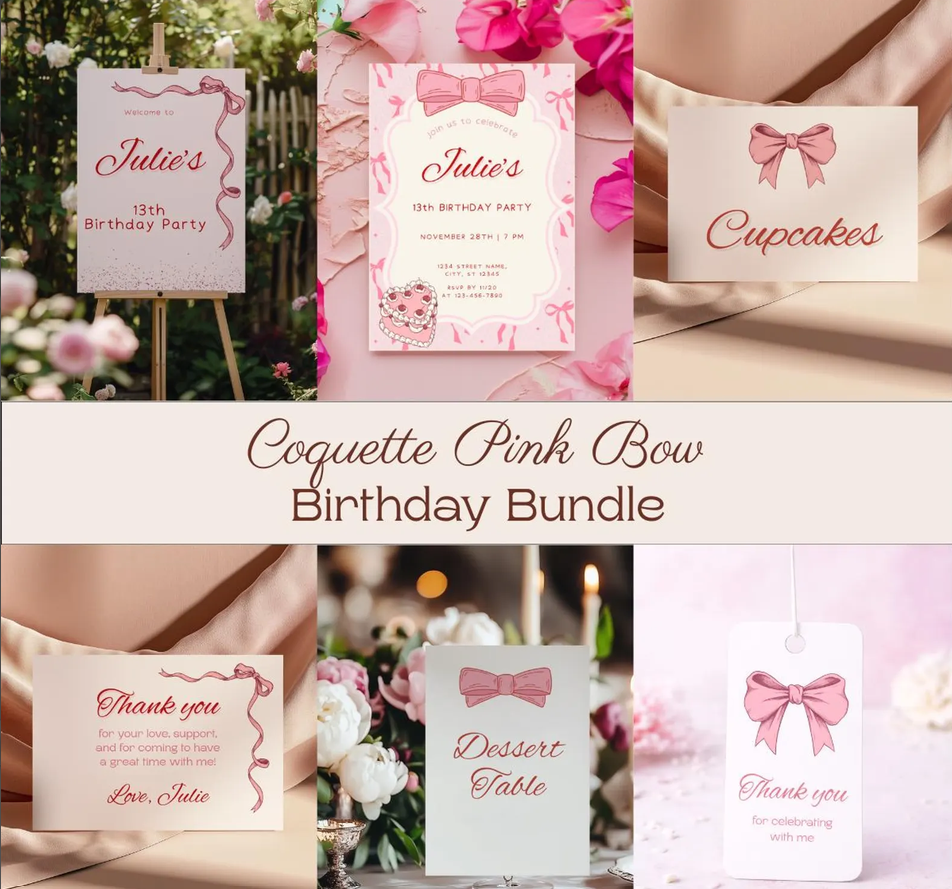
Party hosts, event organizers and gift-givers can shop for coordinating printables rather than creating every file from scratch. These examples from independent Etsy sellers show the kinds of bundled products shoppers can discover—not sales predictions or endorsements.
Invitations, signage, labels and activities designed to work together.
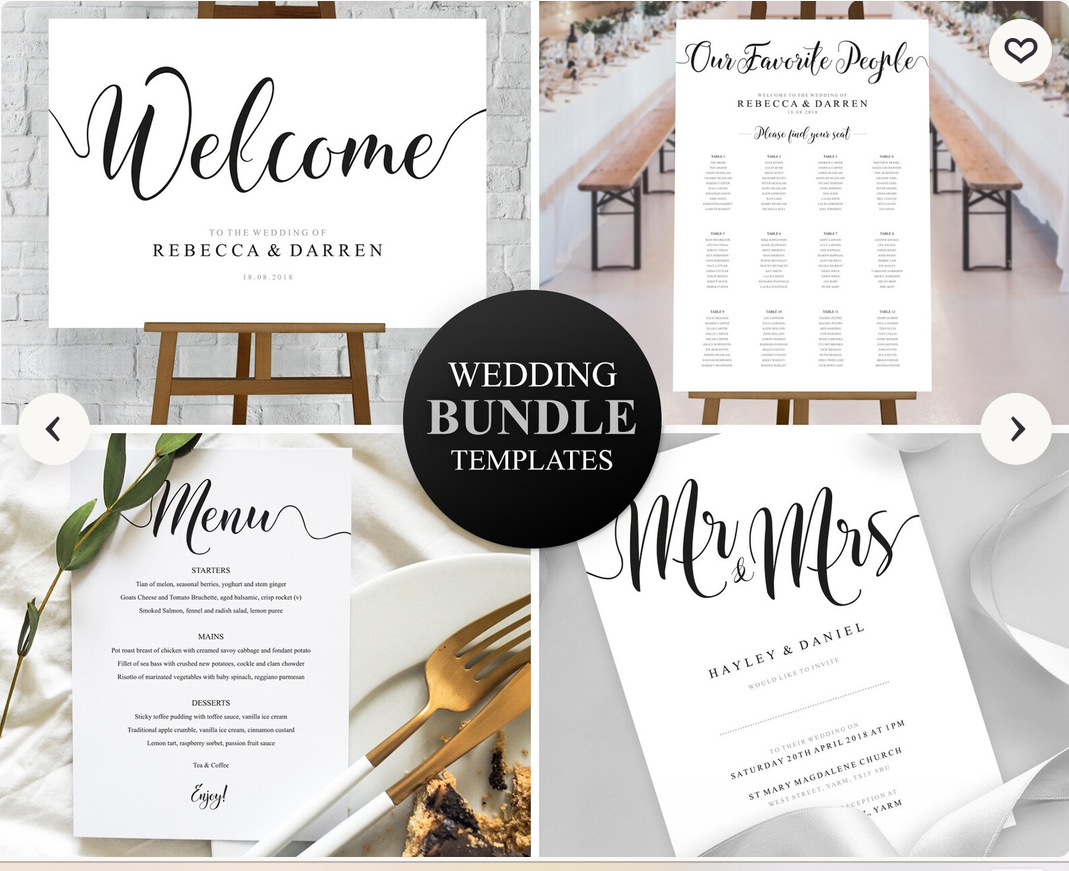
Multiple coordinating pieces for one occasion, from guest information to the program.
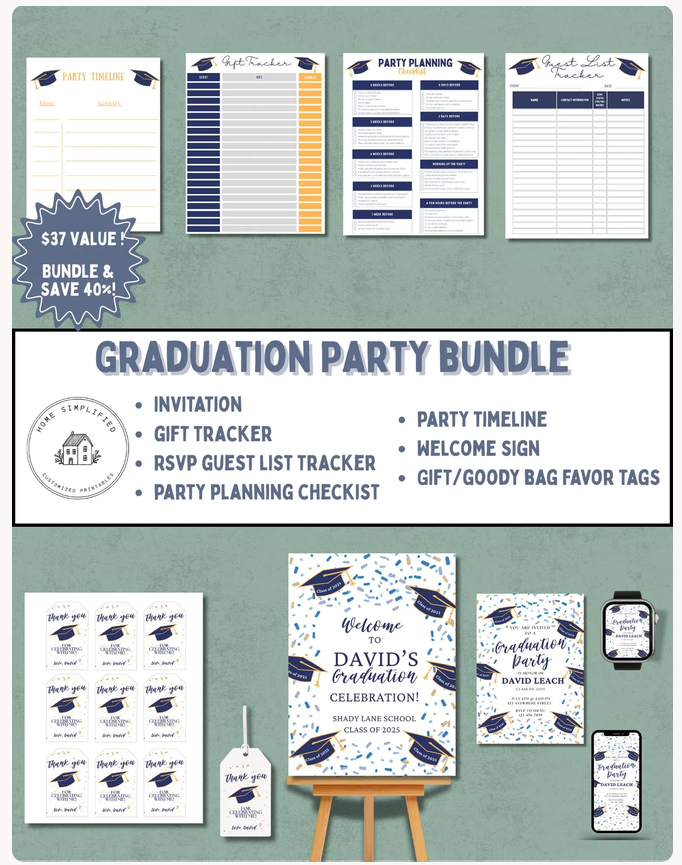
Matching event details and keepsakes arranged as a useful collection.
Examples reviewed October 2026. These listings belong to independent Etsy sellers and do not endorse the Factory.
Browse more event-related listing examples and visual formats that show how sellers present their work.
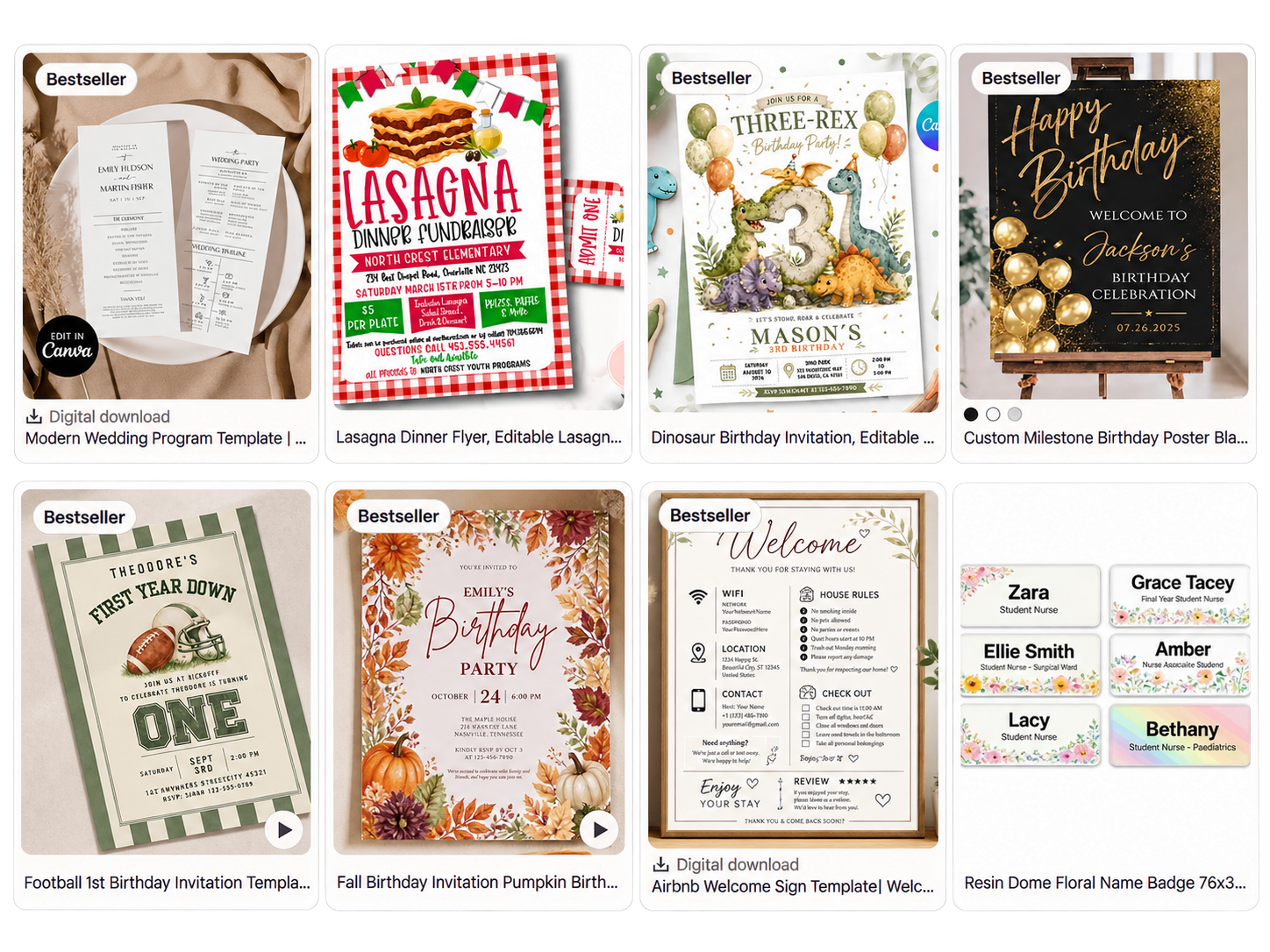
The result is more than a single invitation. These example printables illustrate the coordinated look buyers can aim for with the Factory's prompts and an external image-generation tool.
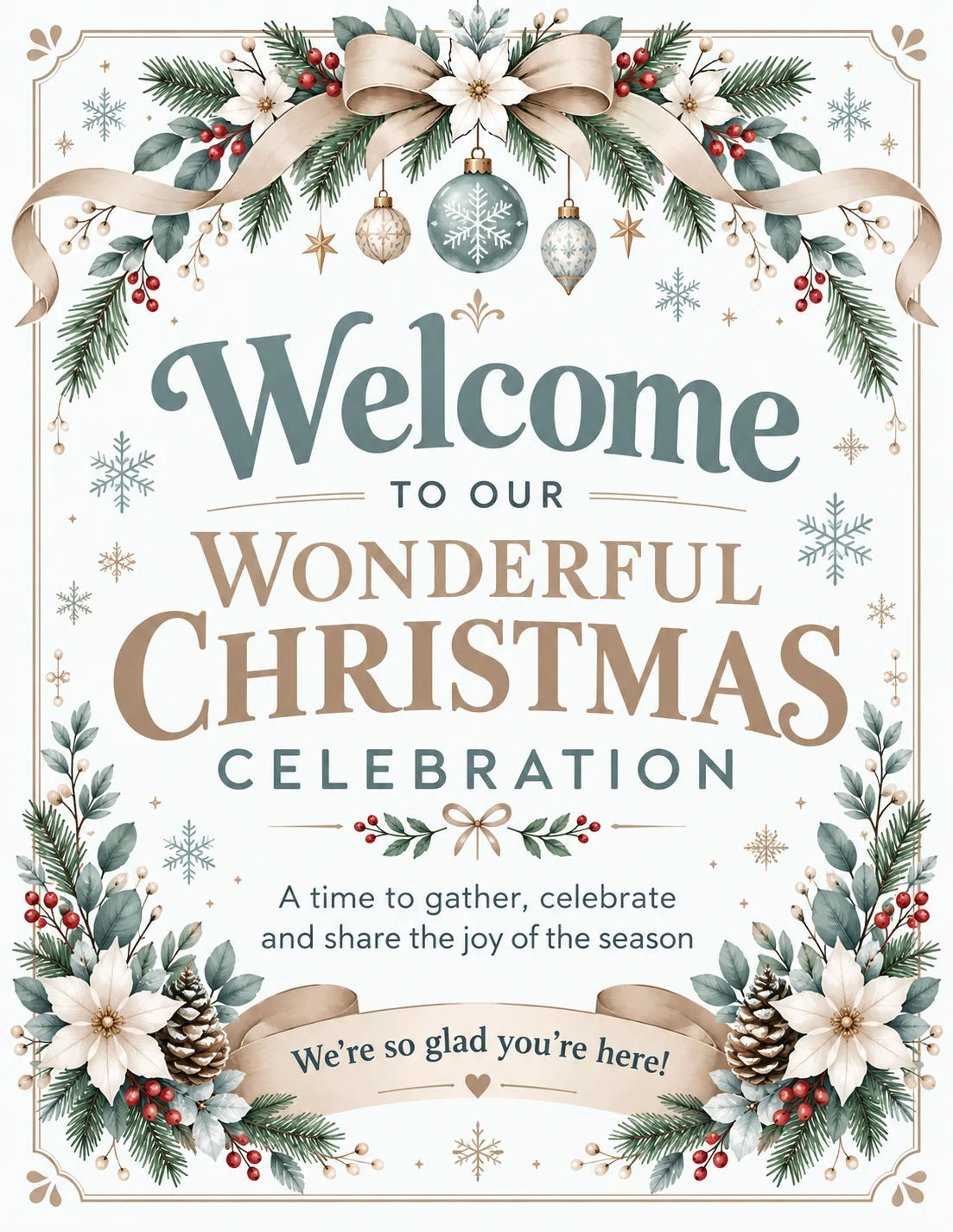
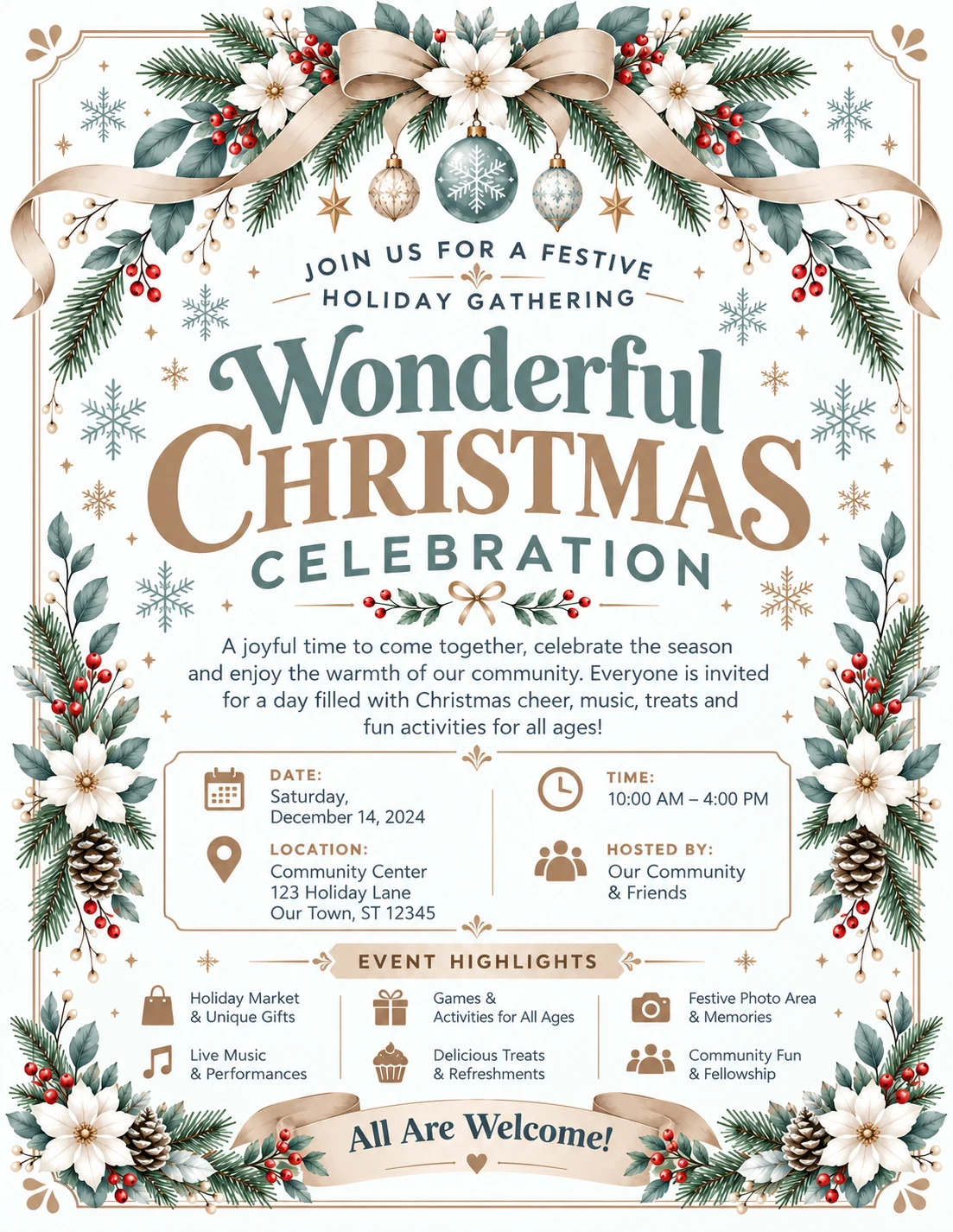
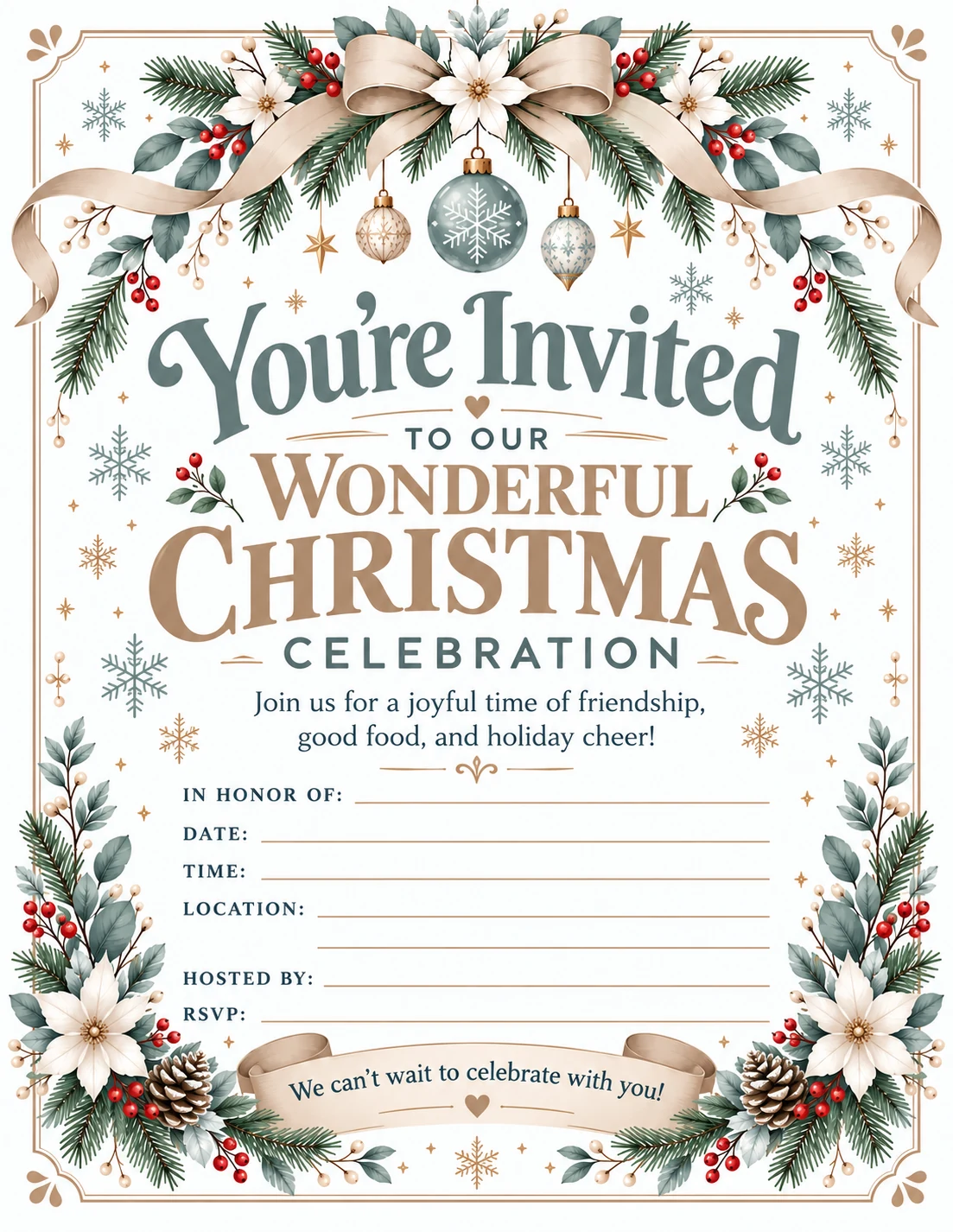
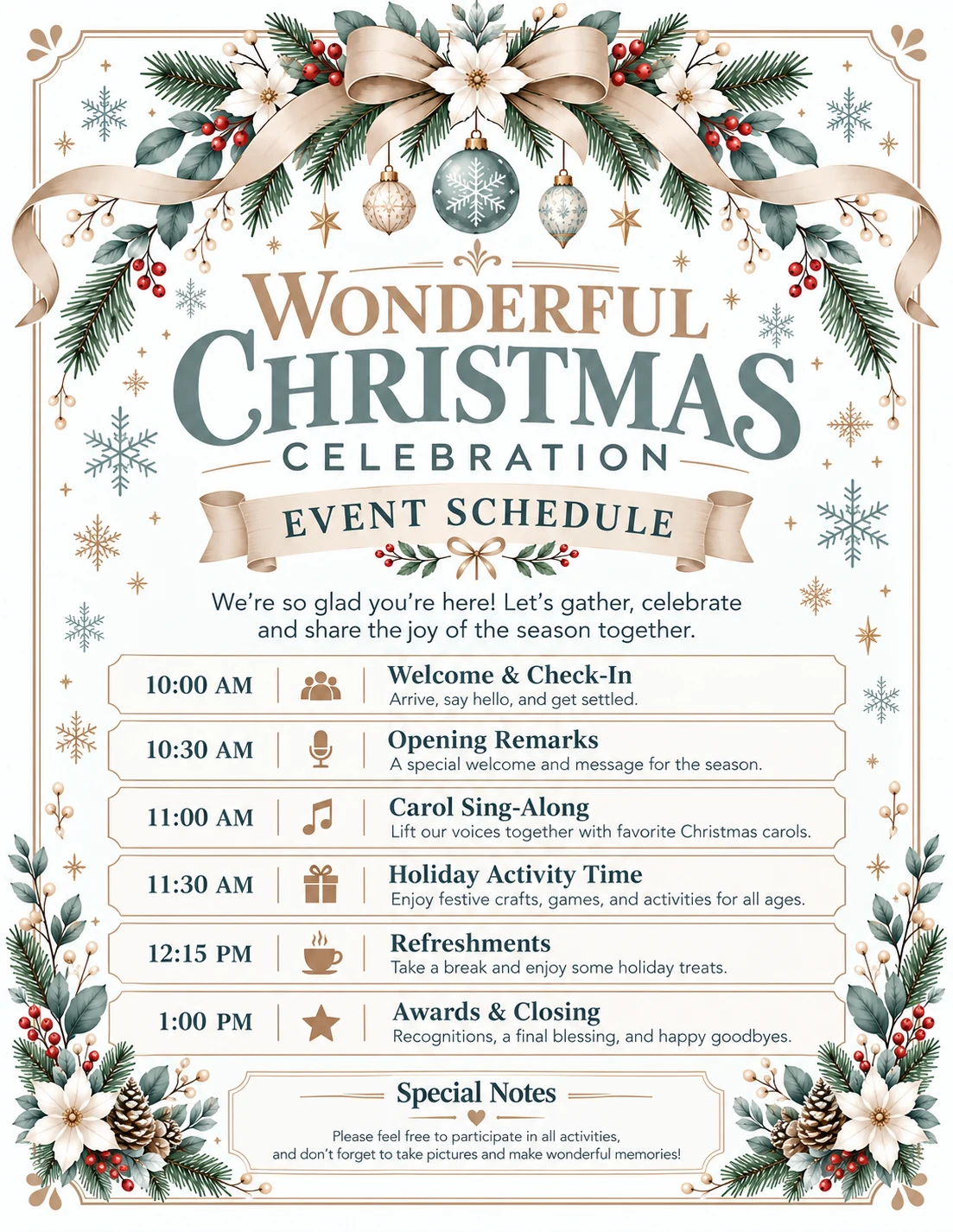
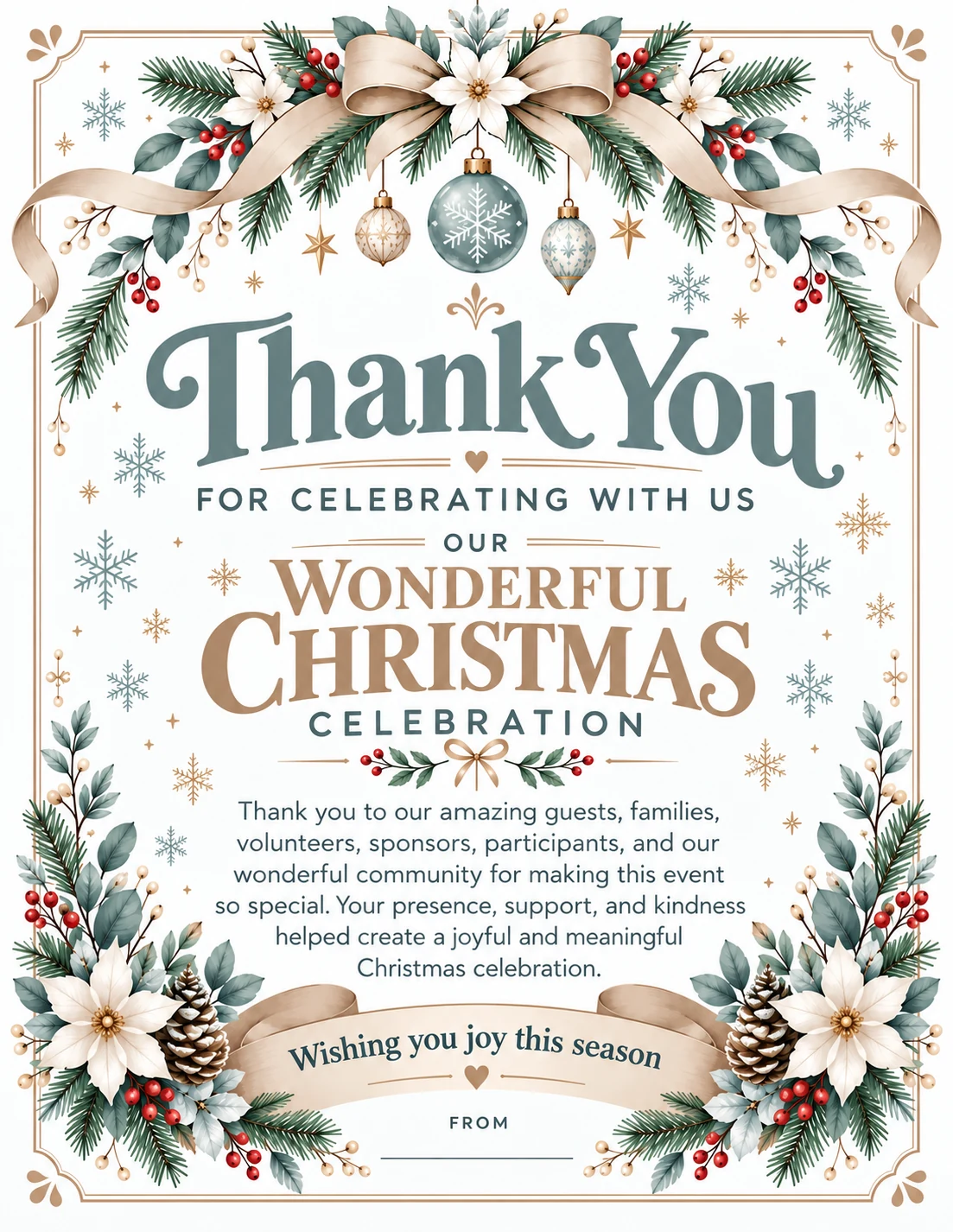
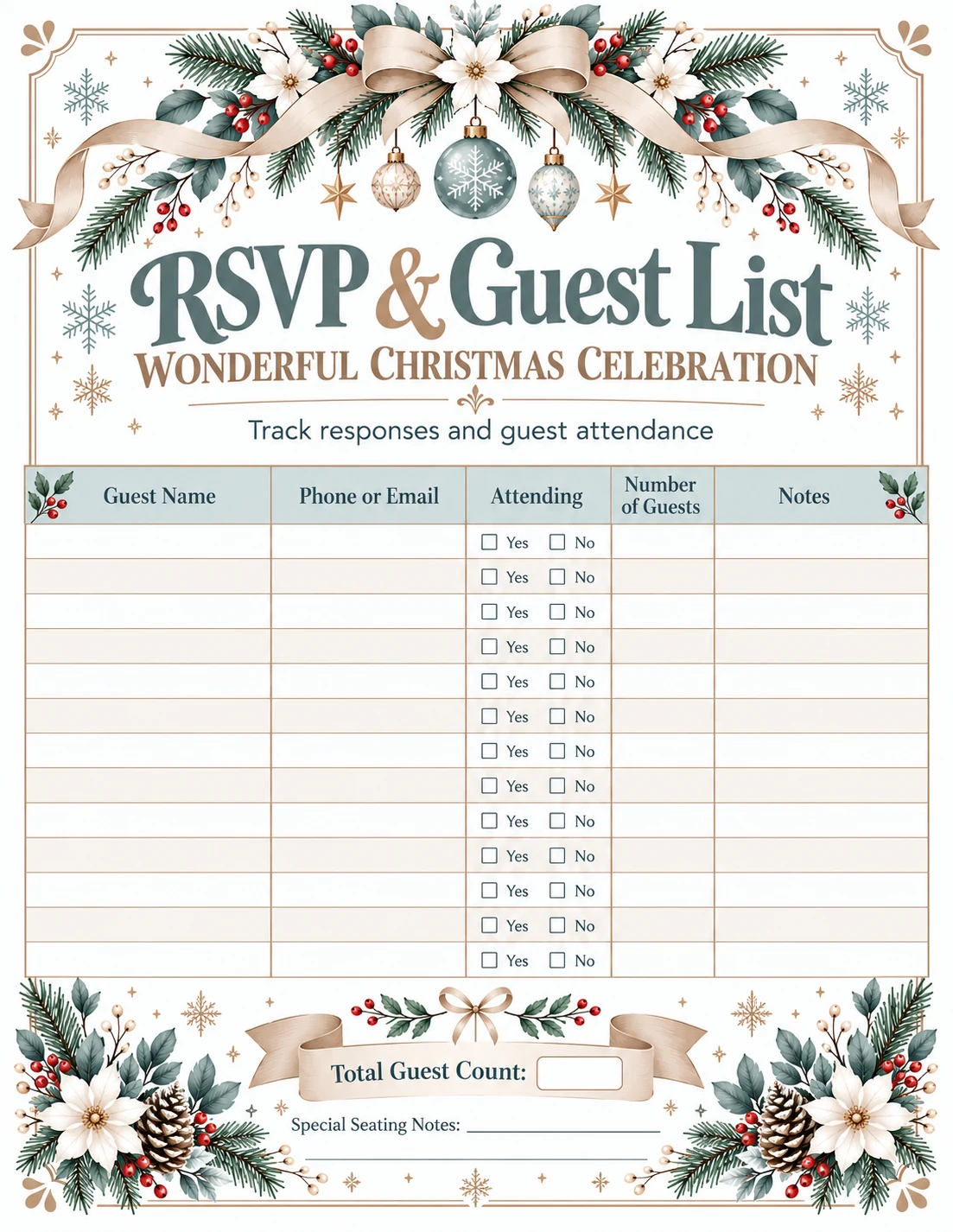
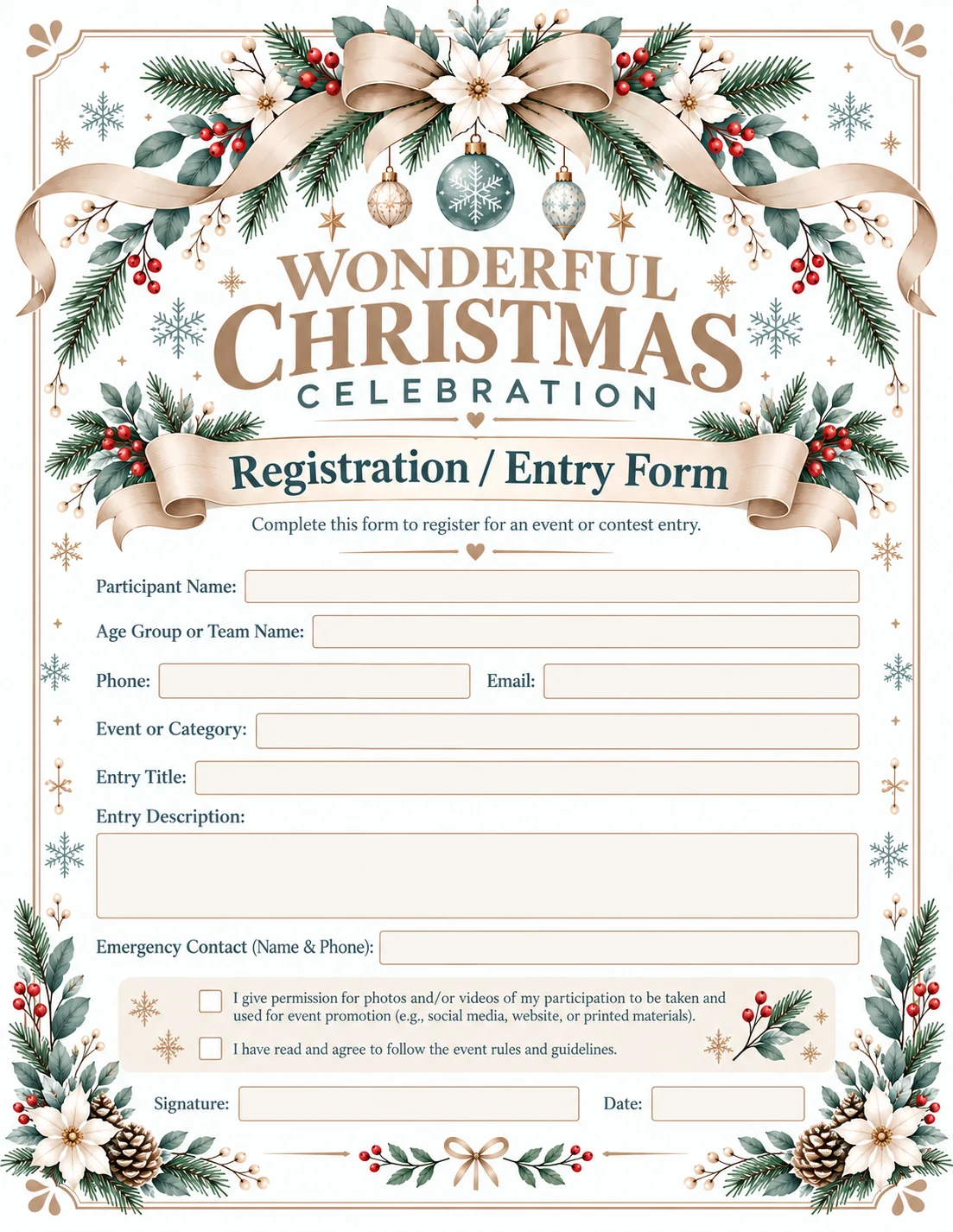
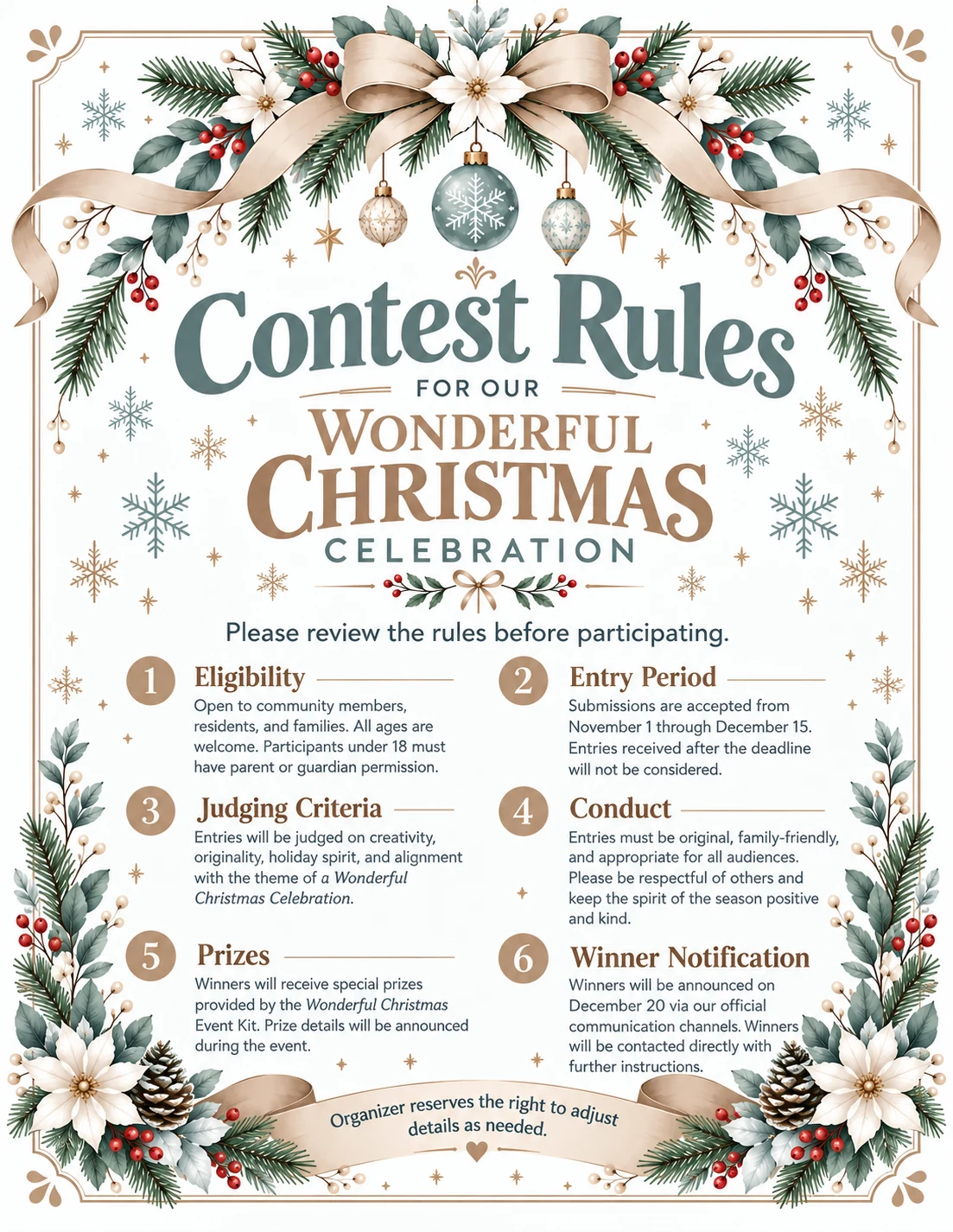
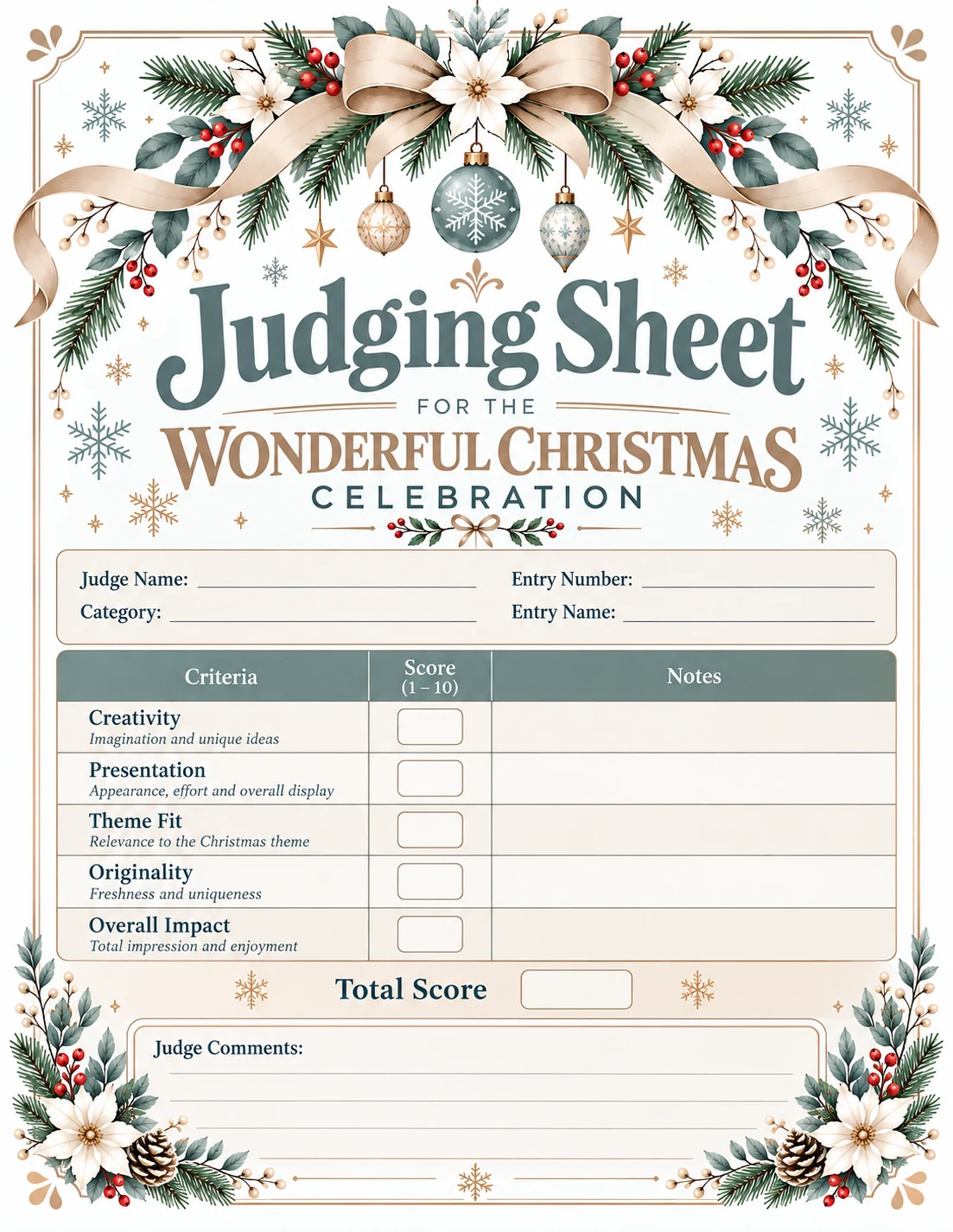
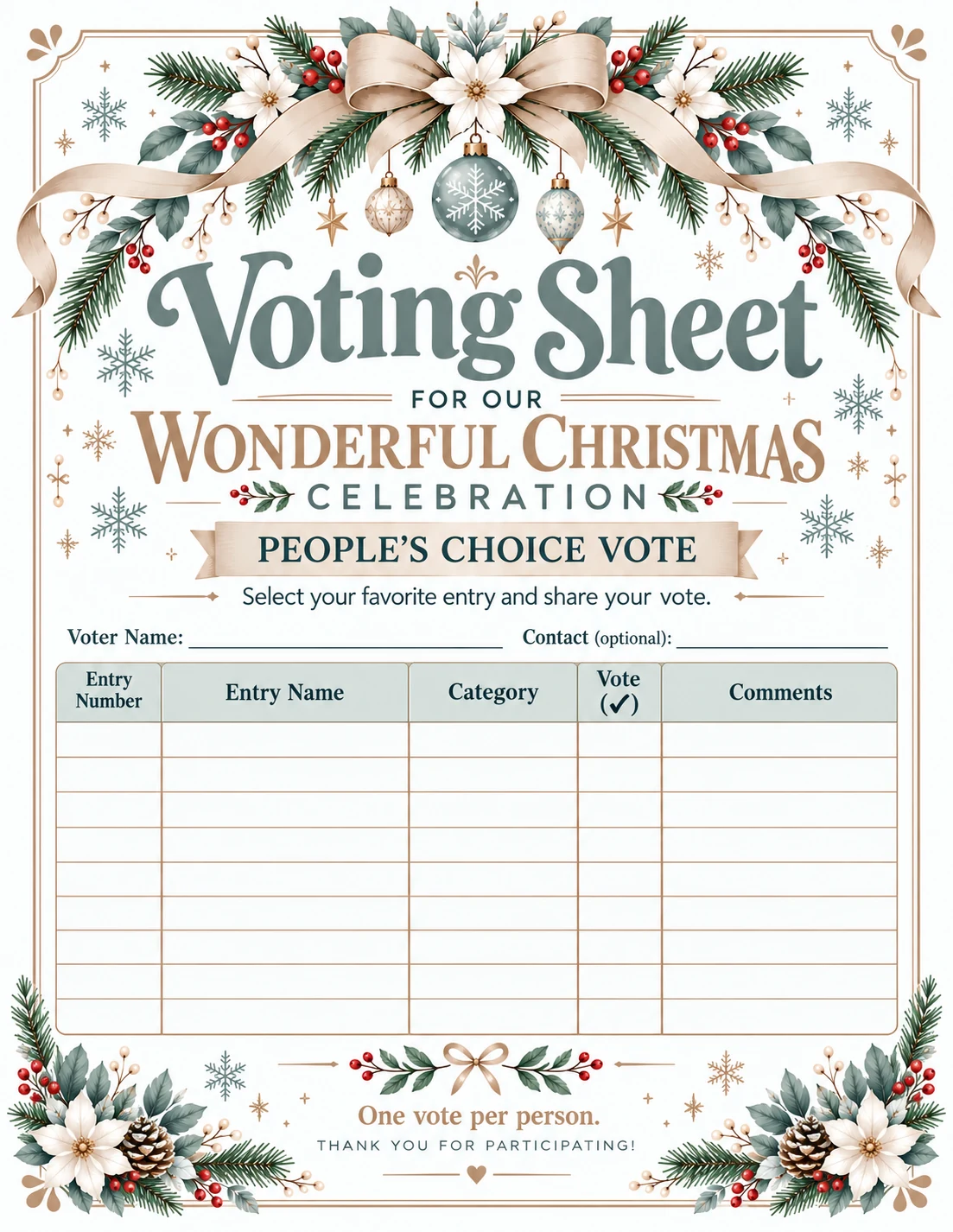
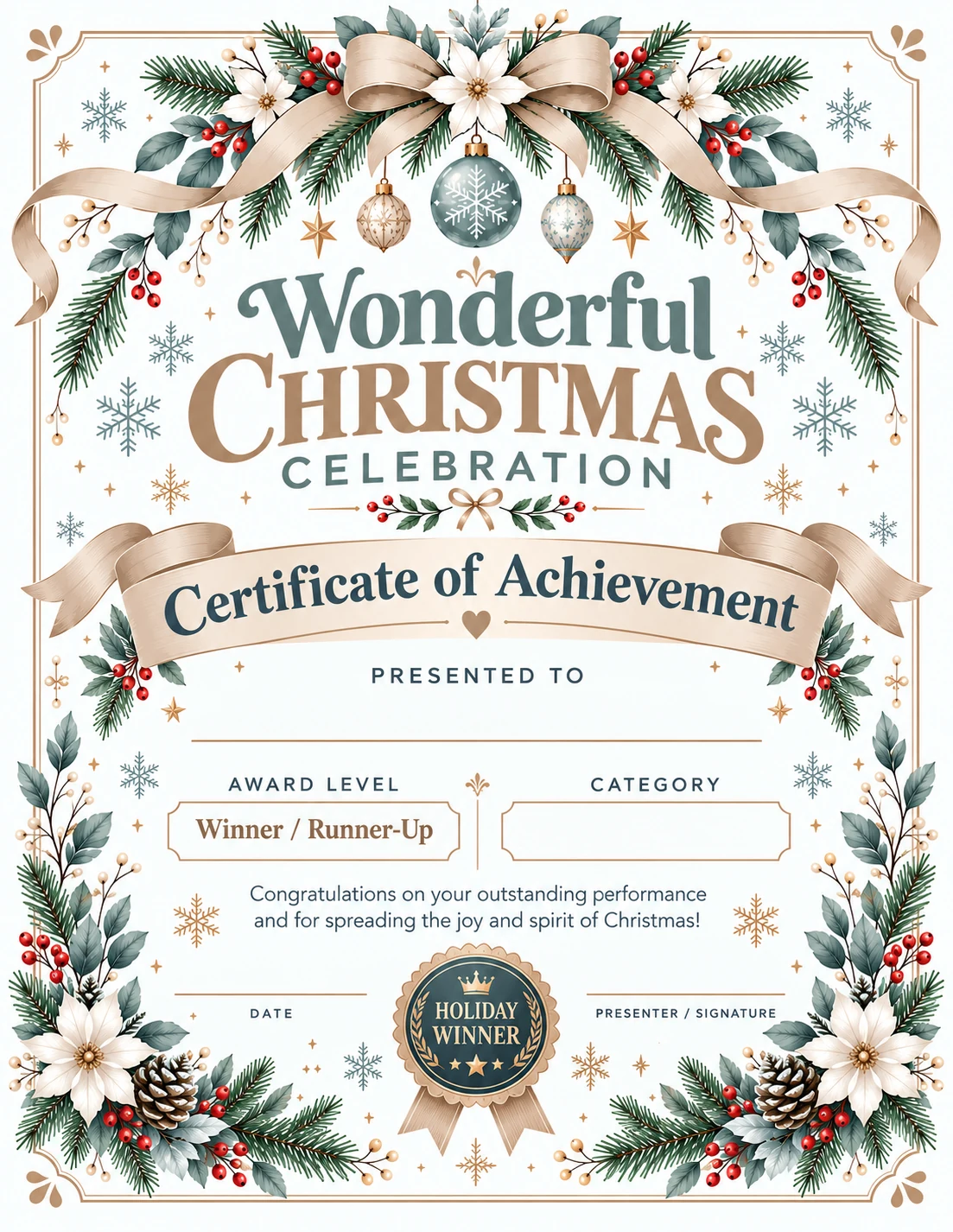
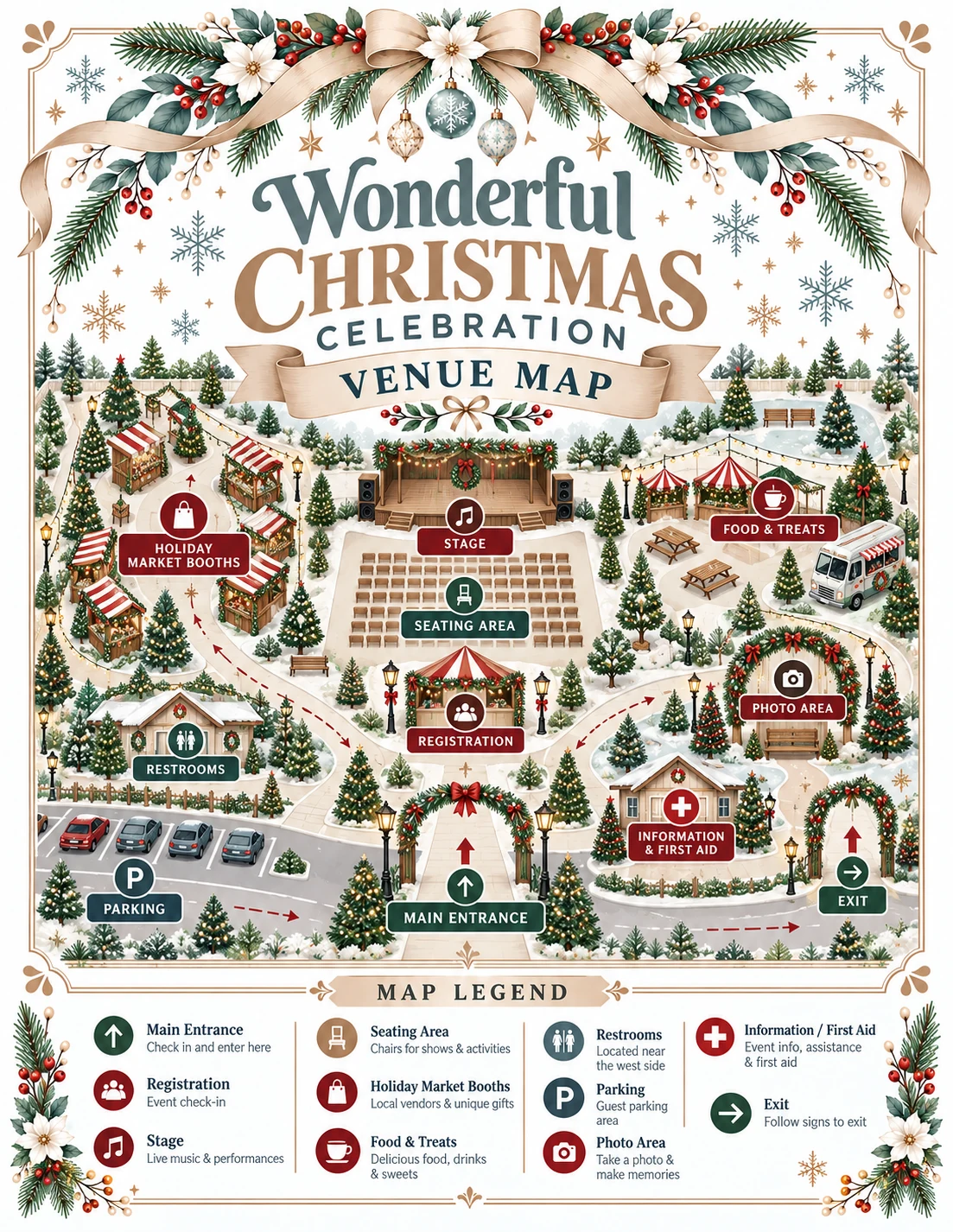
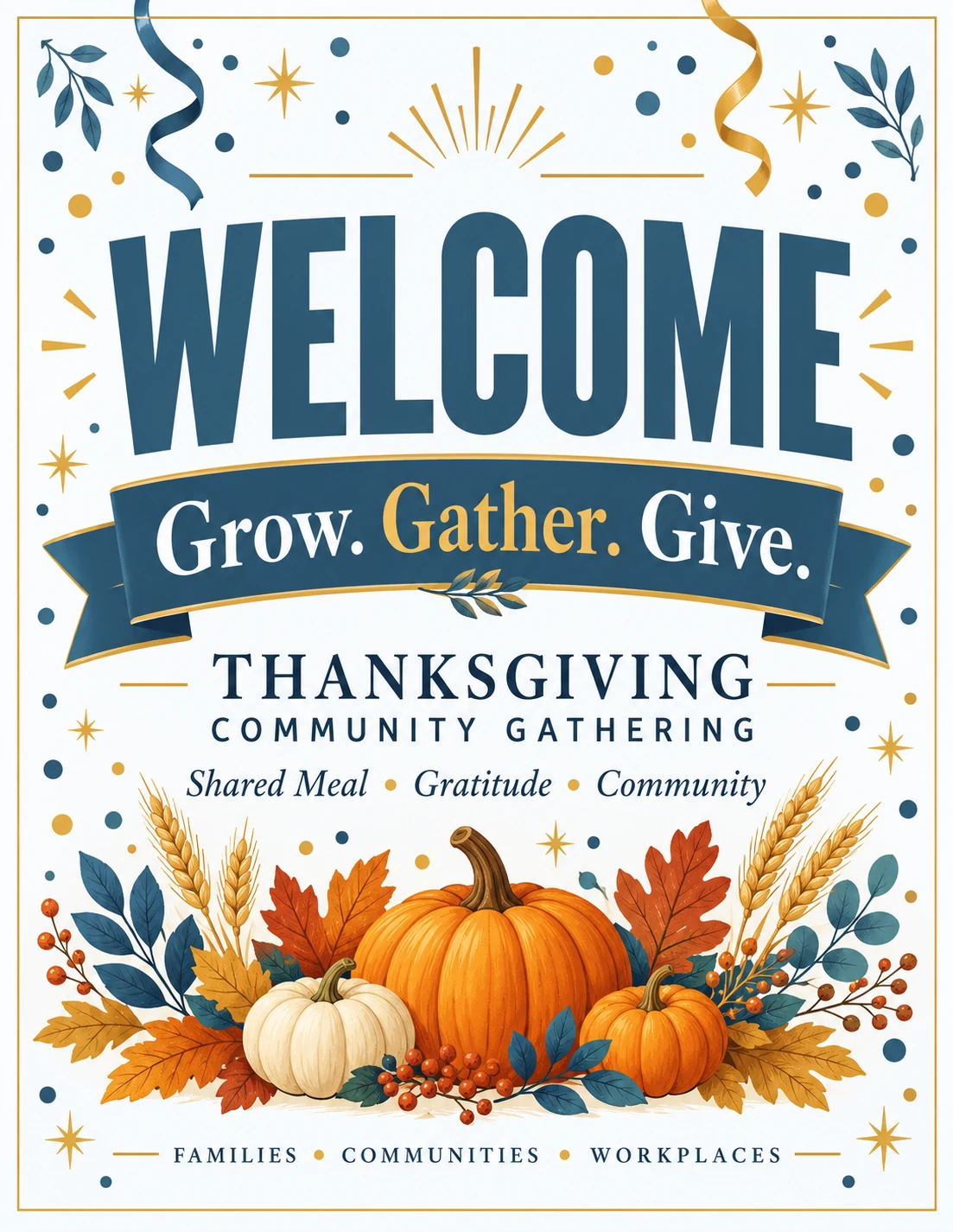
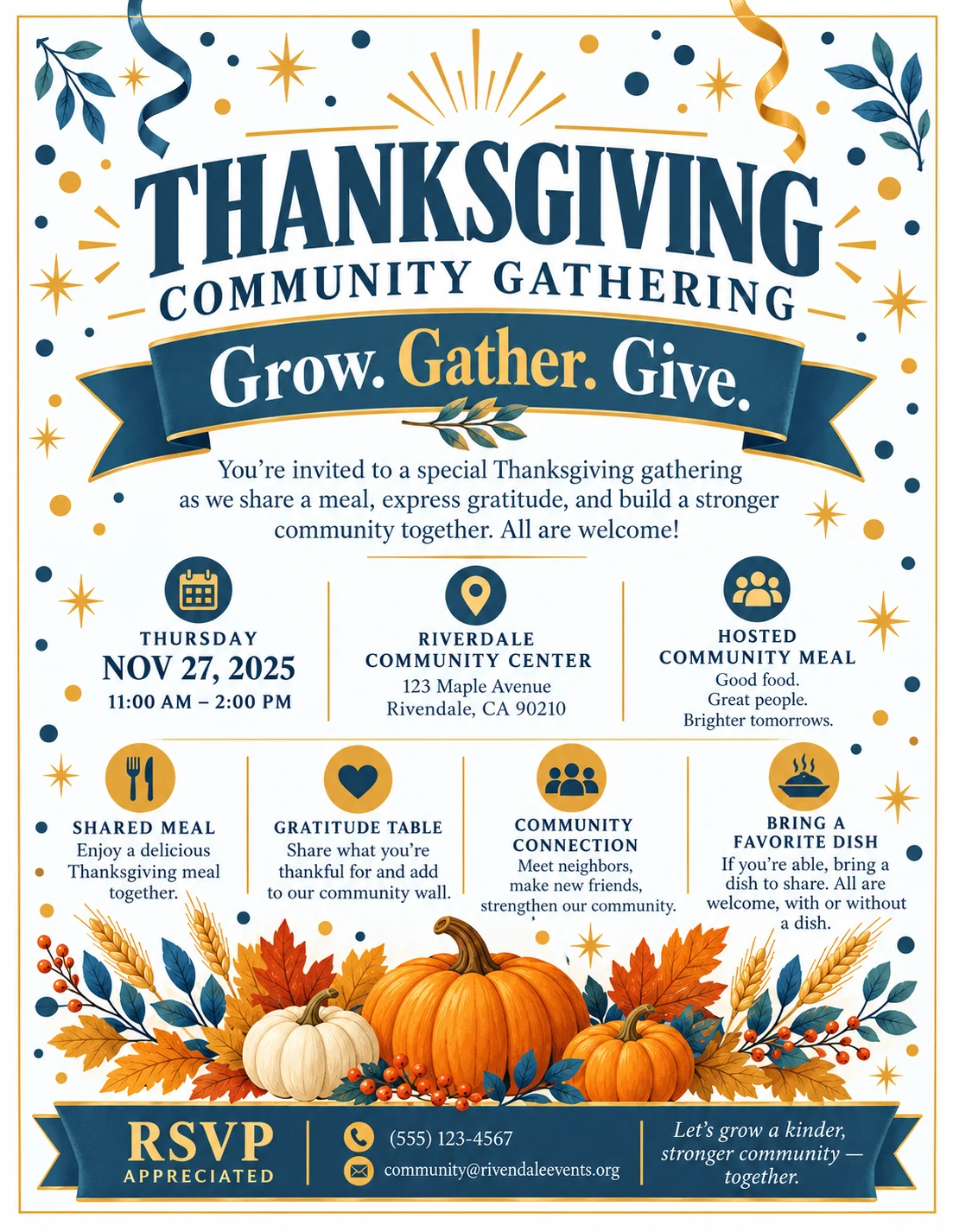
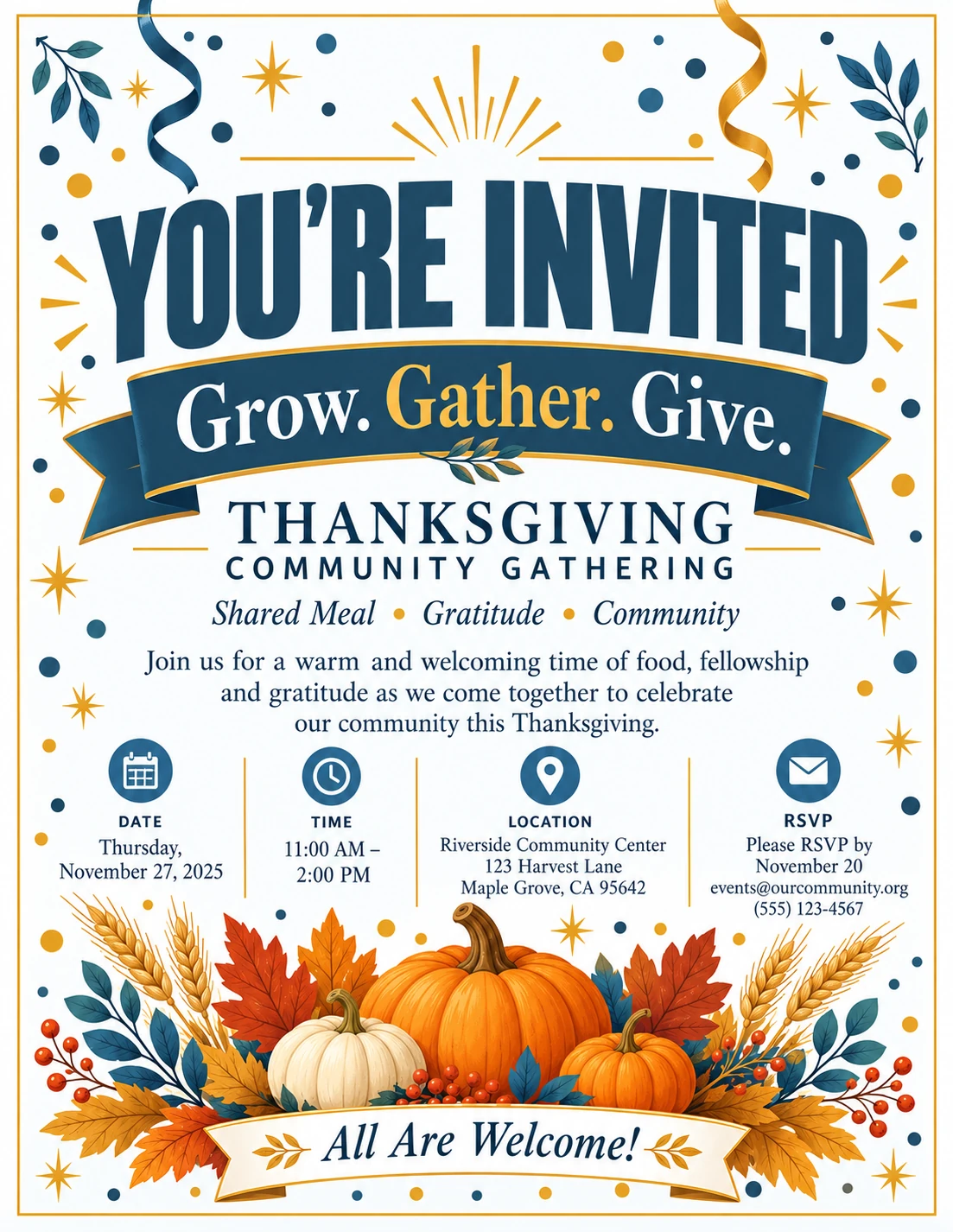
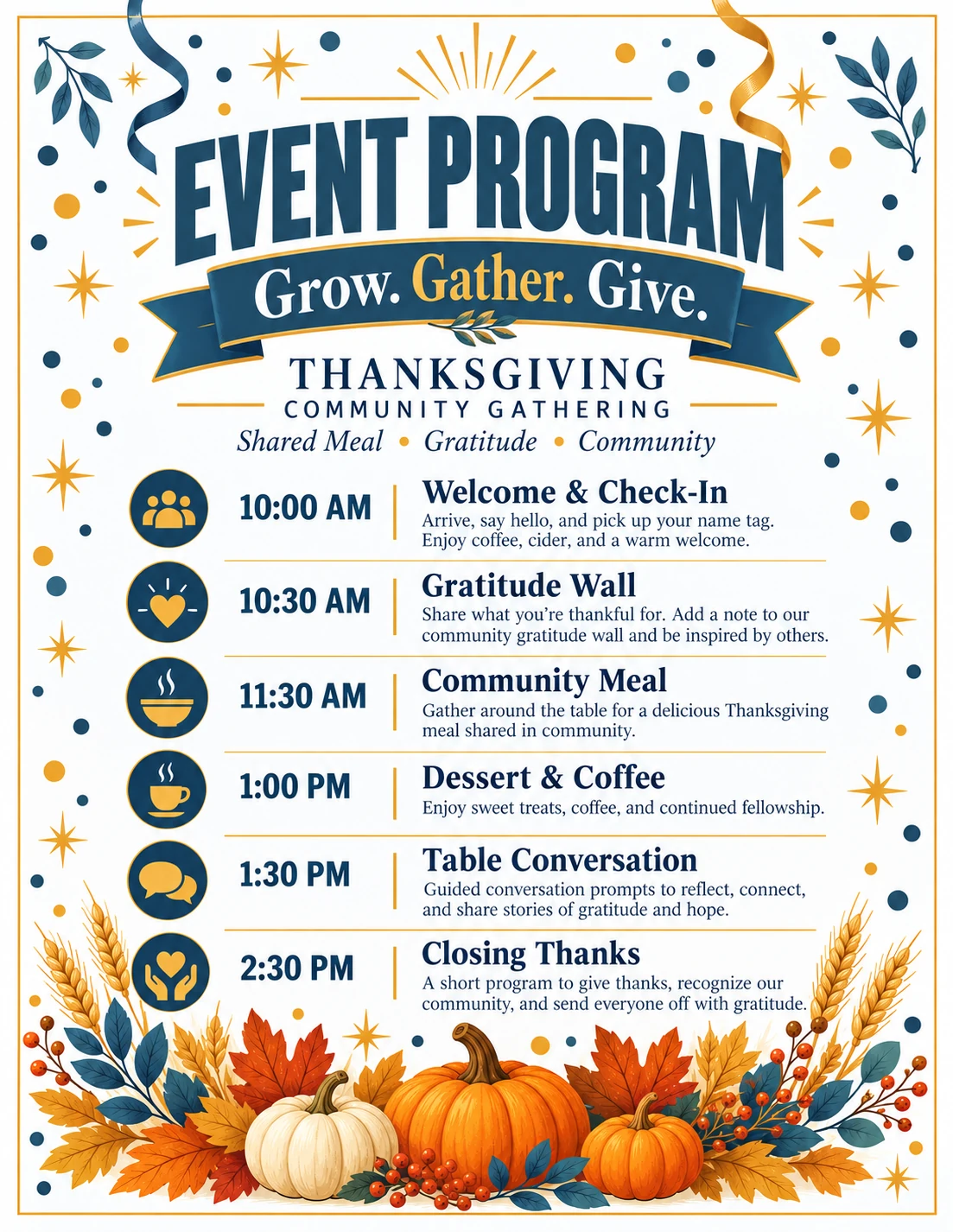
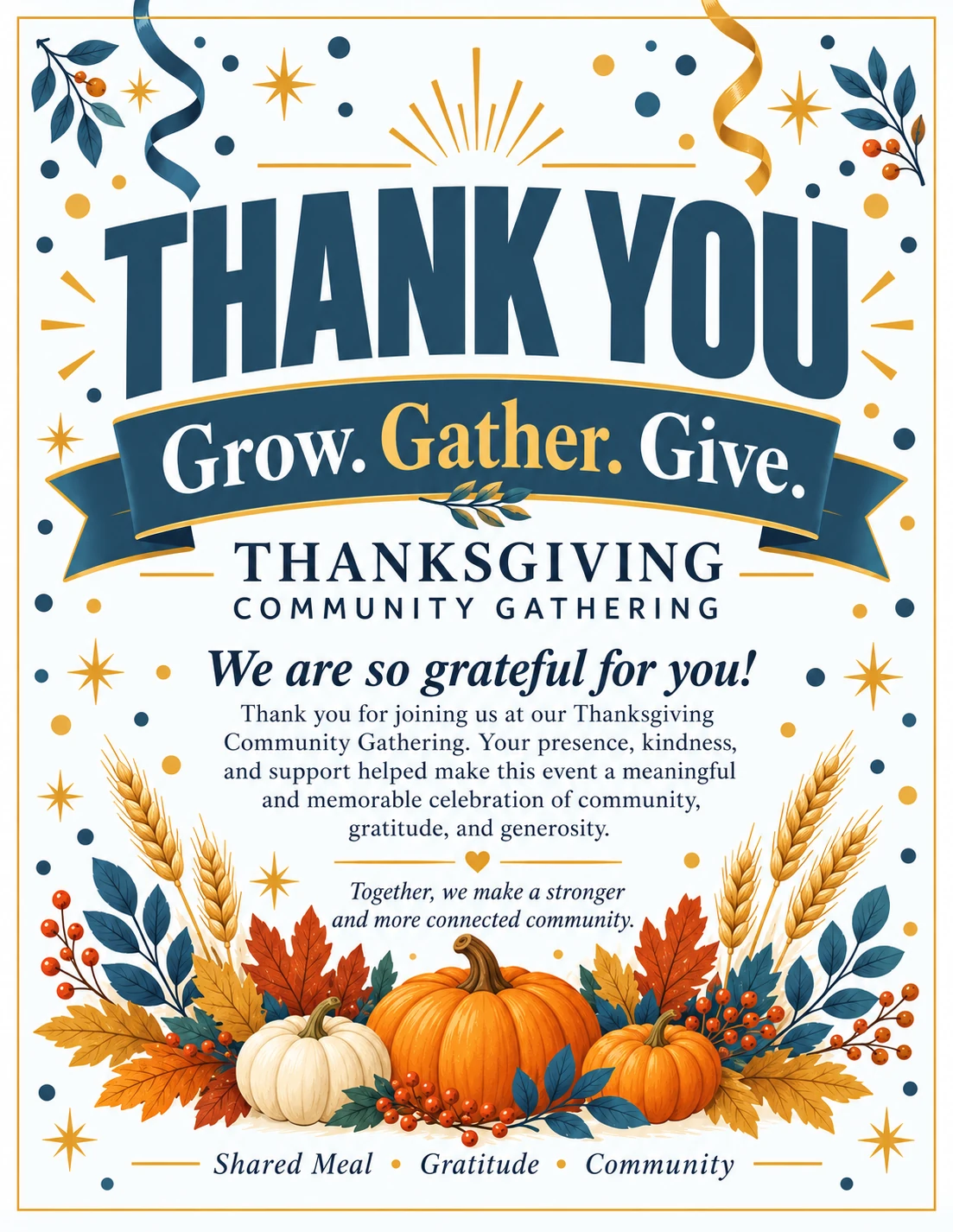
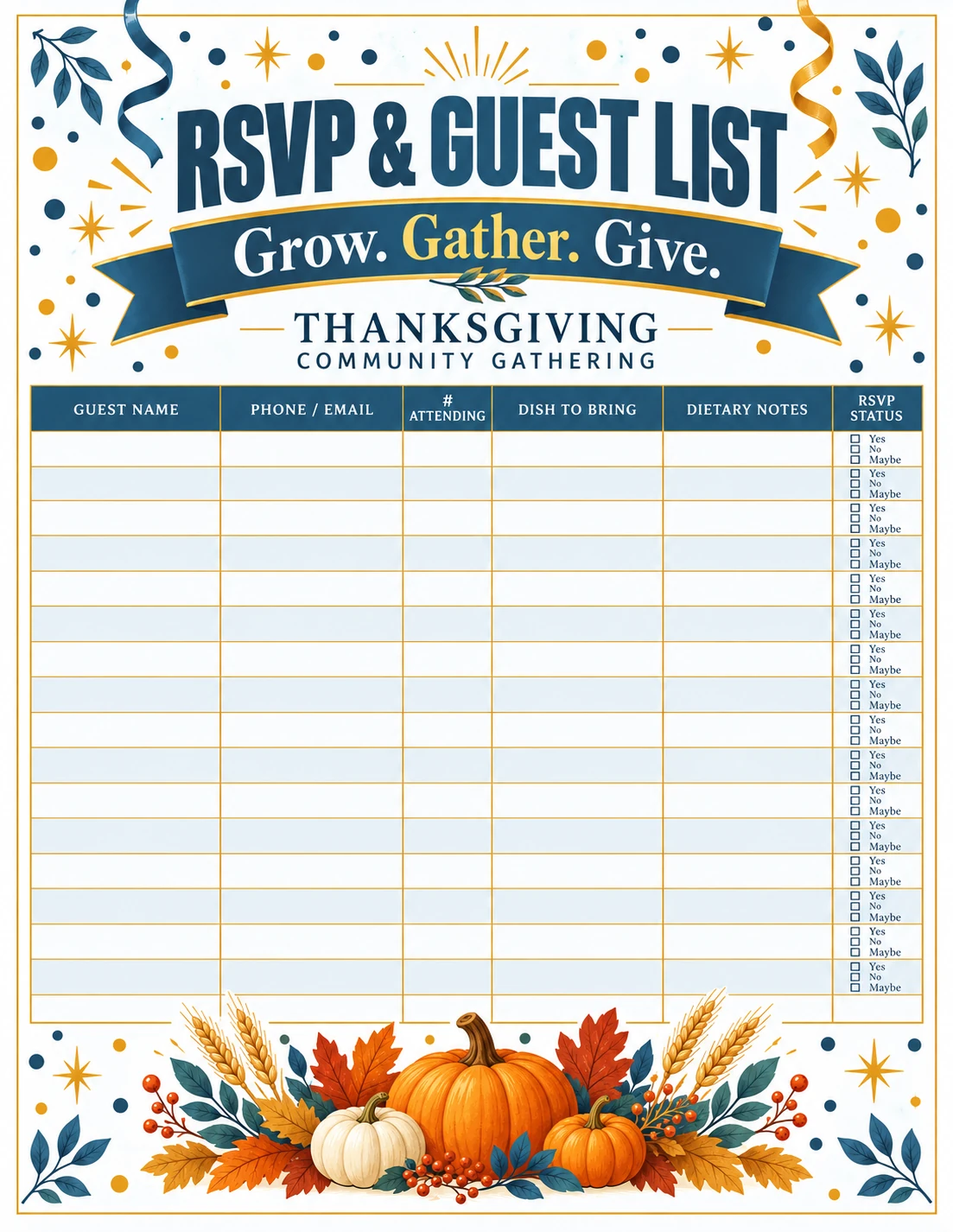
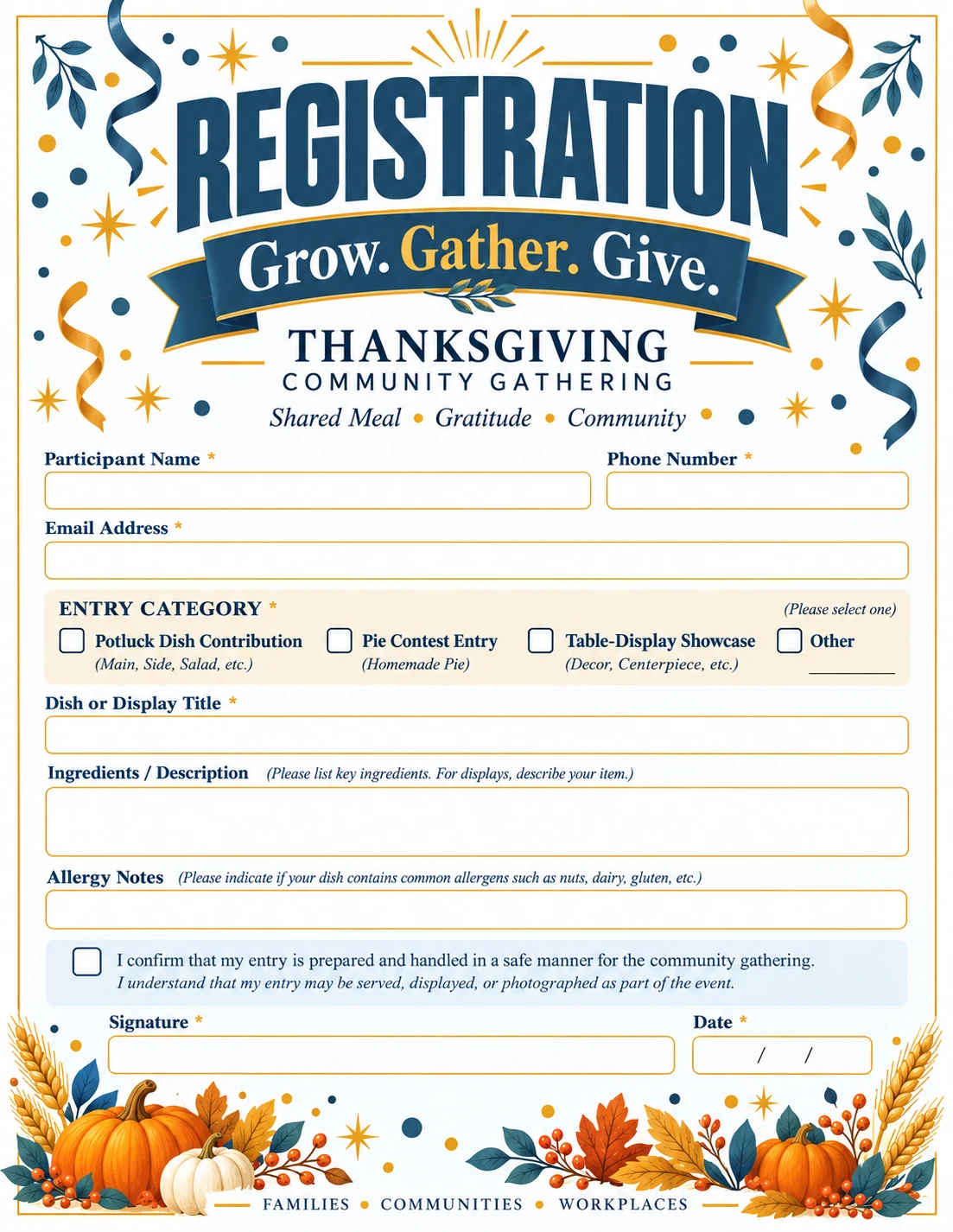
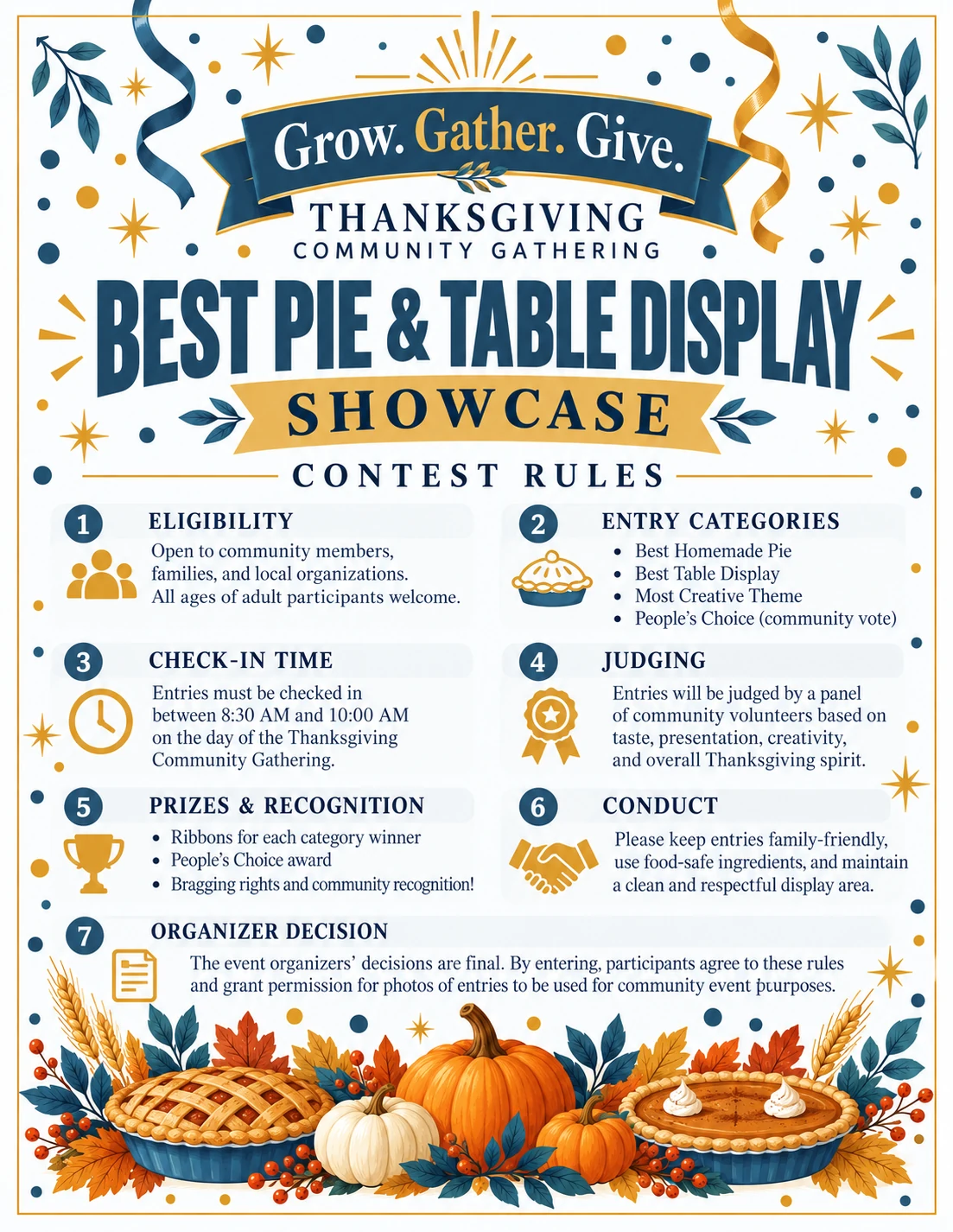
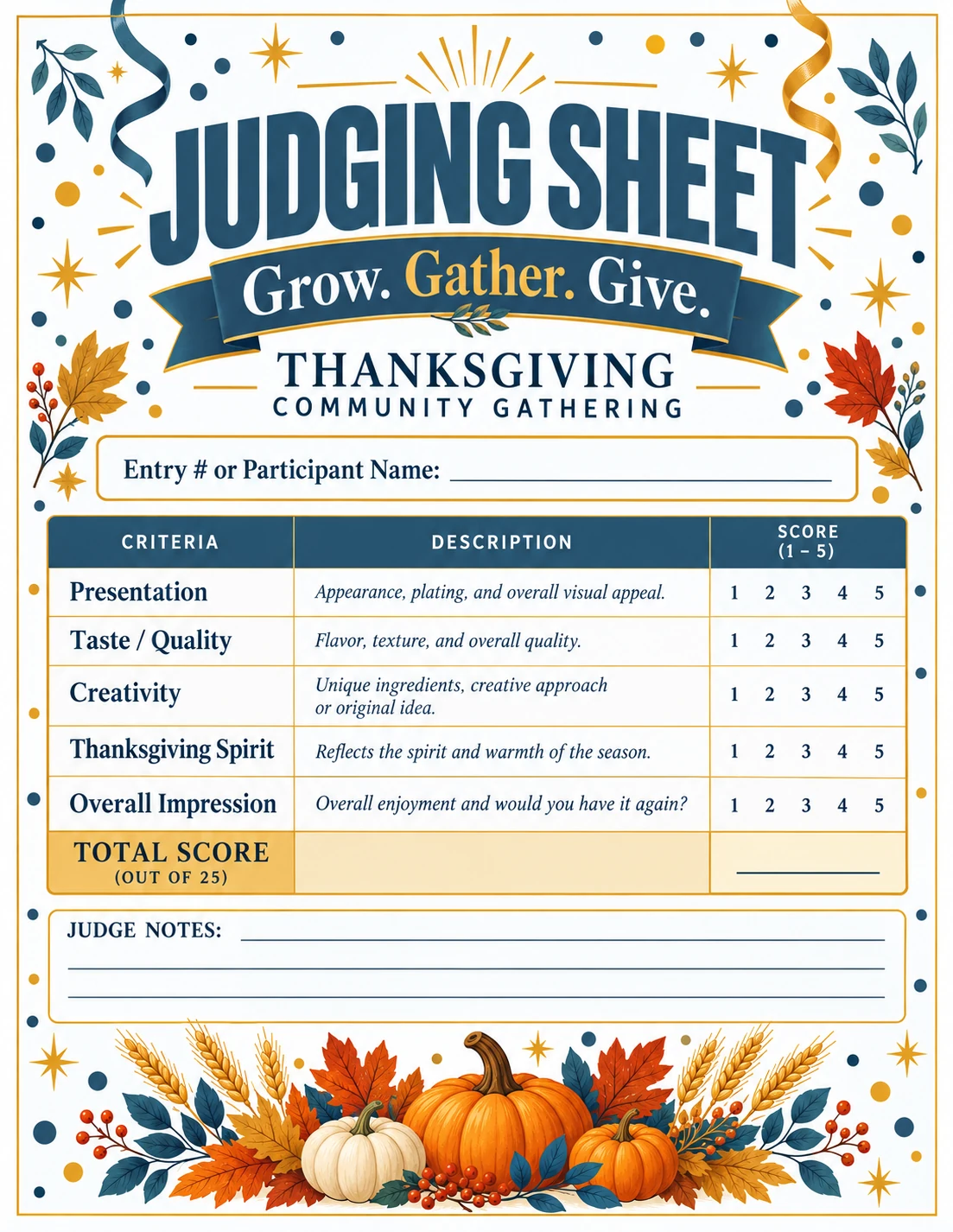
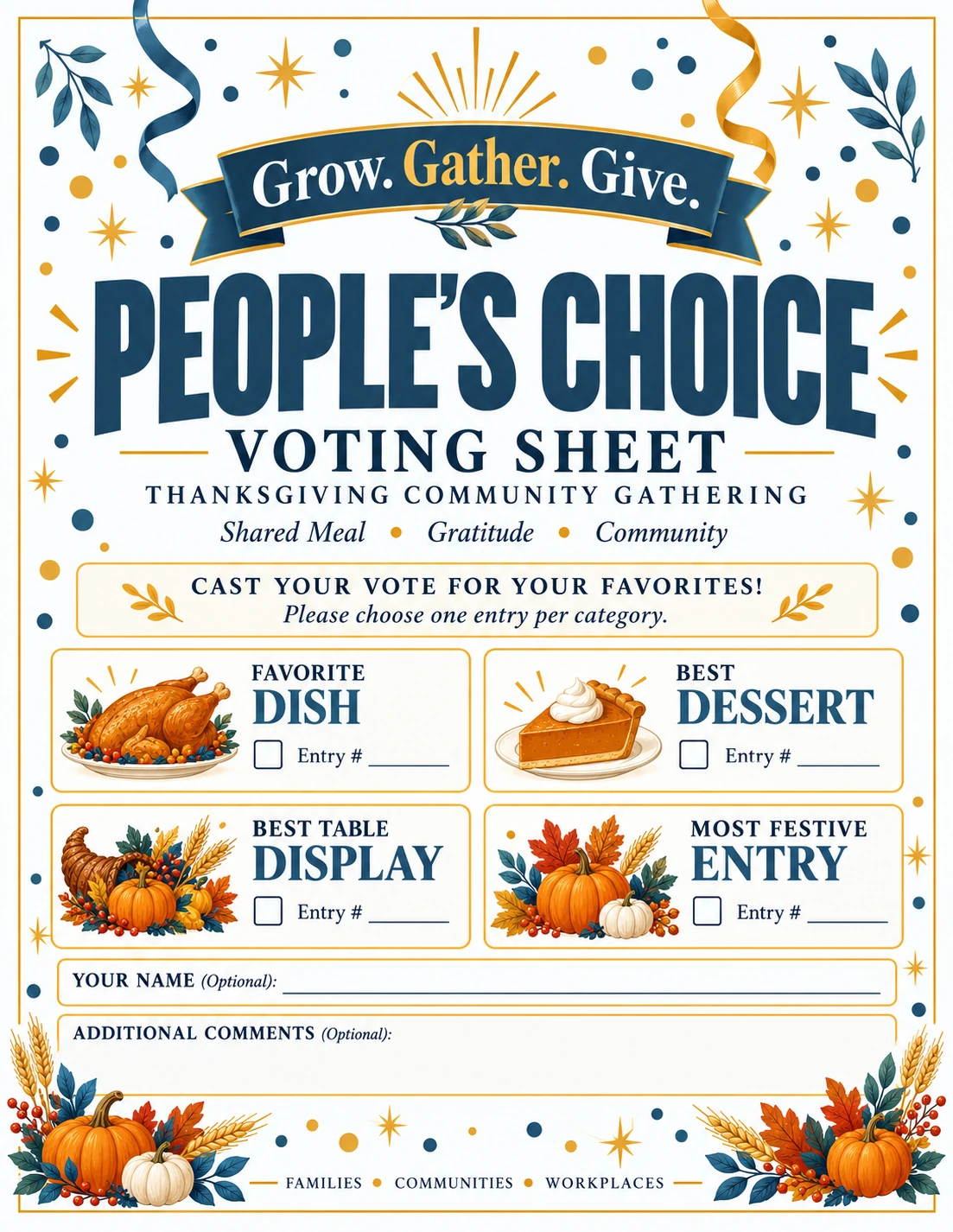
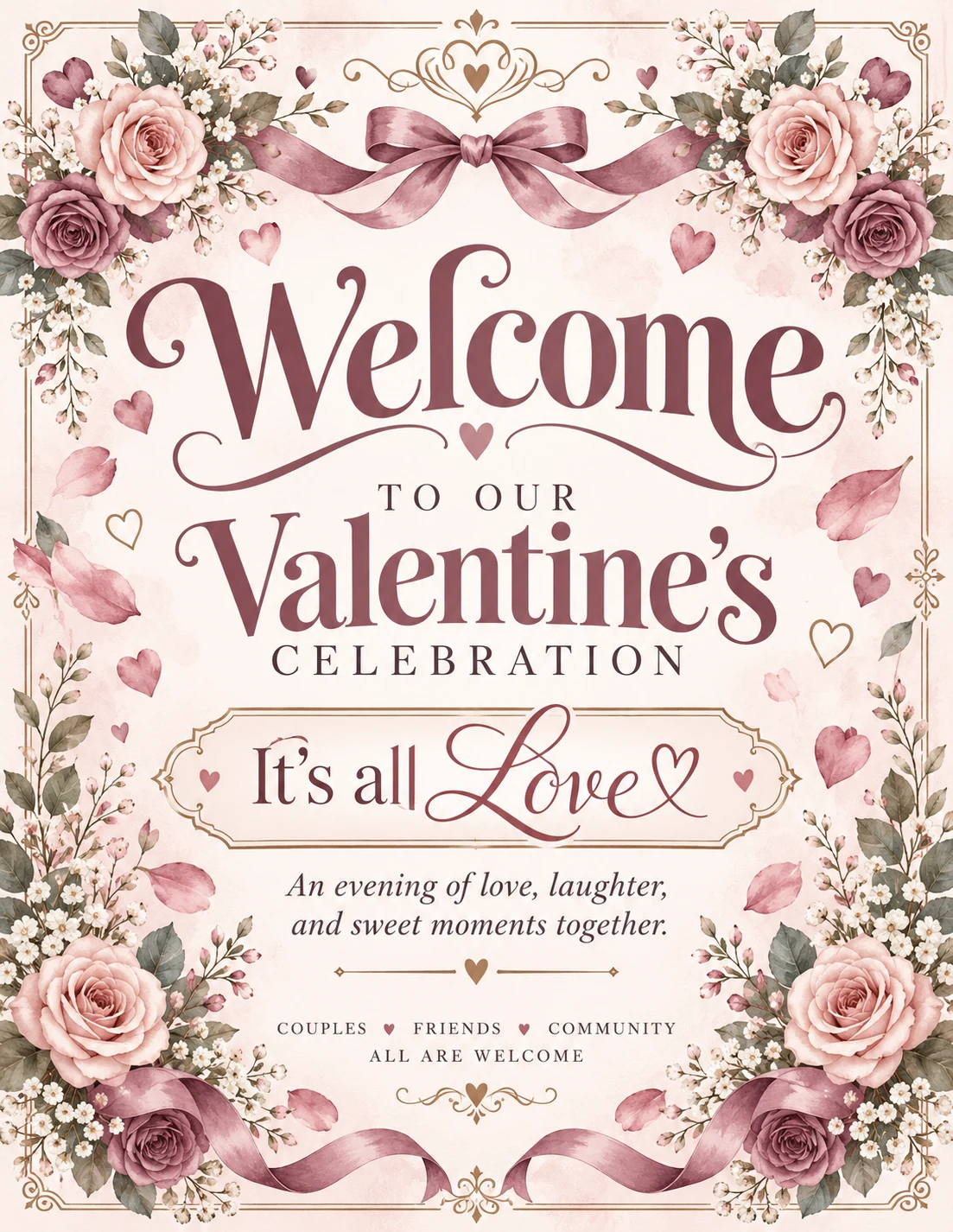
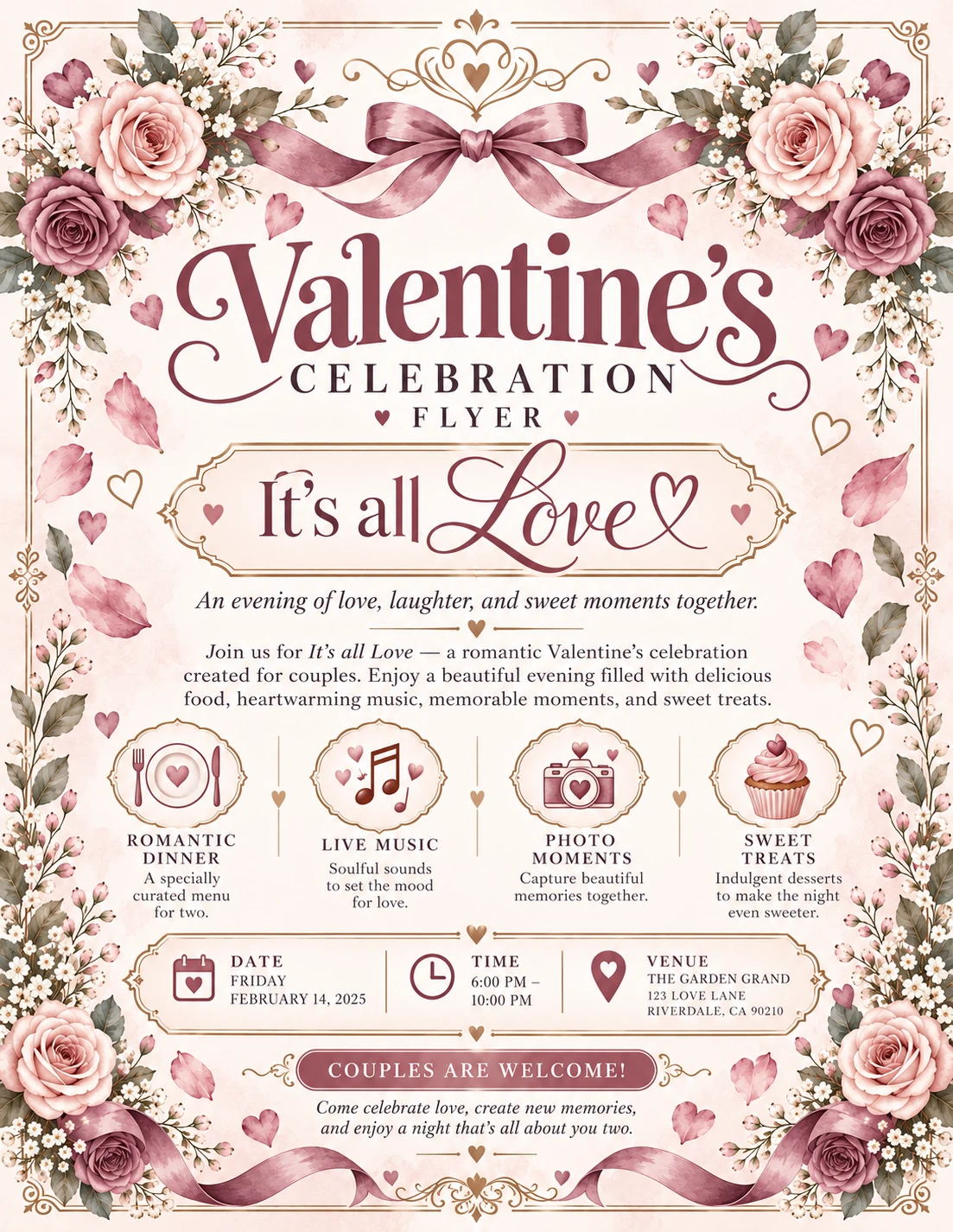
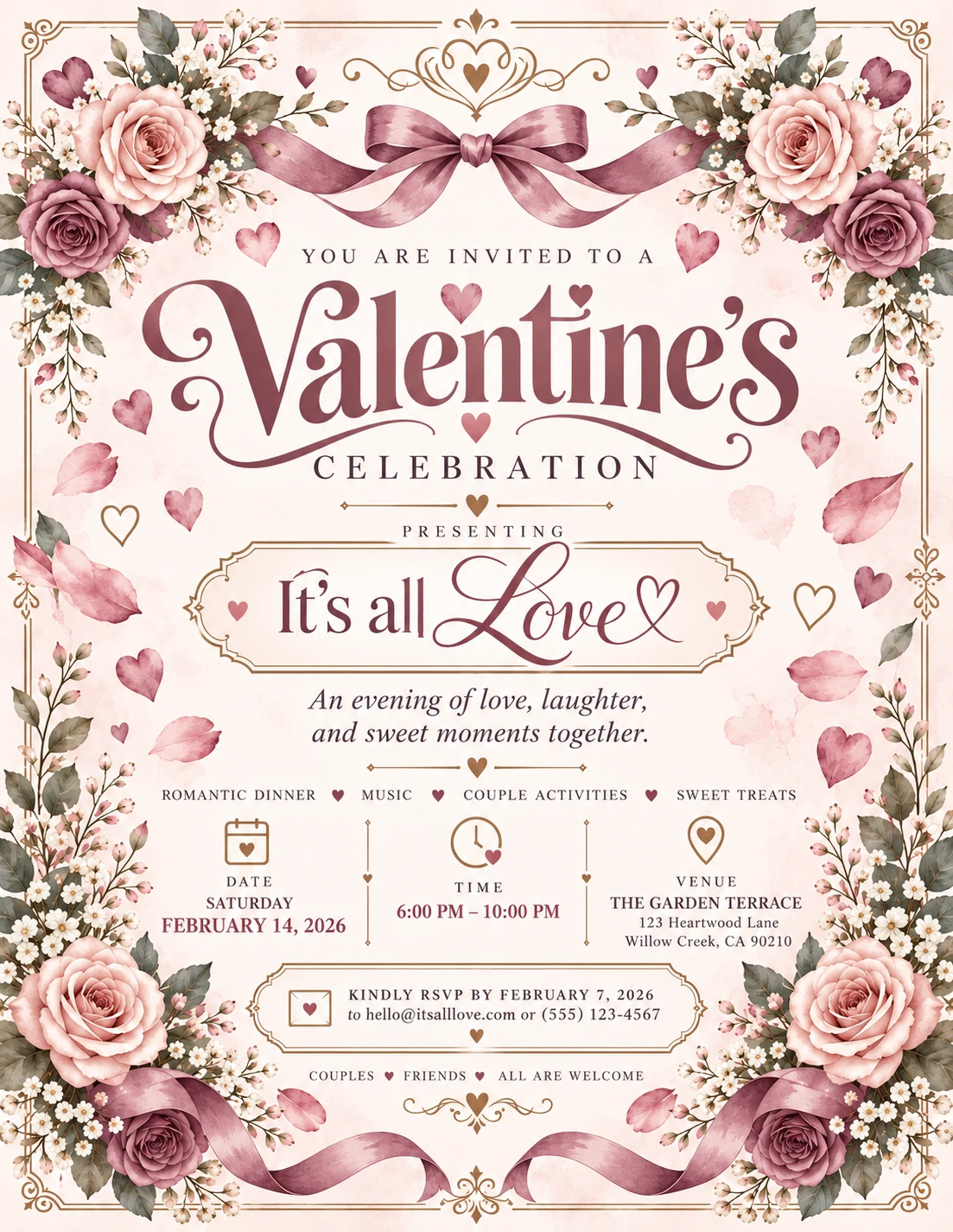
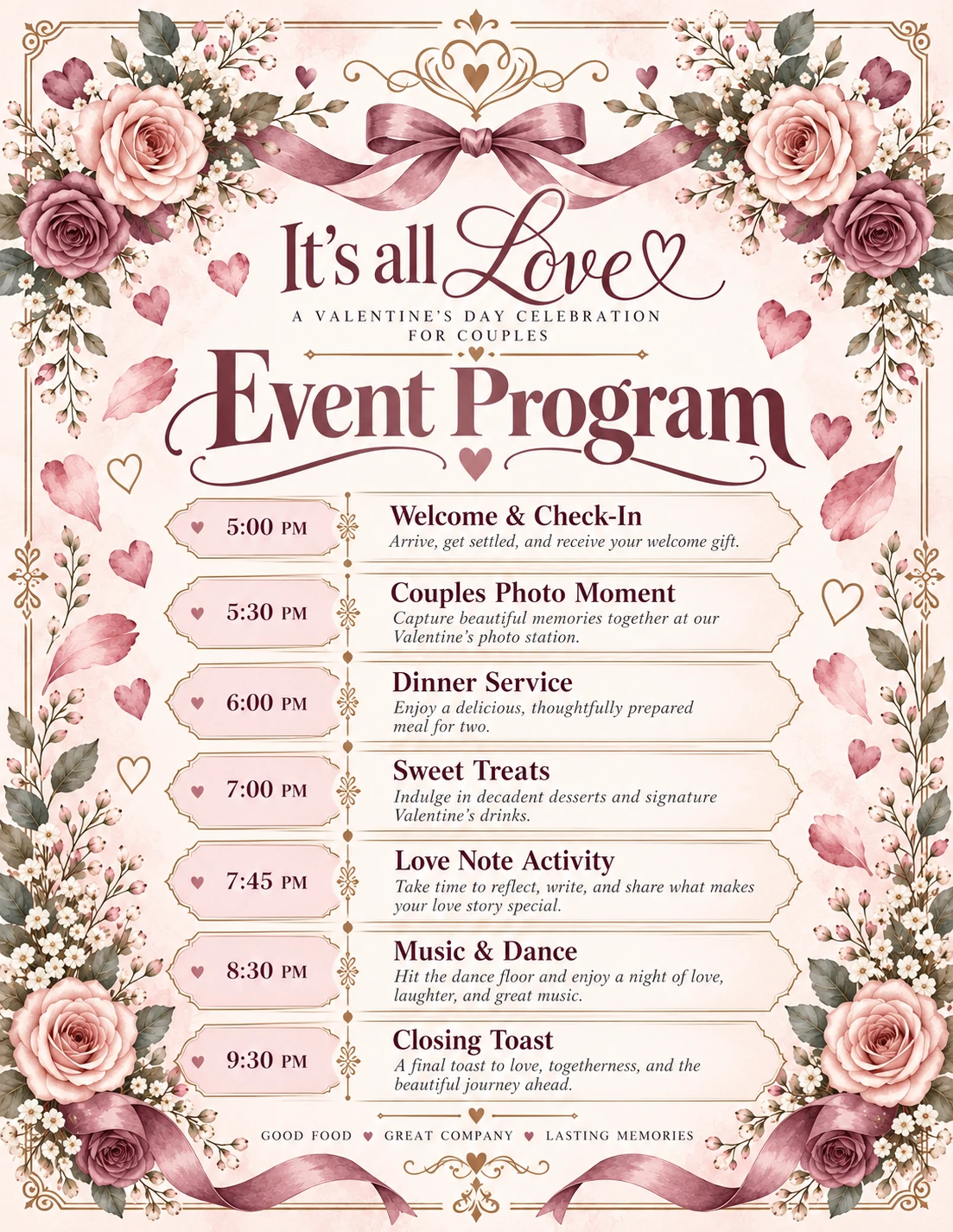
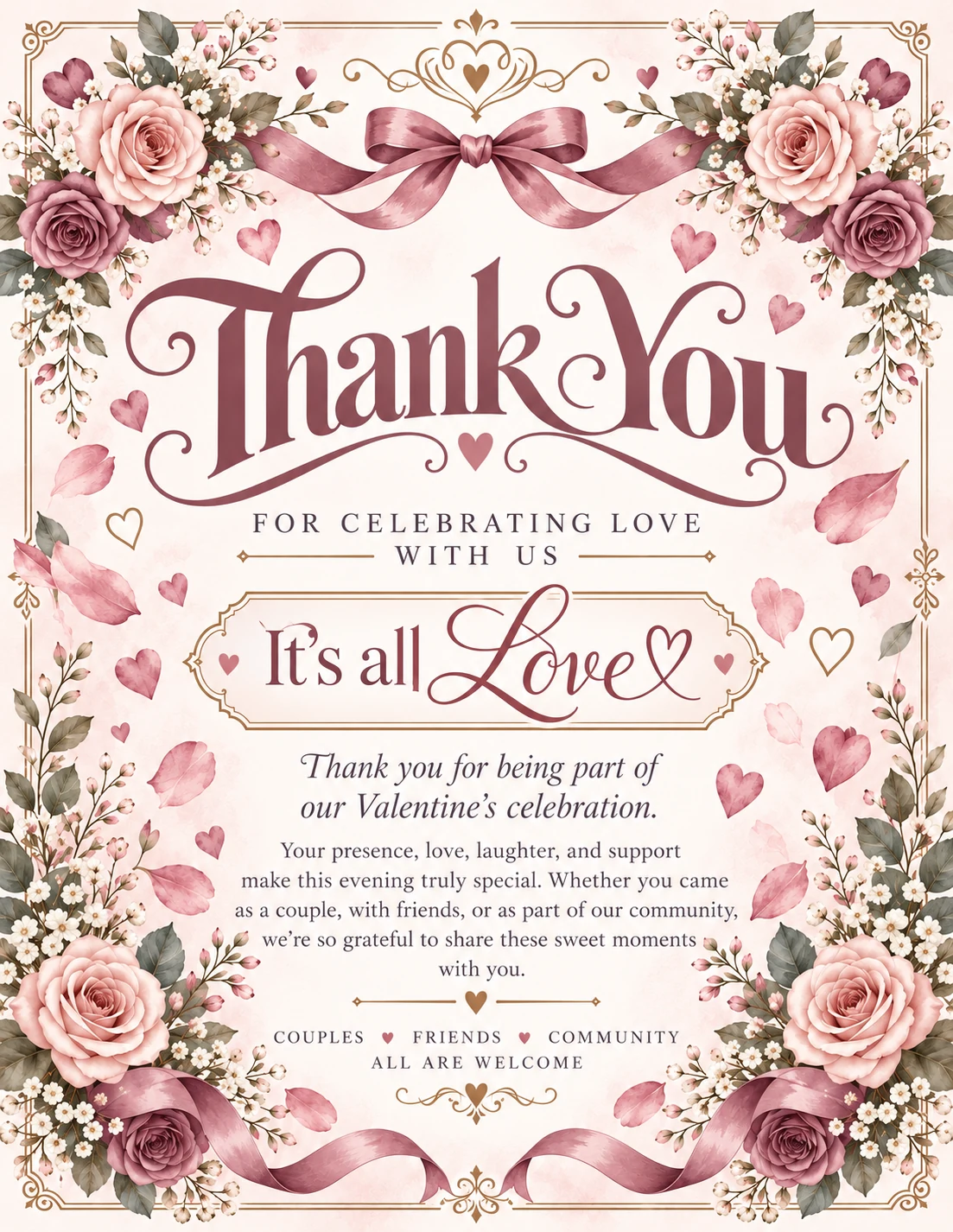
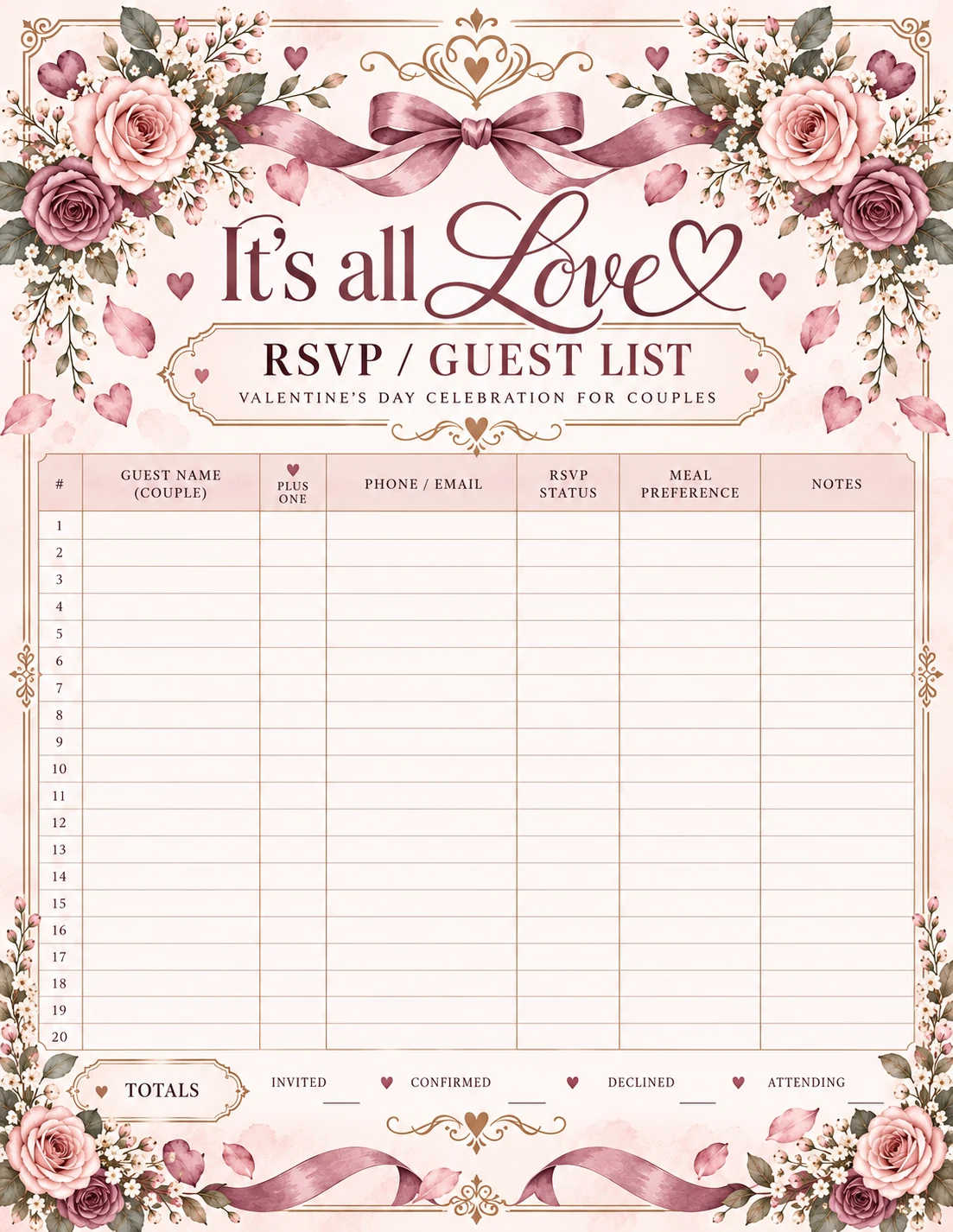
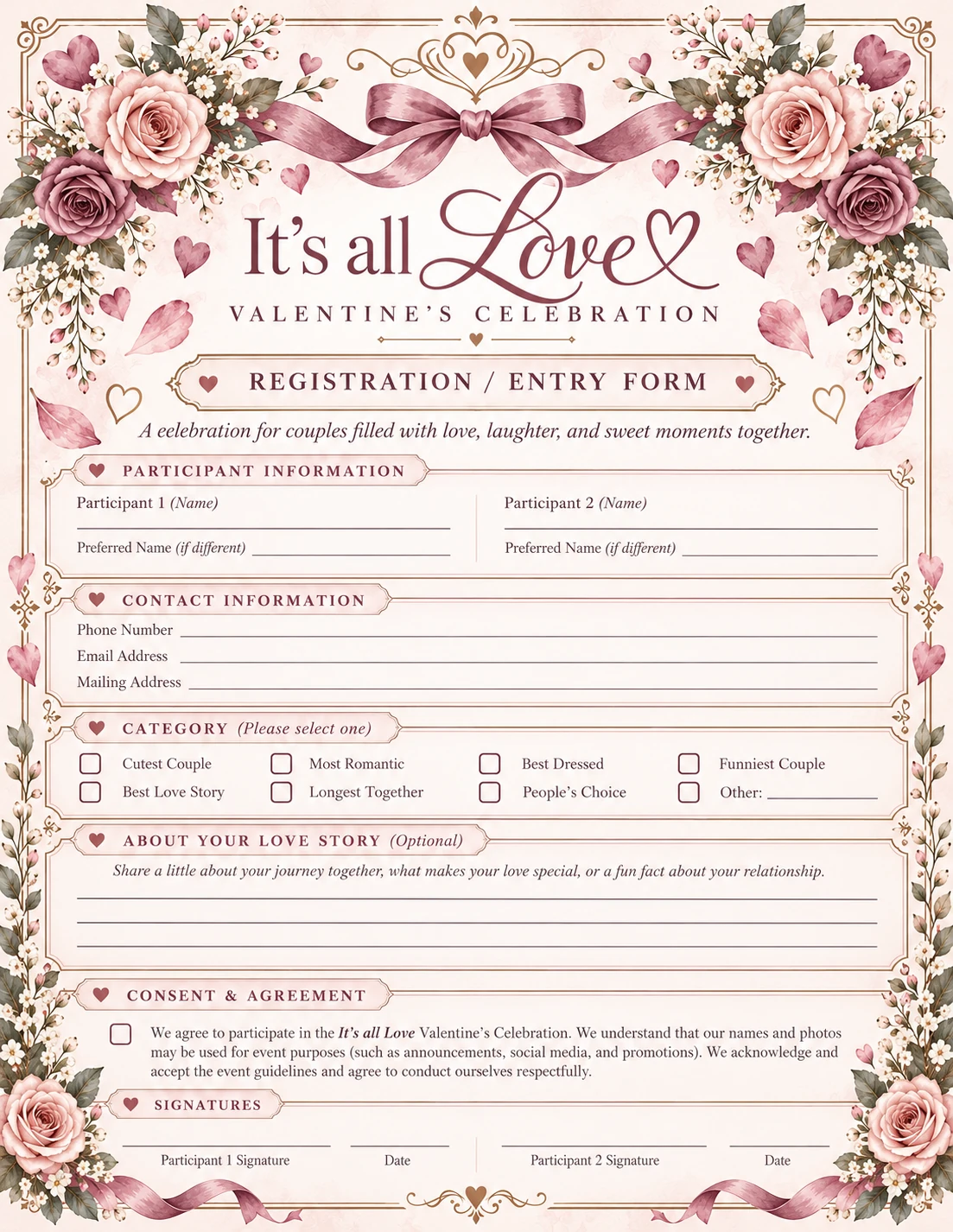
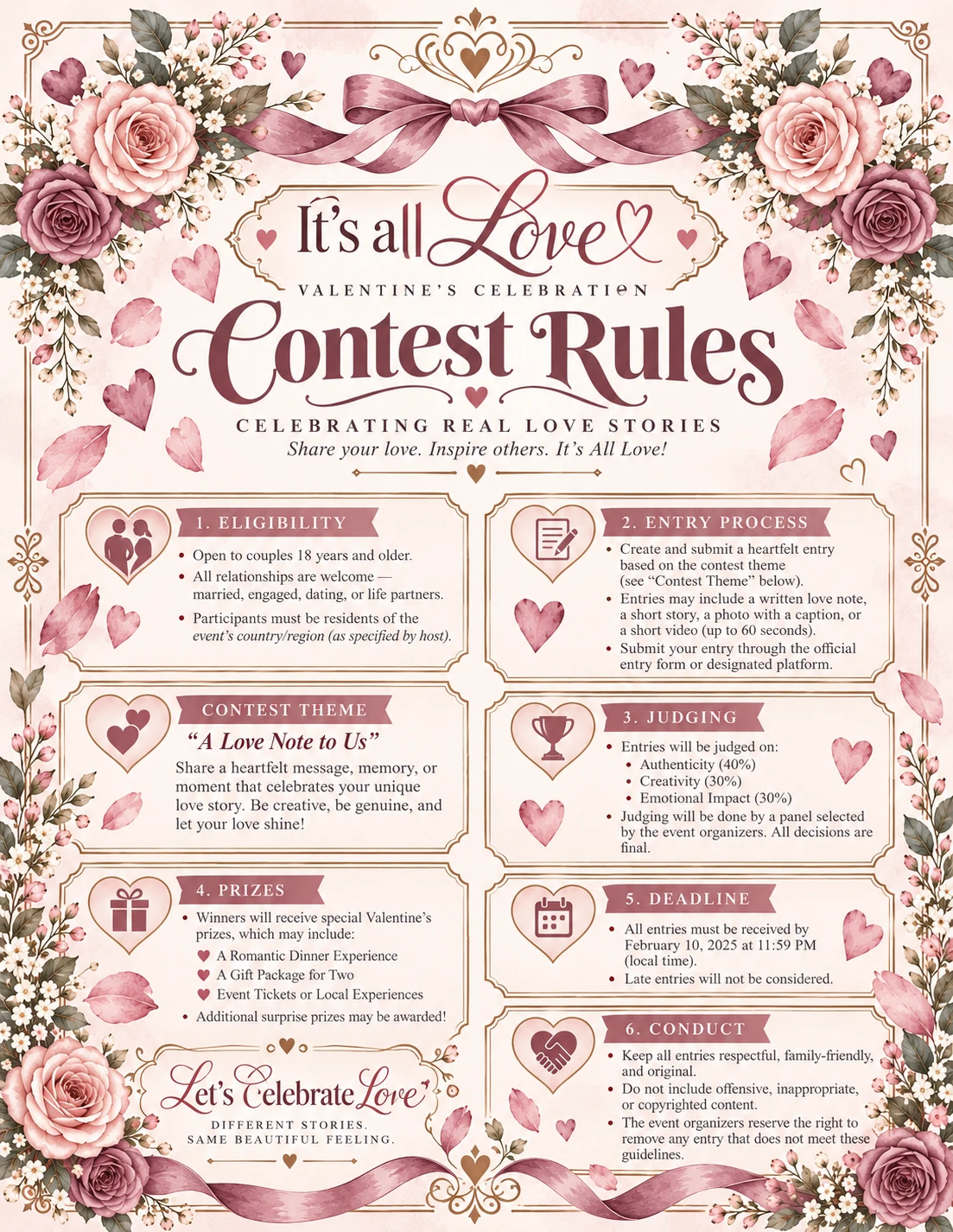
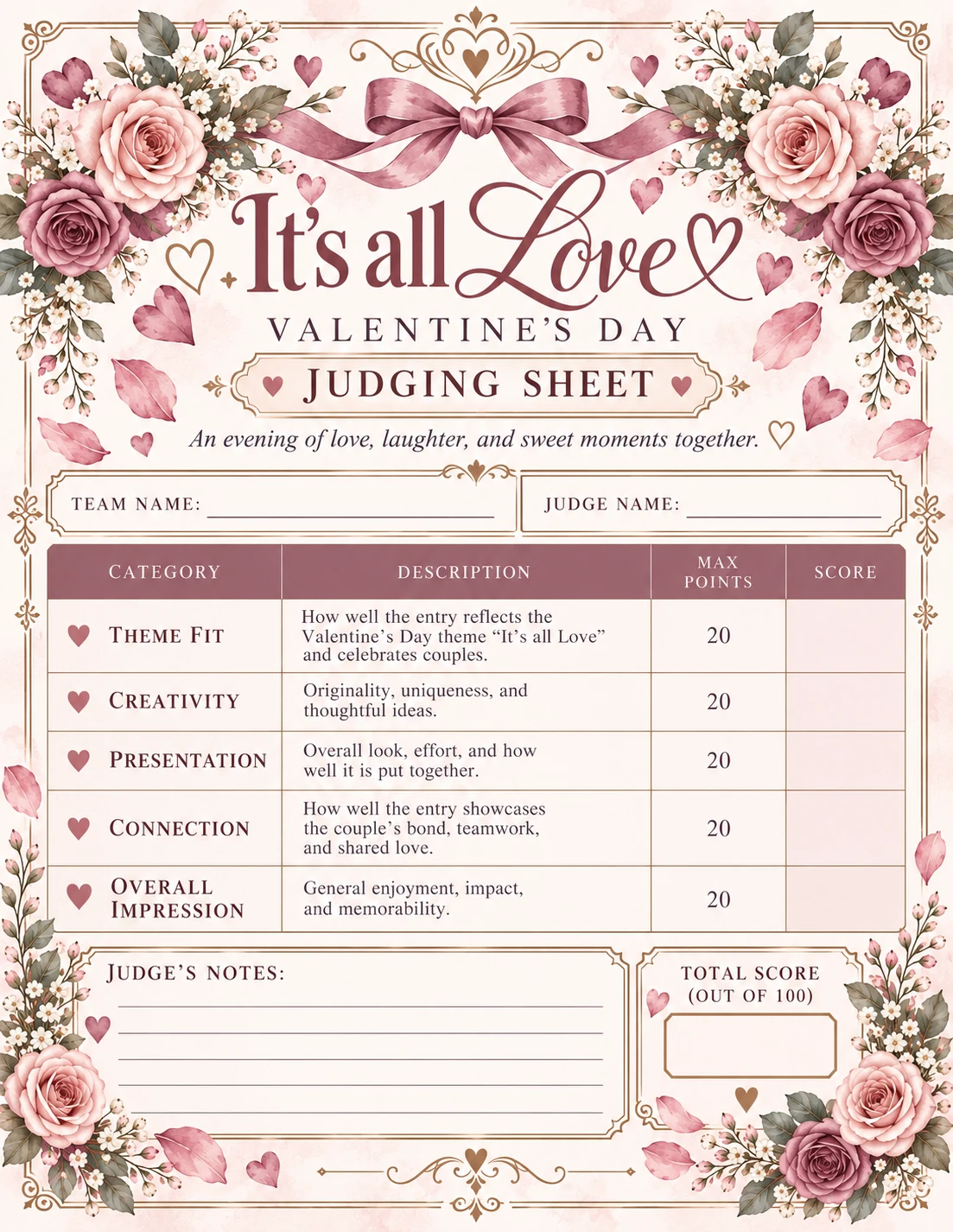
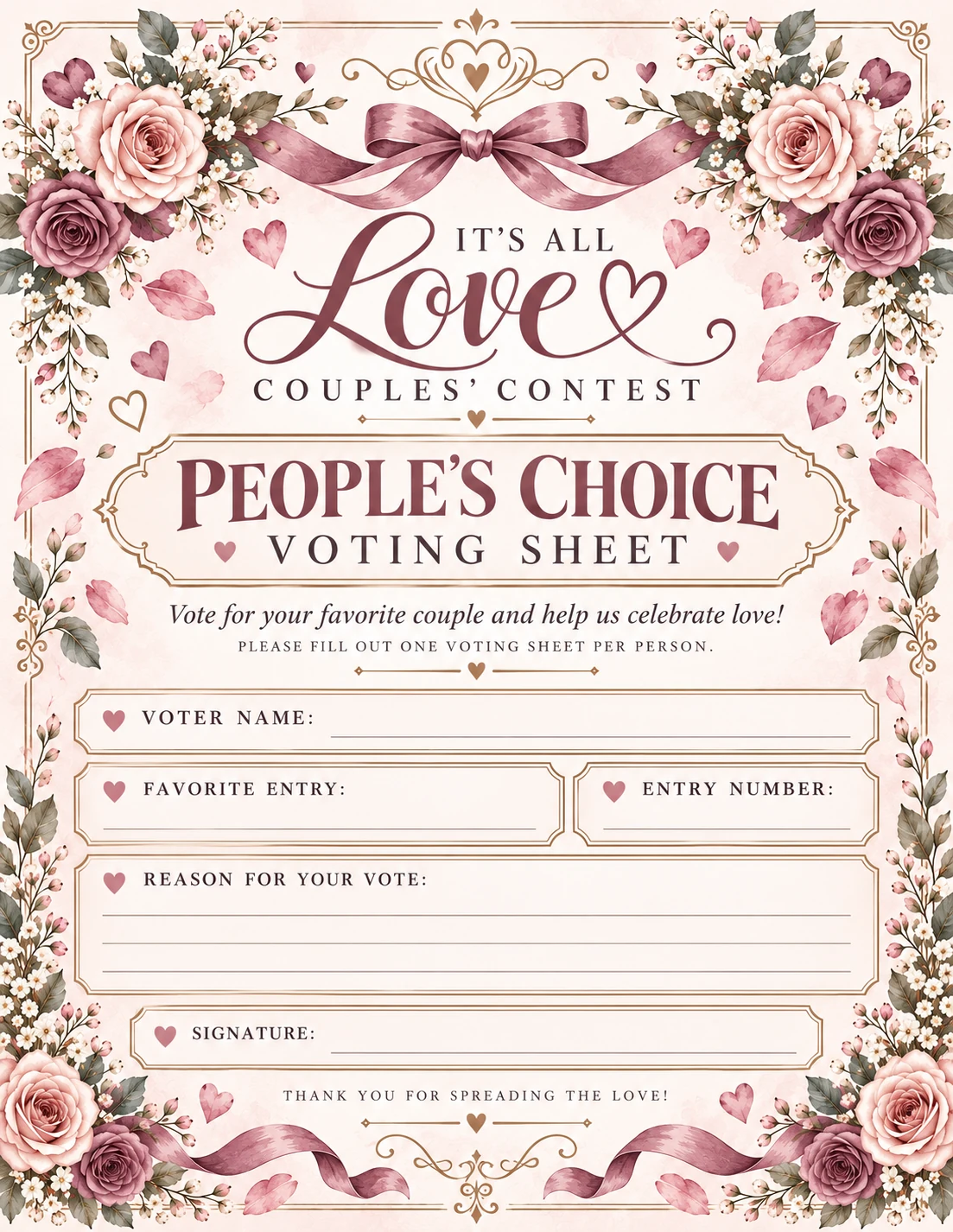
These are example design outputs. The Factory creates creative briefs and prompts; finished artwork is generated in a separate tool and requires review before selling or printing.
Build a connected collection of practical printables around the same occasion and aesthetic.
Plan for real event needs—signage, schedules, invitations, labels and keepsakes.
Birthdays, weddings, school celebrations and holidays provide different creative directions.
Reuse the same planning process for another theme without rebuilding your structure from scratch.
Potential listing opportunities are not guaranteed demand, rankings or earnings. Validate niches and licensing before publishing.
An affiliate can connect the product to several audiences without changing the core story: plan a matching set for a specific celebration.
Kids parties, milestone birthdays and sweet sixteen events.
Wedding signage, programs, menus and coordinated guest materials.
Welcome signs, activity cards, games, favors and guest details.
Graduation parties, school celebrations and certificates.
Christmas, Thanksgiving, Valentine’s and New Year’s celebrations.
Fundraisers, festivals, contests and other organized gatherings.
Introduce a practical creative workflow for printable sellers, designers and event organizers: plan the collection, expand the possibilities, then personalize the finished artwork.
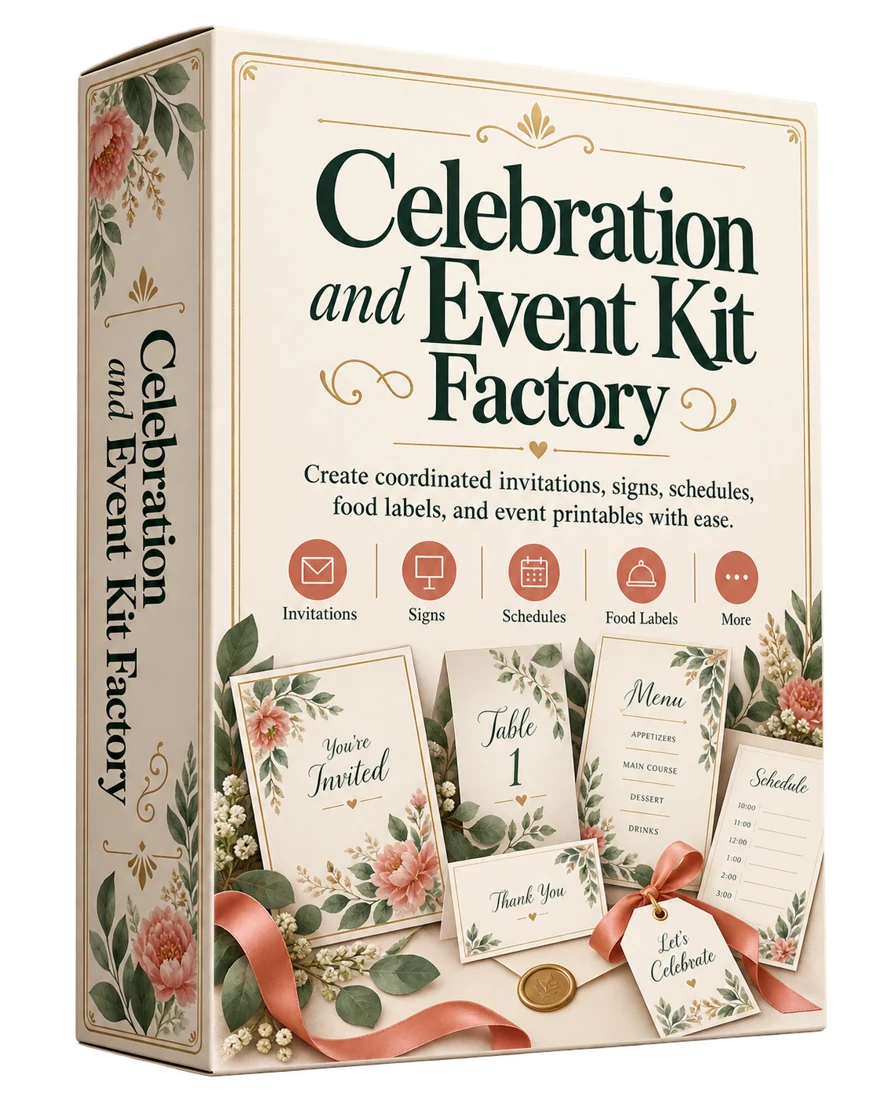
Celebration & Event Kit Factory brings event context, asset choices, visual direction and production prompts into one brief. The optional upgrades solve two natural next problems: more creative options, and adding individual names and details to completed designs.
The Front End guides buyers through seven practical stages. It is a prompt-building, planning and packaging workspace—it does not directly generate artwork inside the app.
Choose an occasion, audience and product direction.
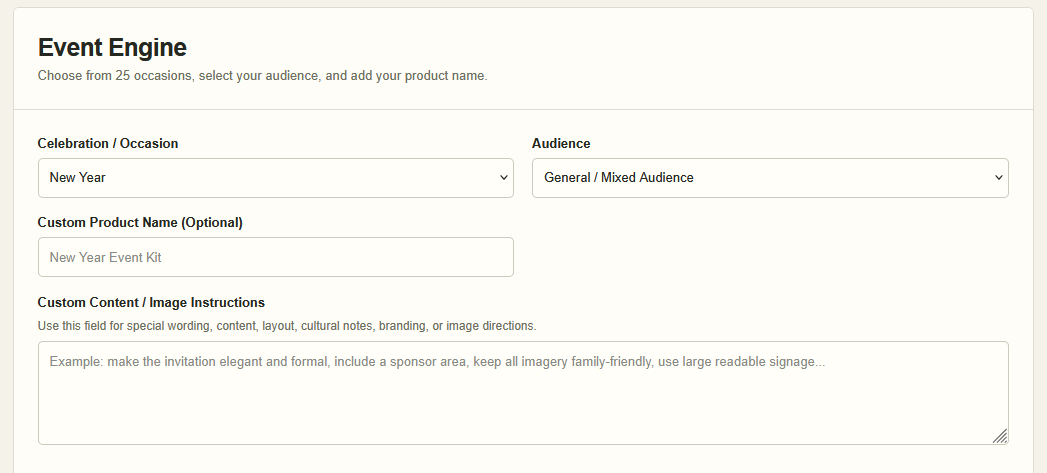
Choose from 20 Front End printable asset types instead of working from a blank list.
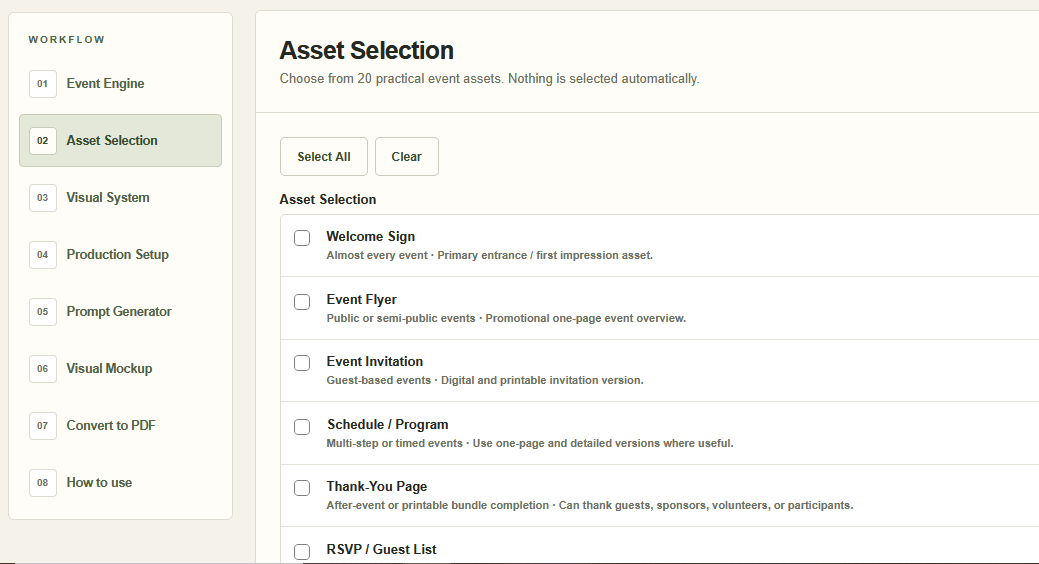
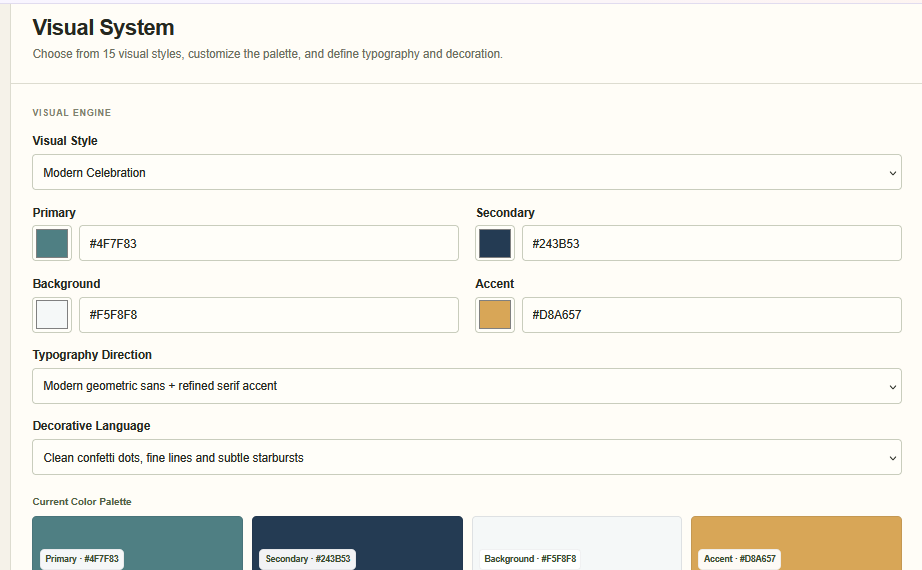
Choose style, palette, typography and decorative directions to keep the kit consistent.
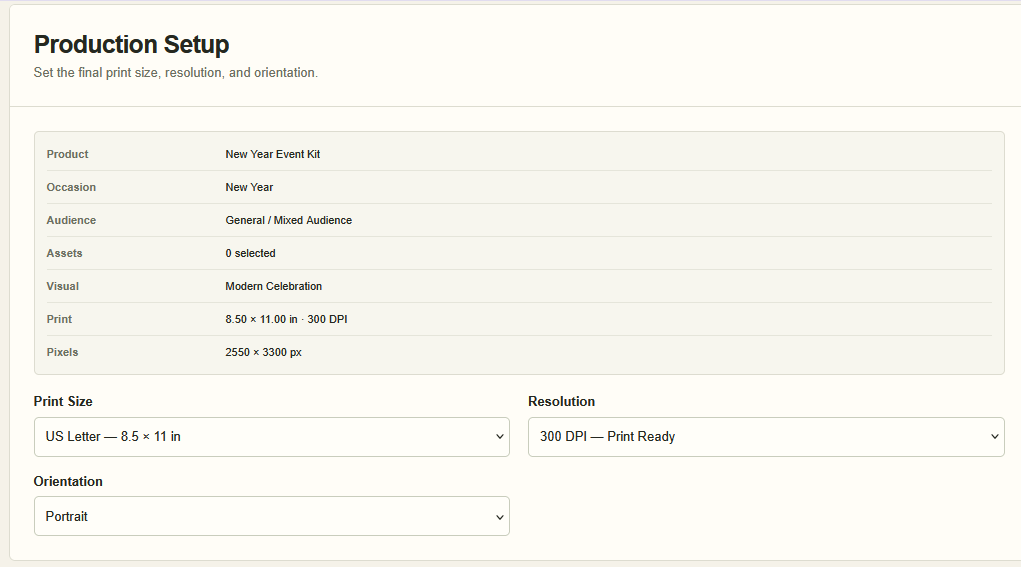
Choose print sizes, resolution and working instructions for the planned assets.
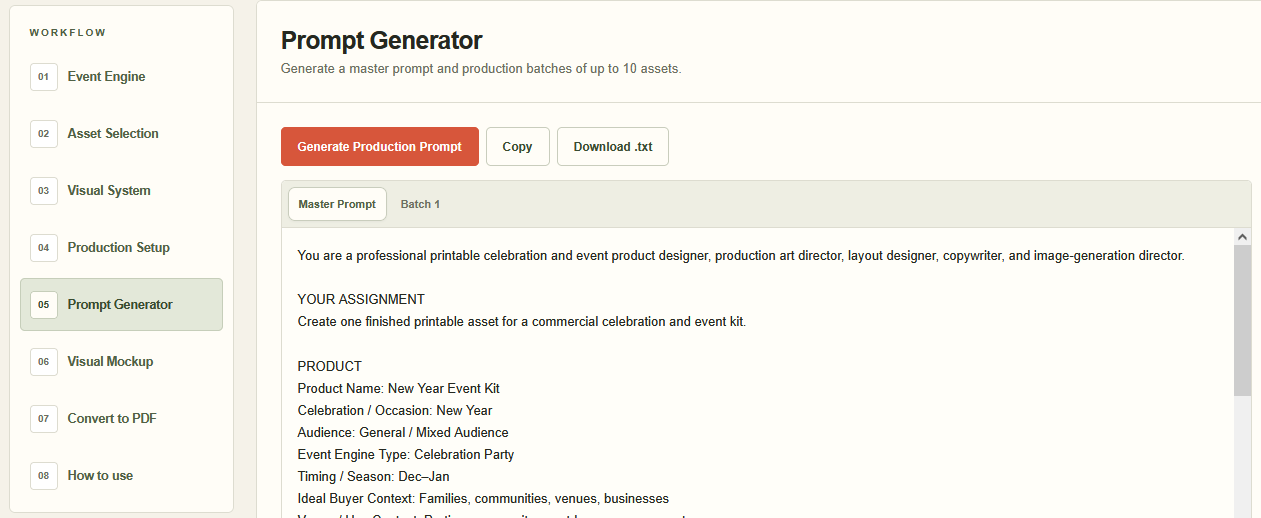
Copy creative instructions into a separate image-generation or design tool to create the artwork.
Create mockup prompts for listings, presentations and digital product previews.
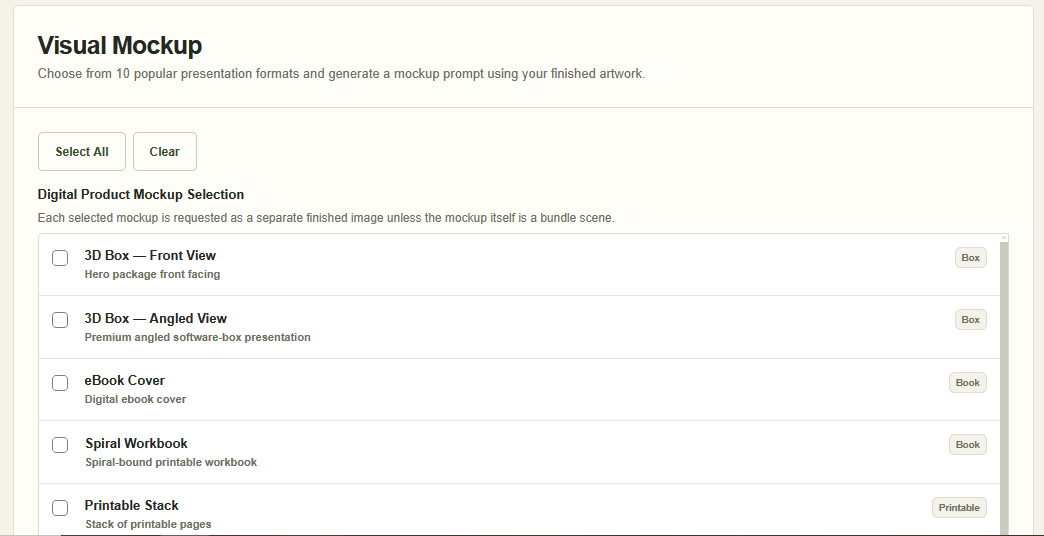
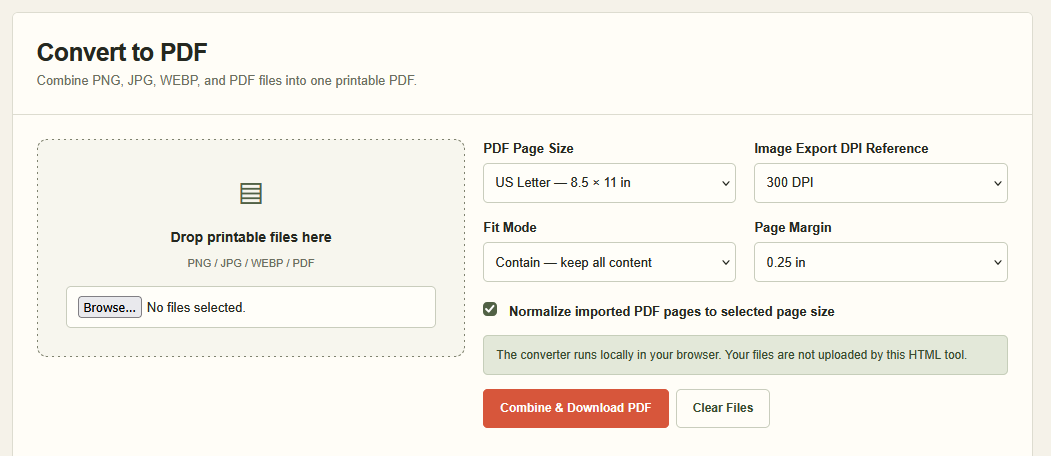
Review finished artwork and combine selected images into a PDF for delivery.
Walk viewers through an occasion, printable asset selection, visual direction, prompt output and finished sample gallery.
After creating artwork, buyers can create presentation concepts for shop images and product previews. The Factory supplies the mockup directions; users generate the actual scenes with external tools.
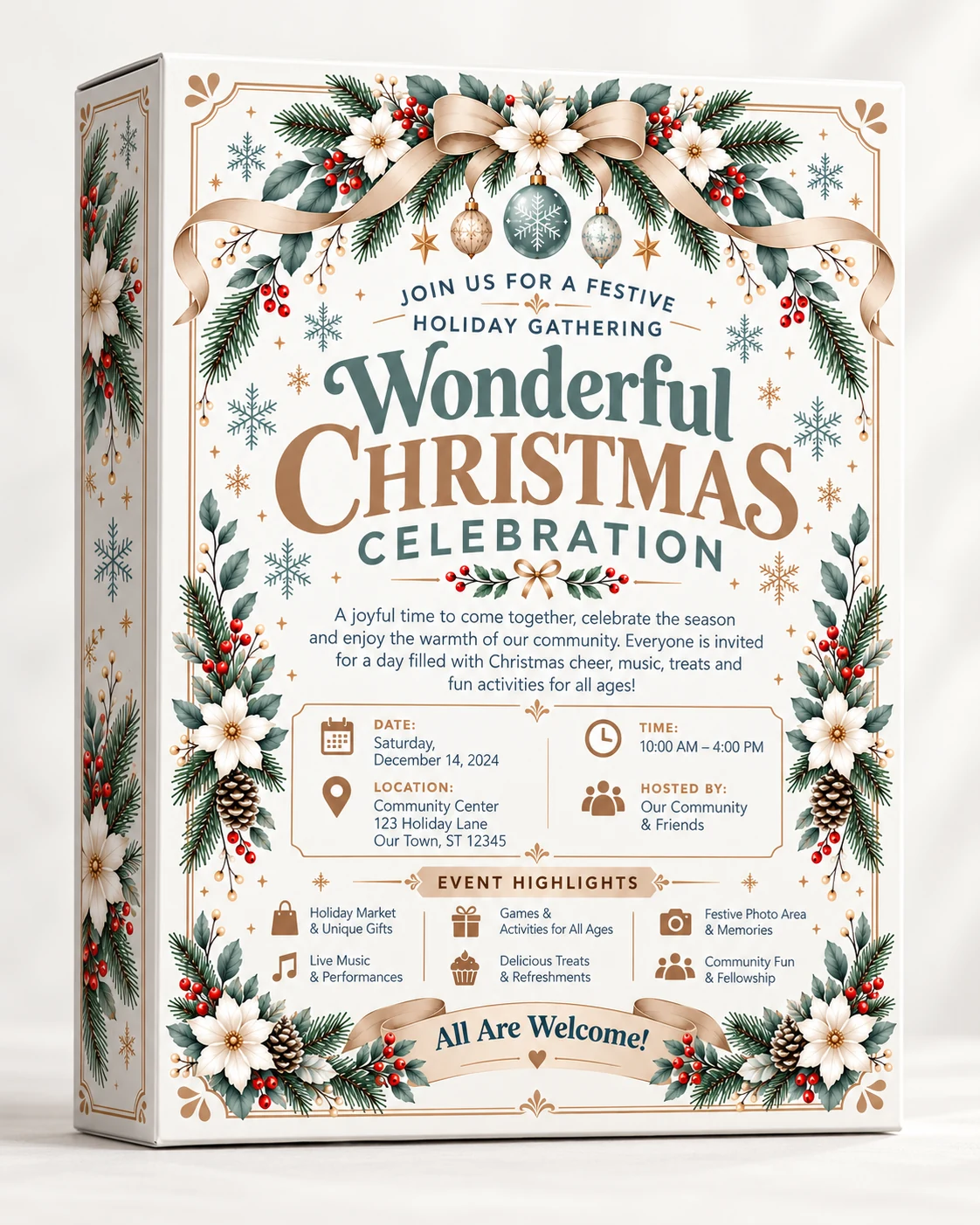
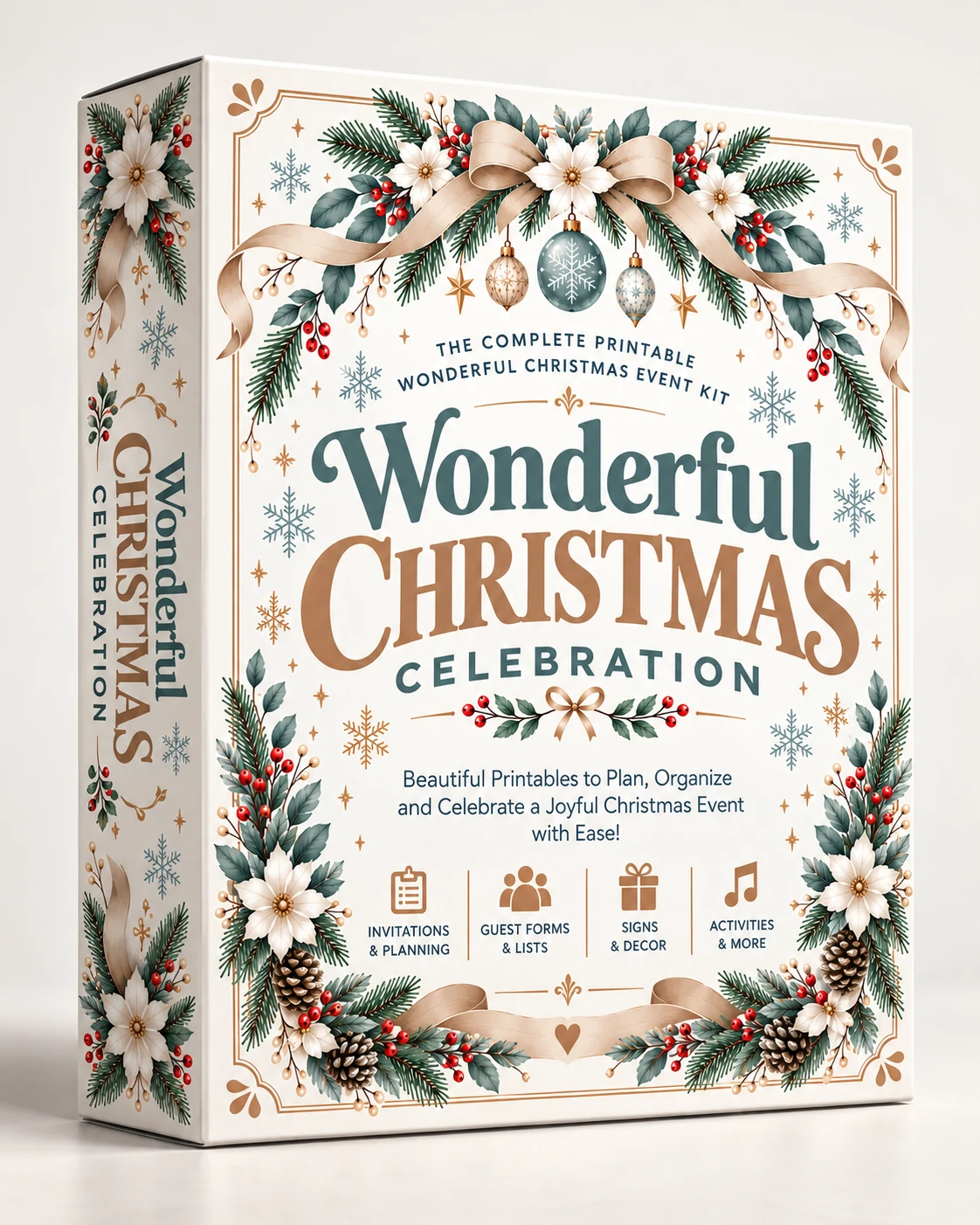
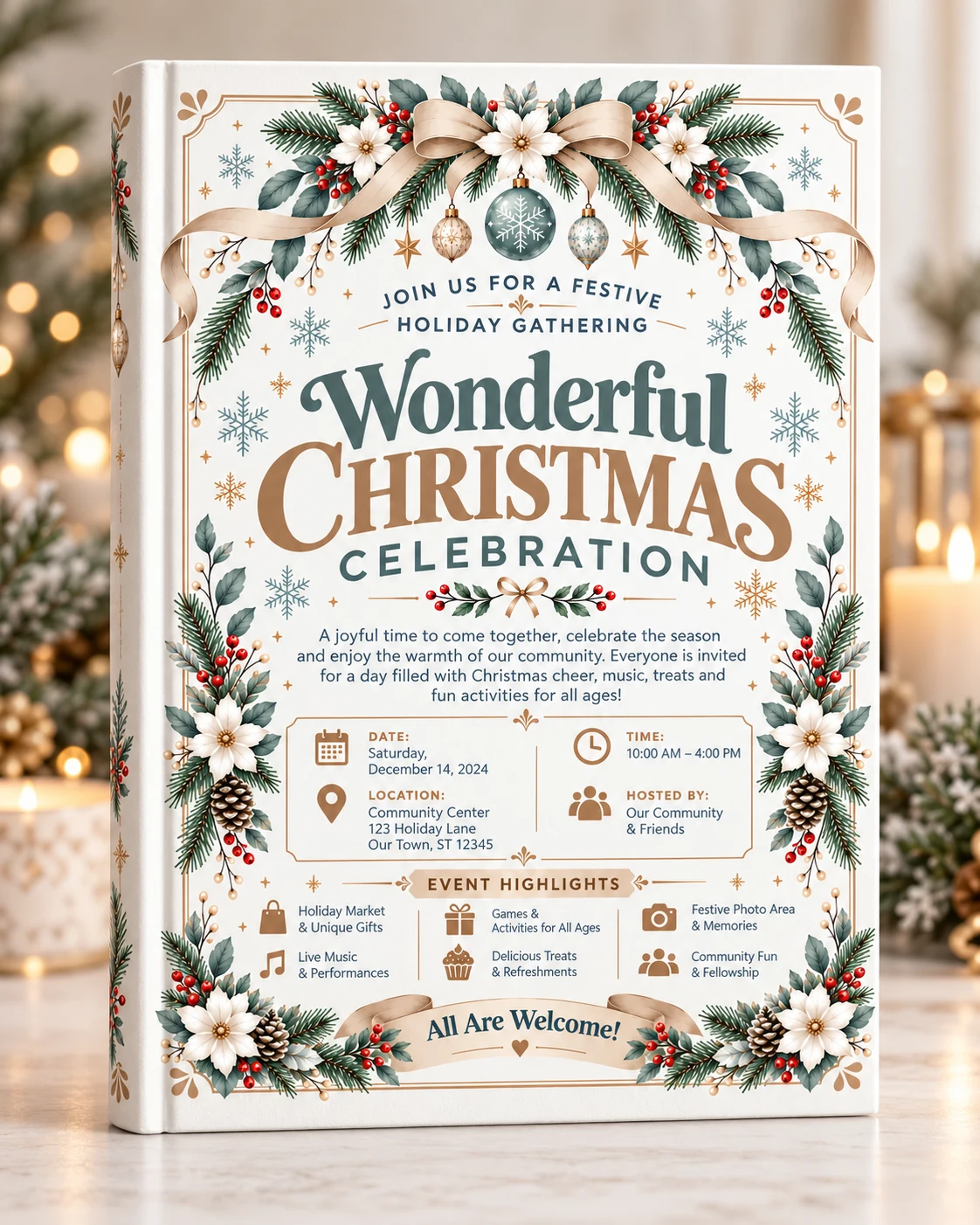
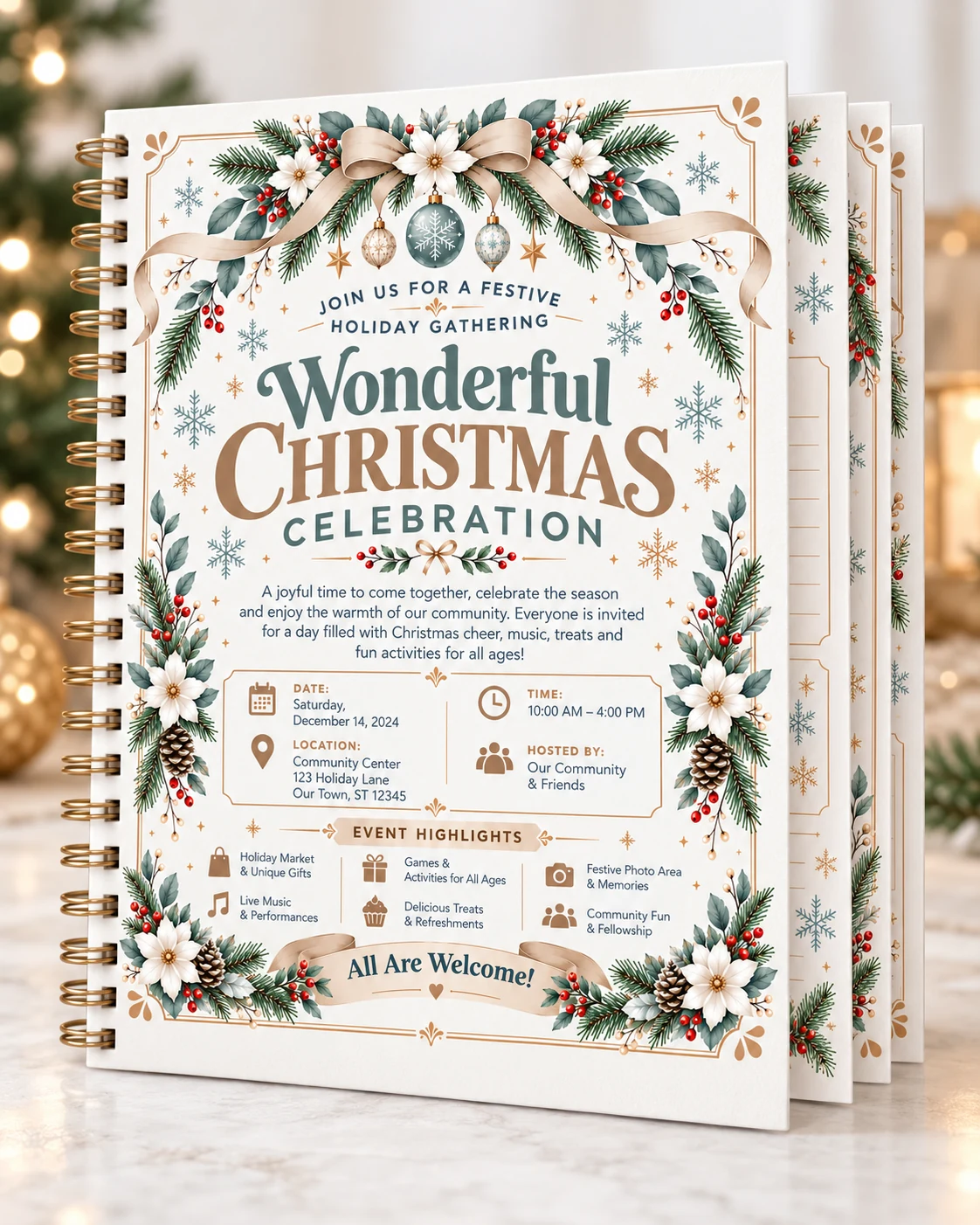
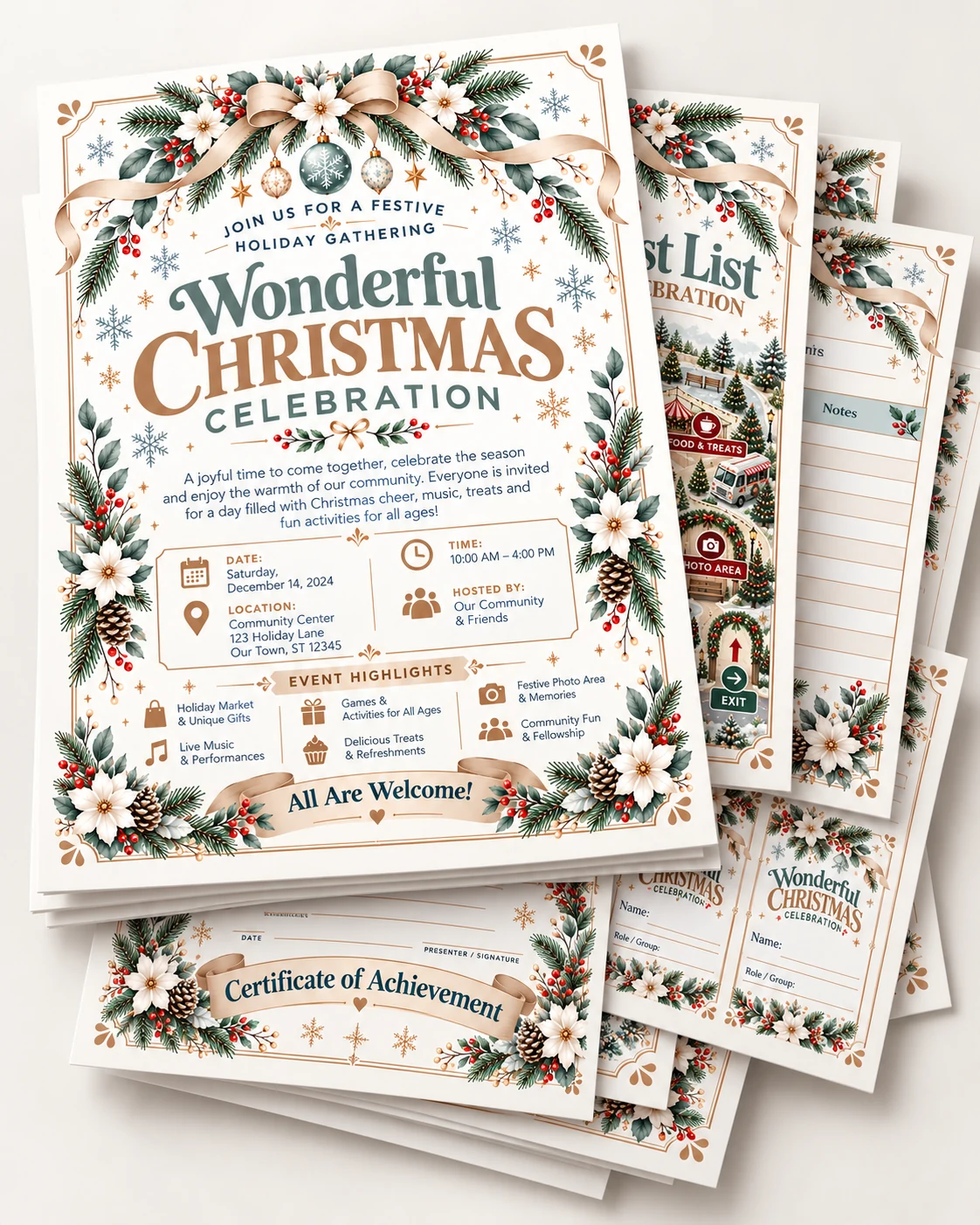
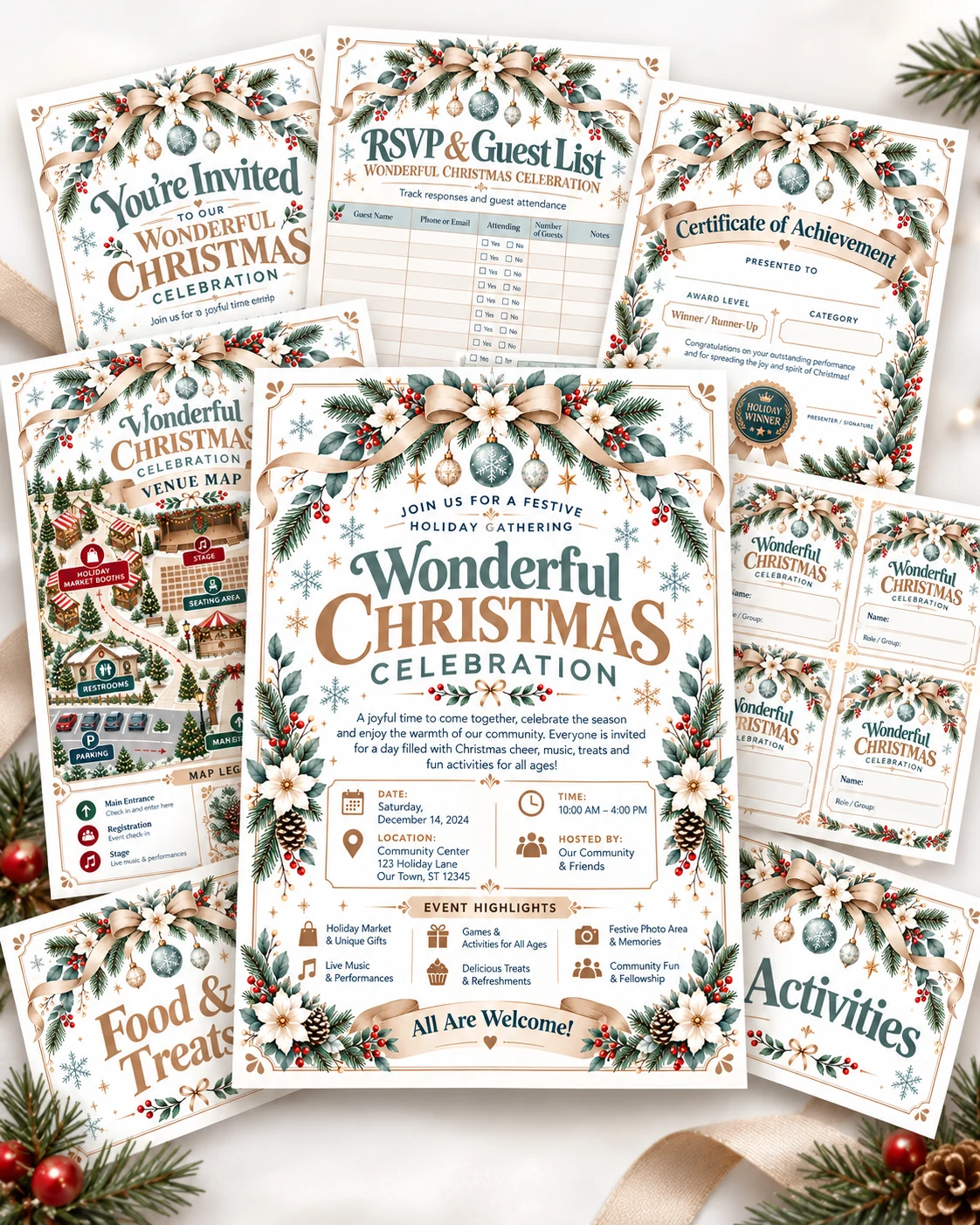
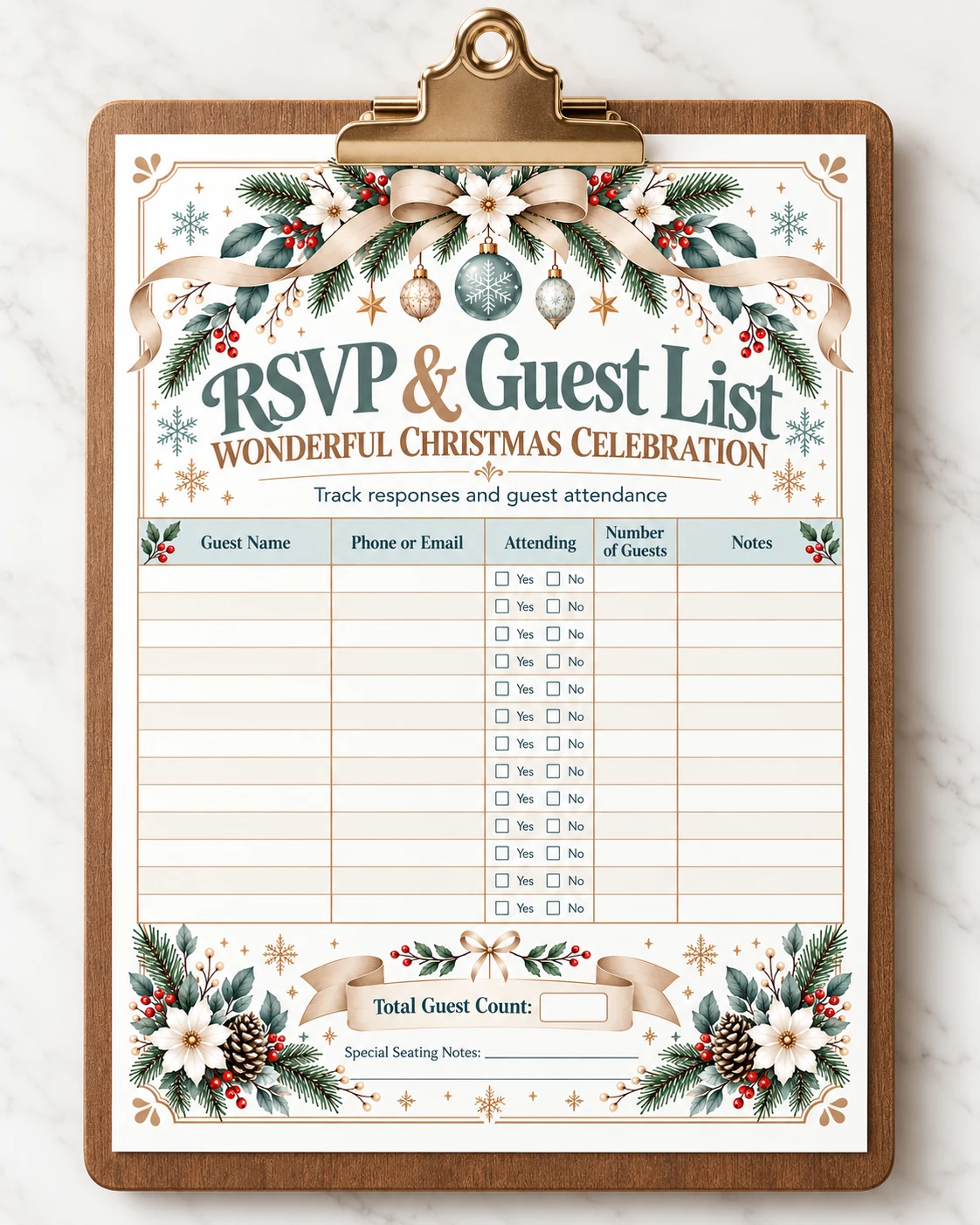
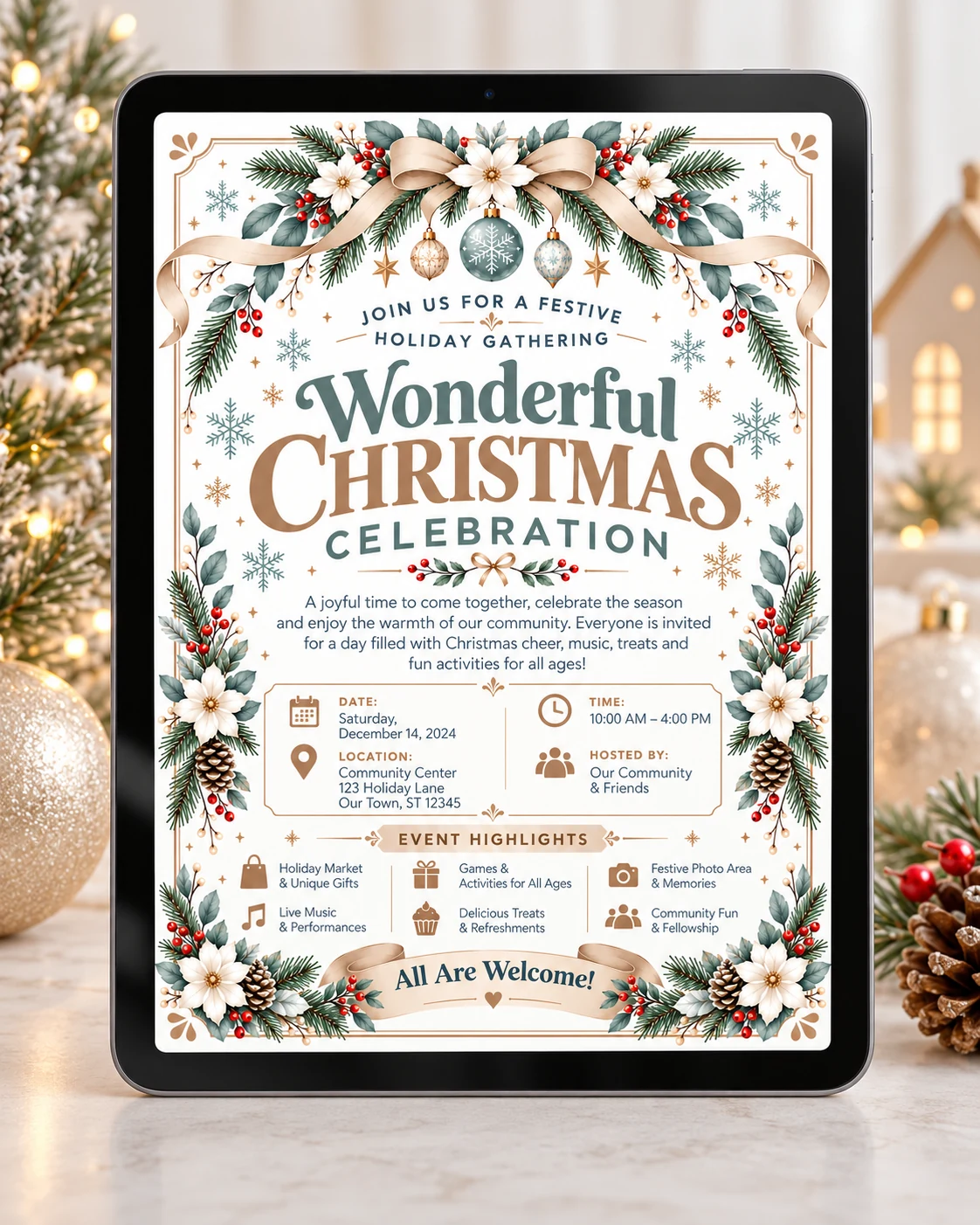
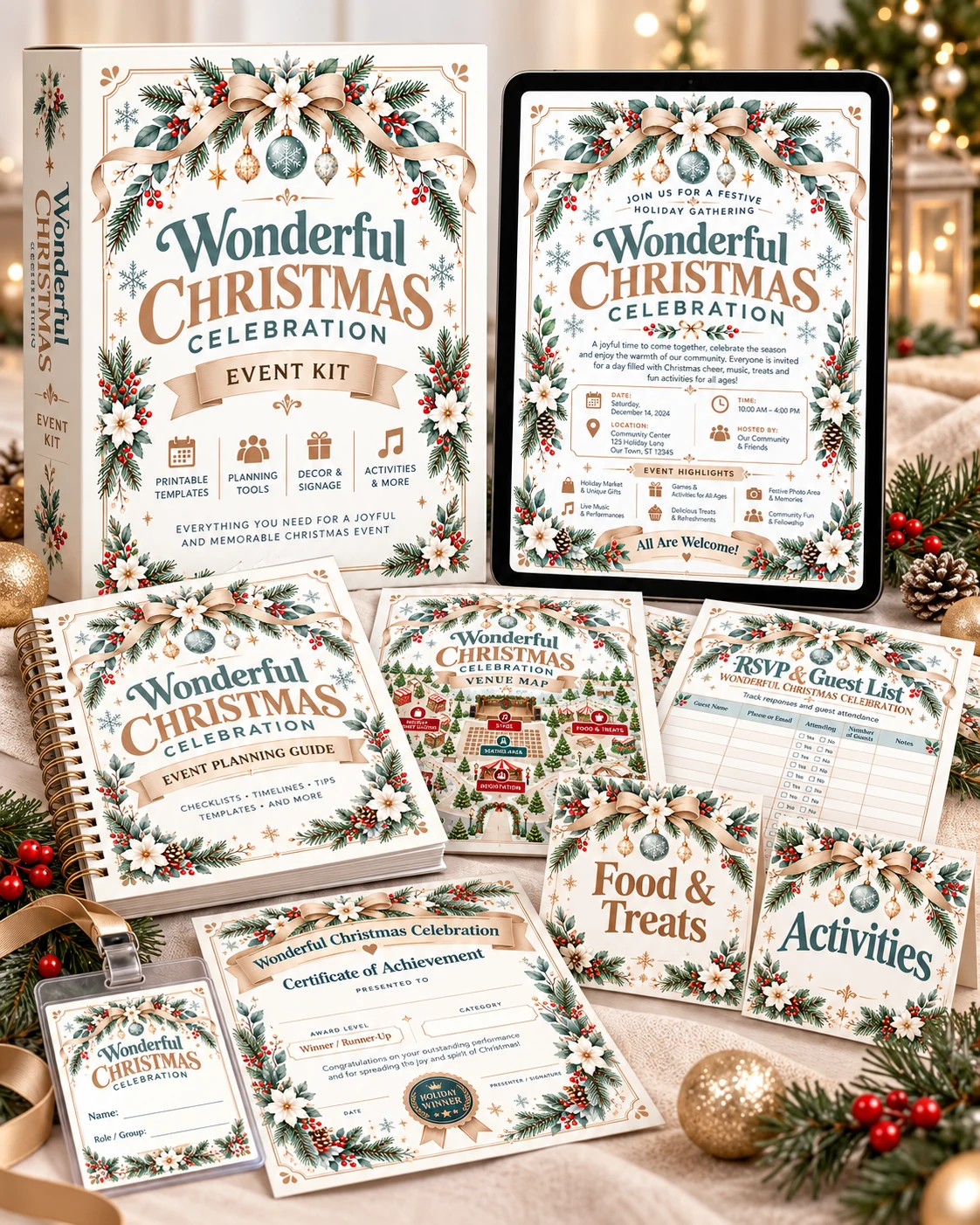
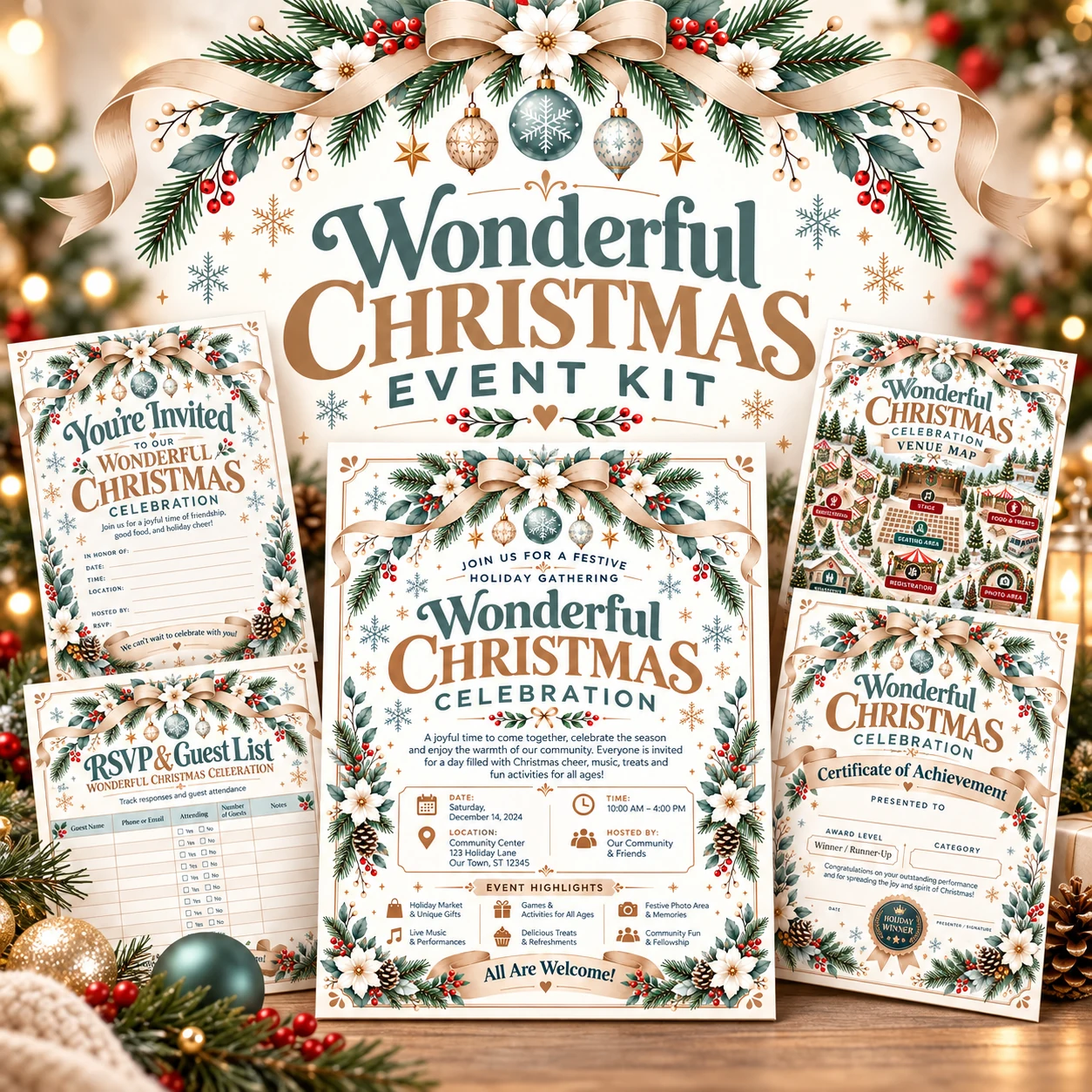
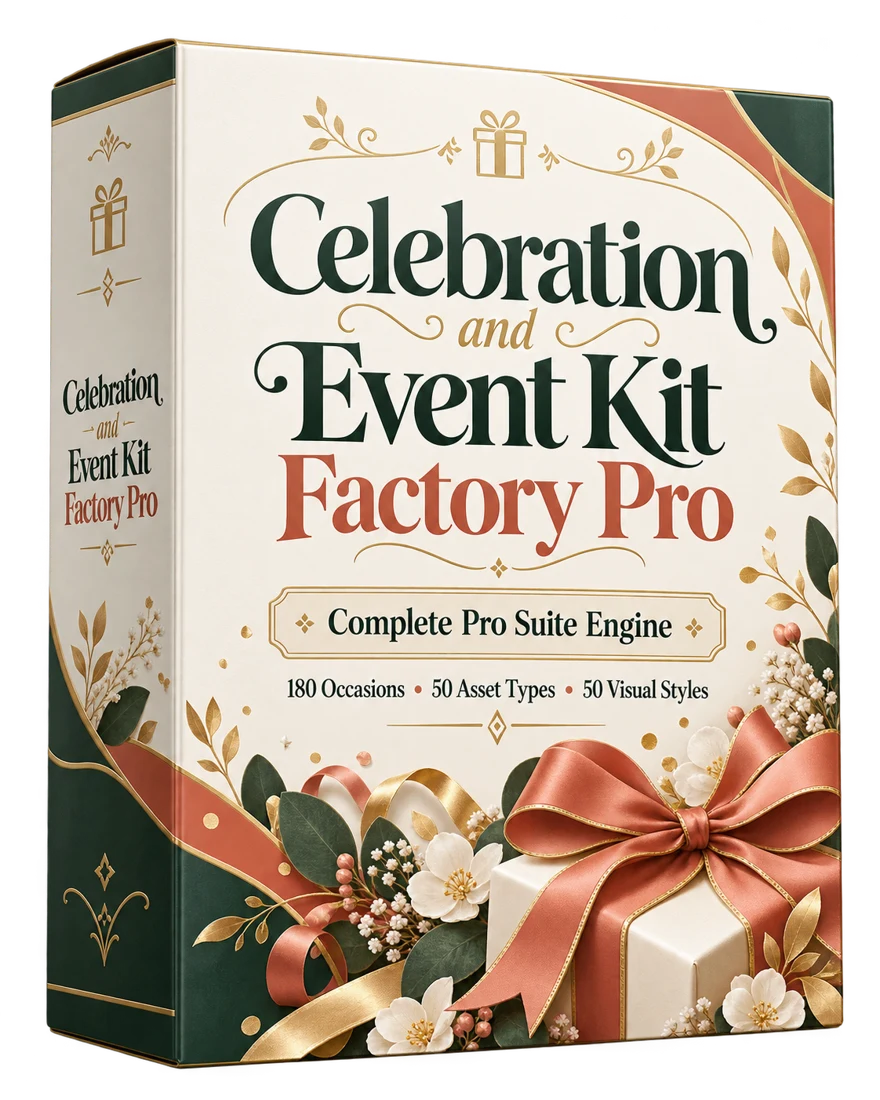
A clear journey: start with the guided printable-kit builder, extend the occasion and design library in Pro, then personalize finished artwork in the optional Studio.
Plan a coordinated collection.
Price: $27
Expand the creative possibilities.
Price: $47
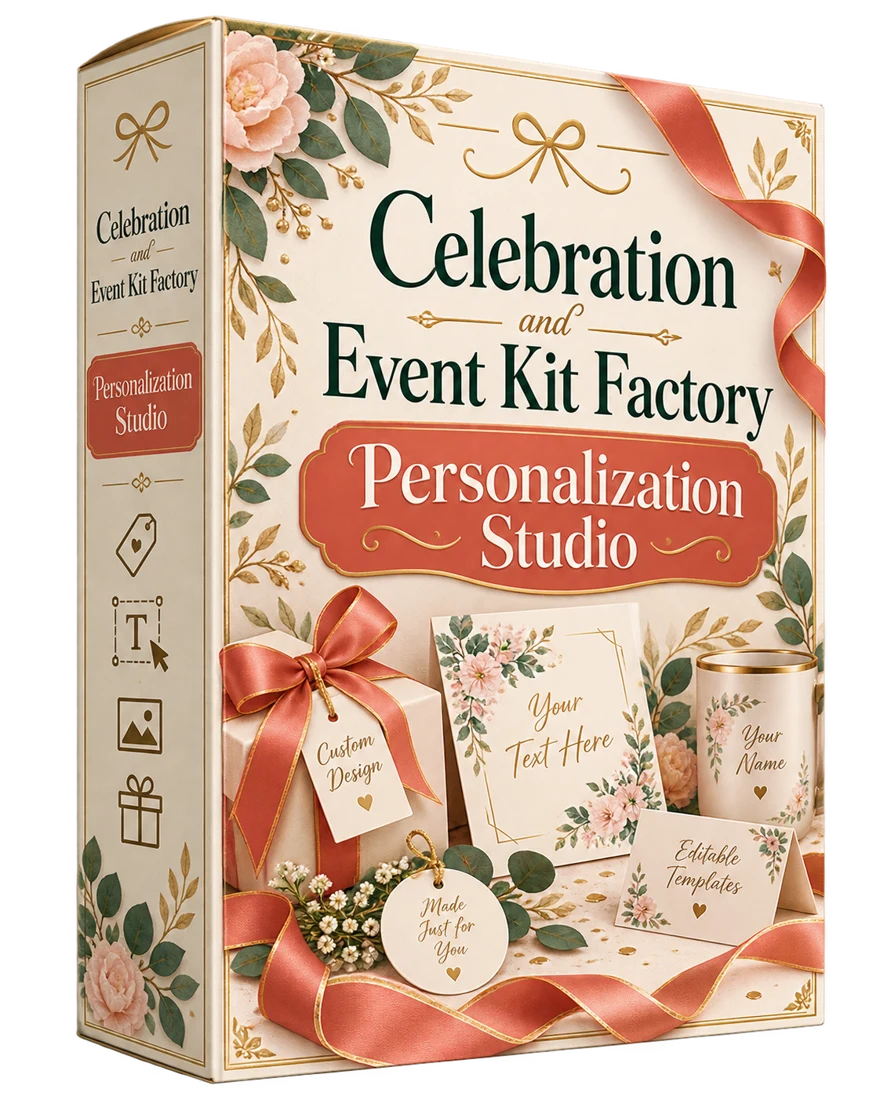
Make the finished design personal.
Price: $37
The Front End is a usable standalone workflow. Pro and Personalization Studio are optional, separate products. The Studio adds layers over artwork; it does not automatically rewrite text embedded in an uploaded image.
Earn 50% on each of the three one-time offers. The figures below use the current Front End and upgrade prices.
| Offer | Offer price | Commission rate | Commission per sale |
|---|---|---|---|
| Front EndCelebration & Event Kit Factory | $27 | 50% | $13.50 |
| OTO 1Pro Version | $47 | 50% | $23.50 |
| OTO 2Personalization Studio | $37 | 50% | $18.50 |
| Potential commission if one buyer purchases all three offers | $55.50 | ||
Illustrative 50% commissions are based on published offer prices; actual payouts depend on approved affiliate-platform terms and may be affected by refunds or adjustments.
Request approval and review the confirmed offer details before emailing your list.
Invitations, welcome signs, schedules and food labels often become disconnected mini-projects. The Factory helps creators plan them as one collection.
Show the actual workflow: occasion, audience, selected assets, visual system, production setup, prompt generation, mockups and PDF assembly.
Pro expands the creative library. Personalization Studio adds editable overlays and guest-by-guest bulk output to completed artwork.
Use real printable examples alongside software screenshots. Demonstrate how coordinated pieces share a palette, typography direction and decorative language.
Birthdays, holidays, school occasions and community events give affiliates different ways to introduce the same creation workflow.
The Factory prepares briefs and prompts; a separate AI or design tool creates the artwork. The Studio personalizes supplied artwork locally in the browser.
For printable creators: start with an event and plan the invitation, signage, activity materials and finishing touches together.
For busy designers: reuse a shared visual brief instead of repeatedly choosing the style, colors and decorative details for each piece.
For hosts and planners: focus on the pieces guests actually need, from a welcome sign to schedules and clear directional information.
For repeat creators: demonstrate 30 market categories, 180 occasions and 50 asset types as starting points for new collections.
For personalized-product creators: show how CSV placeholders turn one completed design into individual guest versions.
For sellers: show mockup prompts that use completed artwork as the design reference, then explain the separate creative-tool step.
Choose an occasion relevant to your list. Show a real collection rather than making unsupported claims about search volume or demand.
Show the HTML software in use. Explain the brief, artwork and export stages so buyers understand what happens inside and outside each tool.
Any prize pool, qualifying sales, dates, minimum thresholds and verification rules will be published here if a contest is offered. No prizes or leaderboard positions are currently promised.
Inside: 3 reference-style email swipes, a 4-day launch email sequence plus short last call, 3 articles, 12 social posts, 3 AIDA video scripts, 5 standard-size banners, 11 original supplied banner designs, social graphics and product-box art.
Paste your approved affiliate link. When you press any “Copy text” button below, the copied content will automatically replace the affiliate-link placeholders. Nothing is uploaded or stored.
Choose an angle for your list. Each ready-to-edit swipe includes subject alternatives, preview text, conversational copy, a clear CTA and a P.S.
Follow the reference-style daily sequence: launch, workflow, optional upgrades and a verified closing reminder. The last two messages must only be used when a real deadline has been confirmed.
All 11 original uploaded designs appear below for direct download. The five standard ad formats further down use the supplied visual style, adapted to the listed pixel dimensions.
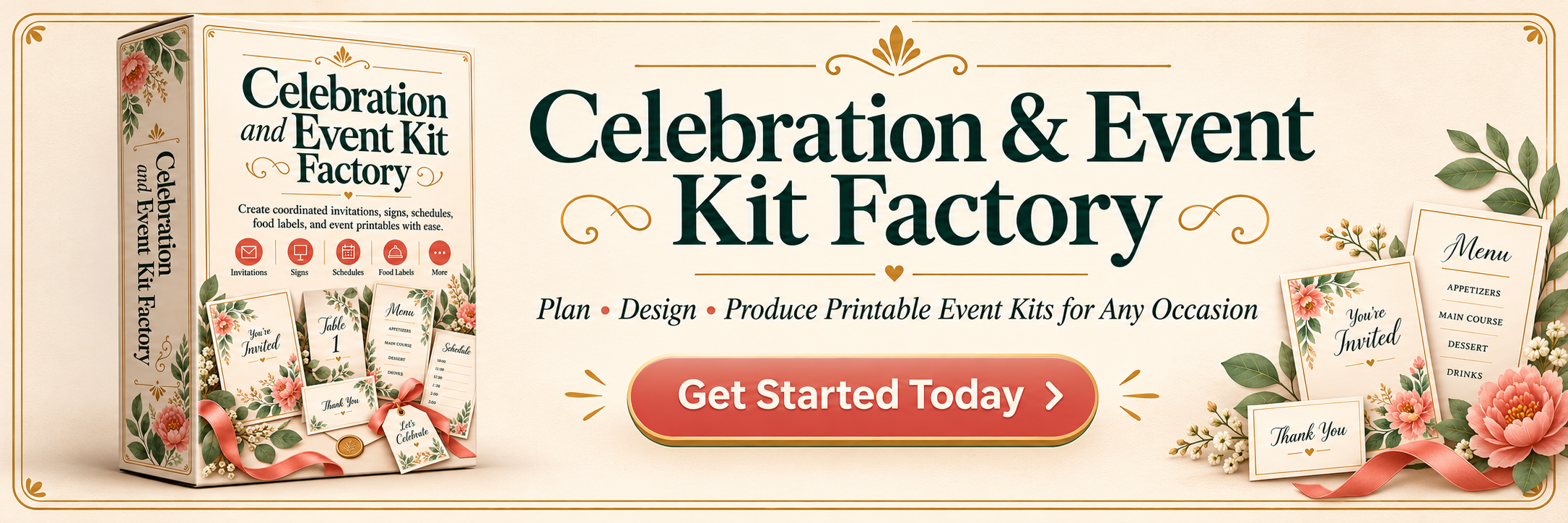
Original resolution: 2172 × 724 PNG
Download original PNG ↓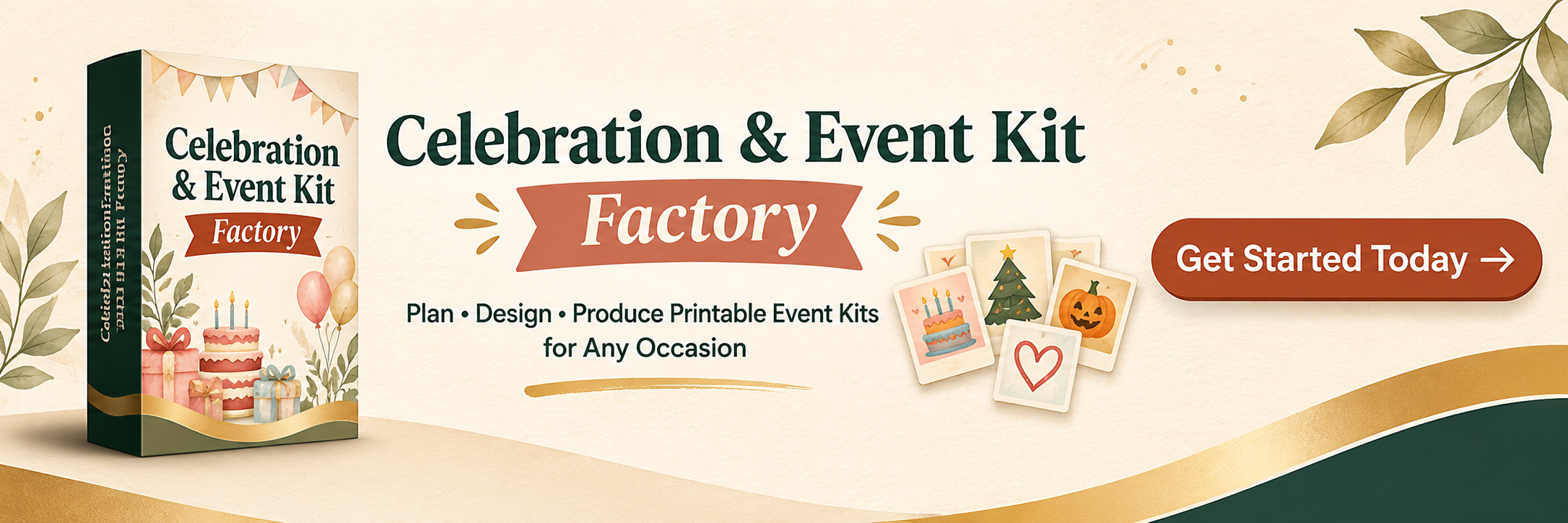
Original resolution: 2172 × 724 PNG
Download original PNG ↓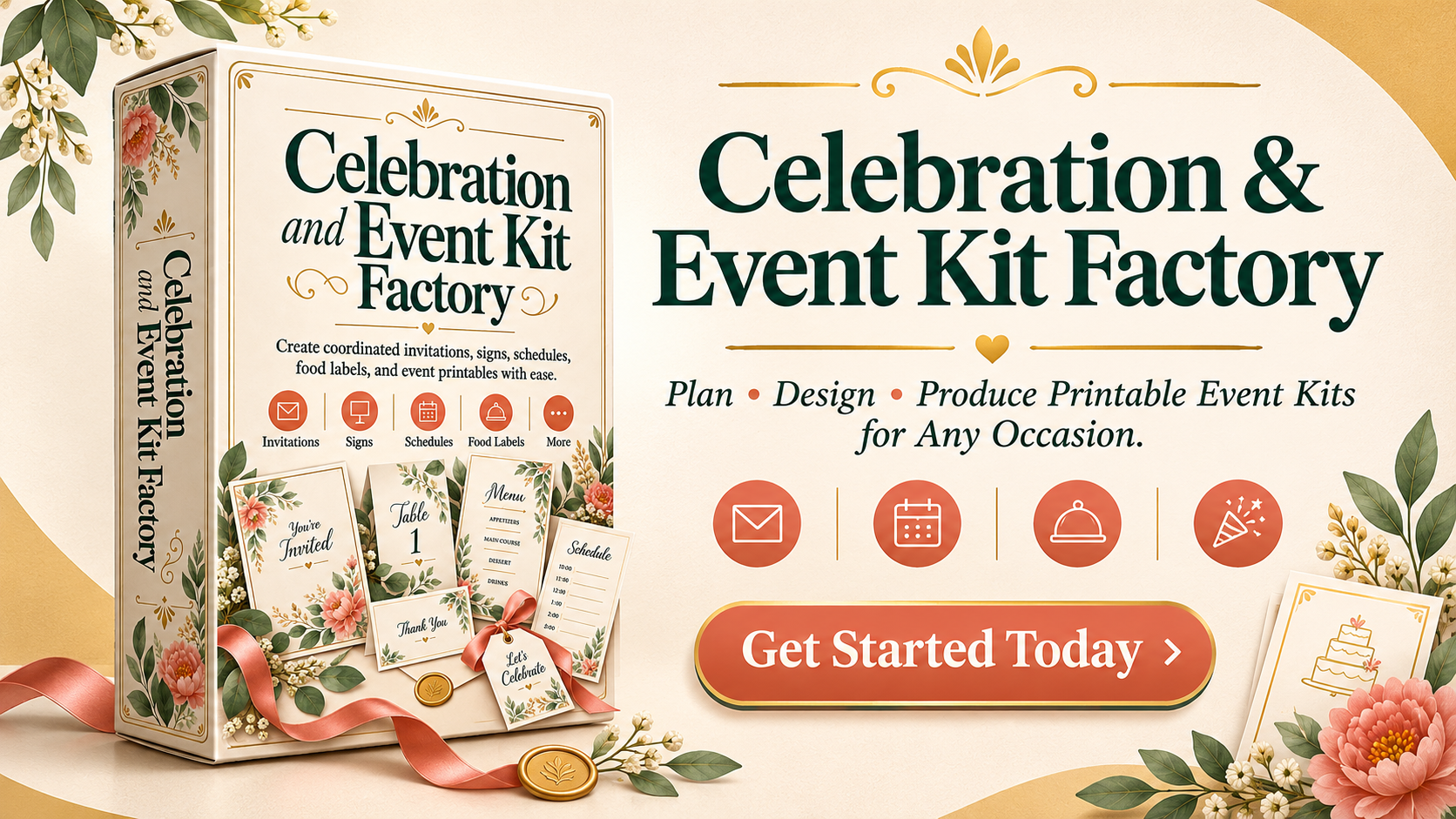
Original resolution: 1672 × 941 PNG
Download original PNG ↓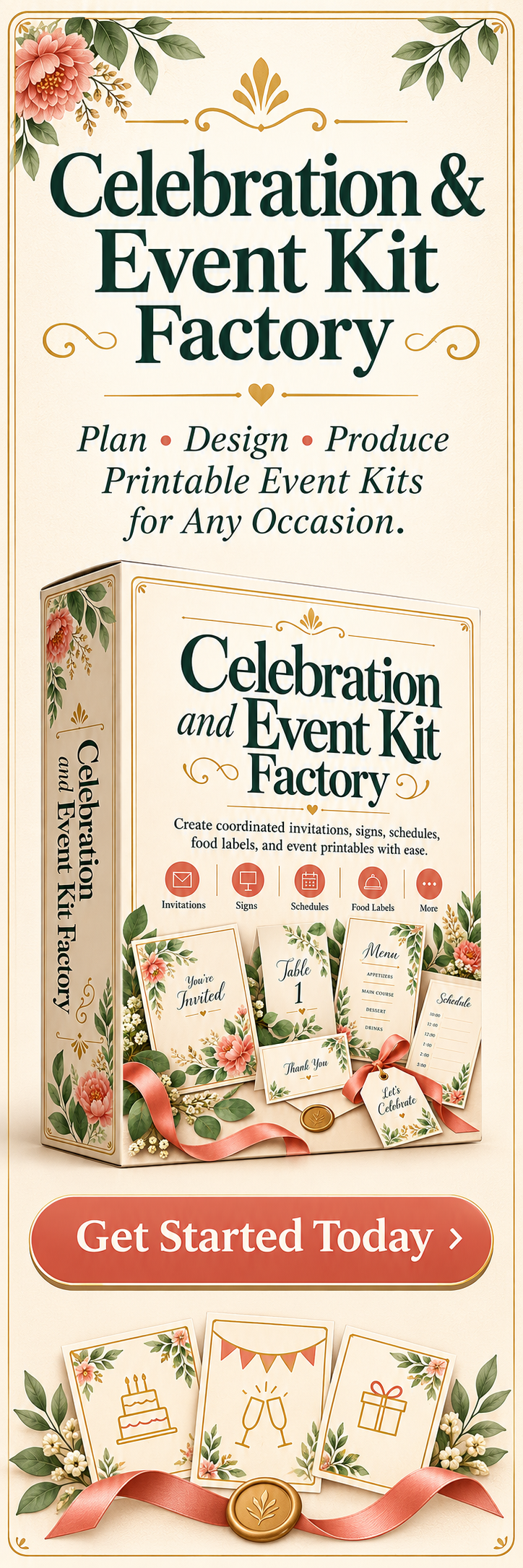
Original resolution: 724 × 2172 PNG
Download original PNG ↓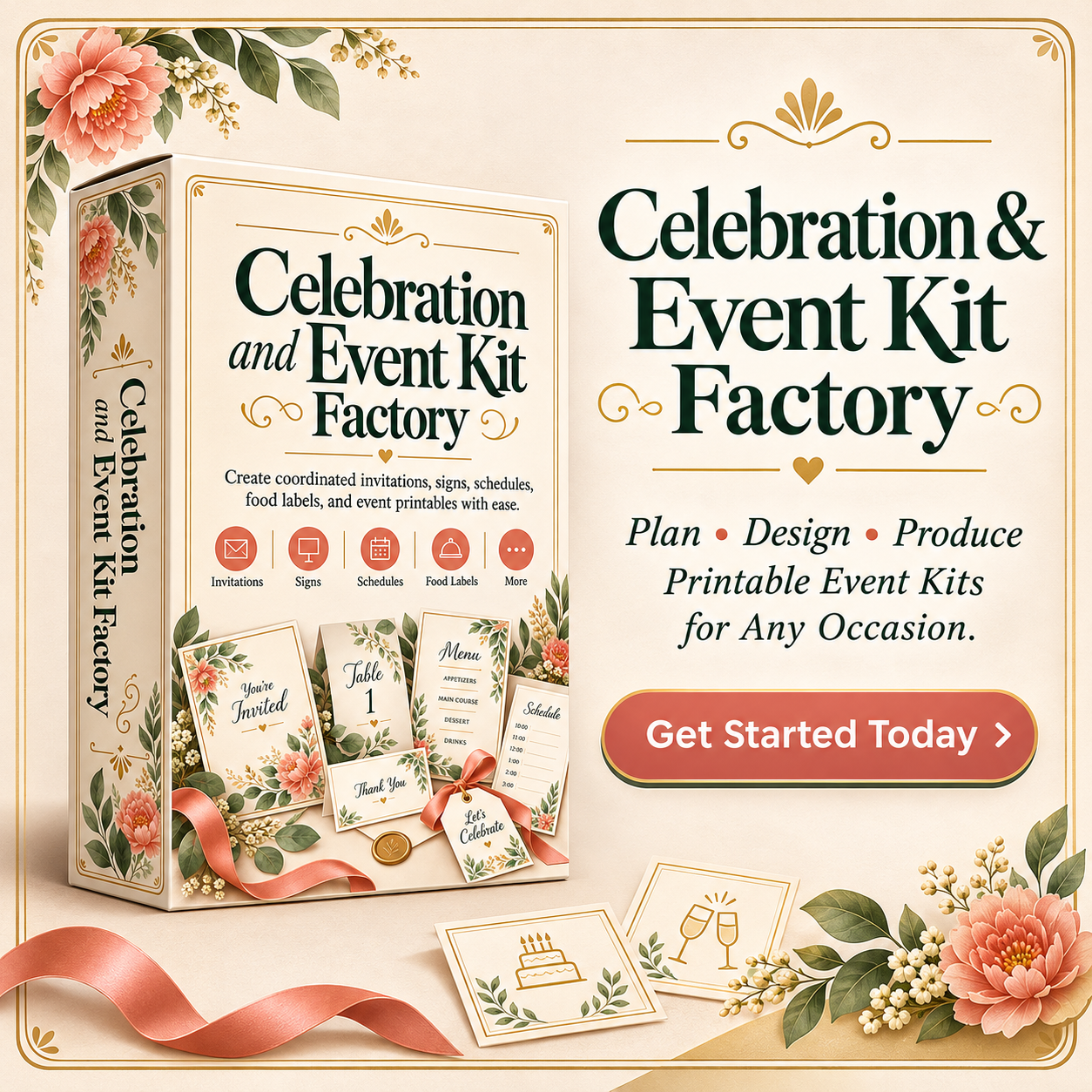
Original resolution: 1254 × 1254 PNG
Download original PNG ↓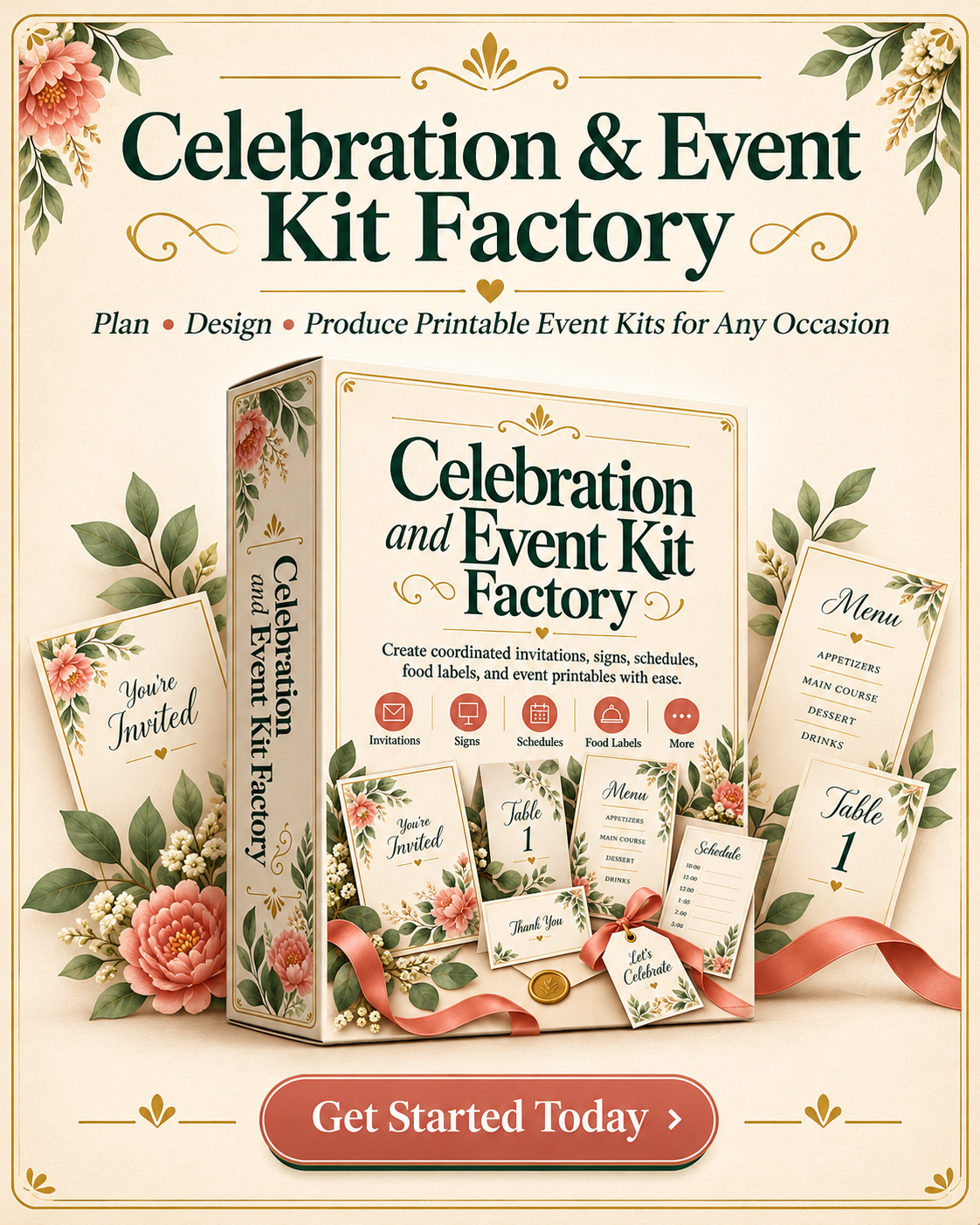
Original resolution: 1122 × 1402 PNG
Download original PNG ↓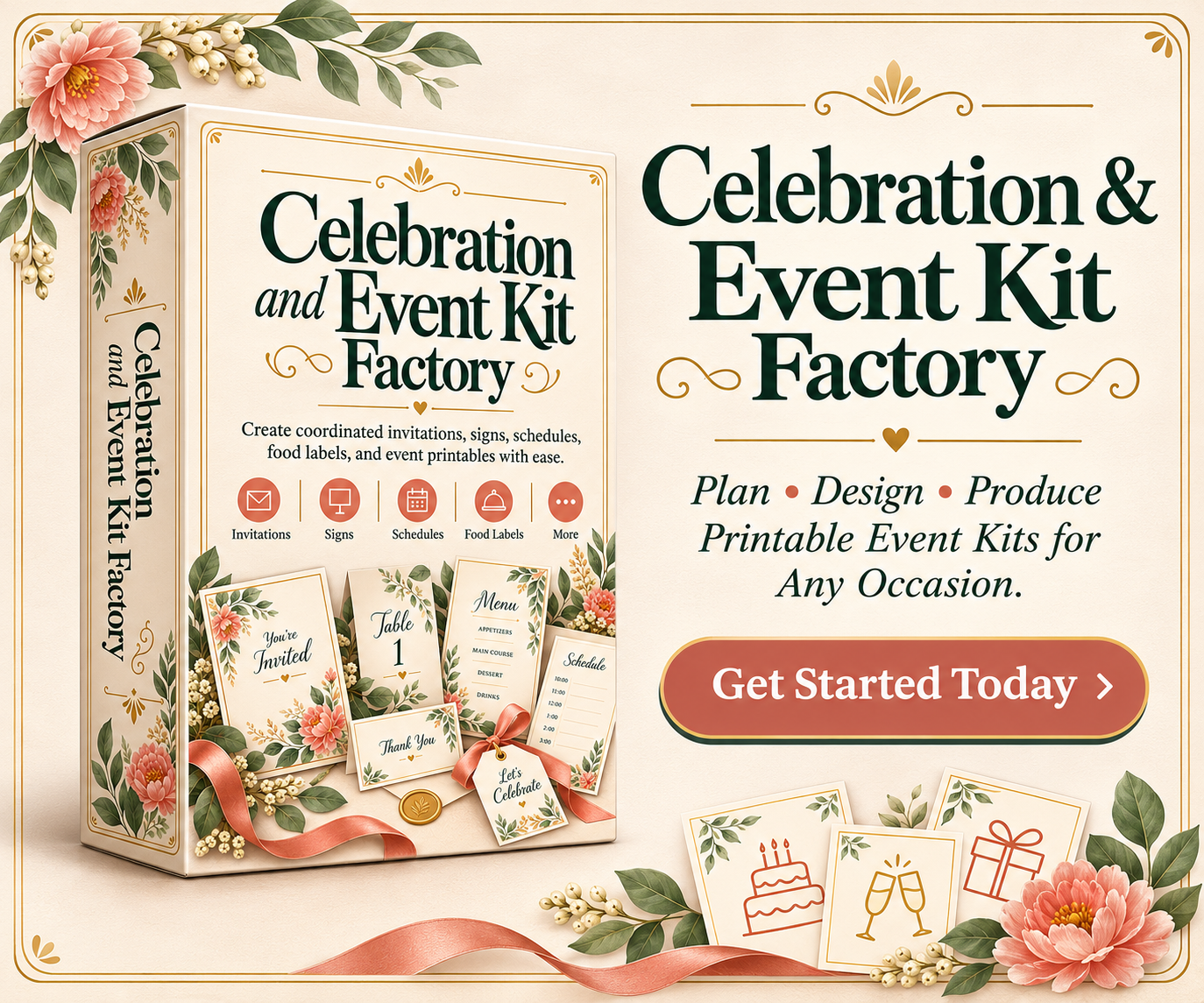
Original resolution: 1374 × 1145 PNG
Download original PNG ↓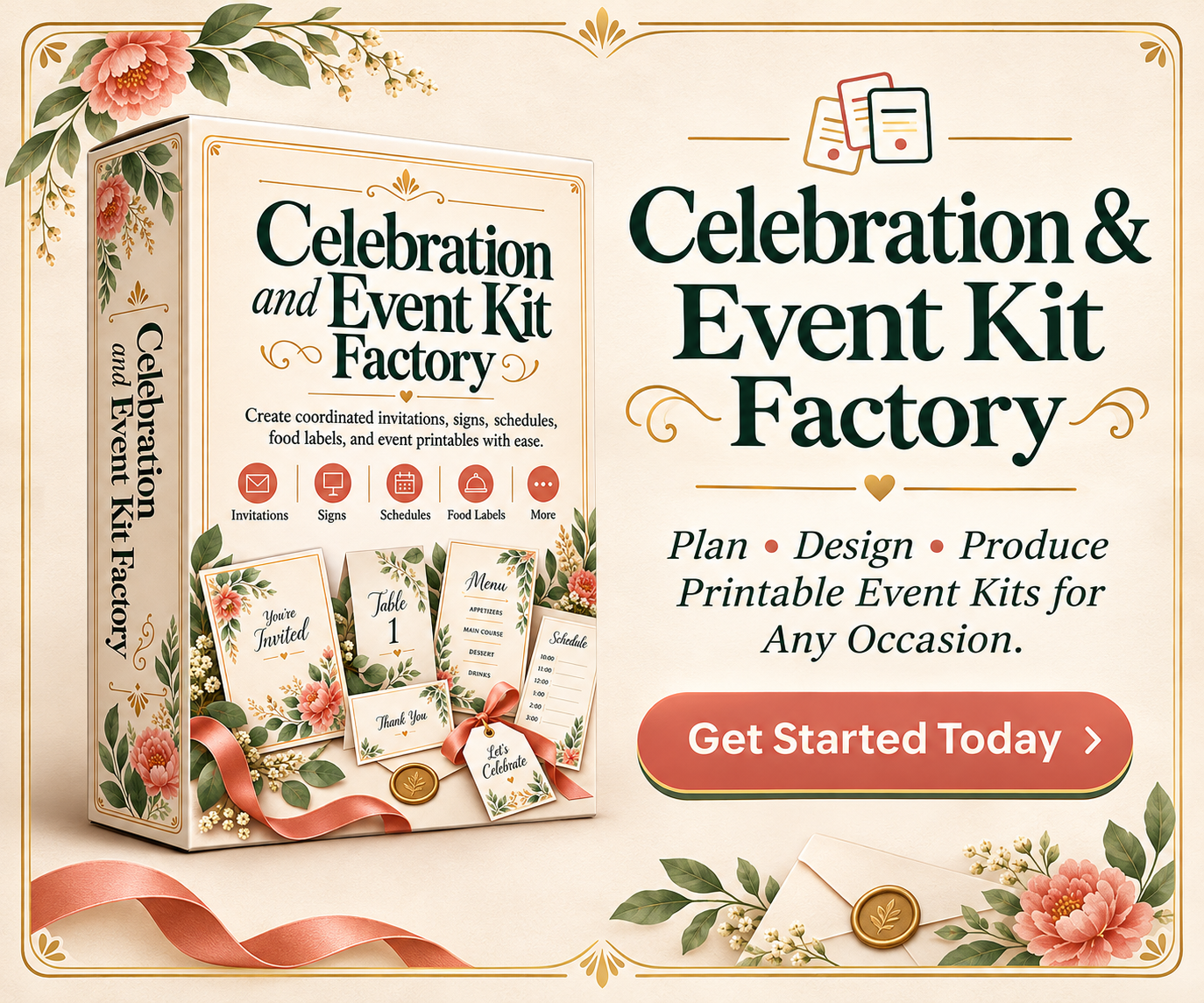
Original resolution: 1374 × 1145 PNG
Download original PNG ↓
Original resolution: 2172 × 724 PNG
Download original PNG ↓
Original resolution: 1734 × 907 PNG
Download original PNG ↓
Original resolution: 941 × 1672 PNG
Download original PNG ↓ Download PNG ↓
 Download PNG ↓
 Download PNG ↓
 Download PNG ↓
 Download PNG ↓
Download the PNG files. Upload them to your own hosting and use your approved affiliate tracking link.
 Download PNG ↓
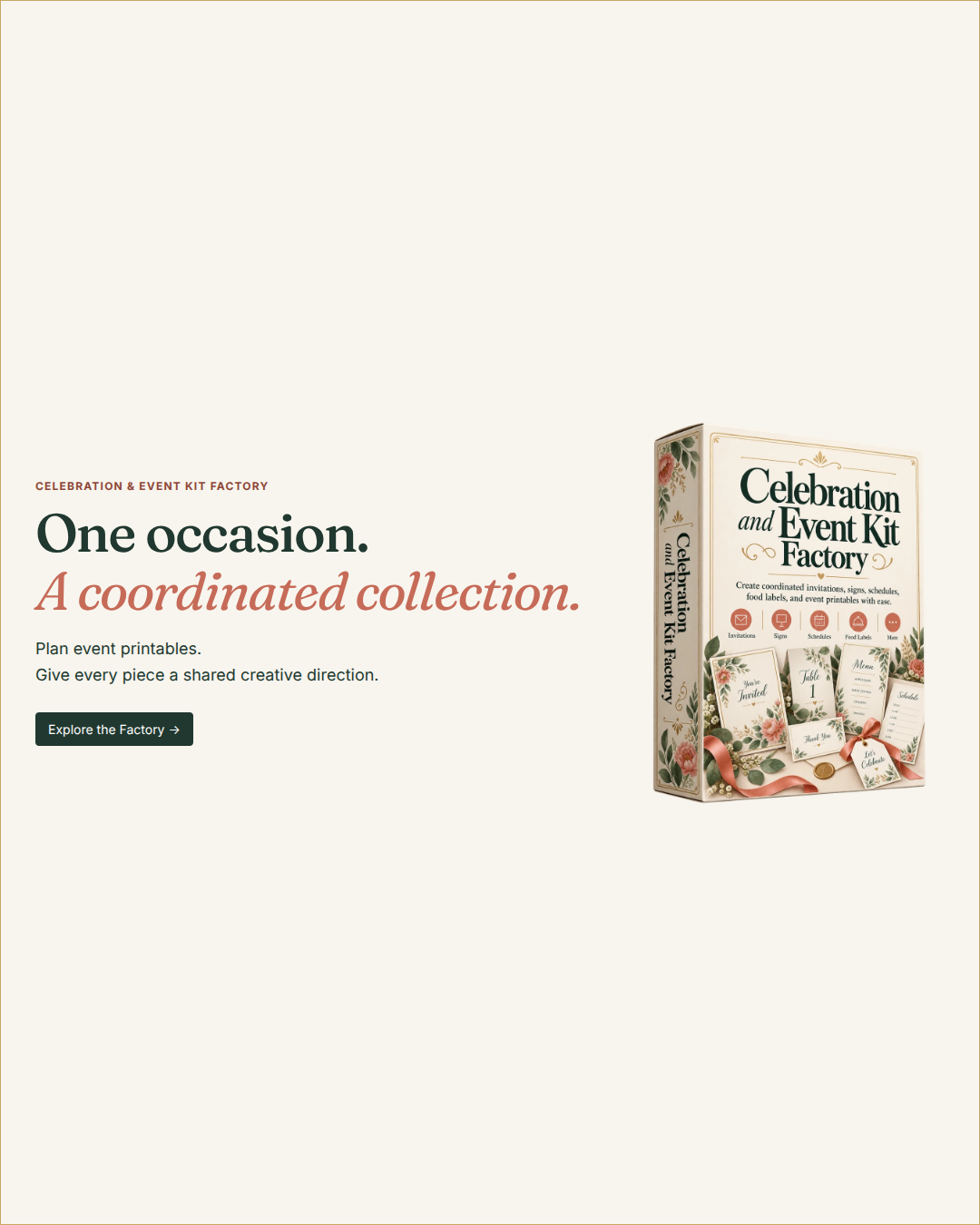 Download PNG ↓
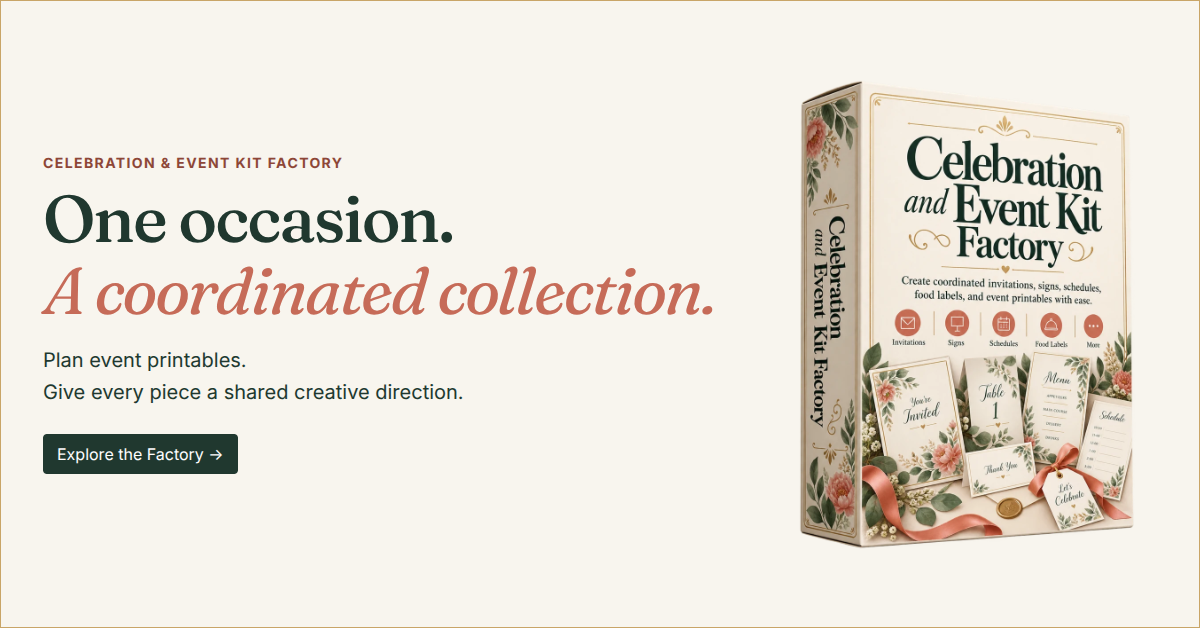 Download PNG ↓
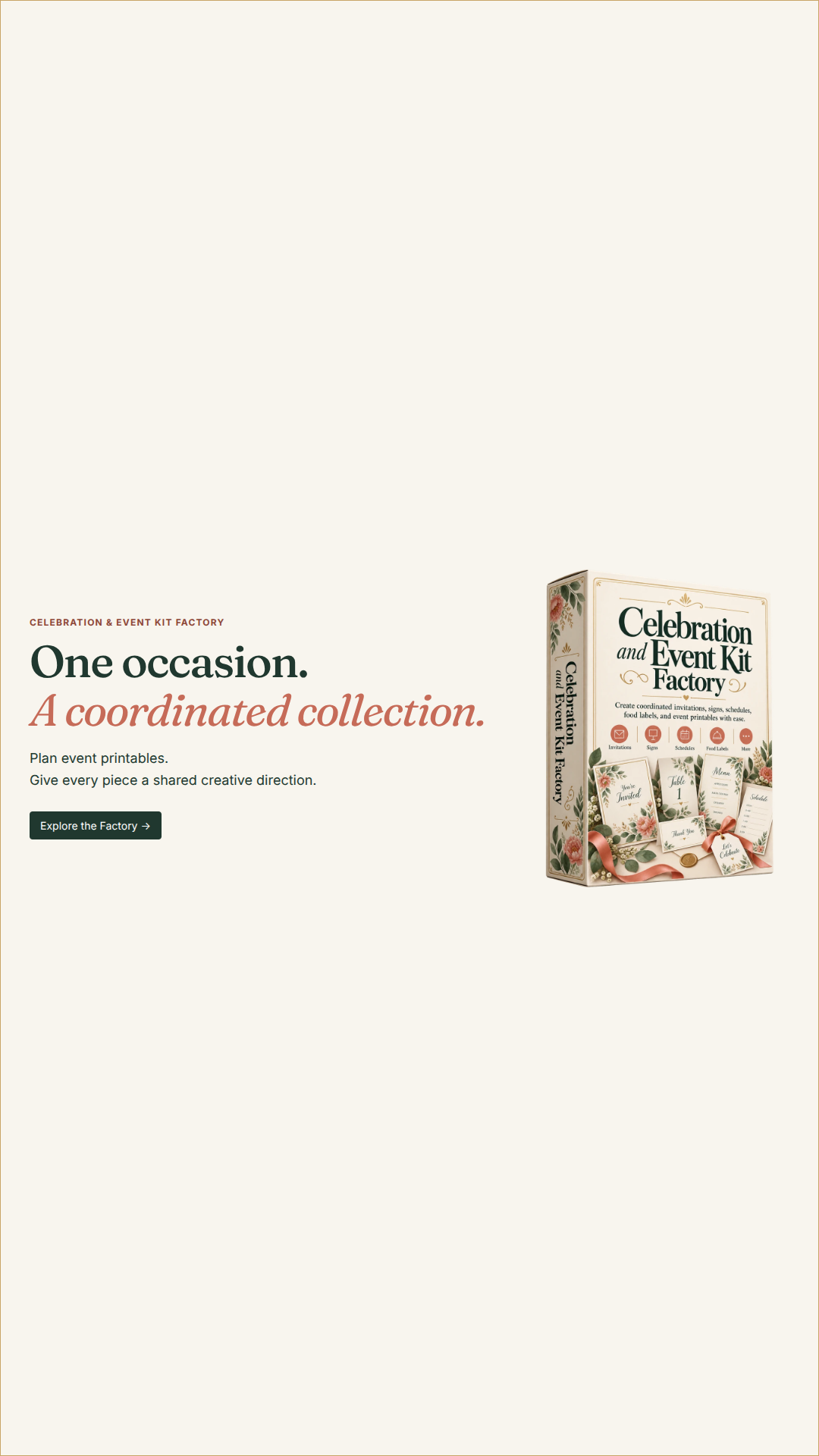 Download PNG ↓
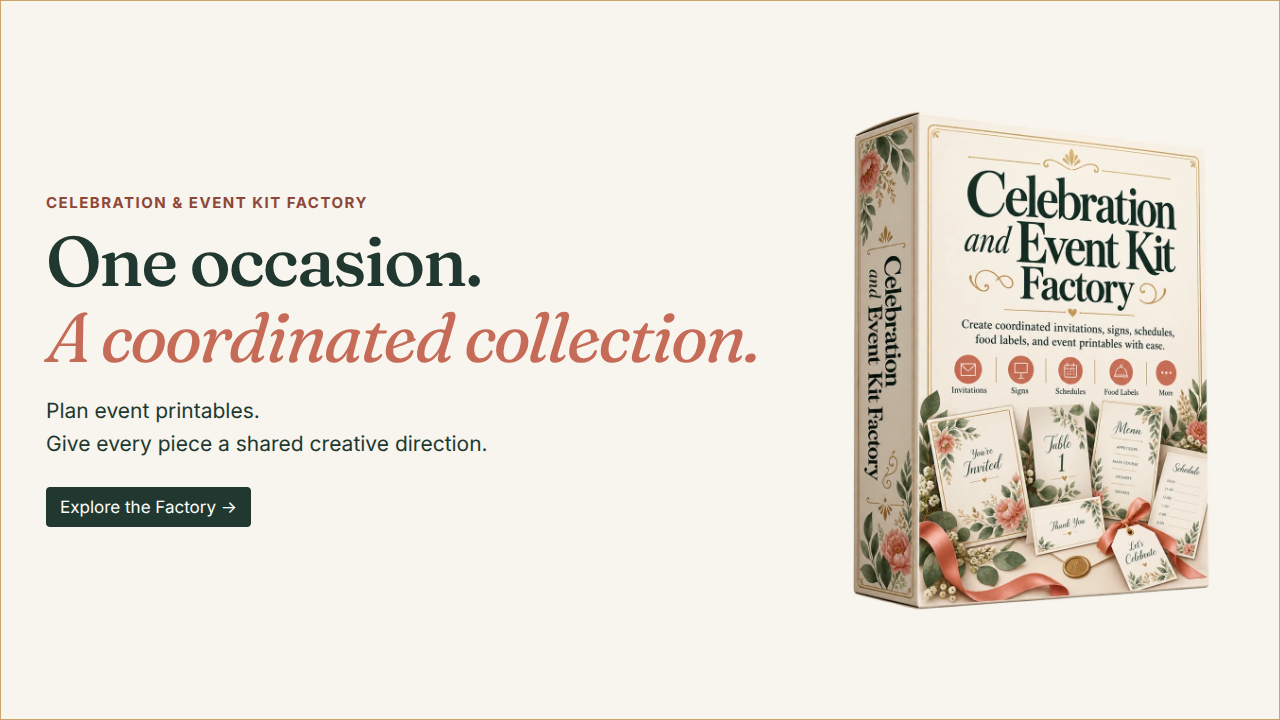 Download PNG ↓
Includes product boxes, 5 banners, 5 social graphics, 3 email swipes, a 5-email launch sequence, 3 articles, 12 social posts and 3 video scripts.
Explain the separate artwork-generation step and use genuine software screenshots or finished printable examples.
Replace placeholders with approved links, prices, dates and terms. Only use deadline messaging when a real deadline exists.
Describe features and practical use cases. Do not promise earnings, instant marketplace acceptance or a fully automated business.
Keep an affiliate disclosure near the recommendation. Relevant bonuses could include a print-review checklist or event-planning worksheet. Unless approved, do not redistribute the software as a bonus.
No. It generates production and mockup prompts. The buyer uses a separate AI or design tool to create the artwork, then reviews the files.
No. The Front End provides its own planning, prompt and PDF assembly workflow. Pro and Personalization Studio are optional products for different needs.
No. It adds editable text and other layers over supplied artwork. Existing image-embedded text remains part of the image.
Use the approval button once the affiliate offer is configured. Approval, tracking and payout terms are supplied through the confirmed affiliate platform.
Yes. Adapt the supplied copy to your audience, retain accurate feature descriptions and add your approved tracking link and disclosure.
Review the product, choose the angle that fits your audience, request affiliate approval and use the supplied promotional materials to tell a clear, accurate story.
Launch details: To be announced
Choose your angle, preview the product and build your promotion around the pieces your audience actually needs.
Affiliate questions: Contact the product team
Twelve short posts.
Different entry points.
Post 01
Post 02
Post 03
Post 04
Post 05
Post 06
Post 07
Post 08
Post 09
Post 10
Post 11
Post 12